

Stories Apple’s Game Porting Toolkit’s Support for DirectX 12 is a Big Deal for Gaming on the Mac Stephen Hackett Announces Kickstarter Campaign for His 2024 Apple History Calendar A Developer’s View of Vision Pro AirPods Max Miss Out on Adaptive Audio, New ‘Siri’ Command, and More On the Future of Vision Pro Inside Apple’s...
iMazing: The Powerful Local Tool for iPhone and iPad Management [Sponsor]
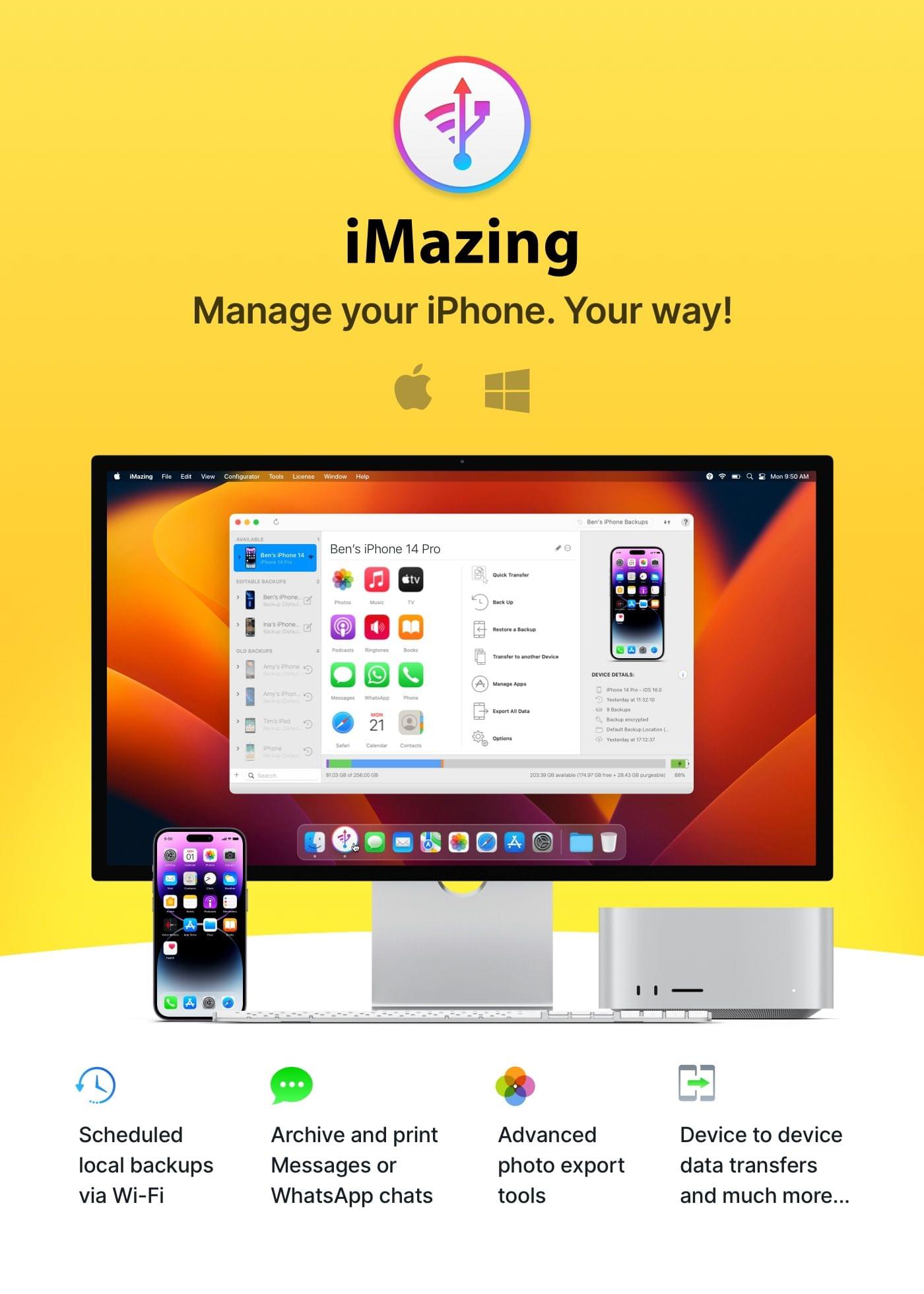
iMazing is the must-have multi-tool for everyone who prefers or needs to manage iPhone or iPad devices locally from their Mac or PC.
Whether you’re an individual, family, small business, or enterprise, iMazing delivers powerful and easy-to-use solutions for working with your Apple mobile devices and their contents.
These features include:
- backup iPhone or iPad to external storage or NAS volumes, with snapshot support (like TimeMachine for iOS devices)
- browse the contents of old device backups; export any data from them
- export or print SMS, MMS, iMessage, and WhatsApp messages, including attachments and metadata (great for memories or business purposes)
- easily place a device in kiosk mode (use old iPads as photo frames or dedicated FaceTime devices)
- create blueprints and bulk configure devices locally with iMazing Configurator
- migrate your business from one MDM solution to another without losing any device data
iMazing also packs powerful media transfer capabilities, enabling you to browse and export photos and videos from your devices faster and with more options than Apple’s own Image Capture. iMazing can also export music and playlists from any Apple mobile device to your computer, so that special recording that only survives on your old iPod can be enjoyed elsewhere.
Many iMazing features are also available free of charge, including Spyware Analyzer and QuickTransfer, the faster way to transfer files from your computer to a device with just a single drag-and-drop.
iMazing provides the power and flexibility that pro users demand with the ease of use and flexible export features that all users will love. Try iMazing today for free by visiting their website and taking it for a spin.
Our thanks to iMazing for sponsoring MacStories this week.
 Reader Setup: Ben McCarthy
I make Obscura, a camera app for iPhone. Mac Studio & Studio Display I did a pretty major overhaul of my entire setup last year, upgrading from a 2018 iMac to an M1 Max Mac Studio and Studio Display. I’d been holding off making the transition to Apple Silicon until a larger iMac came along,...
Up Next on AppStories
Next week on AppStories, Federico and John recorded their last-minute thoughts and predictions for WWDC before a live audience in the Club MacStories+ Discord community. On AppStories+ we take questions from Club MacStories+ and Club Premier members....
In This Issue
Federico and John share their WWDC travel Home and Lock Screens, Ben McCarthy shares their desk setup, plus the usual Links, App Debuts, the latest happenings in the Club MacStories+ Discord community, a recap of MacStories articles, and a preview of next week’s episode of AppStories....
Next Week’s Schedule
Federico, Alex, and I are leaving for WWDC tomorrow and have a lot planned throughout the week. For all the details, be sure to check out the story I published on MacStories earlier this week. For Club members, we’ll be recording AppStories live in the Club Discord community throughout the week of WWDC. We’ll post...
Previously, On MacStories
Stories Reddit Quotes Extraordinarily High API Pricing to Apollo Developer Economist Group Concludes Apple’s App Store Ecosystem Is Responsible for Facilitating $1.1 Trillion in Commerce Detail Duo and Detail for Mac: A Modern, Machine Learning-Powered Approach to Video Announcement: MacStories’ WWDC 2023 Coverage Last Week, on Club MacStories: iPad Stand, Keyboard, and Mouse Recommendations, AppStories...
In This Issue
This month, Federico on the changes to Stage Manager for iPad that would make him happy and John on his first decade of going to WWDC....
Collections: A Powerful Database with iCloud Sync [Sponsor]
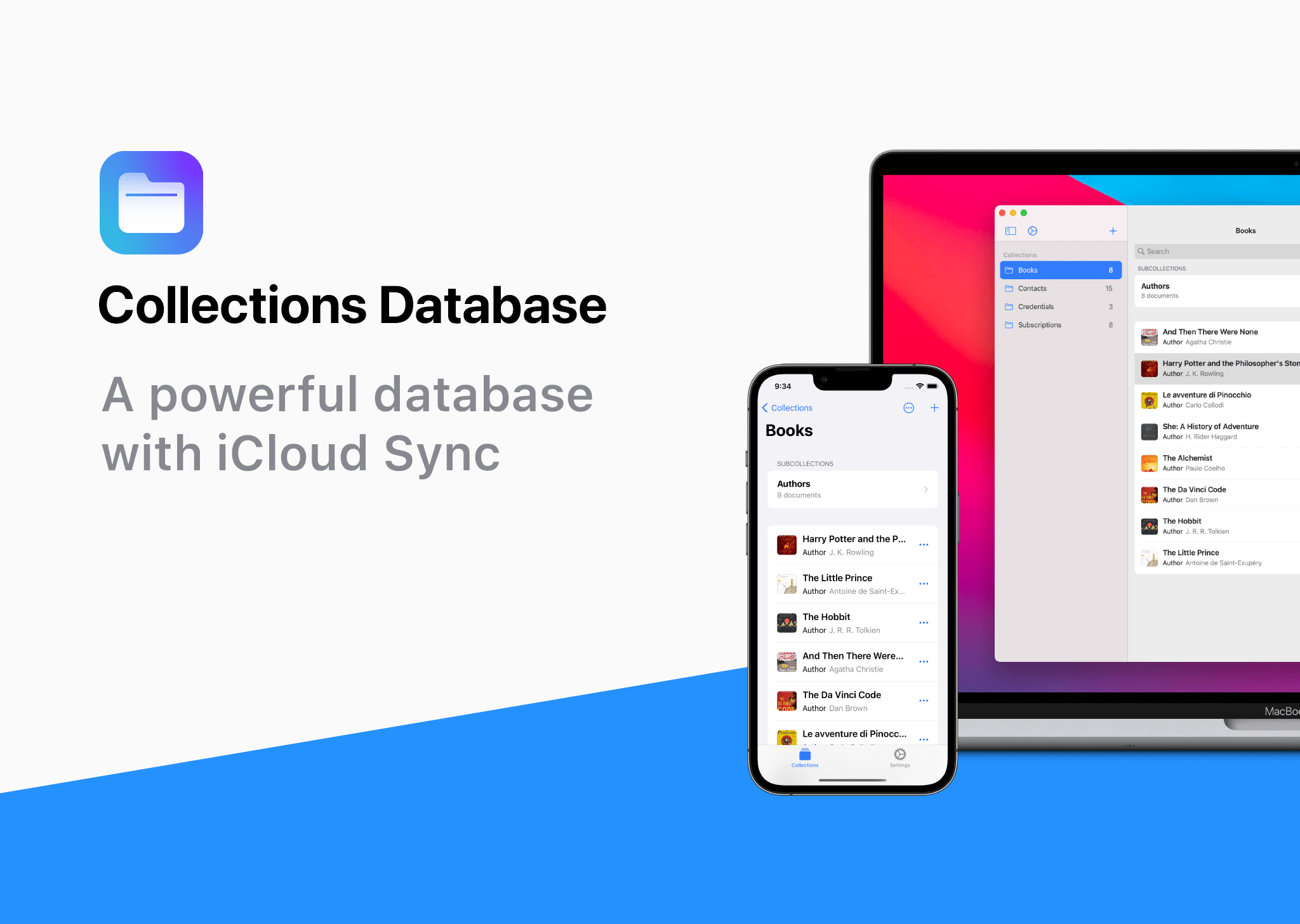
Collections Database is the premier personal database app for organizing anything and everything on your iPhone, iPad, and Mac.
The app features more than 20 field types, linkable sub-databases, reusable lists, and a robust customization system. It’s a powerful and flexible solution that makes Collections easy to get started with for beginners, while meeting the needs of advanced users too.
Collections provides essential templates to get started, including Expenses, Contacts, Subscriptions, Books and more. However, you’re always free to start from scratch by building your own custom templates.
A long, complete list of field types is available for your databases too. The set includes everything you’d expect from a modern database app, including Text, Number, Date, Picture - even Barcode fields. Collections can also import spreadsheets from other apps, using its powerful CSV import functionality. Collections also offers quick filters, sorting, password protection, smart text-based search, and more.
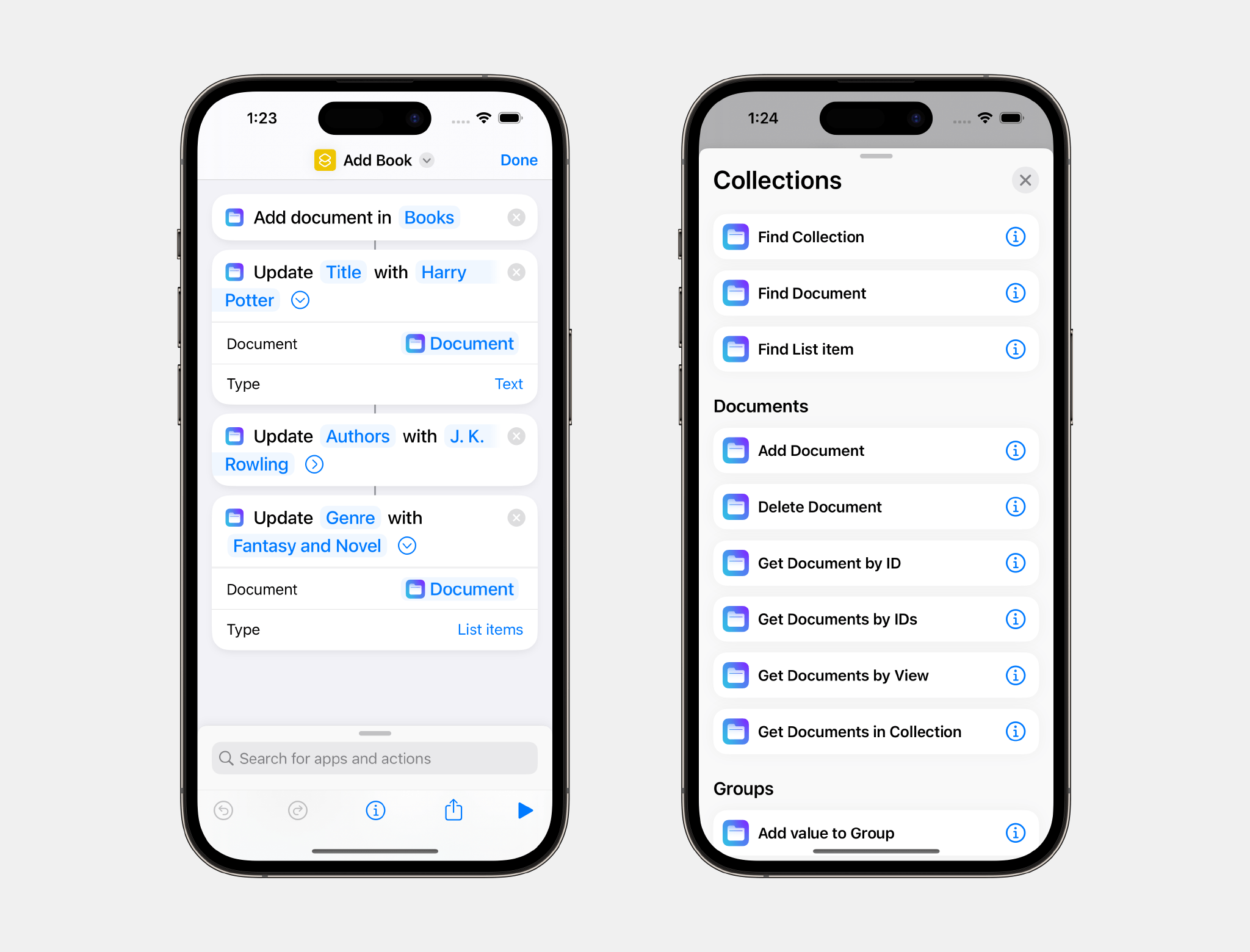
The app has recently added extensive support for Shortcuts, which expands its capabilities even more.
Collections is free to try, but by upgrading to the Pro version via In-App Purchase, you’ll gain access to an unlimited number of database entries and files, plus advanced filters. The Pro version also includes a unique visual formula editor the makes building complex formulas intuitive and easy.
The app is a universal purchase, so your purchase will be available on the iPhone, iPad, and Mac. At the same time, though, Collections has been carefully optimized to each Apple platform for the best experience on every platform.
Collections is regularly updated to take advantage of the latest Apple technologies and is privacy-minded. Your data isn’t collected or sent anywhere else.
To learn more, and download Collections Database visit the App Store today.
Our thanks to Collections Database for sponsoring MacStores this week.