
3180 posts on MacStories since July 2011

Articles by the MacStories team. Founded by Federico Viticci in April 2009, MacStories attracts millions of readers every month thanks to in-depth, personal, and informed coverage that offers a balanced mix of Apple news, app reviews, and opinion.

The Dirty Secret of OS Updates [Sponsor]

Getting OS updates installed on end user devices should be easy. After all, it’s one of the simplest yet most impactful ways that every employee can practice good security. 

On top of that, every MDM solution promises that it will automate the process and install updates with no user interaction needed.

Yet in the real world, it doesn’t play out like that. Users don’t install updates and IT admins won’t force installs via forced restart.

Let’s talk about the second problem first. Sure, you could simply schedule updates for all your users, and have them restart during non-work hours. But this inevitably leads to disruptions and lost work. This, in turn, leads to users (especially executives) who simply demand to be left out of your update policy. The bottom line is: any forced restarts without user approval will lead to data loss events, and that makes them so unpopular that they are functionally unusable.

There is another class of tools that claim to get users to install updates themselves, through “nudges.” These reminders pop up with increasing frequency until users relent or the timer runs out. This is an improvement, since it involves users in the process, but users still tend to delay updating as long as possible (which for some tools can be indefinitely).

At Kolide, OS updates are the single most common issue customers want us to solve. They come to us because we have a unique (and uniquely effective) approach to device compliance.

With Kolide, when a user’s device–be it Mac, Windows, Linux, or mobile–is out of compliance, we reach out to them with instructions on how to fix it.

The user chooses when to restart, but if they don’t fix the problem by a predetermined deadline, they’re unable to authenticate with Okta. (At present, Kolide is exclusive to Okta customers, but we plan to integrate with more SSO providers soon.)
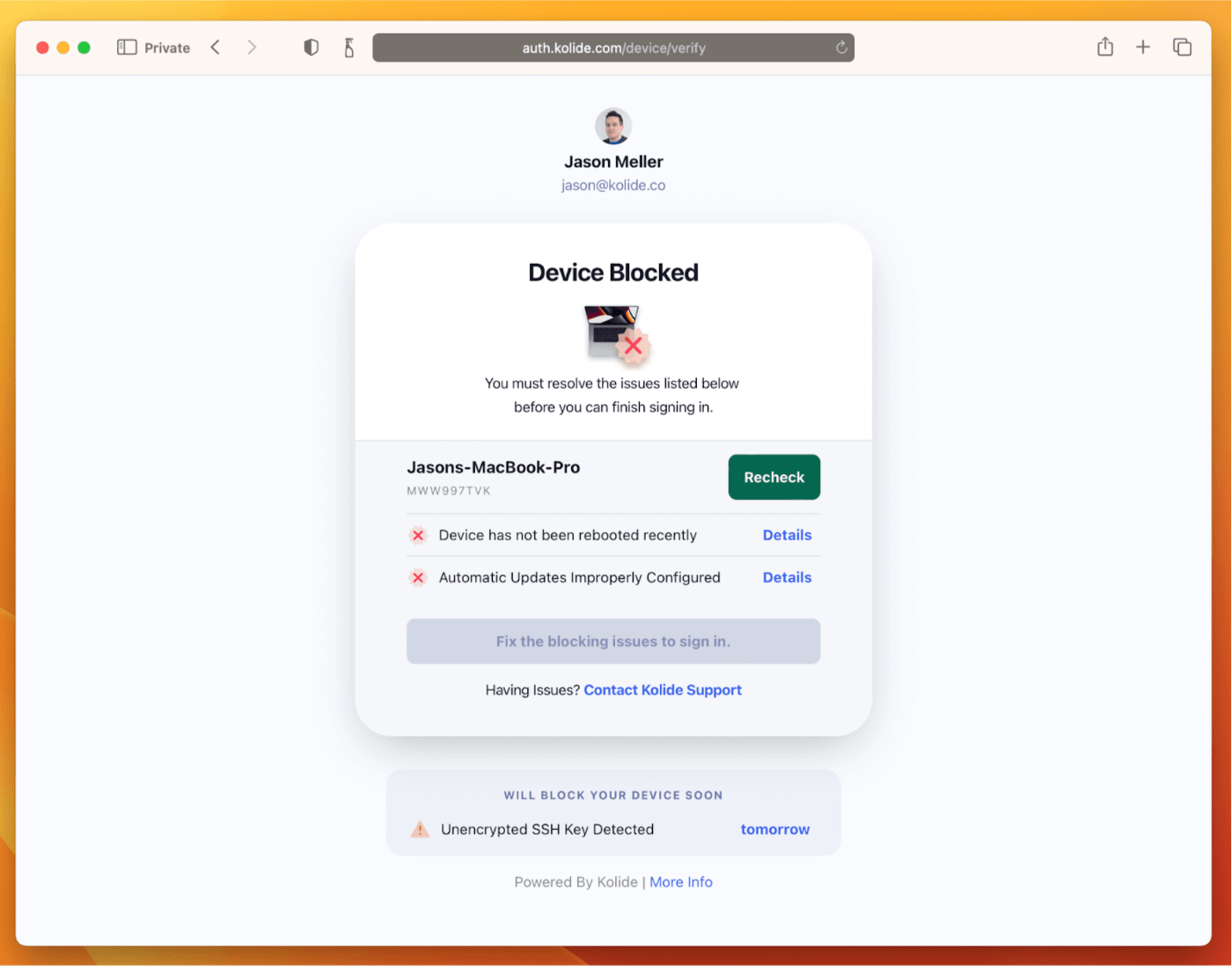
If your fleet is littered with devices that stubbornly refuse to update, then consider these two principles:

  1. You can’t have a successful patch management policy without involving users.
  2. You can’t get users to install patches unless you give them both clear instructions and real consequences.

Installing OS updates is a top priority for both security and IT, and when you make it part of conditional access, you can finally get it done without massive lists of exemptions or massive piles of support tickets.

To learn more about how Kolide enforces device compliance for companies with Okta, click here to watch an on-demand demo.

Our thank to Kolide for sponsoring MacStories this week.

In This Issue

A collection of portable gear for a weekend trip, a tip for saving multiple tabs using macOS Sonoma’s multi-tab selection feature, combining Notes’ tables and internal links to create a note launcher, an interview with TotK Travel Guide developer Jeffrey Kuiken, plus the usual Links, App Debuts, the latest happenings in the Club MacStories+ Discord...


Up Next on AppStories

Next week on AppStories, Federico and John talk about macOS Sonoma Safari and videoconferencing updates coming this fall, along with the marquee features coming with iOS and iPadOS 17....


Interview: Jeffrey Kuiken

Mastodon: @jeffreykuiken. Developer ofNoir,TotK Travel Guide, andACNH Travel Guide. Where did the idea for TotK Travel Guide come from? Back in 2020, I developed a companion app for another popular Switch game, Animal Crossing: New Horizons. I really liked working on that app; I was basically making the app that I myself wanted to exist:...


Previously, On MacStories

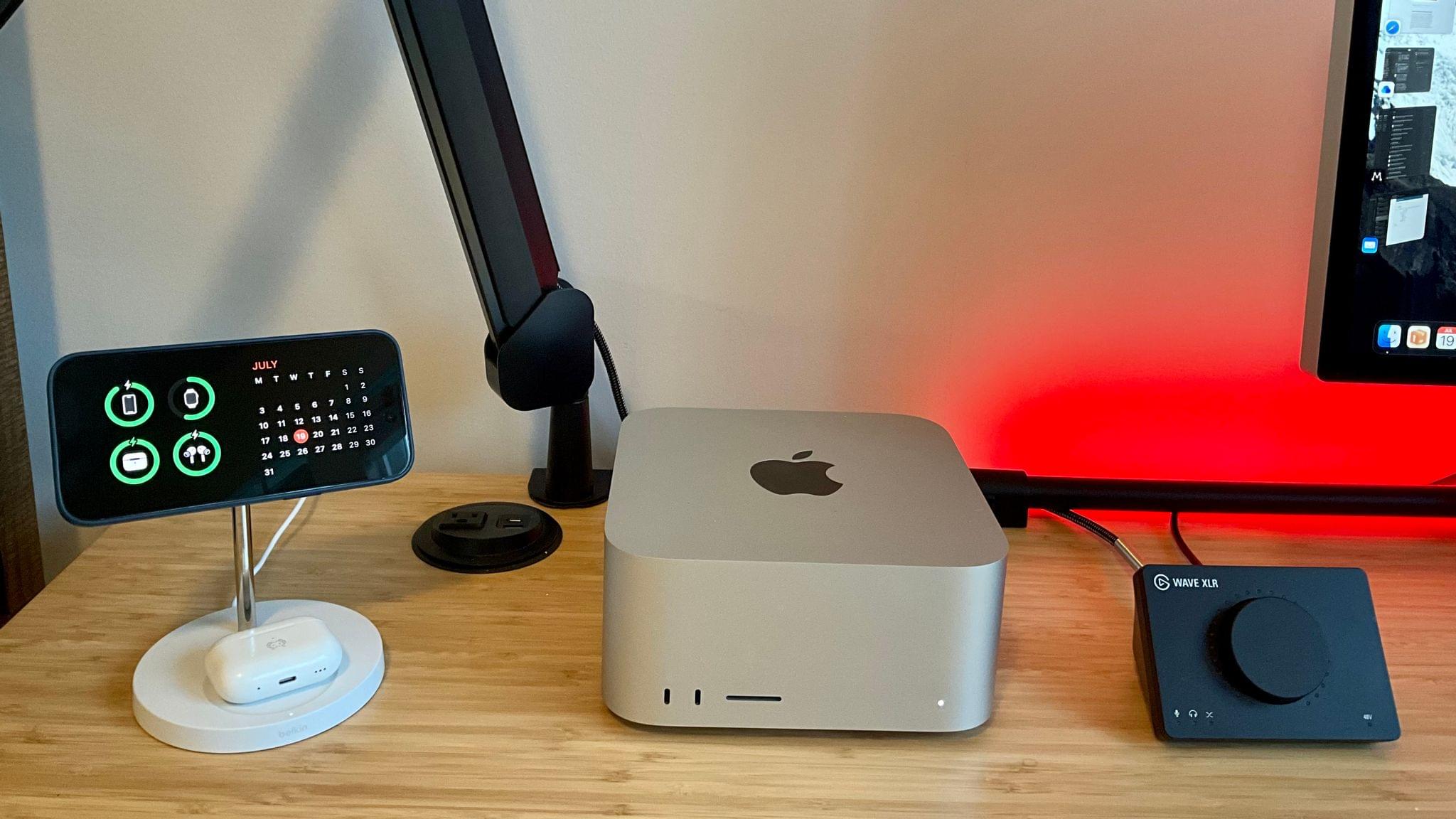
Stories Game On: Pokémon Sleep, Stardew Valley+, Dead Cells, Netflix Gaming, Unity’s PolySpatial Beta, and Epic Games’ Battle with Apple A Quietly Big Year for tvOS More on iPadOS 17’s Stage Manager An In-Depth Look at StandBy and the StandBy Chargers We Recommend The App Store’s New Apps and Games of the Week Collections Podcasts...


An In-Depth Look at StandBy and the StandBy Chargers We Recommend

John: Part of the widget story for all of Apple’s OSes this fall is StandBy, an iPhone-only mode that displays widgets, a clock, or photos when your device is stationary and charging in landscape orientation. When StandBy was first rumored before WWDC, I was skeptical. It didn’t sound like something I needed or would find useful. Boy, was I wrong. I’ve been using StandBy daily since just after WWDC at my desk and on my nightstand, and I’ve enjoyed it so much that I’ve begun using it elsewhere, too. So, today, I thought I’d hit the highlights of what StandBy can do because it’s a lot and not immediately obvious and, along with Federico, recommend several chargers that we’ve been using to enable it.

Read more


WaterMinder: Stay Hydrated All Day, Every Day [Sponsor]

It’s summertime, and with high temperatures comes the need to stay hydrated. The trouble is, you’re busy and have a lot going on every day, which can make it hard to remember to grab a glass of water, let alone keep track of how much you’ve had during the course of a day.

That’s where Funn Media’s WaterMinder app comes in. It’s the easiest way to remember to stay hydrated throughout the year and keep track of the liquids you consume.

WaterMinder makes tracking hydration incredibly simple. The app features an elegant interface and myriad ways to input the water and other drinks you consume throughout the day. The app is available on all of Apple’s platforms, is highly customizable, and includes support for Shortcuts, widgets, and Apple Watch complications. With WaterMinder’s rich charts for tracking, hydration reminders, and integration with Apple Health, you’ll have your hydration on track in no time flat.

The latest update to WaterMinder was version 6.2, which added the ability to create multi-ingredient cups and a simplified mode that hides some of the app’s more advanced features to create a focused, streamlined experience. The app is always being updated with new and innovative features. In fact, the team at Funn Media is currently working on interactive widgets for iOS 17 and a visionOS version of WaterMinder for the VisionPro’s release in 2024.

Get started on the road to proper hydration with WaterMinder by visiting the app’s website today to learn more about this fantastic app.

Our thanks to WaterMinder by Funn Media for sponsoring MacStories this week.


Previously, On MacStories

Stories The Case for Videogame and App Preservation David Smith on Adapting Widgetsmith’s Weather Features to visionOS On the Value of Threads’ Social Graph watchOS 10: The MacStories Preview macOS Sonoma: The MacStories Preview iOS and iPadOS 17 After One Month: It’s All About Widgets, Apps, and Stage Manager Shiny Frog Releases Bear 2.0 The...