

Stories Spotlight on Club MacStories+ and Club Premier App Discounts Over 300 Indie Apps On Sale From Black Friday Through Cyber Monday 20% Off MacStories Shortcuts Icons (Classic and Color), Perspective Icons, and Club MacStories+ and Premier Memberships Procreate Dreams First Impressions Quiche Browser Is a Beautiful and Modular Web Browser for iOS Podcasts AppStories,...
 In This Issue
Federico has a tip on running multiple scheduled shortcuts at once, John offers advice on how to use Areas and Projects in Things, Jonathan on how he’s using shortcuts and HomeKit sensors to send reminders when a window has been left open, plus the usual Links, App Debuts, the latest happenings in the Club MacStories+...
Up Next on AppStories
Next week on AppStories, Federico and John conclude their tour of their geeky holiday season tech projects....
Home Screen: Jason Rak
Mastodon: @jasonrak. Club MacStories member. Hi everyone. My name is Jason. I’m a clinical social worker/therapist and administrator in psychiatry at a large hospital by day and a self-taught themer of iPhone screens by night. When Federico and Jonathan reached out and said they liked my setup and wanted to know if I’d like to...
In This Issue
Federico’s search for the perfect iPad Pro USB-C adapter ends with a twist, John has too many batteries, Jonathan is deep into StandBy, and Club member Jason shares a wonderful Home Screen setup, plus the usual Links, App Debuts, the latest happenings in the Club MacStories+ Discord community, a recap of MacStories articles, and a...
Up Next on AppStories
Next week on AppStories, Federico and John share their geeky holiday season tech projects....
Previously, On MacStories
Stories Apple to Support RCS Messaging in 2024 I Tried to Run Cities: Skylines 2 on My M2 MacBook Air via Apple’s Game Porting Toolkit… And I Discovered A Great App Instead Apple Announces Close to 40 App Store Awards Finalists Using the iPad Pro as a Portable Monitor for My Nintendo Switch with Orion,...
The Dirty Secret of OS Updates [Sponsor]
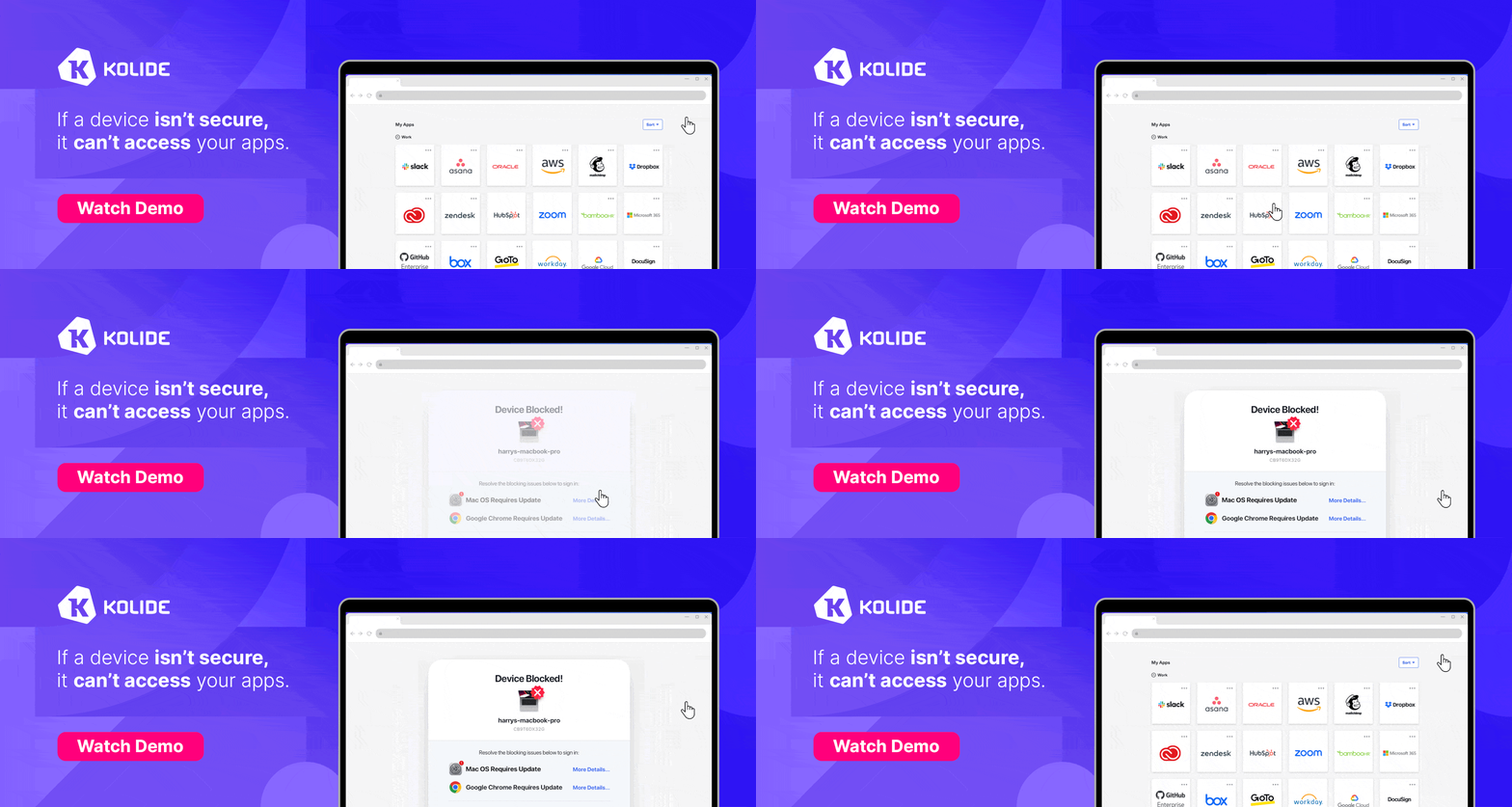
Getting OS updates installed on end user devices should be easy. After all, it’s one of the simplest yet most impactful ways that every employee can practice good security.
On top of that, every MDM solution promises that it will automate the process and install updates with no user interaction needed.
Yet in the real world, it doesn’t play out like that. Users don’t install updates and IT admins won’t force installs via forced restart.
Let’s talk about the second problem first. Sure, you could simply schedule updates for all your users, and have them restart during non-work hours. But this inevitably leads to disruptions and lost work. This, in turn, leads to users (especially executives) who simply demand to be left out of your update policy. The bottom line is: any forced restarts without user approval will lead to data loss events, and that makes them so unpopular that they are functionally unusable.
There is another class of tools that claim to get users to install updates themselves, through “nudges.” These reminders pop up with increasing frequency until users relent or the timer runs out. This is an improvement, since it involves users in the process, but users still tend to delay updating as long as possible (which for some tools can be indefinitely).
At Kolide, OS updates are the single most common issue customers want us to solve. They come to us because we have a unique (and uniquely effective) approach to device compliance.
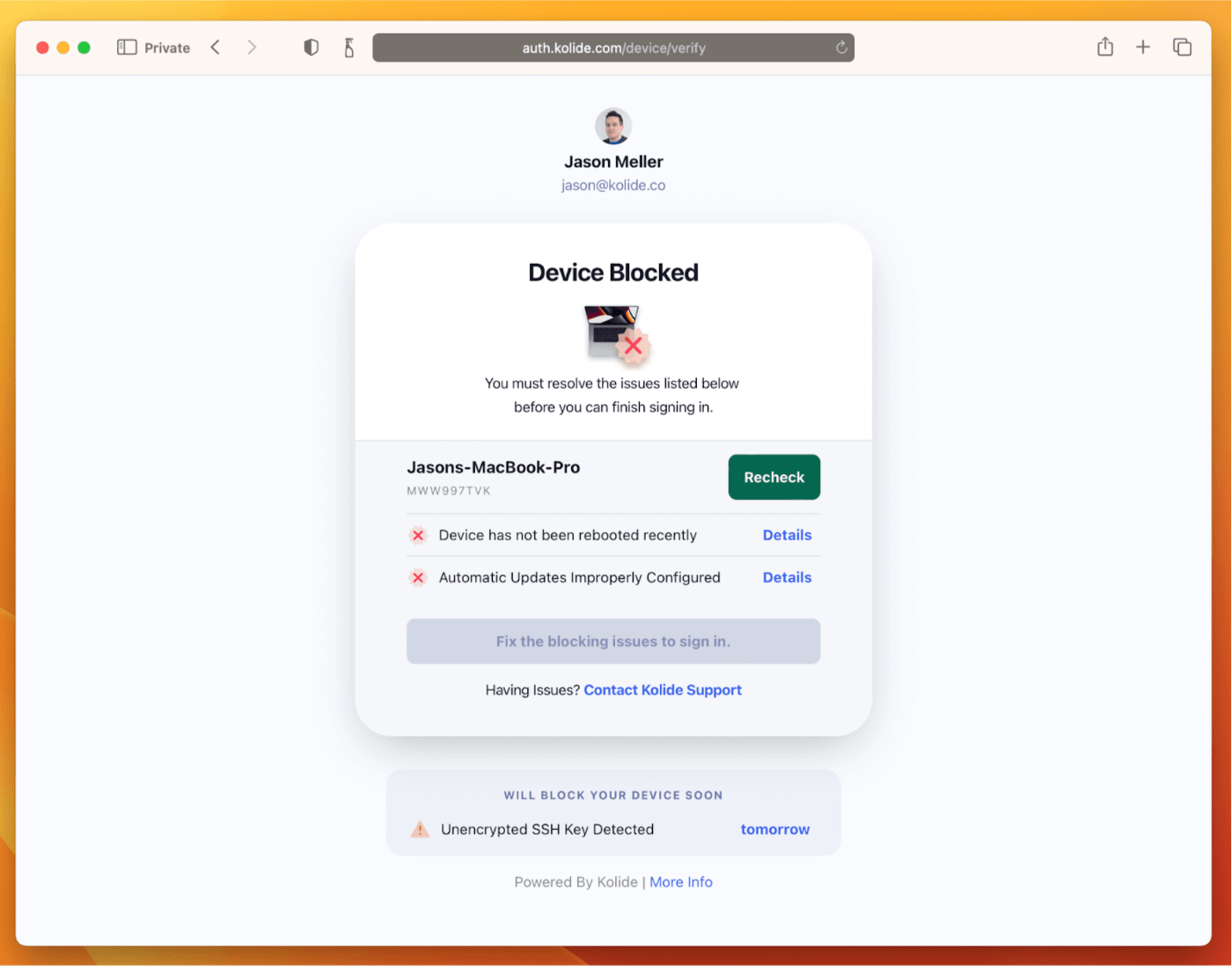
With Kolide, when a user’s device–be it Mac, Windows, Linux, or mobile–is out of compliance, we reach out to them with instructions on how to fix it.
The user chooses when to restart, but if they don’t fix the problem by a predetermined deadline, they’re unable to authenticate with Okta. (At present, Kolide is exclusive to Okta customers, but we plan to integrate with more SSO providers soon.)
If your fleet is littered with devices that stubbornly refuse to update, then consider these two principles:
- You can’t have a successful patch management policy without involving users.
- You can’t get users to install patches unless you give them both clear instructions and real consequences.
Installing OS updates is a top priority for both security and IT, and when you make it part of conditional access, you can finally get it done without massive lists of exemptions or massive piles of support tickets.
To learn more about how Kolide enforces device compliance for companies with Okta, click here to watch an on-demand demo.
Our thank to Kolide for sponsoring MacStories this week.
Previously, On MacStories
Stories Widgets Upon Widgets: Interactivity Everywhere Garage Access as a Service: The Chamberlain Group’s Anti-Consumer Approach to the Smart Home Apple Announces the Swift Student Challenge Will Begin in February 2024 and New Everyone Can Code Resources Using Shortcuts to Display the Temperature from My Outdoor Sensor in the Menu Bar Apple Updates Logic Pro...