

Stories Screens 5: An Updated Design, Improved User Experience, and New Business Model How ChatGPT Changed Tech Forever First Look: Stray for Mac Podcasts AppStories, Episode 362 – What If?: Exploring Alternative Apple Timelines MacStories Unwind: Streaming Games at Home...
 Up Next on AppStories
Next week on AppStories, Federico and John introduce the 2023 MacStories Selects Award winners....
In This Issue
Federico on changing the fonts in GoodLinks, Jonathan explains how the app Structured has helped him stay organized, and John embarks on an overhaul of his backup system, plus the usual Links, App Debuts, the latest happenings in the Club MacStories+ Discord community, a recap of MacStories articles, and a preview of next week’s episode...
Drafts: Where Text Starts [Sponsor]
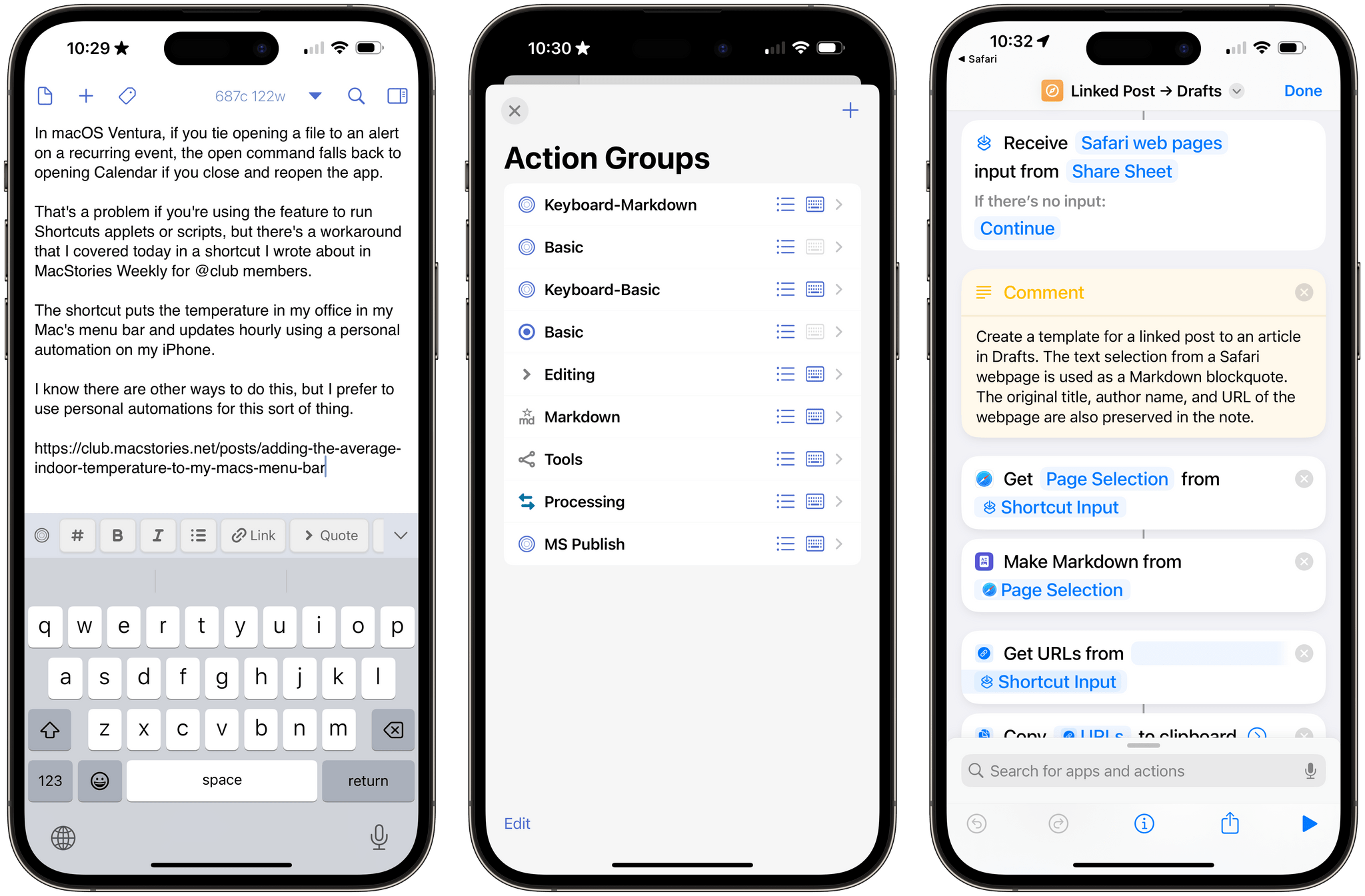
With Drafts, you can capture text on any Apple platform, wherever you are. There are iPhone, iPad, Mac, and Apple Watch versions of Drafts, which makes capturing notes, ideas, messages, tasks, and links fast and simple.
Moreover, Drafts incorporates a powerful actions system for automating your workflows. Integrate Drafts with hundreds of apps and services, including tools like:
- Obsidian
- Airtable
- Notion
- Things
Drafts also has deep support for Apple’s Shortcuts app, with over two dozen actions for manipulating text, managing Drafts, and integrating your captured text with other OS-level features. This combination makes Drafts one of the most sophisticated ways to create text automations on Apple’s platforms.
To help you get started, Drafts offers extensive documentation and guides for integrating with a wide variety of other tools. Plus, there’s a directory of user-created and curated actions and a vibrant community of users who are always around to help each other.
It’s easy to see why Drafts won last year’s MacStories Selects Lifetime Achievement award. The app is flexible, customizable, and has been regularly updated since the early days of the App Store to support the latest technologies of Apple’s OSes. That’s why if you’re looking to capture text and love to automate your workflows, Drafts is the app you need.
Right now, MacStories readers who are new to Drafts Pro or resubscribing can get a 3-month trial for free. This deal is available until December 14, 2023. For all the details and suggestions on where to get started with the app, visit the Drafts forums here.
So, download Drafts Pro today and start tinkering over the winter holidays. It’s a great way to jumpstart your workflows for the New Year.
Our thanks to Drafts for sponsoring MacStories this week.
Previously, On MacStories
Stories Bezel: The Best Way to Screen Capture Your iPhone From a Mac Apple Marks International Day of Persons with Disabilities with Video and Ebook Apple Announces Apps of the Year Improving the Copy and Paste Prompts on iOS Workflow Co-Founders Want to Bring AI to the Desktop Apple Music Replay Is Out, but for...
Up Next on AppStories
Next week on AppStories, Federico and John explore alternative Apple timelines in a special ‘What If?’ episode....
In This Issue
Type, a new Mac note-taking app, Jonathan’s Kagi search review, how Niléane deals with Bluetooth audio stuttering on the MacBook Air, plus the usual Links, App Debuts, the latest happenings in the Club MacStories+ Discord community, a recap of MacStories articles, and a preview of next week’s episode of AppStories....
In This Issue
This month, Federico has an update on his XREAL Air setup and John brings a 5th generation iPod back to life....
Stupid Companies Make AI Promises. Smart Companies Have AI Policies [Sponsor]
It seems like every company is scrambling to stake their claim in the AI goldrush–check out the CEO of Kroger promising to bring LLMs into the dairy aisle. And front line workers are following suit–experimenting with AI so they can work faster and do more.
In the few short months since ChatGPT debuted, hundreds of AI-powered tools have come on the market. But while AI-based tools have genuinely helpful applications, they also pose profound security risks. Unfortunately, most companies still haven’t come up with policies to manage those risks. In the absence of clear guidance around responsible AI use, employees are blithely handing over sensitive data to untrustworthy tools.
AI-based browser extensions offer the clearest illustration of this phenomenon. The Chrome store is overflowing with extensions that (claim to) harness ChatGPT to do all manner of tasks: punching up emails, designing graphics, transcribing meetings, and writing code. But these tools are prone to at least three types of risk.
- Malware: Security researchers keep uncovering AI-based extensions that steal user data. These extensions play on users’ trust of the big tech platforms (“it can’t be dangerous if Google lets it on the Chrome store!”) and they often appear to work, by hooking up to ChatGPT et al’s APIs.
- Data Governance: Companies including Apple and Verizon have banned their employees from using LLMs because these products rarely offer a guarantee that a user’s inputs won’t be used as training data.
- Prompt Injection Attacks: In this little known but potentially unsolvable attack, hidden text on a webpage directs an AI tool to perform malicious actions–such as exfiltrate data and then delete the records.
Up until now, most companies have been caught flat-footed by AI, but these risks are too serious to ignore.
At Kolide, we’re taking a two-part approach to governing AI use.
- Draft AI policies as a team. We don’t want to totally ban our team from using AI, we just want to use it safely. So our first step is meeting with representatives from multiple teams to figure out what they’re getting out of AI-based tools, and how we can provide them with secure options that don’t expose critical data or infrastructure.
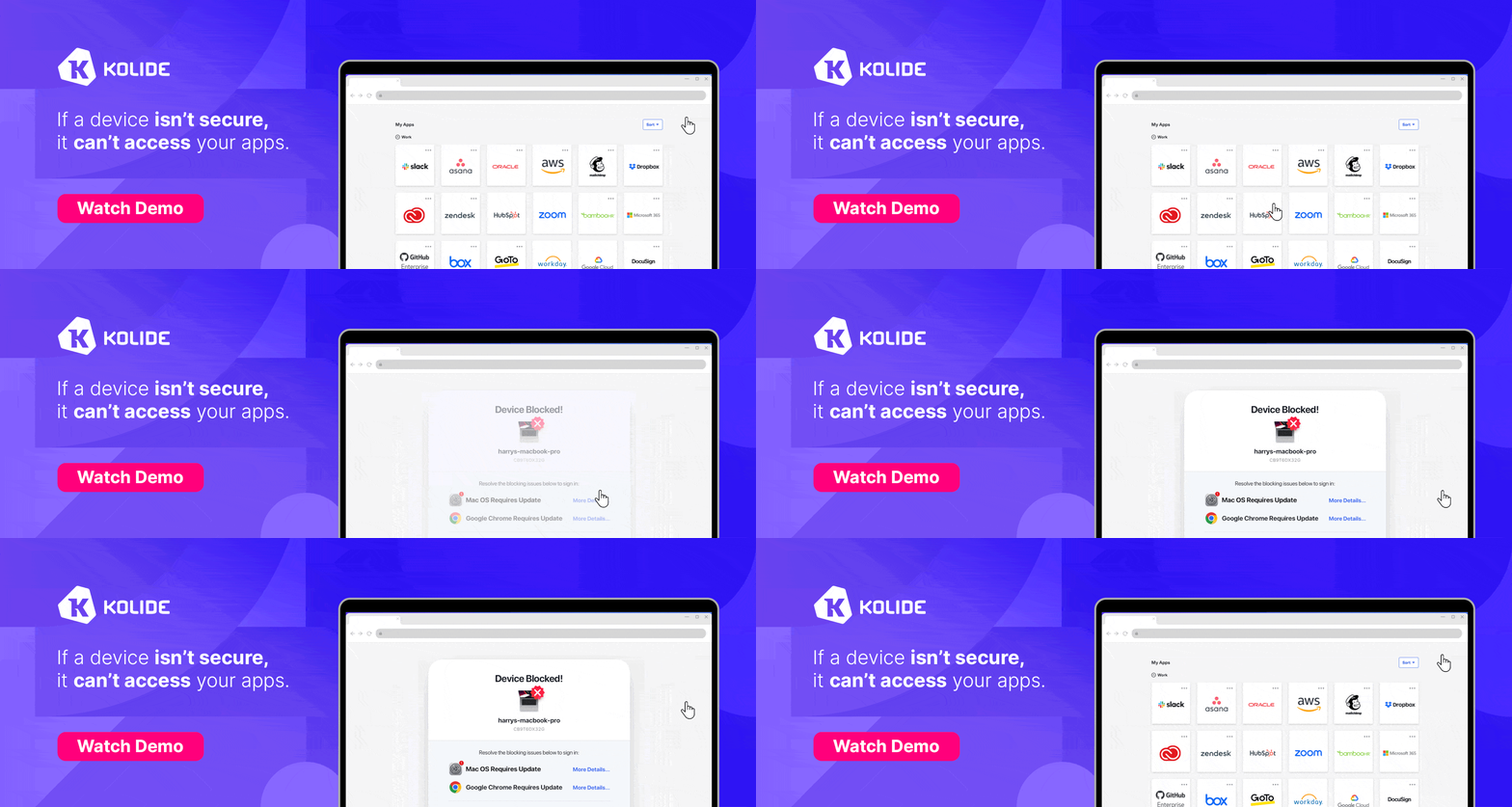
- Use Kolide to block malicious tools. Kolide lets IT and security teams write Checks that detect device compliance issues, and we’ve already started creating Checks for malicious (or dubious) AI-based tools. Now if an employee accidentally downloads malware, they’ll be prevented from logging into our cloud apps until they’ve removed it.
Every company will have to craft policies based on their unique needs and concerns, but the important thing is to start now. There’s still time to seize the reins of AI, before it gallops away with your company’s data.
To learn more about how Kolide enforces device compliance for companies with Okta, click here to watch an on-demand demo.
Our thank to Kolide for sponsoring MacStories this week.