

Stories Apple Shares List of Alternate Browsers That Will Be Available to EU Users in iOS 17.4 Apple Introduces Transcripts for Podcasts Apple Details How It Plans to Comply with the EU’s Digital Markets Act The macOS App Icon Book: A Mini Review Apple Shares the Secret of Why the 40-Year-Old Mac Still Rules 40...
 Up Next on MacStories Podcasts
Next week on AppStories, Federico and John explore workflows they’ve been trying in a variety of apps. Next week on Magic Rays of Light, Sigmund and Devon discuss Apple Original Film Argylle ahead of its theatrical debut, our first look at changes coming in tvOS 17.4, the potential of game streaming on Apple TV,...
In This Issue
John shares ScreenFloat tips, a wonderful trip down Mac memory lane with Jonathan, plus the usual Links, App Debuts, the latest happenings in the Club MacStories+ Discord community, a recap of MacStories articles, and a preview of next week’s episode of AppStories....
Textastic Code Editor [Sponsor]
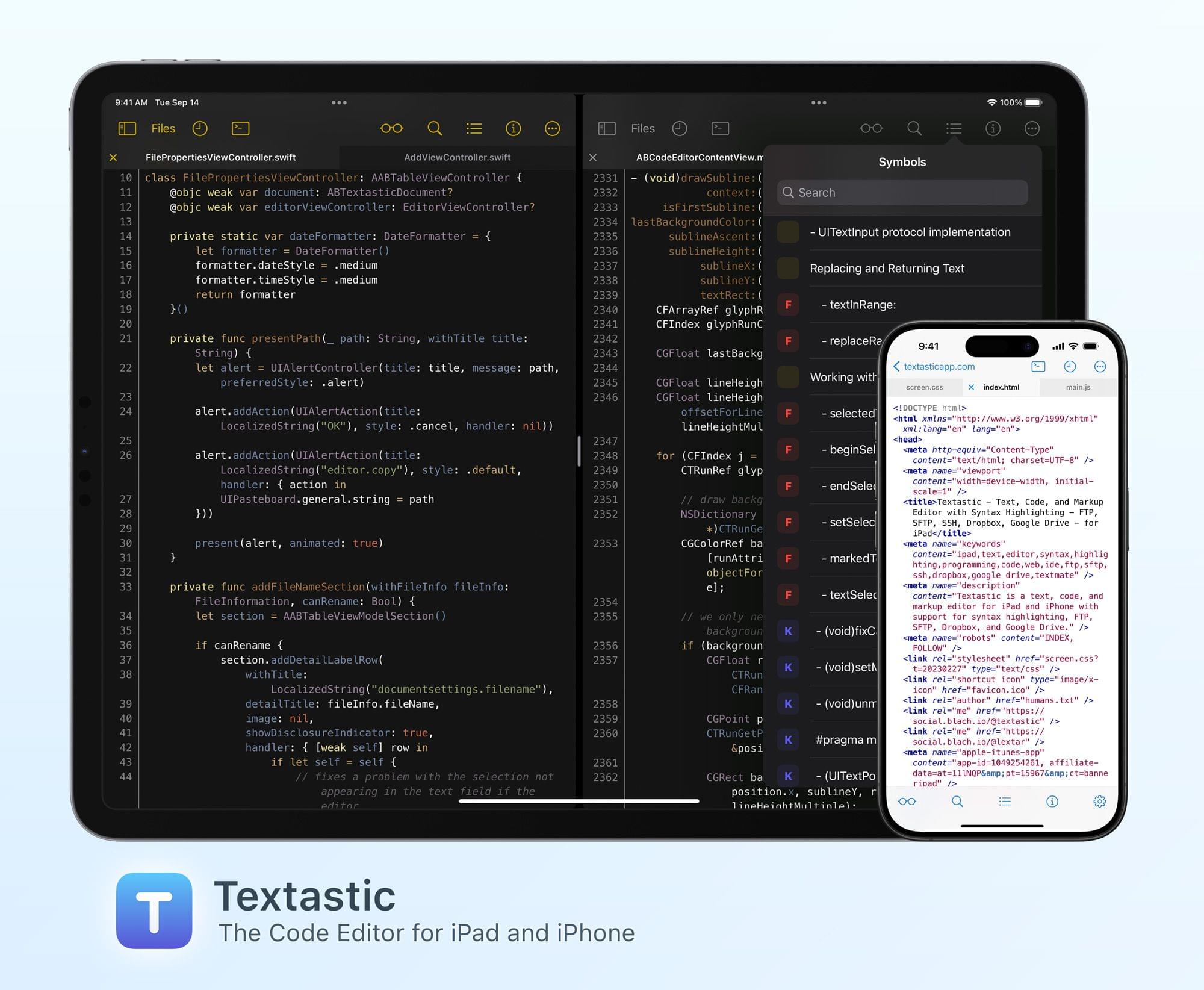
Textastic is the most comprehensive and versatile text and code editor for iPad and iPhone.
This begins with support for syntax highlighting of more than 80 programming and markup languages: Textastic covers a wide range, including HTML, JavaScript, CSS, C, C++, Swift, Objective-C, Rust, Go, Java, PHP, Python, Ruby, Perl, Lua, Markdown, LaTeX, YAML, JSON, and more. If your preferred language isn’t on the extensive list, you have the flexibility to add your own syntax definitions and themes, compatible with Sublime Text and TextMate.
With clients for SFTP, FTP, WebDAV, Dropbox, and Google Drive, however, Textastic goes well beyond the capabilities of a traditional text editor. The integrated SSH terminal further extends its functionality. With support for tabs, you can have multiple files and SSH terminals open simultaneously, even opening them in multiple windows side by side on iPad.
Whether crafting web pages, performing code reviews, or editing server configuration files, Textastic proves to be the ideal tool for your mobile workflow.
Customizable keyboard shortcuts, extensive configuration options, support for Git repositories using the Git client Working Copy, and powerful find and replace turn this app into the most powerful code editor you’ll find on iPad.
The long list of features also includes support for iCloud Drive, the Files app, drag and drop, trackpad and mouse, printing, Split View, multiwindowing, and a whole lot more.
In moments of uncertainty, the in-depth manual, with detailed descriptions and nearly 150 screenshots, is your comprehensive guide.
With the recent update to version 10, the user interface received a refreshing makeover, boasting new icons and a modern look across all areas of the app. Notably, Swift syntax highlighting has seen substantial improvements, and file uploads have been simplified.
Limited-Time Offer: Get Textastic at a 20% discount on the App Store ($7.99 instead of $9.99 in the US). This special pricing lasts only until January 28, 2024, giving you the perfect window to enhance your coding toolkit.
Our thanks to Textastic for sponsoring MacStories this week.
Sigmund’s Top Apple TV Picks
Sigmund Judge: To celebrate this week’s MacStories debut of Magic Rays of Light, I was asked to share a few of my favourite Apple TV picks for my fellow Apple TV aficionados, and here they are. Swan Song My Apple Original film pick is Benjamin Cleary’s Swan Song. Starring Mahershala Ali, Naomie Harris, Glenn Close,...
Club Perks
Marcos Tanaka has been kind enough to provide us with codes to all of his apps for this week’s special media-themed issue of MacStories Weekly. MusicHarbor First off, we have 10 codes for MusicHarbor, the app that makes it dead simple to keep on top of the latest music releases, events, videos, and more. Please...
Up Next on MacStories’ Podcasts
Next week on AppStories, Federico and John delve into what’s still unknown about Apple Vision Pro and share some of the apps they’re looking forward to trying. Next week on Magic Rays of Light, Sigmund and Devon discuss Apple Vision Pro preorders, BAFTA and Oscar nominations for Apple Originals, and the premiere of Masters...
A Shortcut for Journaling Your TV and Movie Watch History
Devon Dundee: It’s been over a month since Apple released the Journal app and gave developers access to the Journaling Suggestions API, but I still get excited every time I open up Everlog to see what suggestions the system has for me. Whether it be a podcast or album I listened to, a place I...
Previously, On MacStories
Stories Federico’s Evolving Setup Apple Releases a Guided Tour of Vision Pro and Shares a Making Of Video Every Apple Vision Pro Accessory Option A Survey of Popular Apps Currently Compatible With Apple Vision Pro BenQ ScreenBar Halo: Lighting Your Entire Desk Setup How I Modded My iPad Pro with a Screen Protector, iPhone Holder,...