

Federico shares how he’s moving GoodLinks articles to Readwise via its API, John sees a broader market for the iPhone SE developing, and Jonathan fixes a People problem in his Photos library, plus the usual Links, App Debuts, the latest happenings in the Club MacStories+ Discord community, and a recap of MacStories articles and this...
 Previously, On MacStories
MacStories Unwind Is Now Available as Video on YouTube NPC Special Podcast Episode: Nintendo Switch 2 Reactions and First Theories Our MacStories Setups: Updates Covering Video Production, Gaming, and More Default Browser: A Mac Menu Bar Utility for Quickly Switching Browsers A Bluesky-Based Photo-Sharing App Is Coming...
This Week on MacStories Podcasts
This week on MacStories podcasts: AppStories This week on AppStories, Federico and John predict what we’ll see from Apple in 2025. From agentic AI to App Intents and Siri, they explore what will shape the year ahead and the implications for users and developers. Listen on: Apple Podcasts Overcast Pocket Casts Castro Spotify YouTube NPC:...
1Blocker: A Cleaner, Faster, and More Private Web Experience [Sponsor]
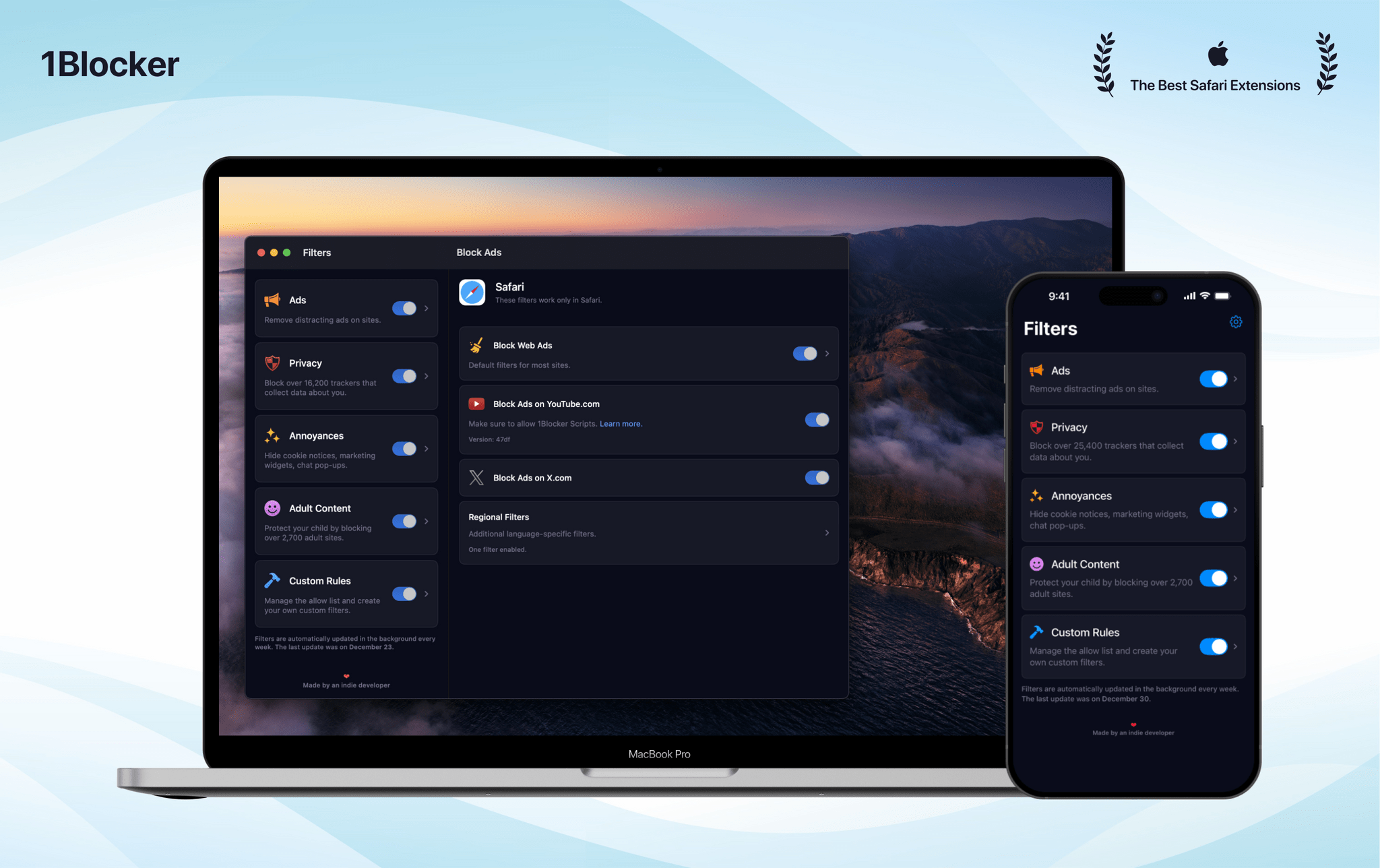
Introducing 1Blocker 6, the most powerful version yet of the trusted Safari content blocker. Now available for iPhone, iPad, Mac, and Vision Pro, this update marks almost a decade of innovation and dedication to creating a better web experience.
For ten years, 1Blocker has been your companion in eliminating distracting ads, intrusive trackers, and annoying pop-ups. With version 6, the indie-developed app has released a compelling new design and reengineered architecture, paving the way for even more powerful innovations.
The app’s native design delivers a cleaner look, faster performance, and easier navigation. Enhanced blocking rules improve accuracy, while new granular filters let you customize your web experience like never before.
Download 1Blocker 6 for free to enjoy one free filter, with no restrictions on features or customization. Choose the filter that matters most to you and experience advanced functionality without limits.
Upgrade to 1Blocker Premium to unlock unlimited filters and enjoy the convenience of automatic, scheduled filter updates in the background. Plus, MacStories readers can get one month of 1Blocker’s Premium features for free, which is sharable with up to five family members. Don’t delay, though, this offer is only available until January 20, 2025. Use the code MACSTORIES or this link to take advantage of this great limited-time offer today.
Don’t wait, download 1Blocker 6 and discover the benefits of a cleaner, faster and more private web experience today.
Our thanks to 1Blocker for sponsoring MacStoris this week.
In This Issue
Jonathan shares his Apple Watch wishes for 2025, John explains why he loved CES in spite of its many downsides, and Federico recommends Funnel, plus the usual Links, App Debuts, the latest happenings in the Club MacStories+ Discord community, and a recap of MacStories articles and this week’s episodes of MacStories podcasts....
This Week on MacStories Podcasts
This week on MacStories podcasts: Ruminate Some snack reviews from the festive period, Robb was on another podcast, and John is on his way to CES. Listen on: Apple Podcasts Overcast Pocket Casts Castro Spotify YouTube Magic Rays of Light Sigmund and Devon share one Apple TV wish each for 2025 and recap season two...
Previously, On MacStories
MacStories Won’t Stand for Meta’s Dehumanizing and Harmful Moderation Policies Razer Launches PC Remote Play for Streaming PC Games to the iPhone, iPad, and Other Devices A Tiny But Exciting CES Smartphone Controller Discovery NPC @ CES: Exploring the Future of Handheld Gaming at CES 2025 CES Is A Lot: A Gadget Roundup “I Live...
PowerPhotos: The Ultimate Toolbox for Photos on the Mac [Sponsor]
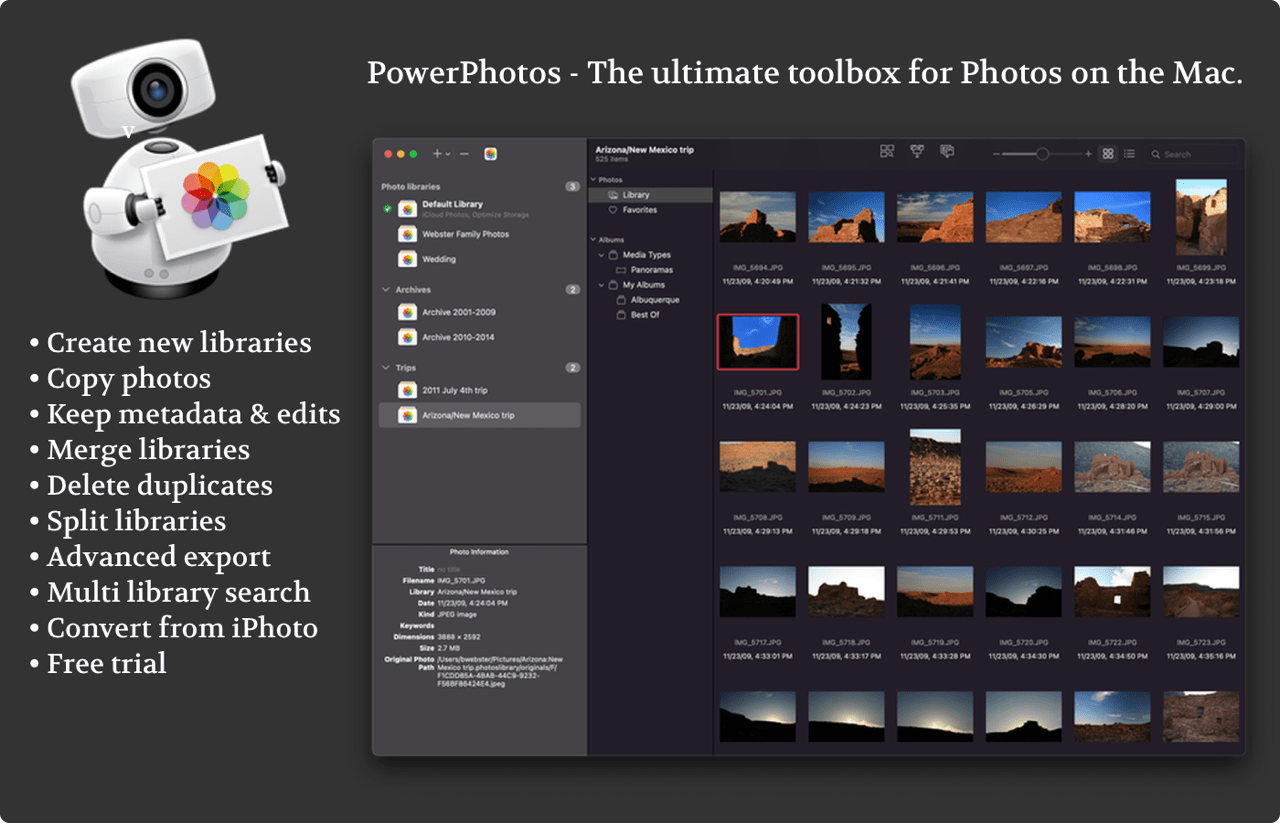
PowerPhotos is the ultimate toolbox for Photos on the Mac. It works in conjunction with the Apple Photos app, filling in missing features that Photos itself doesn’t provide.
PowerPhotos allows you to work with multiple Photos libraries and store them wherever you want, including on an external drive or a network drive. Split up your giant library into smaller ones by copying photos and albums with a simple drag and drop, preserving metadata such as edits, titles, and keywords along the way. You can free up space on your laptop’s drive or save space on iCloud while still keeping all your photos handy in the Photos app.
Or, if you already have multiple libraries, use PowerPhotos to merge them together while weeding out duplicates along the way. PowerPhotos also features a powerful duplicate photo finder, a browser to let you see your libraries side by side in multiple windows, multi library search, advanced exporting, converting old iPhoto/Aperture libraries, and more.
PowerPhotos 2.0 can be downloaded for free from fatcatsoftware.com/powerphotos and offers many of its features for free. Purchasing a license will unlock advanced features such as library merging, deletion of duplicate photos, and unlimited photo copying and exporting. Existing users of PowerPhotos 1.0 or iPhoto Library Manager can use their old license key to upgrade for 50% off the regular price, and MacStories readers can use the coupon code MACSTORIES25 to receive a 20% discount.
Our thanks to PowerPhotos for sponsoring MacStories this week.
In This Issue
This month, Devon shares how he reevaluated his habit tracking and explains what he’s tracking now and why, while John shares two shortcuts that take advantage of Unread’s Shortcuts integration and the Readwise Reader and Godspeed APIs....