
Timepage,Federico’s shortcut for setting different morning alarms for each day of the week, Tim Nahumck’s home screen, John on the benefits of the iPad Pro at conferences, plus Links, App Debuts, a recap of MacStories articles, and a preview of next week’s episode of AppStories....
Setapp: The Best Mac Apps in One Suite [Sponsor]
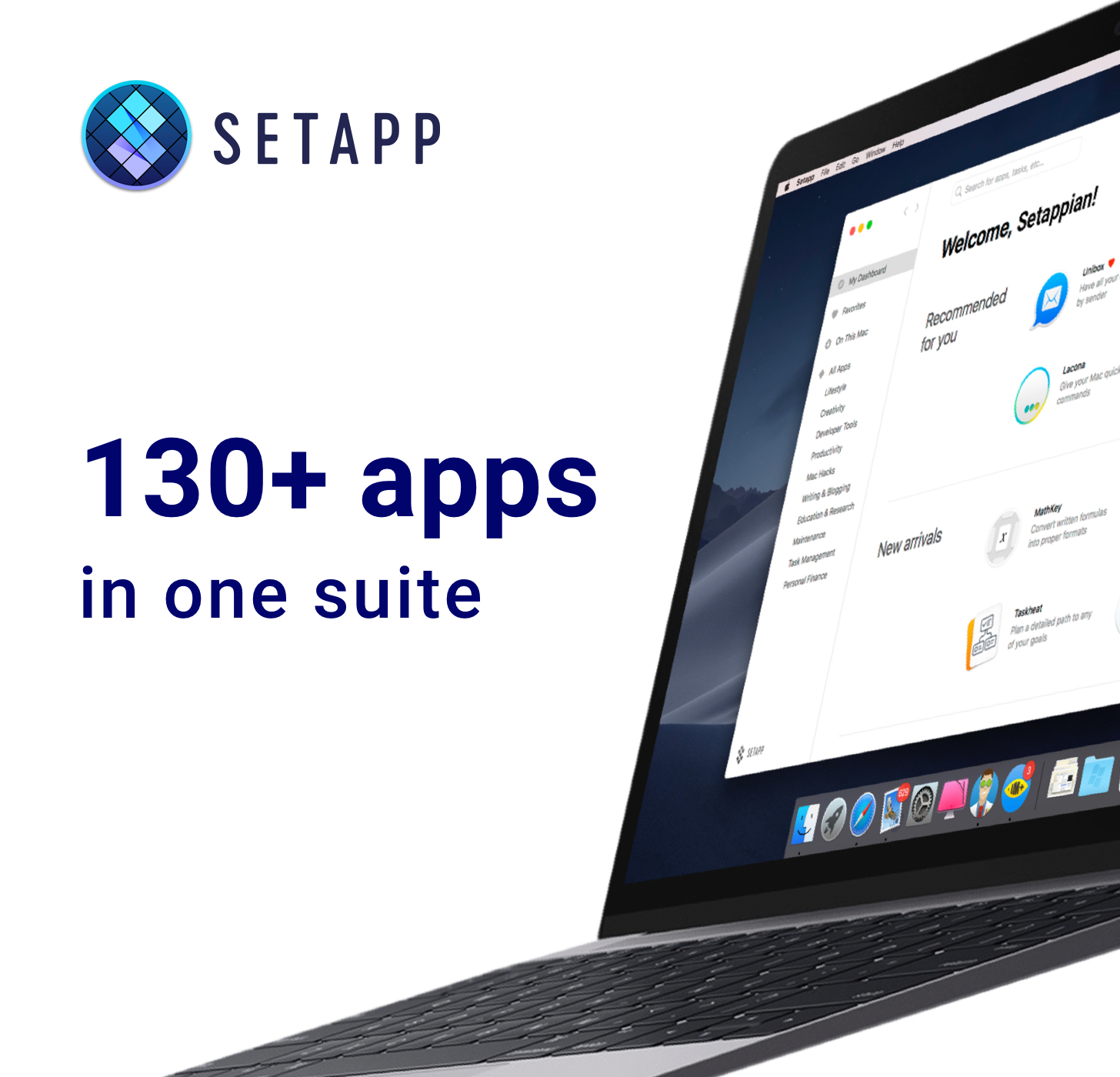
Setapp is the Mac app suite that should have been and now is. It’s not an app store; it’s more an app buffet. You pay just one fee and gain immediate access to an ever-growing collection of over 130 of the best Mac apps, curated to make your day more productive.
Setapp is elegantly-designed to look just as beautiful as the Mac it runs on. The app is designed to make finding just the right app easy. The collection is carefully vetted and curated, so you know that only the highest quality apps from the best developers are included.
Setapp includes a wide array of apps, and the list keeps growing as members recommend new ones. There are productivity apps like task managers, text and photo editors, graphic design and developer tools, personal finance and travel apps, email clients, and much more. With Setapp, you can use fantastic apps like Ulysses, Flume, and iStat Menus without buying a separate license or subscription because they’re all part of Setapp.
When you sign up, Setapp installs a handy catalog on your Mac that lets you quickly browse its offerings. Nothing is downloaded until you decide to install it.
The business model couldn’t be simpler either. There are no hidden costs or gimmicks. You pay just $9.99 per month for access to the entire catalog of apps including any updates. There are no fees for upgrades, no In-App Purchases, or other hidden costs. Every app is a fully functional version that updates automatically.
There’s even a 7-day free trial, so there’s nothing to lose by signing up today to unlock this fantastic collection of over 130 Mac apps. So visit Setapp.com now to learn more, download the free trial and make your day more productive.
Our thanks to Setapp for sponsoring MacStories this week.
 Previously, On MacStories
Apple Music Commissions Custom Playlist Art Ulysses 15 Review: Split View on the Mac, Remote Images, Improved iPad Multitasking, and More Reconsidering Evernote in 2019 Apple Announces March 25th Event at the Steve Jobs Theater Niantic Previews Harry Potter: Wizards Unite, the Studio’s Follow-Up to Pokémon GO A Remastered Version of Rolando Is Returning to...
In This Issue
BetterTouchTool, Brian Hamilton’s home screen, how to force macOS to use the aptX or AAC codecs for Bluetooth headphones, Ryan revisits iOS 12, a shortcut for turning Reminders into GoodTaskURLs,plus the usual Links, App Debuts, arecap of MacStories articles, and a preview of next week’s episode of AppStories....
Interesting Links
Music streaming service Tidal has extended support for MQA files (part of their HiFi tier) to the iOS app. (Link) Chrome 73 has introduced support for dark mode on macOS Mojave. (Link) Writing at The Atlantic, Taylor Lorenz explains how teens are using Google Docs – the service they primarily use for homework and other...
Home Screen: Brian Hamilton

Twitter: @_brianhamilton. Incomparable panelist, co-host of Most Important Meal, and freelance podcast editor. Lately, I’ve realized that I’m using my iPad less and less. Since being issued a MacBook Pro for work, I’ve become much more capable on macOS and my 9.7” iPad Pro has languished in a desk drawer for far too long. I...
Up Next on MacStories’ Podcasts
Next week on AppStories, Federico and John explore their favorite reading apps including Apple Books, Kindle, Comixology, Shonen Jump, and Apple News....
Strike: An Elegant, Collaborative Place to Write on the Mac and iOS [Sponsor]
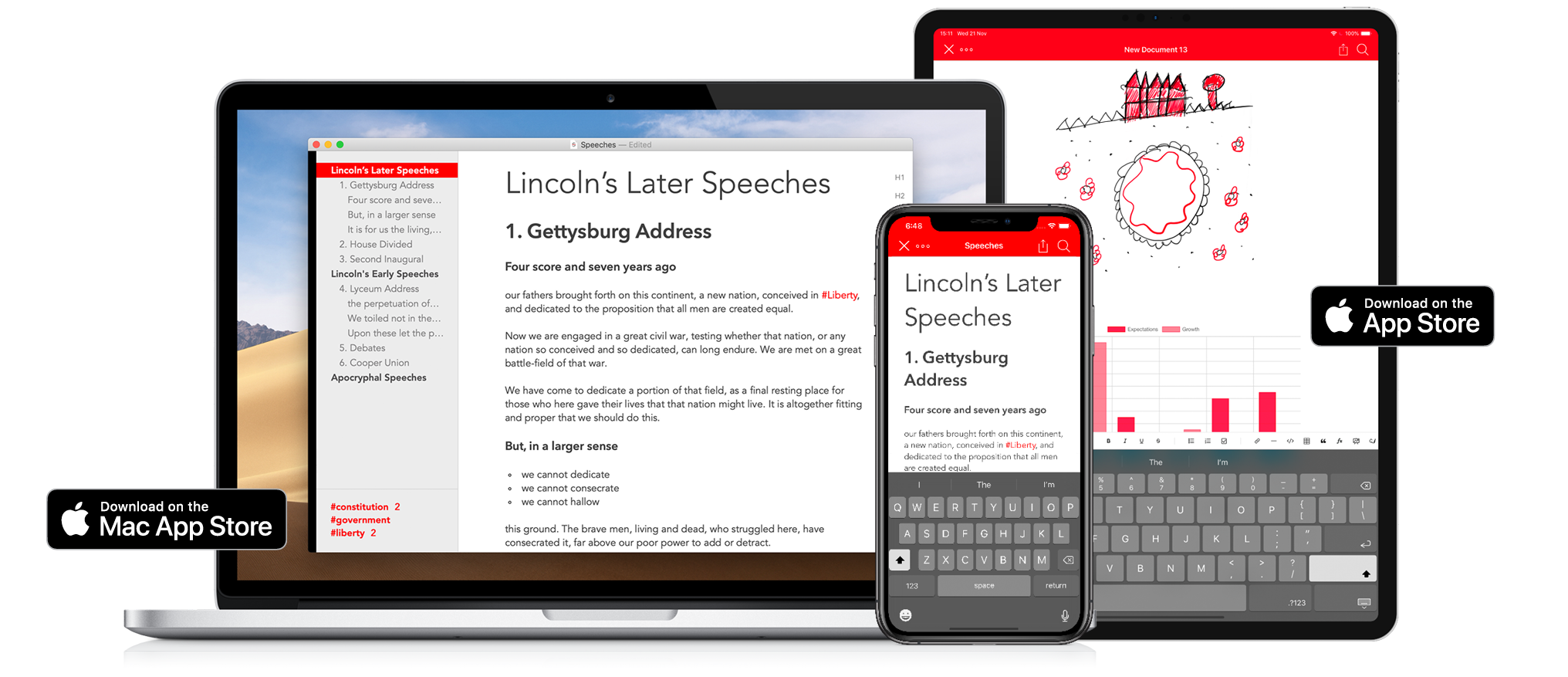
Strike is a beautifully-designed, modern writing app for the Mac and iOS that brings together all the tools you need whether you’re working by yourself or with colleagues.
Strike streamlines the process of writing allowing you to get ideas down quickly with its Smart Markdown system. You can type Markdown directly into a Strike document, which is automatically previewed in the editor. You can also format text with a single click or tap on the app’s formatting bar that includes bold, italics, underlining, strikethrough, ordered and unordered lists, checklists, links, headings, and more.
Strike didn’t stop there though. You can drop charts, tables, and MathJax formulas into your documents too. Strike also supports file attachments as well as:
- Password protected documents
- Document locking to avoid inadvertent changes
- Themes and handsome color schemes
- Document statistics
- Text transformation tools
- Line sorting
- Autocorrect and spellcheck
- Attachment and PDF export
On the Mac, Strike supports recent powerful additions to macOS like Dark Mode and document versioning so you can roll back changes. On iOS, Strike supports the Apple Pencil.
Navigating longer documents is simple. The side panel is an outline of the major headings and list items in your document. Selecting any entry jumps straight to that part of the document. The side panel is where you’ll find a list of the tags in your document too, which you can use to go to where the tags appear in your text.
As fantastic as Strike is for writing solo, it’s just as reliable for writing with colleagues. Invite up to 10 people to join you in editing a document simultaneously in real-time. For example, it’s a great way to work with an editor, on a joint project with others, or to collect notes from fellow students.
Strike is a simple and elegant writing tool that distinguishes it from other writing apps through the power of collaboration. Download Strike on the Mac and iOS today to supercharge your writing.
Up Next on MacStories’ Podcasts
Next week on AppStories, Federico and Johndive back into their collections of iOS and Mac utilities and discuss some more favorites....