
2018 iPad Pro to Add Support for the Logitech Crayon in iOS 12.2 Apple Music, Exclusive Extras, and Merch Zane Lowe on Why Apple Music Is in the Storytelling Business Apple Shares Videos from “It’s Show Time” Event Apple Releases iOS 12.2 with Apple News+, AirPlay 2 TV Controls, New Animoji, and More Apple TV+,...
 Home Screen: Brian Mueller

Twitter: @BrianMueller333. Maker of @CARROT_app. First Row Phone Fantastical: My calendar is usually pretty empty because nobody loves me, but if I have an exciting event like a root canal coming up, I wouldn’t use any other app to add it to my calendar. The natural language parser still impresses me after all these years....
Interesting Links
Created by Aaron Pearce (developer of HomeRun and HomeCam), DevSwitch is a free and open-source utility to quickly switch an iOS device’s App Store to another region. Ideal for developers who want to check out their apps’ rankings in other international App Stores. (Link) Spotify has started personalizing some of its official playlists based on...
In This Issue
Weather Up, our Favorite Apple Event Announcements, Voice Search for Notes from the Shortcuts widget, thoughts on Apple Arcade, Brian Mueller’s home screen, plus the usual Links, App Debuts, arecap of MacStories articles, and a preview of next week’s episode of AppStories....
Up Next on MacStories’ Podcasts
Next week on AppStories, Federico and John cover pro iOS audio, photography, video, and art apps that stretch the platform and discuss where the OS is holding them back....
CleanMyMac X: Your Mac, as Good as New [Sponsor]
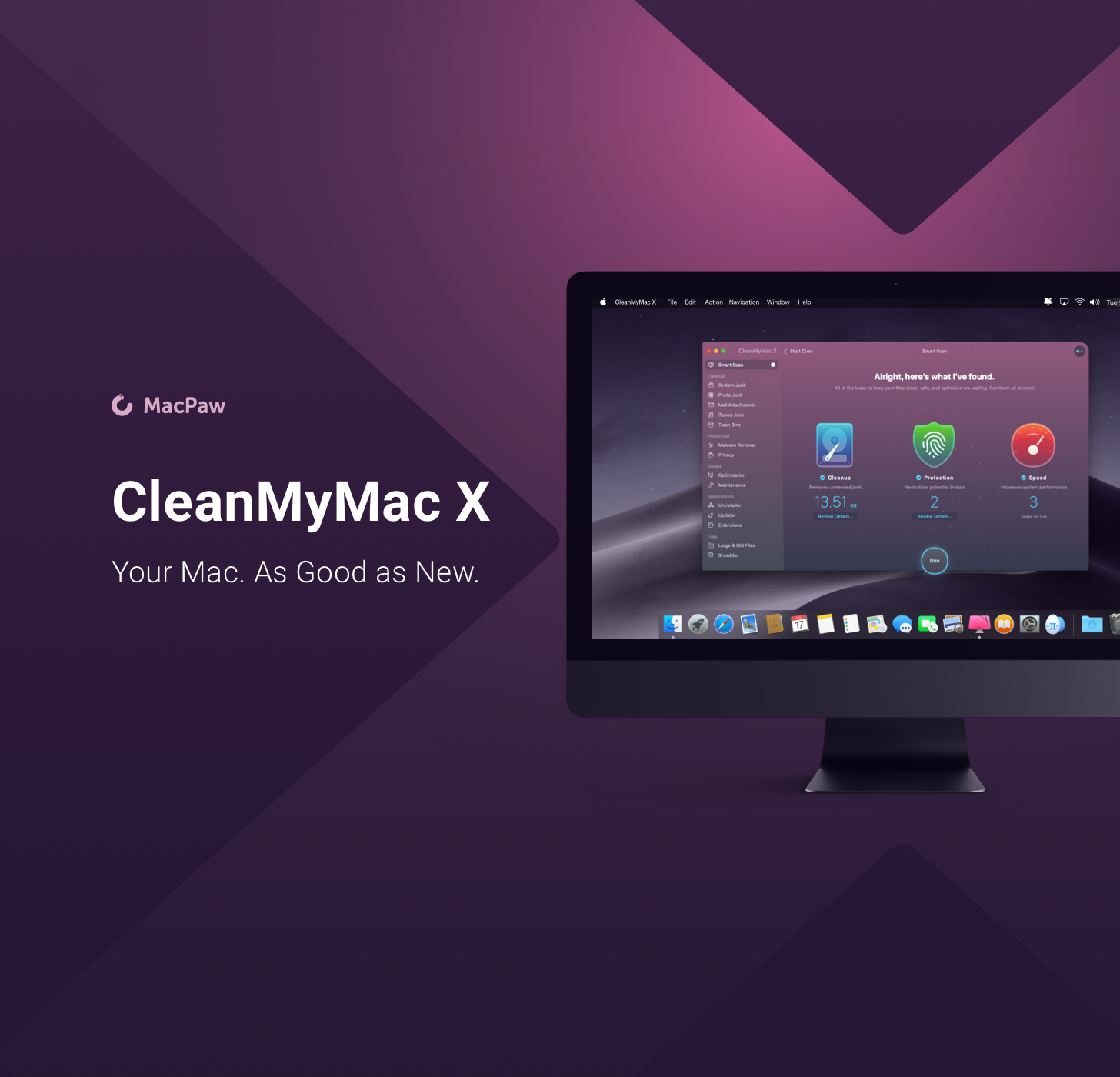
CleanMyMac X by MacPaw is your complete Mac maintenance solution. Redesigned with a beautiful, intuitive interface that makes it a pleasure to use, CleanMyMac X frees up wasted storage space, protects against malware, optimizes your Mac’s performance, and more.
It all starts with Smart Scan, the all-in-one center for analyzing, optimizing, and protecting your Mac. Here you’ll find sections to clean up unwanted and unnecessary files that are cluttering up your Mac’s drive. CleanMyMac also scans for malware, protecting your Mac against malicious third-party code and vulnerabilities like cryptocurrency miners, browser hijackers, and adware. There’s an optimization section that can free up RAM and manage login items, launch agents, and memory-hungry apps too.
At each step of the process, you’ll have CleanMyMac Assistant at your side. It’s an intelligent advisor providing explanations of everything CleanMyMac does and recommending courses of action.
CleanMyMac X has an app update module that scans your installed apps for available updates too. It’s a fantastic, centralized way to see all the apps on your Mac that have updates whether or not you bought them on the Mac App Store. When you want to uninstall an app, CleanMyMac X is there to help, deleting hidden files and any other cruft that an app would otherwise leave behind when you delete it.
You owe it to yourself to make sure your Mac is running smoothly and safely with enough storage to get your work done, so don’t wait. Go check out CleanMyMac X today. There’s a free trial waiting to help you get make your Mac as good as new.
Our thanks to CleanMyMac X for sponsoring MacStories this week.
Home Screen: Tim Nahumck

Twitter: @nahumck. Drafts Evangelist, co-host of Fundamentally Broken, productivity mechanic, writer. It’s been almost two years since I last updated my home screen for Club MacStories readers. As I spent time this week reviewing my last home screen setups shared in Weekly #81, I immediately groaned at how dated it looked: at the time I...
Previously, On MacStories
Apple Responds to Spotify’s Claims of Anticompetitive Behavior Phil Schiller Interviewed on ATP Stanford Medicine Presents Results of the Apple Heart Study The 10.5-inch iPad Air and Fifth-Generation iPad mini: The MacStories Overview A Peek Inside Apple’s Music Apps Studio The New 21.5 and 27-inch iMacs: The MacStories Overview Instagram Announces In-App Checkout Feature Apple...
Up Next on MacStories’ Podcasts
Next week on AppStories, Federico and John discuss their iOS 13 wishes for HomeKit and Shortcuts....