
Actions by Moleskine, things John wishes Apple had announced at WWDC but didn’t,a big giveaway of a Brydge Pro keyboard for the iPad Pro, an interview with designer Heidi Helen Pilypas,plus the usual Weekly Q&A, Links, a recap of MacStories articles, and a preview of next week’s MacStories podcasts....
 Interview: Heidi Helen Pilypas

Twitter: @heidi_helen. Designer and co-creator of Capsicum, When Did I, Boomerang Check, and Stamp Pack. You recently launched a new app alongside Kyle Cronin, When Did I…? What’s the origin story behind the app and what does it do? I met Kyle at Layers (a design conference for Apple folk that runs alongside WWDC) and...
Ulysses: The Ultimate Writing App for Mac, iPad, and iPhone [Sponsor]
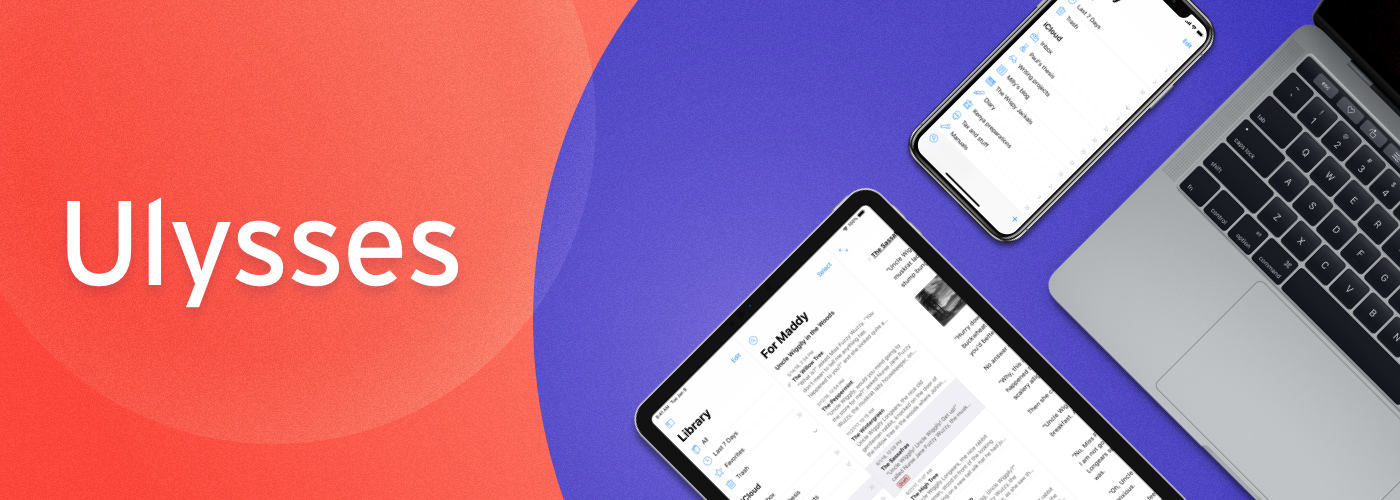
Ulysses is a powerful text editor for the Mac, iPad, and iPhone that packs an extraordinary depth of features beneath a simple and clean interface. The app’s Apple Design Award-winning UI allows you to concentrate on your writing distraction-free with the confidence that when you need them, Ulysses’ pro tools are just a click or tap away. Also, because Ulysses syncs using iCloud, you can get your writing done wherever you happen to be and whichever device you are using.
Under the hood, Ulysses has all the functionality needed to manage and produce all of your writing projects. The Library sidebar is perfect for organizing a large number of documents into groups that can be nested. The app also features writing goals, powerful search and filtering options, support for keywords, in-line images stored locally or remotely on a server, and much more. Ulysses is constantly being updated with new features too. Recently, the iPad version added a split view, which allows you to view and work on two documents at once. Publishing to a Ghost blog was also recently added, and you can export your final product in a wide variety of formats including, plain text, Markdown, TextBundle, rich text, DOCX, ePub, HTML, and PDF, or publish to a WordPress or Medium blog.
Ulysses is a free download on the App Store and Mac App Store, so you can try it before deciding whether to subscribe for $4.99 per month or $39.99 per year. Students can subscribe for six months at a time for $10.99. However, Ulysses has a special deal just for MacStories readers. For a limited time, use this link to learn more about Ulysses and get the first year of an annual subscription for $19.99, a 50% discount off the usual price.
Our thanks to Ulysses for sponsoring MacStories this week.
In This Issue
Paste, a collection of Ryan’s favorite WWDC announcements, an interview with developer James Thomson, lots of links, a recap of MacStories articles, and previews of next week’s AppStories and Dialog episodes....
Interesting Links
Apple has assembled a collection of over 1,500 symbols that developers can use in their apps. This rich SF Symbols bundle should hopefully lead to more icon consistency across iOS apps. (Link) John Sundell details on his dedicated WWDC site a first look at SwiftUI, the new framework Apple introduced this week as the future...
Interview: James Thomson

Twitter: @jamesthomson. Indie developer and creator of PCalc. After more than a year of Marzipan speculation, Apple finally shared more details on what’s now called Project Catalyst. Are you considering using Catalyst for PCalc, or does it appear to make sense primarily for apps that aren’t yet on the Mac? I believe Catalyst potentially does...
Previously, On MacStories
Apple Publishes Goodnight Developers Video from WWDC 2019 Keynote Apple Publishes “For All Mankind” Apple TV+ Trailer Apple Releases Memoji Makeup Tutorial Video with YouTube Stars iPadOS: The MacStories Overview Apple Shows Off New Mac Pro and Pro Display XDR Coming in the Fall WWDC 2019 Keynote: By the Numbers watchOS 6: The MacStories Overview...
Up Next on MacStories’ Podcasts
Next week on AppStories, Federico and John are joined by MacStories writer Alex Guyot to talk about some of the new apps and updates announced by Apple at WWDC. Next week on Dialog, Federico and John wrap up their interview with Daring Fireball’s John Gruber with a discussion of his writing process, Markdown,...
Things: Where Ideas Take Shape [Sponsor]
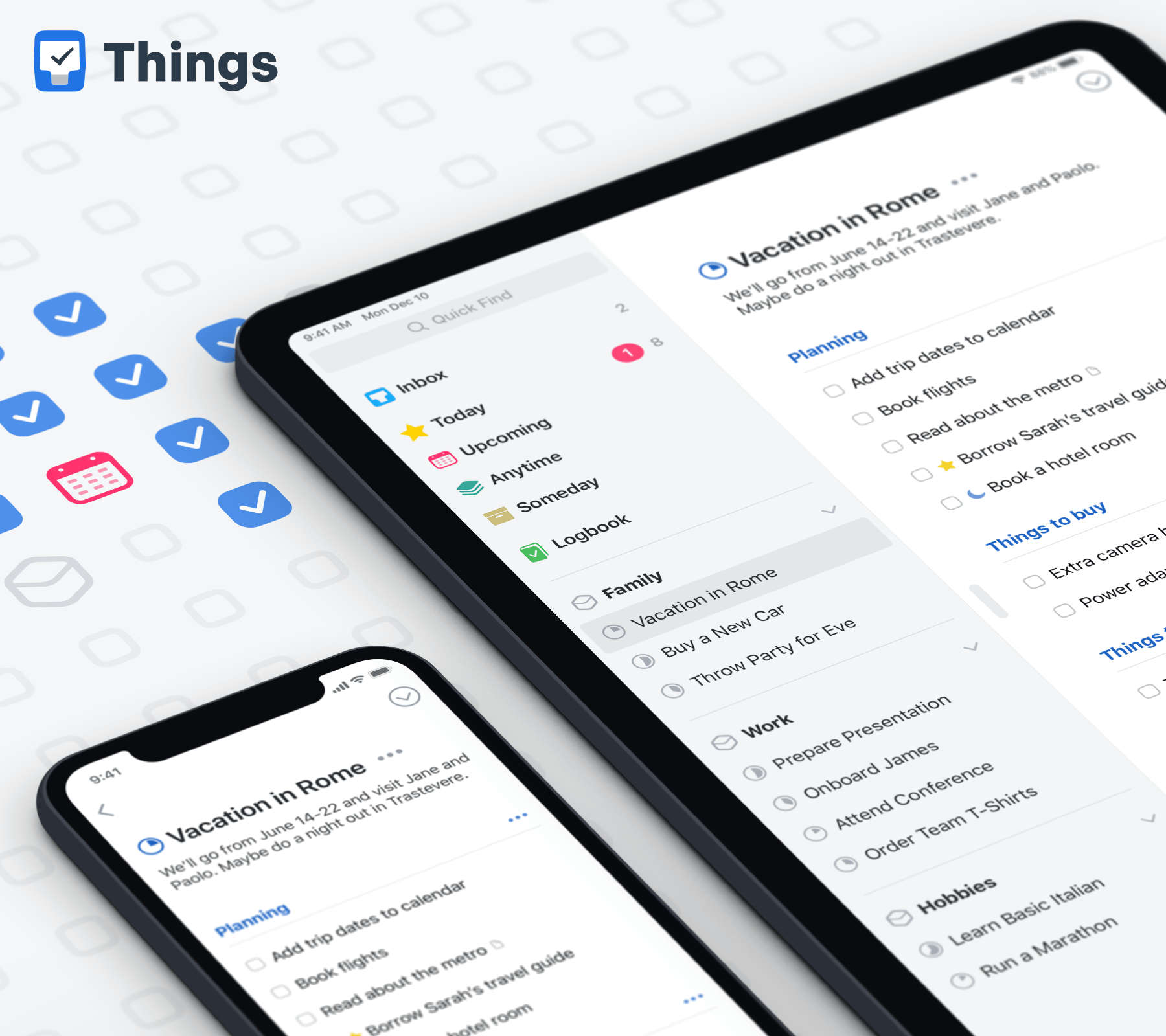
Things by Cultured Code delivers a carefully-balanced mix of clean design, ease-of-use, flexibility, and power that make it a world-class task management solution. The app is available natively on the Mac, iPhone, iPad, and Watch with deep OS integration that takes advantage of each platform’s unique features and strengths. It’s a compelling, integrated package that makes it clear why it has won two Apple Design Awards and a MacStories Select Award for Best App Update.
The design elegantly scales from the Watch all the way up to the biggest iMac screen, showing you exactly what you need to know about your tasks. The app has all the features you need like reminders, tags, notes, and checklists that can be added to a task, all organized by project. There are tons of fantastic little touches that set Things apart too like the ability to break a project into sections visually with headings and a Today view that brings together today’s tasks from across projects.
Things also has fantastic power user features. The app includes extensive keyboard shortcuts on the Mac and iPad, has a deep, well-documented URL scheme for automating tasks, and there’s Shortcuts and Siri shortcuts support. You can even paste a plain text list of items into a project and Things will automatically turn each line of text into a task, which makes the app a delight to use with a plain text editor and opens up powerful automation options.
Staying focused and on track is hard with a big project, but with an app like Things that’s available on all the devices you use and adaptable to the way you work, you can get that project over the finish line on time. So give Things a try today, you’ll be happy you did. New features are being added all the time too, so if you haven’t tried Things in a while, now is a great time to give it another look. You can download a free trial of Things for the Mac at thingsapp.com or get the iOS apps on the App Store.
Our thanks to Things by Cultured Code for sponsoring all of MacStories’ WWDC coverage this week.