MacStories Team

3425 posts on MacStories since July 2011

Articles by the MacStories team. Founded by Federico Viticci in April 2009, MacStories attracts millions of readers every month thanks to in-depth, personal, and informed coverage that offers a balanced mix of Apple news, app reviews, and opinion.

Copilot Money: The Apple Editor’s Choice Award App for Tracking Your Money — Start Your Free Trial Today [Sponsor]

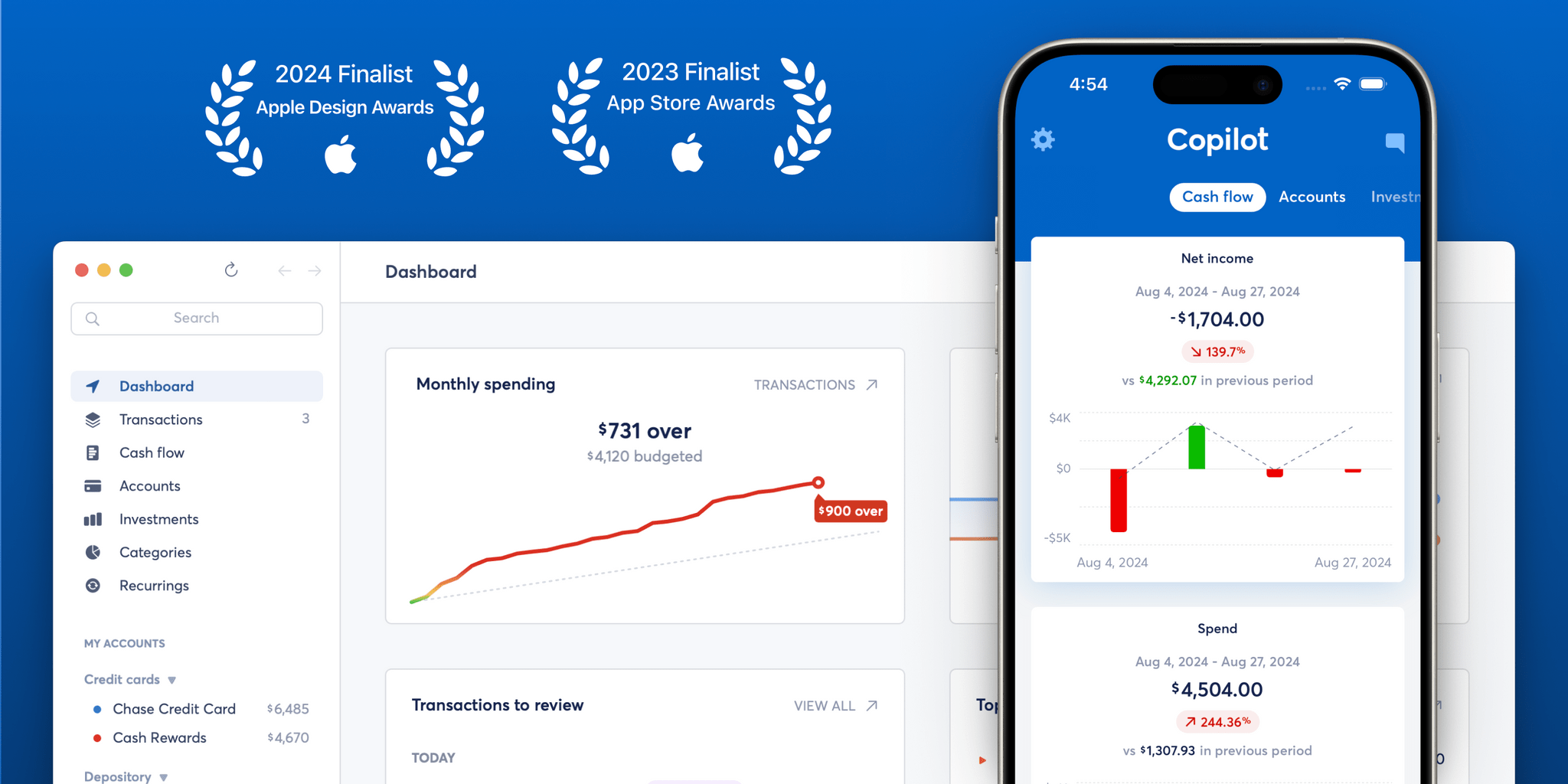
If you haven’t heard of Copilot Money yet, you’re overdue to check out Apple’s Editors Choice award-winning money tracker app. Copilot makes it simple to monitor your finances while providing personalized insights.

Their native iPhone, iPad and Mac apps are award winning for a reason: you can track your spending, budgets, investments, and net worth all in one place, allowing you to drill into the details without losing sight of the big picture.

Beyond beautiful design and functionality, Copilot’s mission is to build a future where everyone has a clear picture of their finances, without all the anxiety. Where anyone can reclaim their data from the banks to build their own plan for achieving their goals — with confidence and trust in their tools for doing so.

Launching later this month, Copilot Money is adding their #1 most user requested feature to the line-up. Savings Goals will empower you to track the money you’re saving for whatever you choose. Goals will feature smart tips informed by your data, like smart suggestions based on your cash flow, and goal ideas for you based on your categories and spending.

For a limited time, MacStories readers can get a special two-month free trial by using the code MACSTORIES when signing up. Visit their website to learn more and download Copilot from the App Store to get started today.

Our thanks to Copilot for sponsoring MacStories this week.


Previously, On MacStories

Developers and Platforms React as App Store Rules Change in the U.S. - MacStories Apple Reports Q22025 Financial Results A Breach of Trust: Apple Held in Contempt Over App Store Rules Sundar Pichai Testifies That He Hopes Gemini Will Be Integrated into iPhones This Fall Sycophancy in GPT-4o How Does This Keep Happening? What Siri...


This Week on MacStories Podcasts

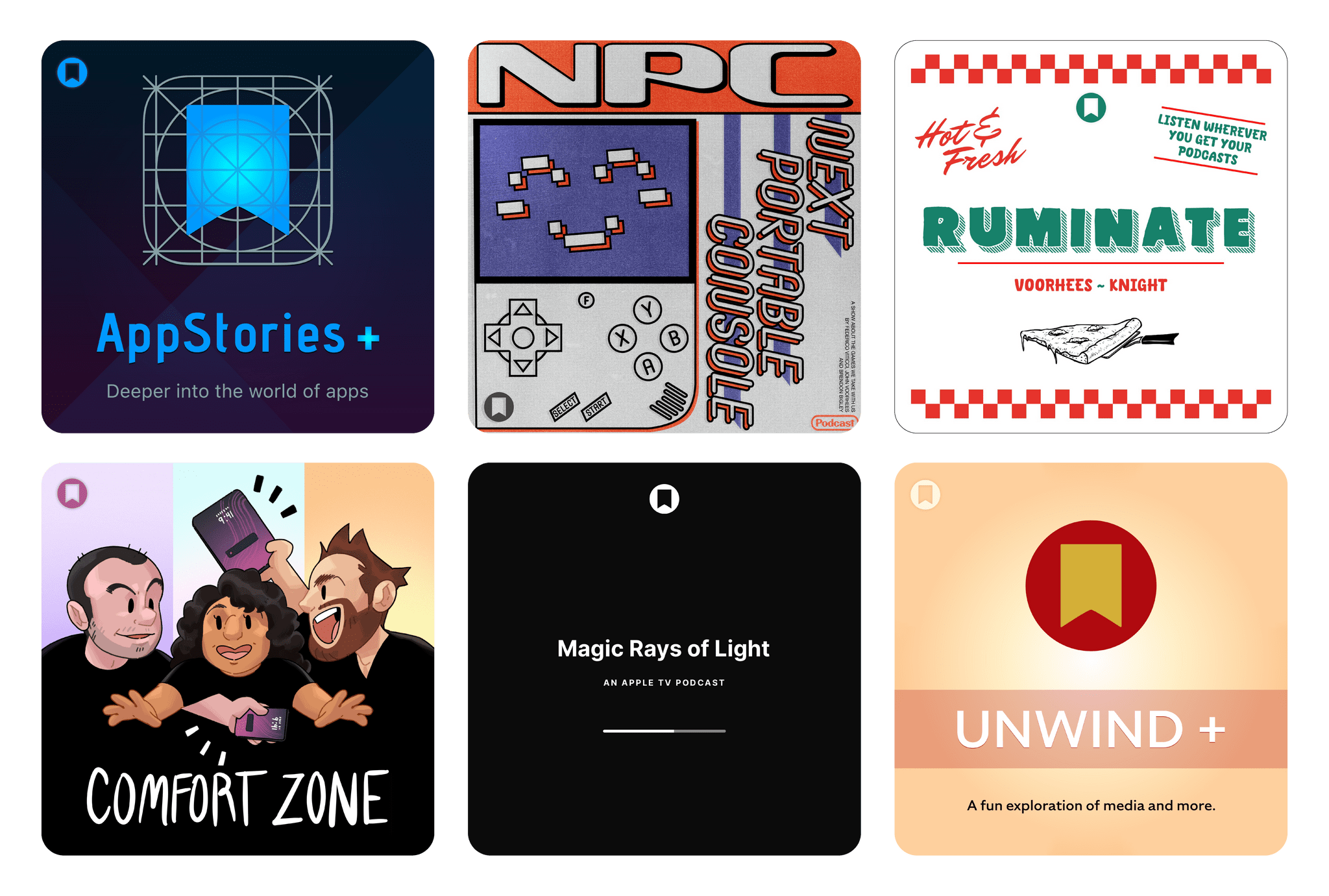
This week on MacStories podcasts: AppStories This week, Federico and John tackle tracking apps. From database apps to media trackers, they consider what makes a good tracking app no matter what you’re tracking. On AppStories+, Federico quizzes John about what’s on his desk, the tech he’d be happy to have a burglar steal, and more....


In This Issue

Federico has a shortcut to for carrying on a conversation with GPT-4.1, John offers a practical example of how AI can supplement other research methods, and Jonathan argues for a more exciting Apple Watch SE refresh, plus the usual Links, App Debuts, the latest happenings in the Club MacStories+ Discord community, and a recap of...


In This Issue

This month, John explains all the ways Shortwave has improved how he handles email and Devon dives head first into Mac automation....


Textastic: The Powerful Code Editor for iPad and iPhone — Now Free to Try [Sponsor]

Boost your productivity with Textastic, the fast and versatile code editor for iPad and iPhone. Trusted by developers, web designers, and technical writers for over a decade, Textastic combines the polish of a native app with the flexibility and professional features you need.

And now, for the first time, it’s free to try!

Textastic is free to download with a 7-day trial and a variety of upgrade options—including a simple one-time purchase or a flexible subscription. You no longer need to pay upfront just to find out if it fits your workflow.

Textastic supports syntax highlighting for over 80 programming and markup languages—including web standards like HTML, CSS, and JavaScript; mobile and systems languages like Swift, Objective-C, and C++; and popular scripting languages and formats like Python, PHP, JSON, and Markdown. You can even add custom languages using Sublime Text or TextMate definitions.

With built-in support for SFTP, FTP, WebDAV, iCloud Drive, and Dropbox, Textastic goes far beyond the standard text editor. It even includes an SSH terminal. Work smoothly with multiple files and SSH sessions—use tabs or open files side-by-side in separate windows on iPad.

Flexible settings, powerful find-and-replace, and customizable keyboard shortcuts are just a few highlights. Textastic also supports the Files app, drag and drop, trackpad and mouse input, Split View, multiwindowing, printing, and more.

Whether you’re tweaking a website, reviewing code on the go, or writing Markdown notes, Textastic adapts to your workflow.

Ready to code? Download Textastic and start your free 7-day trial.

Our thanks to Textastic for sponsoring MacStories this week.


In This Issue

John shares his newfound love for Forklift, Federico updates readers on how well the major LLMs integrate with Shortcuts, and Jonathan has a new screenshot-framing shortcut, plus the usual Links, App Debuts, the latest happenings in the Club MacStories+ Discord community, and a recap of MacStories articles and this week’s episodes of MacStories podcasts....


This Week on MacStories Podcasts

This week on MacStories podcasts: AppStories This week, Federico and John revisit the fast-paced world of artificial intelligence to describe how they’re using a variety of tools for their everyday workflows. On AppStories+, John shares his theory of the way we’ll look at AI models in the future. Listen on: Apple Podcasts Overcast Pocket Casts...


Previously, On MacStories

Framous 1.2 An Indispensable Screenshot Utility Contabulation Prince of Persia: The Lost Crown Arrives on iPhone and iPad EU Fines Apple €500 Million for Digital Markets Act Violations Whisky Shuts Down Project That Enabled Windows Gaming on Mac Whimsy Roundup: Six Playful Apps and Customizations for Your Mac How Federico Turns Voice Recordings into Searchable...