
What Jonathan will be looking for at WWDC this year, a tip from Federico about about automating Theater Mode on the Apple Watch, and a couple of bonus wishes from John after completing the AppStories OS wishes series, plus the usual Links, App Debuts, the latest happenings in the Club MacStories+ Discord community, and a...
TRMNL: The E-ink Companion For Your Favorite Tools [Sponsor]
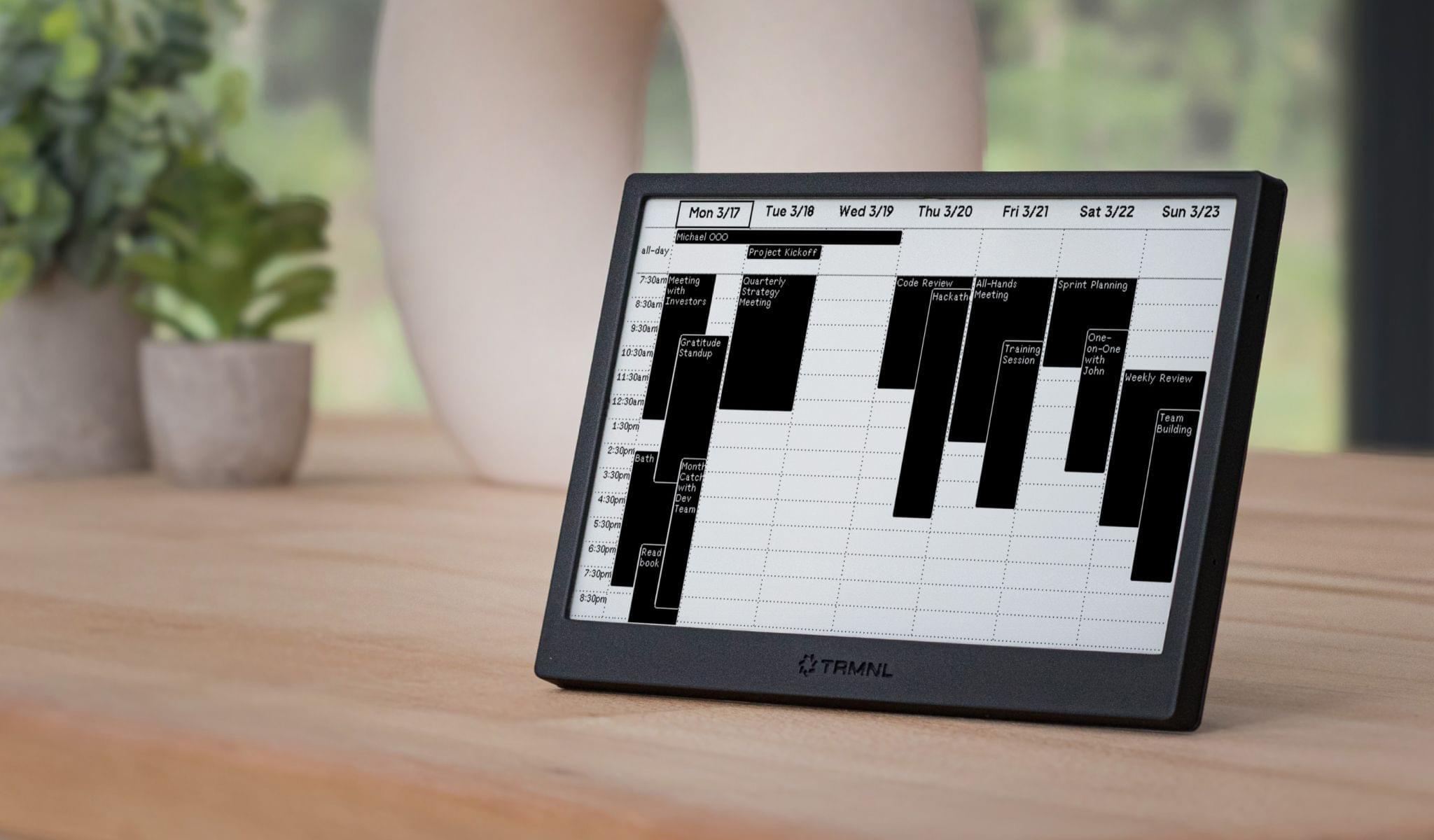
Get and stay in the flow with TRMNL, a beautifully designed open-source e-ink dashboard that keeps you informed without breaking your focus. With TRMNL, you’ll switch apps less and focus more because everything is right in front of you on an elegant 7.5” display.
A Plugin for Every Occasion. Choose from more than 78 free plugins from the TRMNL team, or from the hundreds developed by the community, displaying the weather, tasks, calendars, website stats, and fun content like quotes from The Office. You can display any plugin full screen or mix and match them with Mashups, TRMNL’s widget-like system. You can create plugins yourself with TRMNL’s API or the Apple Shortcuts app, and schedule what appears throughout the day, too.
A Battery You Never Have to Think About. TRMNL’s rechargeable battery lasts from two months to 1.5 years depending on how you set it up. That’s because the data displayed is cleverly formatted as static images that are only sent from TRMNL’s servers when the device refreshes. The rest of the time, the device sleeps, but your information remains visible.
DIY-Friendly. TRMNL is open-source. There are instructions on TRMNL’s website for building your own hardware and running your own server.
Three Styles, One Incredible Experience. Choose black or white ($139) or clear ($154) frames. Whether it lives on your desk, kitchen counter, or conference room wall, TRMNL adapts to your space with a wall hook and kickstand.
Limited-Time Offer. MacStories readers can save $20 using this link. Act fast to save now.
Stop flipping between apps and reclaim your focus with TRMNL.
Our thanks to TRMNL for sponsoring MacStories this week.
 In This Issue
This month, Devon explains how he’s using Reeder as a social media reader and John walks readers through how he’s using the latest Claude models to become better at shell scripting....
In This Issue
Federico recommends HyperContext, John previews Obsidian Bases, and Jonathan looks at what Jony Ive could do for OpenAI beyond last week’s hardware teaser, plus the usual Links, App Debuts, the latest happenings in the Club MacStories+ Discord community, and a recap of MacStories articles and this week’s episodes of MacStories podcasts....
This Week on MacStories Podcasts
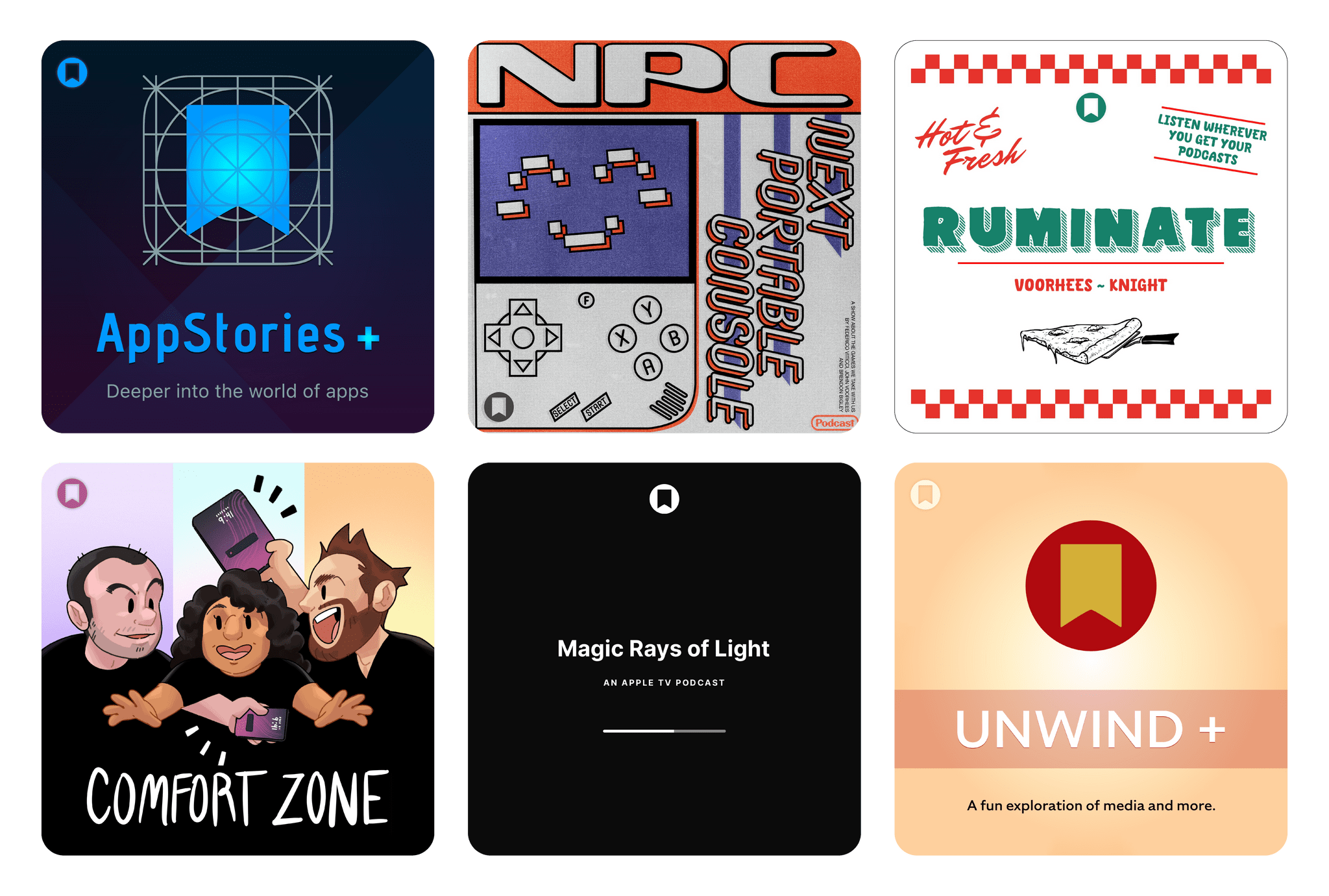
This week on MacStories podcasts: AppStories This week, Federico and John share their WWDC wishes for macOS and visionOS. On AppStories+, John explores how Apple hardware and software got so out of sync when it comes to AI use cases. Listen on: Apple Podcasts Overcast Pocket Casts Castro Spotify YouTube Ruminate The UK taxing authorities...
Previously, On MacStories
Testing DeepSeek R1-0528 on the M3 Ultra Mac Studio and Installing Local GGUF Models with Ollama on macOS From the Creators of Shortcuts, Sky Extends AI Integration and Automation to Your Entire Mac EU Sets DMA Compliance Deadline in App Store Anti-Steering Dispute Apple Acquires Indie Videogame Studio RAC7 and Is Rumored to Be Working...
In This Issue
This week, Jonathan recommends OneMenu, a Mac utility with some great tricks up its sleeve, Federico searches for email clients with Gmail-friendly URL schemes, and John takes stock of where Apple stands with Smart Siri, plus the usual Links, App Debuts, the latest happenings in the Club MacStories+ Discord community, and a recap of MacStories...
This Week on MacStories Podcasts
This week on MacStories podcasts: AppStories This week, Federico and John interview Airbnb Vice President of Product Marketing, Jud Coplan, and Vice President of Design, Teo Connor. On AppStories+, Federico explores running LLMs locally on an M3 Ultra Mac Studio. Listen on: Apple Podcasts Overcast Pocket Casts Castro Spotify YouTube NPC: Next Portable Console This...
Previously, On MacStories
Mozilla Is Shutting Down Pocket Early Impressions of Claude Opus 4 and Using Tools with Extended Thinking Notes on Mercury Weather’s New Radar Maps Feature Microsoft Eyes Xbox Web Store after Epic Court Decision OpenAI to Buy Jony Ive’s Stealth Startup for $6.5 Billion Notes on Early Mac Studio AI Benchmarks with Qwen3-235B-A22B and Qwen2.5-VL-72B...