

This week on MacStories podcasts: AppStories This week, Federico and John tackle tracking apps. From database apps to media trackers, they consider what makes a good tracking app no matter what you’re tracking. On AppStories+, Federico quizzes John about what’s on his desk, the tech he’d be happy to have a burglar steal, and more....
 In This Issue
Federico has a shortcut to for carrying on a conversation with GPT-4.1, John offers a practical example of how AI can supplement other research methods, and Jonathan argues for a more exciting Apple Watch SE refresh, plus the usual Links, App Debuts, the latest happenings in the Club MacStories+ Discord community, and a recap of...
In This Issue
This month, John explains all the ways Shortwave has improved how he handles email and Devon dives head first into Mac automation....
Textastic: The Powerful Code Editor for iPad and iPhone — Now Free to Try [Sponsor]
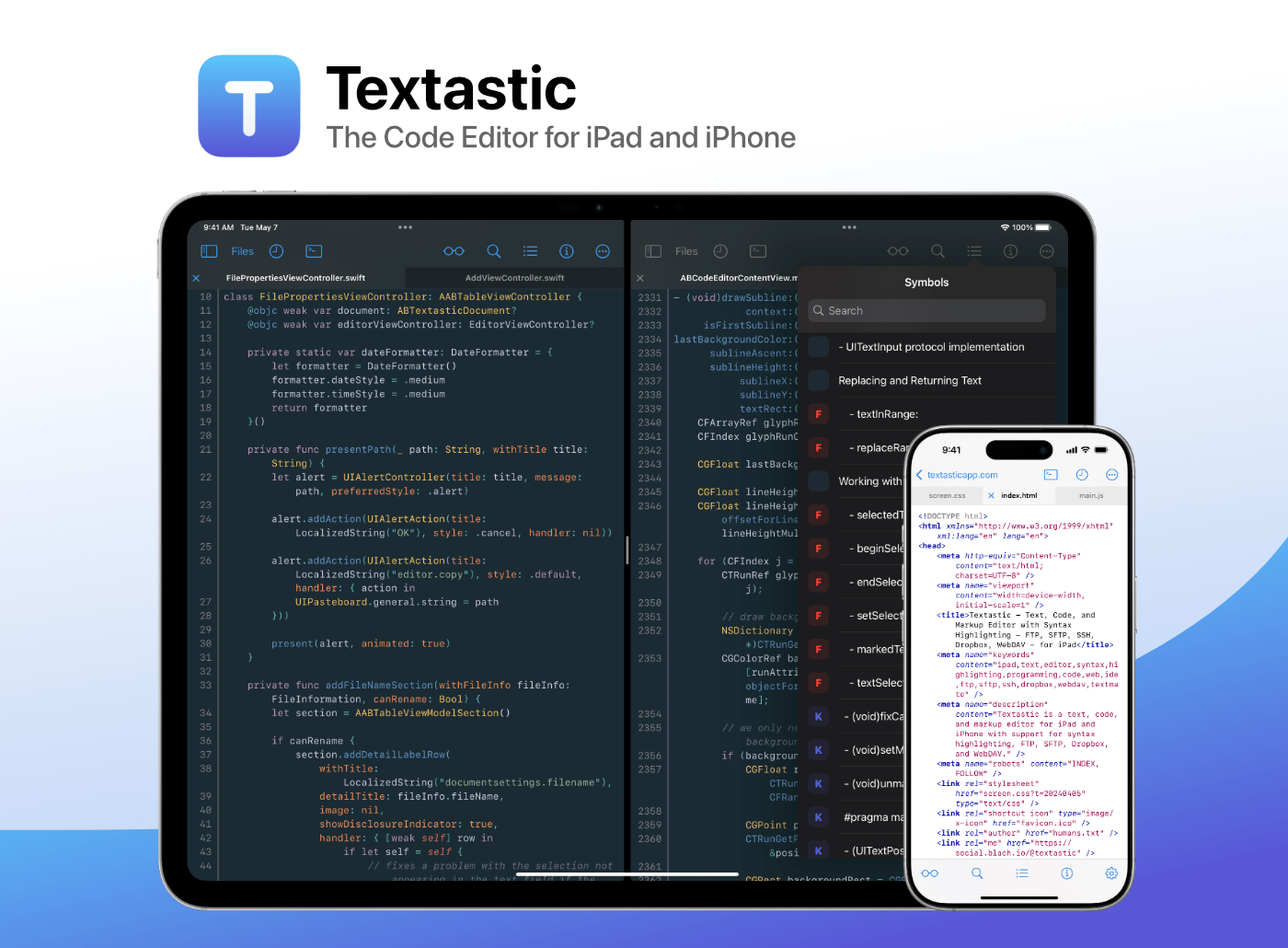
Boost your productivity with Textastic, the fast and versatile code editor for iPad and iPhone. Trusted by developers, web designers, and technical writers for over a decade, Textastic combines the polish of a native app with the flexibility and professional features you need.
And now, for the first time, it’s free to try!
Textastic is free to download with a 7-day trial and a variety of upgrade options—including a simple one-time purchase or a flexible subscription. You no longer need to pay upfront just to find out if it fits your workflow.
Textastic supports syntax highlighting for over 80 programming and markup languages—including web standards like HTML, CSS, and JavaScript; mobile and systems languages like Swift, Objective-C, and C++; and popular scripting languages and formats like Python, PHP, JSON, and Markdown. You can even add custom languages using Sublime Text or TextMate definitions.
With built-in support for SFTP, FTP, WebDAV, iCloud Drive, and Dropbox, Textastic goes far beyond the standard text editor. It even includes an SSH terminal. Work smoothly with multiple files and SSH sessions—use tabs or open files side-by-side in separate windows on iPad.
Flexible settings, powerful find-and-replace, and customizable keyboard shortcuts are just a few highlights. Textastic also supports the Files app, drag and drop, trackpad and mouse input, Split View, multiwindowing, printing, and more.
Whether you’re tweaking a website, reviewing code on the go, or writing Markdown notes, Textastic adapts to your workflow.
Ready to code? Download Textastic and start your free 7-day trial.
Our thanks to Textastic for sponsoring MacStories this week.
In This Issue
John shares his newfound love for Forklift, Federico updates readers on how well the major LLMs integrate with Shortcuts, and Jonathan has a new screenshot-framing shortcut, plus the usual Links, App Debuts, the latest happenings in the Club MacStories+ Discord community, and a recap of MacStories articles and this week’s episodes of MacStories podcasts....
This Week on MacStories Podcasts
This week on MacStories podcasts: AppStories This week, Federico and John revisit the fast-paced world of artificial intelligence to describe how they’re using a variety of tools for their everyday workflows. On AppStories+, John shares his theory of the way we’ll look at AI models in the future. Listen on: Apple Podcasts Overcast Pocket Casts...
Previously, On MacStories
Framous 1.2 An Indispensable Screenshot Utility Contabulation Prince of Persia: The Lost Crown Arrives on iPhone and iPad EU Fines Apple €500 Million for Digital Markets Act Violations Whisky Shuts Down Project That Enabled Windows Gaming on Mac Whimsy Roundup: Six Playful Apps and Customizations for Your Mac How Federico Turns Voice Recordings into Searchable...
In This Issue
This week, John shares an app for allergy sufferers and a collection of third-party Mac apps with great Shortcuts integration, and Jonathan explains how he’s linked Ulysses to Obsidian, plus the usual Links, App Debuts, the latest happenings in the Club MacStories+ Discord community, and a recap of MacStories articles and this week’s episodes of...
Previously, On MacStories
AltStore PAL Releases AltStore Classic for EU iPhone Users Apple Is Using Differential Privacy to Improve Apple Intelligence Apple Announces Global Close Your Rings Day And In Automation Academy for Club Plus and Premier Members: Automation Academy How I Turn Voice Recordings into Searchable Obsidian Notes with Shortcuts, Hazel, and LLMs...