
Mailbrew, a collection of John’s favorite Apple event moments, an interview with Stephen Hackett about the new iMacs, an all-new episode of MacStories Unplugged,plus the usual App Debuts, Links, arecap of MacStories articles, and a a preview of upcoming podcast episodes....
 Interview: Stephen Hackett

Twitter: @ismh. Co-founder of Relay FMandfounder of 512 Pixels. It has been a very long time since the iMac came in vibrant colors. Were you surprised by Apple’s announcements? It has been two decades since the last of the color drained out of the iMac line. As the beloved iMac G3 slowly faded away, their...
Up Next on MacStories’ Podcasts
Next week on AppStories, Federico and John dig into iOS and iPadOS 14.5 with an in-depth look at all the changes big and small. This week on MacStories Unwind, Federico and John cover a packed week of news form the Apple event and more....
Previously, On MacStories
AirTag Review Roundup ‘How Apple Designed AirTags to Be Privacy-First and Stalker-Proof’ Apple Marks Earth Day 2021 with a Focus on Environmental Justice, Curated Content, and an Apple Watch Challenge ‘The iPad Pro Is a Killer Machine but its Software Is Killing Me’ How to Enjoy the New iMac Hello Screen Saver on Any M1...
Boom 3D: Experience Immersive Audio on Your Mac [Sponsor]
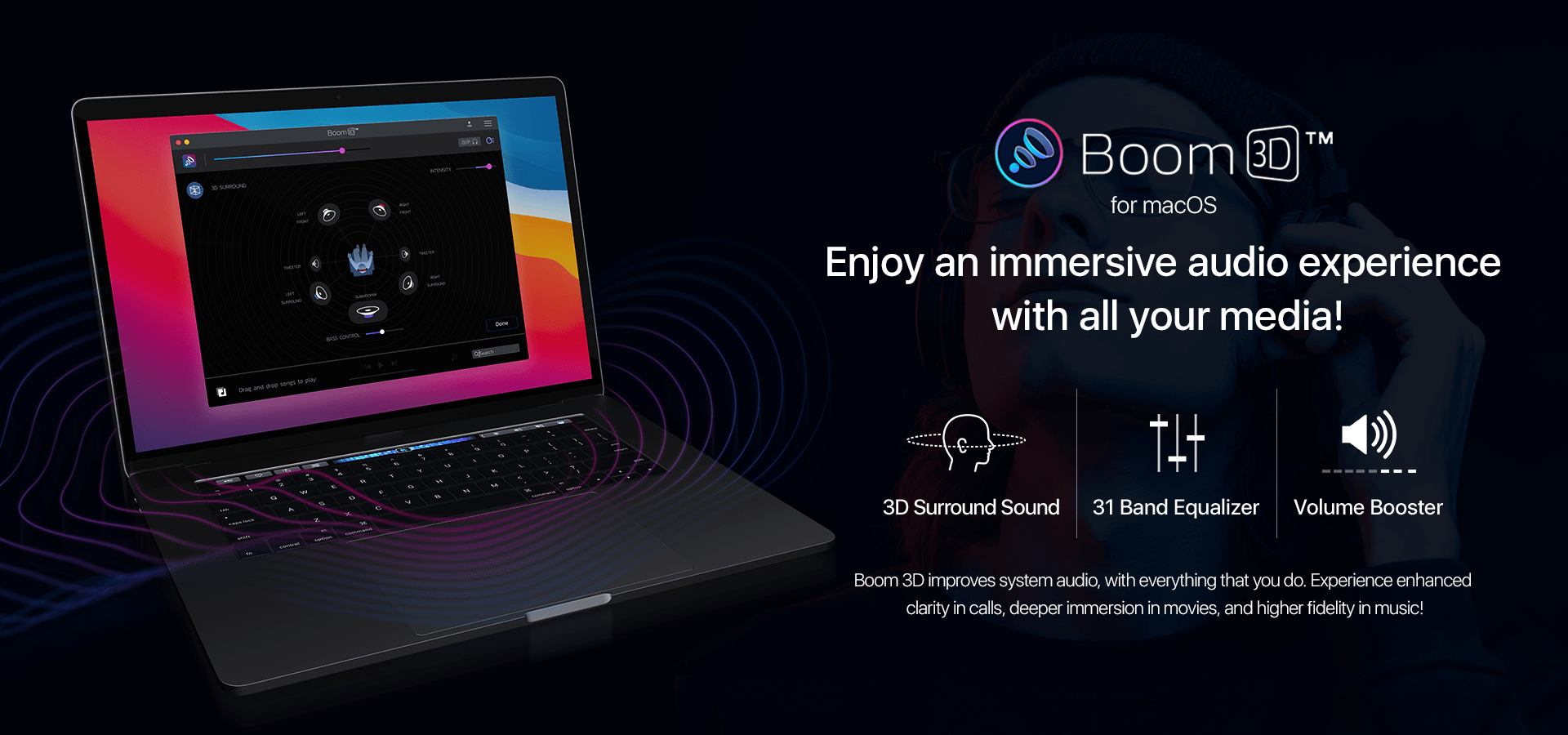
Boom 3D by Global Delight is the premier app for enhancing your Mac’s audio whether it’s music, movies, games, or other content. The app produces exceptionally clear, clean, 3D sound without the need for added hardware – just use the headphones you already own.
The app’s 3D effect brings pro audio enhancement to all of your favorite apps on the Mac and Windows too. Boom 3D is the culmination of years of careful refinement by the team behind a long list of award-winning audio, video, and photography apps like Boom for mobile, Boom and Boom 2, Vizmato, Capto, and Camera Plus.
Boom 3D has been carefully crafted to take audio to the next level. The effect is the sort of thing that once you try it, everything else sounds lifeless and flat by comparison. It’s truly remarkable. Even if your source audio is only recorded in stereo, it will be up-mixed into an incredibly immersive audio experience.
In addition to its patented audio technology, the app features a 31-band equalizer that allows you to precisely tune your Mac’s audio to your tastes. The app has also received praise from hearing-impaired users who can adjust audio to boost frequencies they have trouble hearing. The app features its own audio player that supports a wide range of file formats, and it offers access to over 20,000 Internet radio stations. There’s even a mobile version for iOS and Android, which enhances audio played using the app.
Right now, MacStories readers can get a huge 70% off on Boom 3D by visiting the app’s website. Visit the site today to learn more and take advantage of this terrific offer. Boom 3D is also available on the Mac App Store, and the mobile version is available on the iOS App Store and the Google Play Store.
Our thanks to Boom 3D by Global Delight for sponsoring MacStories this week.
In This Issue
CardioBot,Federico shares a shortcut for generating links for multiple music streaming services, John shows how you can use Shortcuts to tie your GoodTask to-dos and Craft notes together with bi-directional links, we interview Sofa developer Shawn Hickman, plus the usual App Debuts, arecap of MacStories articles, and a preview of upcoming podcast episodes....
Up Next on MacStories’ Podcasts
Next week on AppStories, Federico and John conclude their music miniseries with an episode dedicated to alternative and companion streaming services. This week on MacStories Unwind, Federico and John discuss the upcoming Apple event, Spotify’s Car Thing, the expansion of Fitness+, and Quinn Nelson’s deep dive into his HomeKit setup, along with Unwind...
Interview: Shawn Hickman

Twitter: @poohbers. Creator of Sofa and Design Manager for Think Company. What inspired you to build Sofa? When it comes to managing our work, we have an over-abundance of incredible tools. Pick your favorite app for managing tasks, writing documents, keeping notes, communicating, and more. When it comes to managing our downtime time, we end...
Interesting Links
Writing at Tablet Habit, Jeff Perry argues that Apple should remove weekly subscriptions from the App Store since they’re mostly used by scammers and other shady companies. (Link) The RSS platform Inoreader has added support for syncing article annotations to Readwise, a relatively new service that’s increasingly becoming a centralized hub for all sorts of...