

Timery Club Exclusively for Club MacStories members, we have 15 codes for 1-year subscriptions to Timery Club. Timery for Toggl by developer Joe Hribar, which we reviewed this week, is a fantastic app for tracking your time using Toggl’s online service. Enter for a Chance to Win...
 Interesting Links
Apple updated its Apple Music for Artists website this week, which serves as a destination for information about technologies like spatial audio, tools like Logic Pro, and analytics for artists who offer music through the streaming service. (Link) To mark its fourth anniversary, Ben Sandofsky of Lux provides a detailed history behind the development of...
MacStories Unplugged
Behind the Scenes of Federico’s Coverage of Rome’s New Via del Corso Apple Store Released earlier this week, John has an update on his cul-de-sac, we preview MacStories’ upcoming WWDC coverage, and Federico lifts the veil on Apple’s restoration of historic Palazzo Marignoli, home of the company’s latest flagship retail store....
Up Next on MacStories’ Podcasts
Next week on AppStories, Federico and John kick off WWDC with a recap of and thoughts on Apple’s keynote and State of the Union. AppStories will be published daily from Tuesday through Friday during WWDC. This week on MacStories Unwind, Federico and John cover the latest updates from HomeRun and Timery, WWDC news,...
In This Issue
This month, Federico takes the Thread plunge with a new HomeKit device home setup and John has four areas he’d like Apple to focus on at WWDC next week....
Genius Scan: A Scanner in Your Pocket [Sponsor]
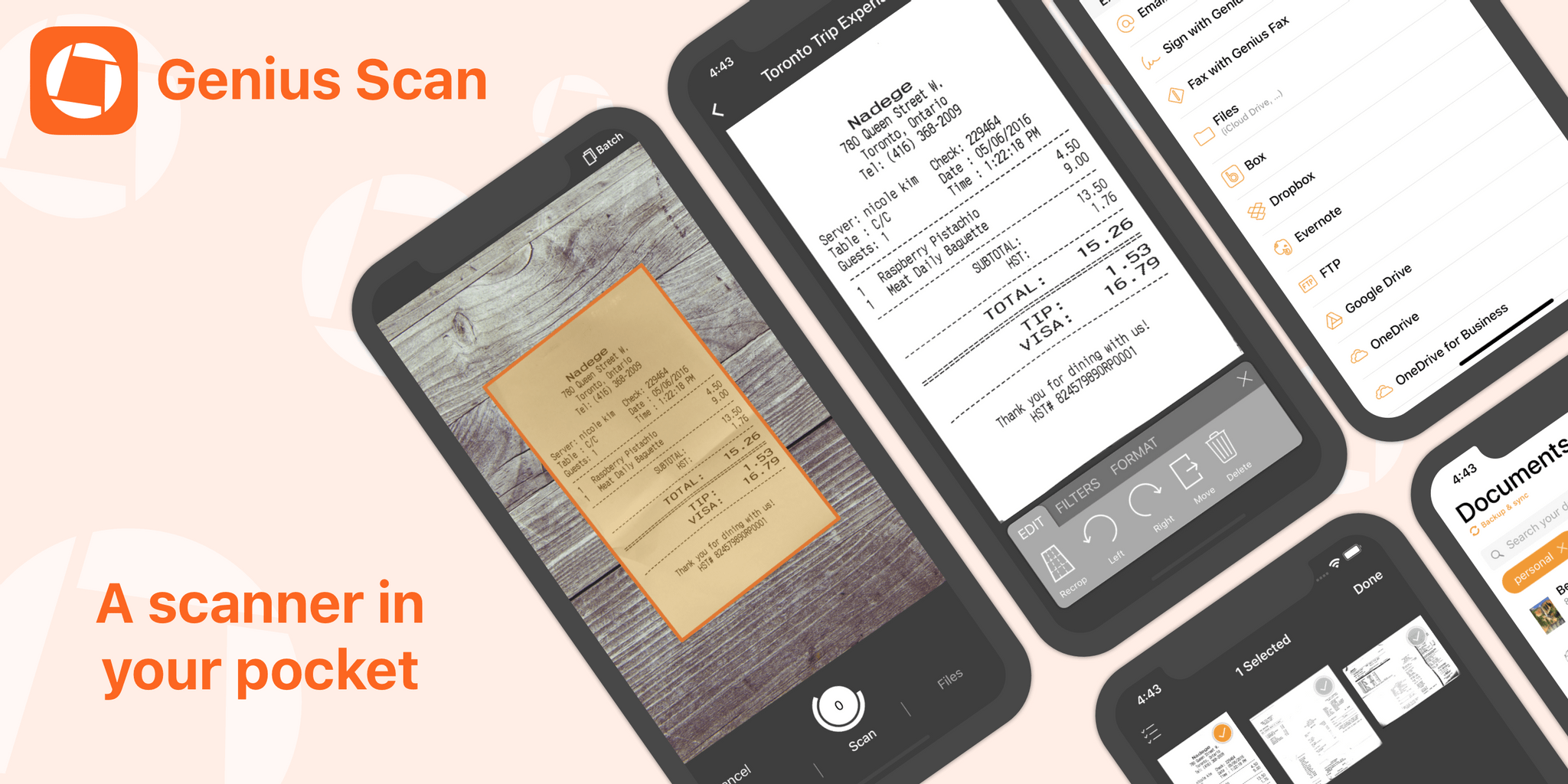
Genius Scan makes scanning and managing documents with an iPhone or iPad simple, fast, and efficient, by working the way you do, with a flexible set of powerful, modern tools that are always with you. The app’s scanning engine is fast and accurate, delivering crisp, clear scans on the go using your device’s camera or by picking images from the app’s system file picker, your photo library, or as part of a custom shortcut.
The app works with a wide range of documents. From receipts to pages in books, Genius Scan has advanced edge detection that quickly recognizes a page from its background, automatically cropping it and gathering multiple scans into a single PDF for sharing or archiving. Rescanning is easy too. There’s no need to rescan an entire document from scratch because Genius Scan lets you delete or replace individual pages with a few taps. It’s a workflow that’s as intuitive as it is efficient.
Genius Scan features highly accurate optical character recognition, enabling full-text searching of your scans and the ability to copy the text for use elsewhere. The app also supports machine learning-based file naming, Shortcuts, extensive sharing options, Split View and Slide Over on the iPad, and much more.
Used by everyone from students to doctors and pilots, Genius Scan offers pricing to fit all needs. Genius Scan Basic is free and fully functional with no watermarks, scanning limits, third-party ads, or tracking. Genius Scan+ unlocks background uploading support to cloud services like Dropbox and Google Drive, OCR, locking the app with Touch ID, PDF encryption, and smart document naming for just $7.99. Also, a Genius Cloud subscription adds document sync and backup for peace of mind for $2.99/month or $29.99/year.
So download Genius Scan today, to support these independent, honest, privacy-conscious developers and put the App Store’s best scanner in your pocket.
Our thanks to Genius Scan for sponsoring MacStories this week.
MacStories Unplugged
MacStories Unplugged will be back with an all-new episode on Monday, including a behind-the-scenes look at Federico’s recent visit to Rome’s new Via del Corso Apple store....
In This Issue
Federico continues his lossless music experiments in advance of Apple Music’s upcoming lossless support, John breathes new life into old home entertainment gear and plans a makeover of his entire audio/video setup, a tip on scanning directly to the Mac with your iPhone or iPad, a preview of Monday’s episode of MacStories Unplugged,plus the usual...
Previously, On MacStories
A Palazzo Reborn: Inside Apple’s Stunning New Store in Via del Corso, Rome Apple’s Developer Forums Gain Tagging Tools, RSS Feeds, and More Ahead of WWDC Joe Rosensteel Reviews the New Apple TV 4K Stephen Hackett Compares the Orange M1 iMac to Its Tangerine G3 Predecessor MindNode for iPad and iPhone Adds Editable Outline Mode...