
A thank you from the MacStories team for your continued support, John has some tips and tricks for the new Club MacStories website, Federico explains how he’s using Quick Note for email and Twitter templates, John on why we built Calliope, the technology that is the foundation of the Club, an interview with Tempo developer...
Discord
Club MacStories+ and Club Premier members are already in our new Discord community chatting about a wide range of topics. The MacStories team is actively involved in the Discord community, joining the ongoing conversations and leading activities and events. In fact, this week, we held our first Town Hall live audio event for members, which was a lot of fun.
Custom RSS Feeds
Our advanced filtering also powers customizable RSS feeds, which you won’t find on other websites. Every filter you create as a Club MacStories+ or Club Premier member can be turned into a personalized RSS feed that works as long as you’re a member. The feeds work with any RSS reader, and because they are based on the open RSS standard, the feeds you create don’t require a separate login or other authentication either.
Filtering with Explore
The Explore option that you’ll find in the navigation bar at //www.macstories.net/club lets Club MacStories+ and Club Premier readers create custom filters of Club content by:
- Publication type
- MacStories Weekly section
- The new columns Federico and I are writing for Club MacStories+ and Club Premier members
- Author
- Date range
Filters are powerful on their own, but can also be paired with keyword searches to refine results further thanks to our web app, Calliope.
Search
The number one request we have gotten from Club members over the years is for a way to search the back catalog of around 350 newsletters. We’ve always wanted that, too, and so, for Club MacStories+ and Club Premier members, we’ve introduced full text search of every issue of MacStories Weekly and the Monthly Log ever published, along with the ability to refine searches with filters.
 Club MacStories and AppStories+ Feature Speedrun
We introduced a lot yesterday between the new Club MacStories tiers and AppStories+. Having lived with the details for so long, I wanted to see how quickly I could get through them in one screencast. The result is this speedrun screencast, which is the fastest way to get an overview of everything we announced yesterday....
About Existing Club MacStories Accounts
Yesterday, we launched two new Club MacStories tiers and AppStories+. If you’re an existing member, you can upgrade to a Club MacStories+ or Club Premier account with your existing Club MacStories login. However, nothing about the existing Club MacStories subscription is changing, so if you’re happy with what you have now, there’s no need to do anything.
In fact, we’ve added the ability to read complete issues of Club MacStories and the Monthly Log in light or dark mode on the web to existing Club accounts. Issues are now shareable too.
Hubstaff: The All-In-One Work Time Tracker For Managing Field or Remote Teams [Sponsor]
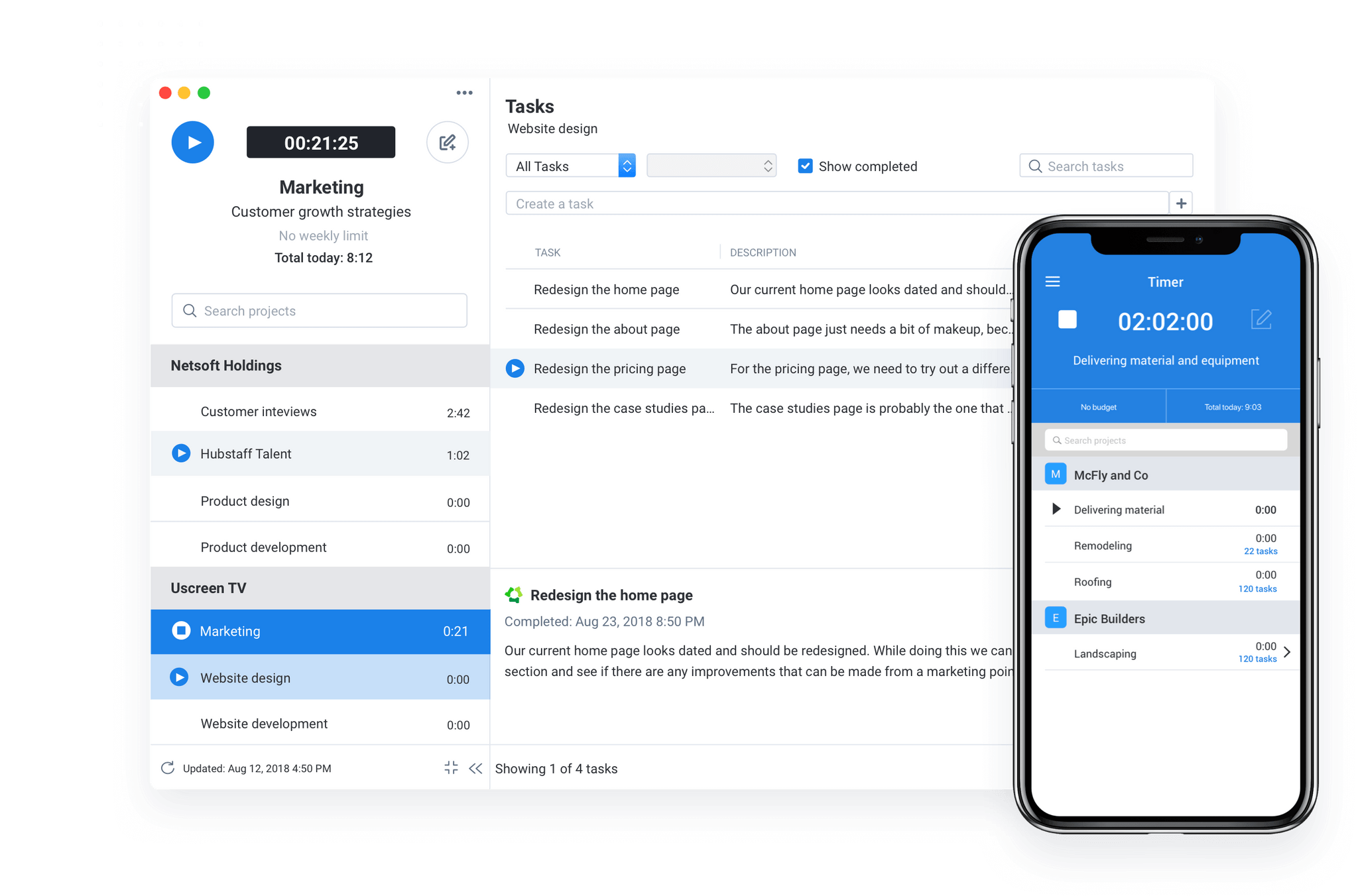
Hubstaff is the all-in-one time tracking solution for managing field and remote teams that you’ve always wanted. Focusing on the right priorities is critical to managing your employees, and with Hubstaff, you’ve got the tools you need to track productivity and power through projects.
Hubstaff lets you do things like automate clocking in and out with geofenced time tracking for teams on the go. With Hubstaff, preparing and tracking timesheets is simplified, and invoicing is automated too. Hubstaff Time provides simple time tracking and reporting. HubStaff Desk allows you to manage your team, proof their work, keep on top of time tracking and boost productivity. And if you’re on the go, Hubstaff Field for GPS helps you manage your field team too.
All plans are free for solo teams and start at $7 per user/month for each new team member added. Enterprise plans are just $20 per user/month. All plans also include a free, full-featured 14-day trial, so sign up today to give Hubstaff a try.
While you’re it, be sure to try Hubstaff Tasks, too, for all your agile project management needs. It’s a great complement to Hubstaff and is based on the Agile Methodology, which has been proven to enhance team collaboration and communication. Keep up to date with a smarter Stand-up tool and take your daily Scrum meetings online with automated software. The online Roadmap tool helps you visualize your strategy and unite your team too.
Hubstaff Tasks allows you to break huge projects into manageable work cycles, so your team gets more done. It also lets you see how much time is spent on each task and track time as you work.
All plans are free for solo teams and start at $5 per user/month for each new team member added. There’s also a free, full-featured 14-day trial, so sign up today to give Hubstaff Tasks a try.
Our thanks to Hubstaff for sponsoring MacStories this week.
Previously, On MacStories
Introducing AppStories+: An Extended, Ad-Free Edition Delivered Early Mela: An Elegant and Innovative Recipe and Cooking App for iPhone, iPad, and Mac...