Jonathan is a freelance graphic designer. As well as being a long-time Apple user he is a huge film and television aficionado and is very interested in the intersection between the two mediums and technology. He lives in London with his wife and daughter and is writing his bio in the third person.
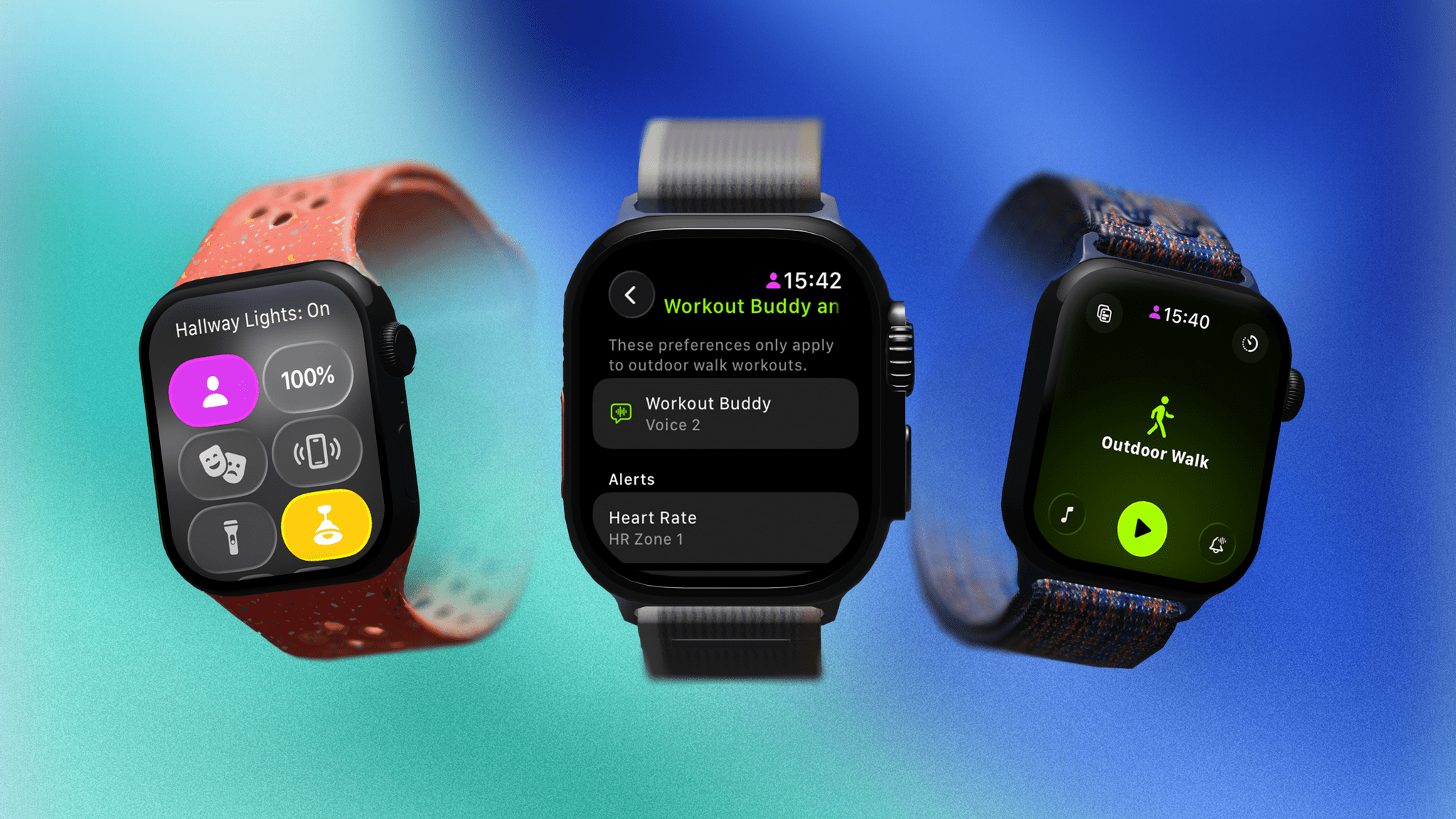
Every keynote, Apple is well-known for summarizing sections of the presentation with immaculately laid-out bento boxes containing key features. They often serve as good, easily digestible overviews of all the new features for each OS.
With that in mind, let’s take a look at all the bento boxes from today’s WWDC 2025 keynote.
This year’s WWDC was a packed event by most metrics. Apple introduced a new visual style across all of its platforms called Liquid Glass. Not only that, but the company also announced significant multitasking updates to iPadOS, powerful features for Spotlight on macOS, and numerous other upgrades across iOS, iPadOS, macOS, watchOS, visionOS, and tvOS.
If you missed the event or want to revisit any of the announcements, you can now do so on Apple’s Events site (where it’s also available in ASL) or on YouTube. We’ll be posting coverage of all the new features and more in the coming hours and days, so stay tuned to MacStories.
The company has put out some other videos highlight today’s announcements as well:
Among the highlights on the Club MacStories+ Discord: We launched a new channel for everything WWDC. I hope to see you there to chat live during the keynote on Monday. (Link) Zereta was surprised by the quality of Apple’s education resources. (Link) Members were intrigued by screenshots of the new version of Hello Weather shared...
Even after one of the roughest years for Apple in recent memory, I’m still excited for next week’s WWDC. Well, maybe “excited” is going a bit far, but I’m certainly looking forward to it. More than ever, all eyes will be not just on what Apple announces but how they announce it. So with that...
I think it’s fair to say that the dust has adequately settled on the OpenAI/Jony Ive/io news from last week. It’s been on my mind quite a bit as I’ve seen all the hot takes, both positive and negative. Most of the conversation has been focused on the new device that Ive and the team...
Among the highlights on the Club MacStories+ Discord: Jeff has a new app in public beta for clipping recipes from websites. (Link) This is a call for any members out there who successfully managed to extract a Touch ID sensor from a Magic Keyboard. (Link) t3chn3ric had a very interesting response when asked about committing...
Among the highlights on the Club MacStories+ Discord: Daniel tried to get Federico to spill the beans on a huge tease he posted to Mastodon. (Link) shokk shared an interesting shortcut that uses ChatGPT to save a URL with a summary to Reminders. (Link) notverypc is looking for suggestions for tools to block apps and...
The proliferation of small but mighty menu bar utilities for the Mac continues. My latest favorite is OneMenu. It focuses on four core features: window management, system monitoring, clipboard history, and keyboard cleaning. Let’s start with the simplest of them all. Keyboard Cleaning After it’s installed, the OneMenu app will appear in your menu bar....
Among the highlights on the Club MacStories+ Discord: Eric got some interesting answers when he asked how people save websites – not articles – for later. (Link) Anyone using multi-modal AI apps? Scribblenik wants to know what you’re using. (Link) Members offered theoutermost good suggestions for apps to compare folders of files. (Link) For those...