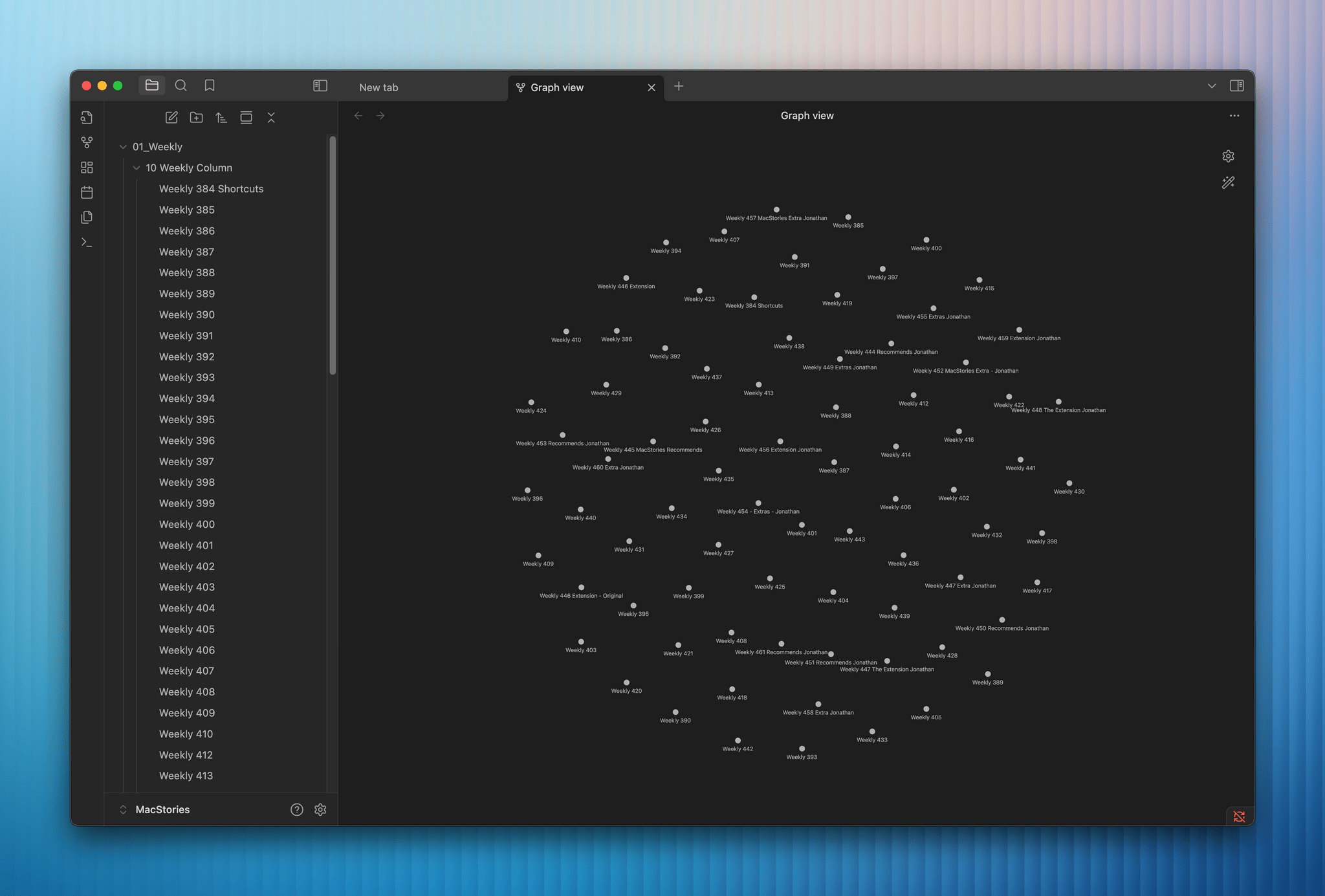
Among the highlights on the Club MacStories+ Discord: Ethan found a good use case for Raycast on iOS combined with Shortcuts. (Link) Sofia asked for everyone’s read-later app suggestions, and a surprising number of Instapaper users surfaced to say hi. (Link) Stephen asked about the tools people use for meeting notes and received some interesting...
 An Apple Intelligence Nightmare and the Value of Trust
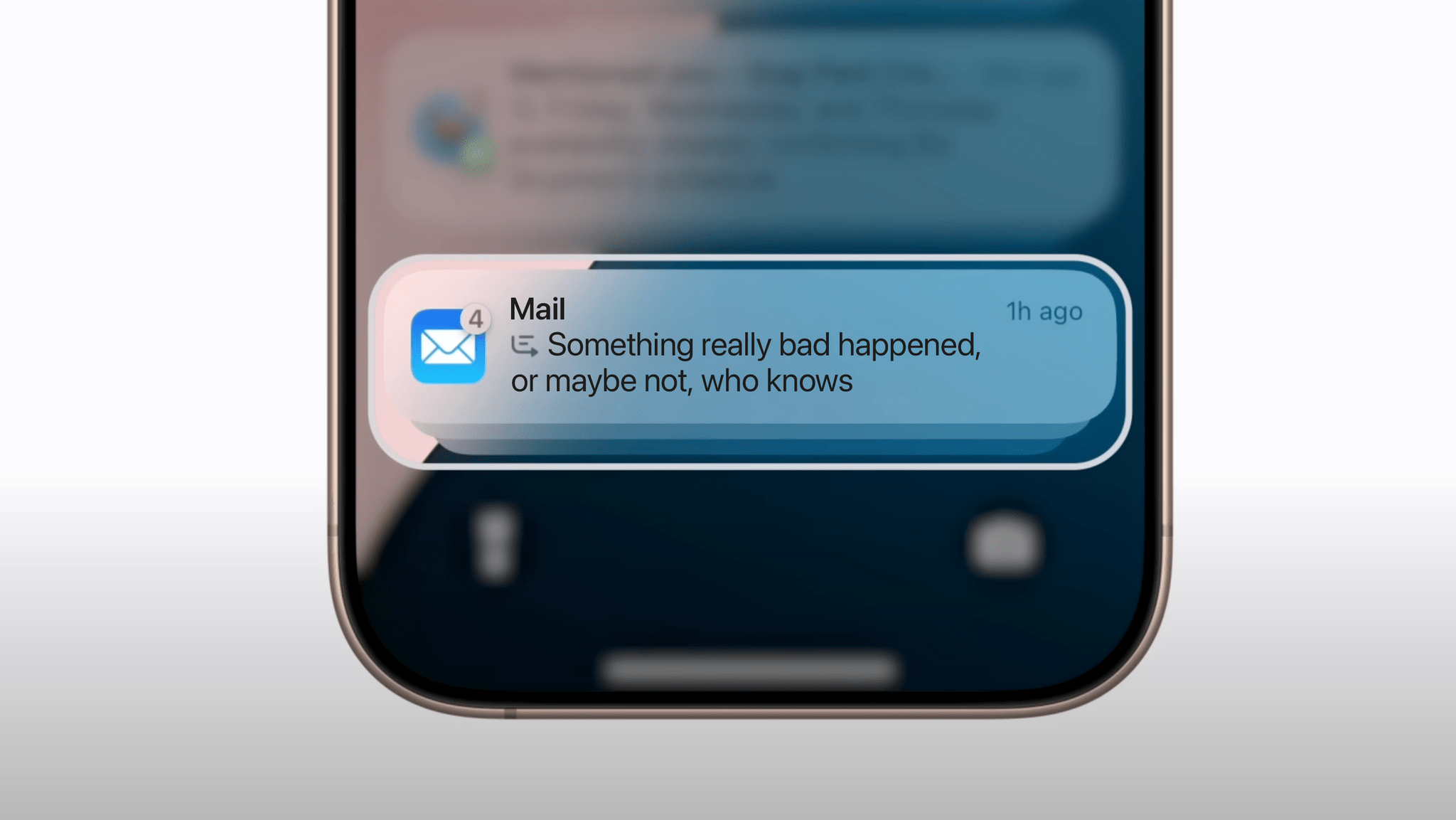
Some of you may have seen my posts last week in which I went on a mini-rant (caution: strong language) about an upsetting incident involving a notification summary. Let me provide a more detailed – and calmer – backstory. My dad woke up last week with some mobility problems on the right side of his...
The Apple Watch SE Needs to Become ’Special’
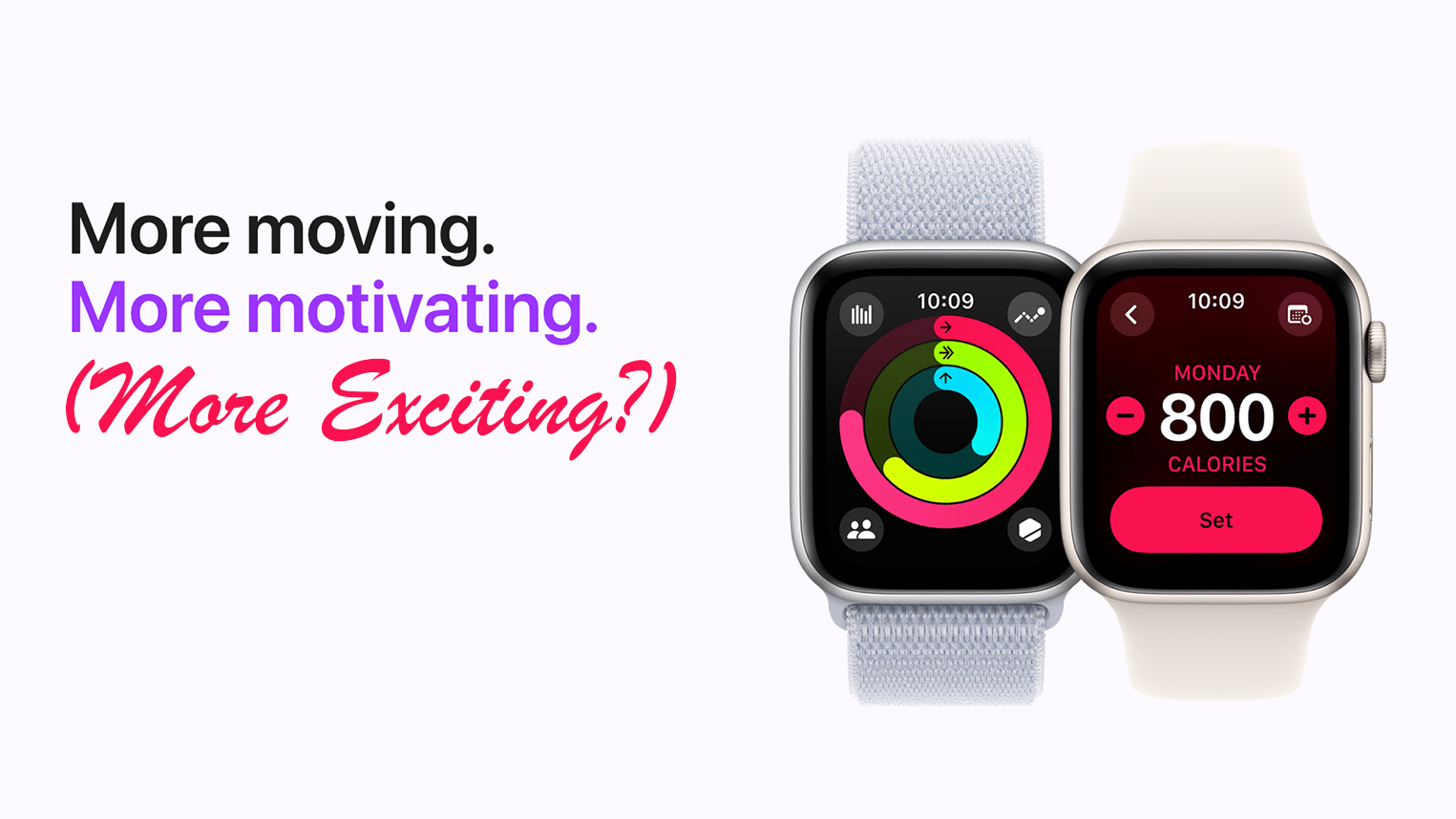
Information leaked this week about updates Apple will potentially introduce to the Apple Watch SE 3, rumored to be released alongside the Series 11 and Ultra 3 models in the fall. The leaked display sizes seem to indicate that the Apple Watch SE will take on the size – if not the form – of...
Raycast and Contact Syncing
It was a quieter week on the Discord, but members still had lots of thoughts on the launch of Raycast for iOS. (Link) Member aitorbv also had a helpful suggestion for how to keep your contacts synced between iCloud and Outlook 365. (Link) Want to join the Club MacStories+ Discord?Upgrade toClub MacStories+ or Club Premier,...
App Debuts
Simple Color Palette Prolific app developer Sindre Sorhus is back with a simple app to create and edit color palettes in an open-source, JSON-based file format called Simple Color Palette. This app speaks directly to my heart. Not only can you use it to create and edit color palettes, but you can also open...
My Shortcut for Framing iPhone Screenshots on Backgrounds
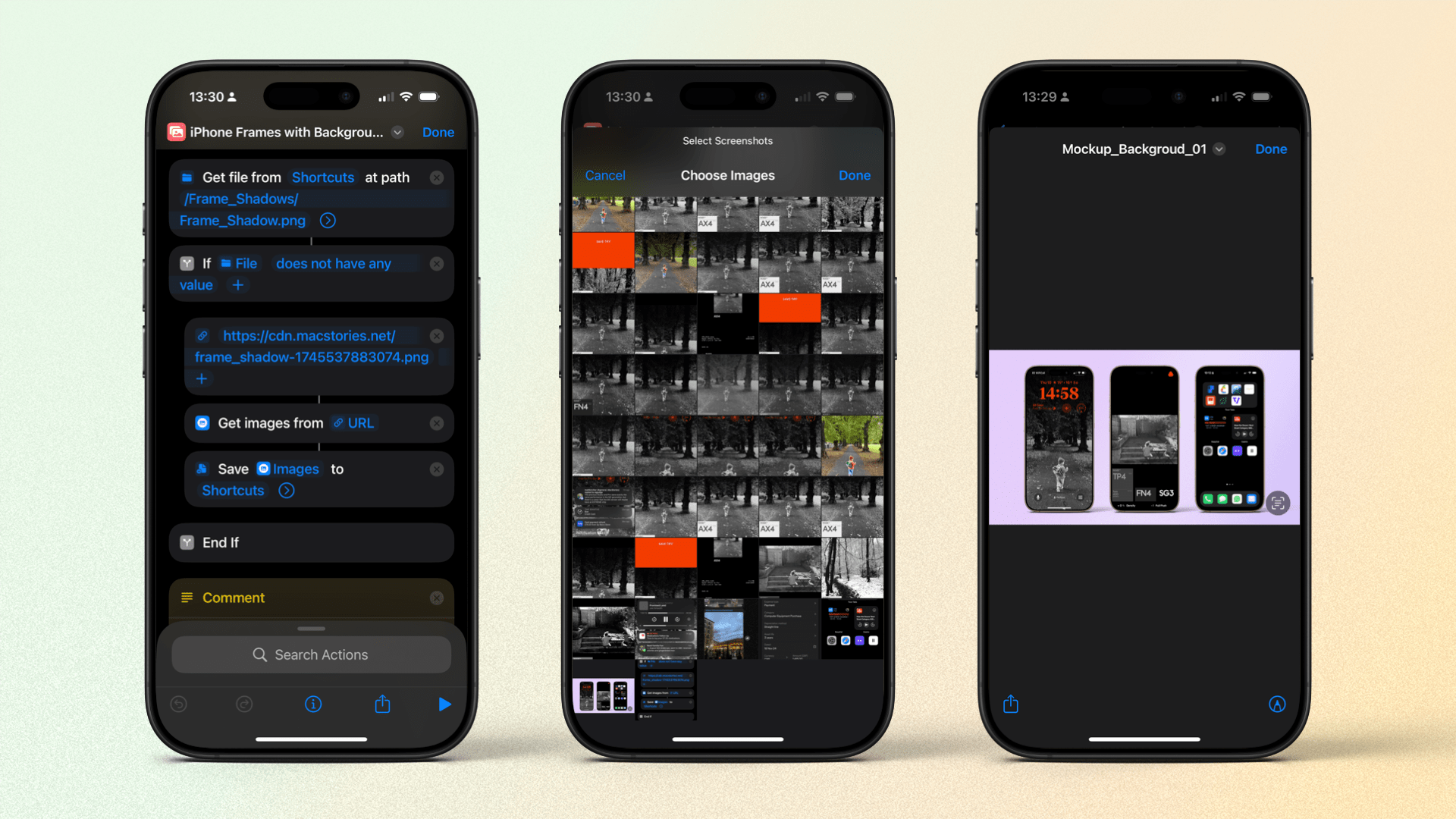
Today, I reviewed the screenshot-framing app Framous on MacStories. It’s one of my favorite apps of the year so far, and I already use it a lot (including for this very column!). Framous is a Mac-only app, though, which means there have been occasions when I’ve wanted to create nicely framed iPhone screenshots with backgrounds...
Transcribing Your Work Life, Shortcuts Via an MCP Server, and More
Among the highlights on the Club MacStories+ Discord: In response to Federico’s most recent Automation Academy lesson, Olivier shared their technique for recording and transcribing every conversation with their business co-founder. (Link) Members discussed the advantages and dangers of verified accounts on Bluesky. (Link) Speaking of verification, Niléane discovered a simple way to verify your...
Framous 1.2: An Indispensable Screenshot Utility
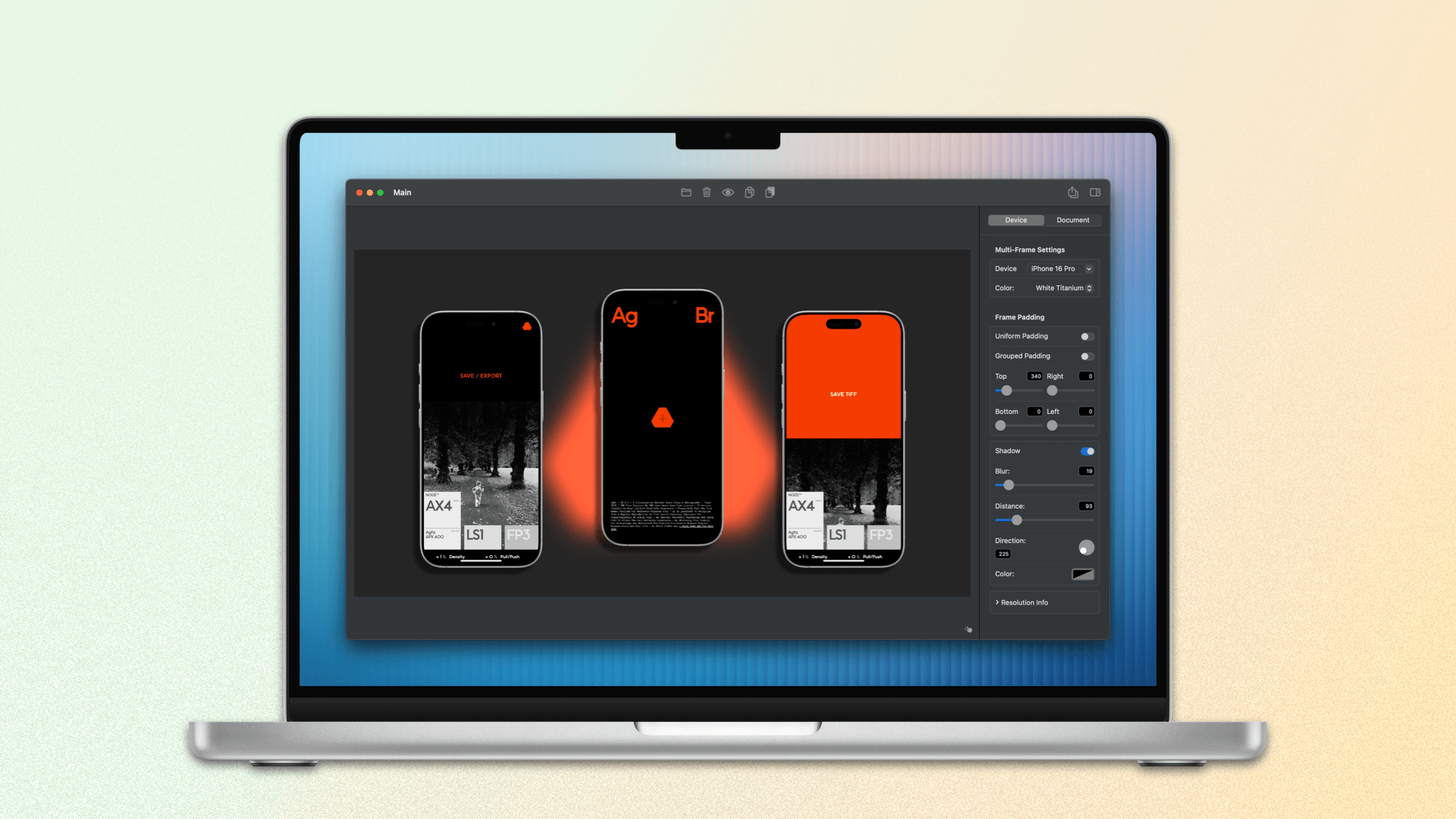
For a long time, the go-to method for quickly framing a screenshot taken on an Apple device was Federico’s excellent Apple Frames shortcut. Iterating on it each year, he even added an API for expanded customization. It’s still a terrific way to create a device-framed screenshot in a pinch, but due to the limitations of Shortcuts, you can’t manually adjust the layout of multiple screenshots or their output sizes.
Within the last year, not just one, but two well-made screenshot-framing apps have come on the scene. The first was Shareshot for iPhone, iPad, Vision Pro, and, more recently, Mac. John reviewed Shareshot in August of last year and came away impressed, but with a few reservations. In February, Dark Noise developer Charlie Chapman released his take on this new kind of app with Framous for macOS. At launch, the app showed promise but lacked a lot of features that I and many others desired. Version 1.2, available now, is a stacked release that adds a vast number of requested capabilities and customizations. Let’s take a look.