

Among the highlights on the Club MacStories+ Discord: We launched a new channel for everything WWDC. I hope to see you there to chat live during the keynote on Monday. (Link) Zereta was surprised by the quality of Apple’s education resources. (Link) Members were intrigued by screenshots of the new version of Hello Weather shared...
 What I’ll Be Looking Out For at WWDC

Seeing Past the Hype of the Jony Ive & Sam Altman Collaboration

A New Recipe App Beta, a Capture Shortcut, and More
Among the highlights on the Club MacStories+ Discord: Jeff has a new app in public beta for clipping recipes from websites. (Link) This is a call for any members out there who successfully managed to extract a Touch ID sensor from a Magic Keyboard. (Link) t3chn3ric had a very interesting response when asked about committing...
Getting Federico’s Secrets, a New Medication Tracker, and More
Among the highlights on the Club MacStories+ Discord: Daniel tried to get Federico to spill the beans on a huge tease he posted to Mastodon. (Link) shokk shared an interesting shortcut that uses ChatGPT to save a URL with a summary to Reminders. (Link) notverypc is looking for suggestions for tools to block apps and...
OneMenu
The proliferation of small but mighty menu bar utilities for the Mac continues. My latest favorite is OneMenu. It focuses on four core features: window management, system monitoring, clipboard history, and keyboard cleaning. Let’s start with the simplest of them all. Keyboard Cleaning After it’s installed, the OneMenu app will appear in your menu bar....
Multi-Modal AI Apps, a Refurbished Nintendo DS, and more
Among the highlights on the Club MacStories+ Discord: Eric got some interesting answers when he asked how people save websites – not articles – for later. (Link) Anyone using multi-modal AI apps? Scribblenik wants to know what you’re using. (Link) Members offered theoutermost good suggestions for apps to compare folders of files. (Link) For those...
Tips for Navigating Tech as a Parent
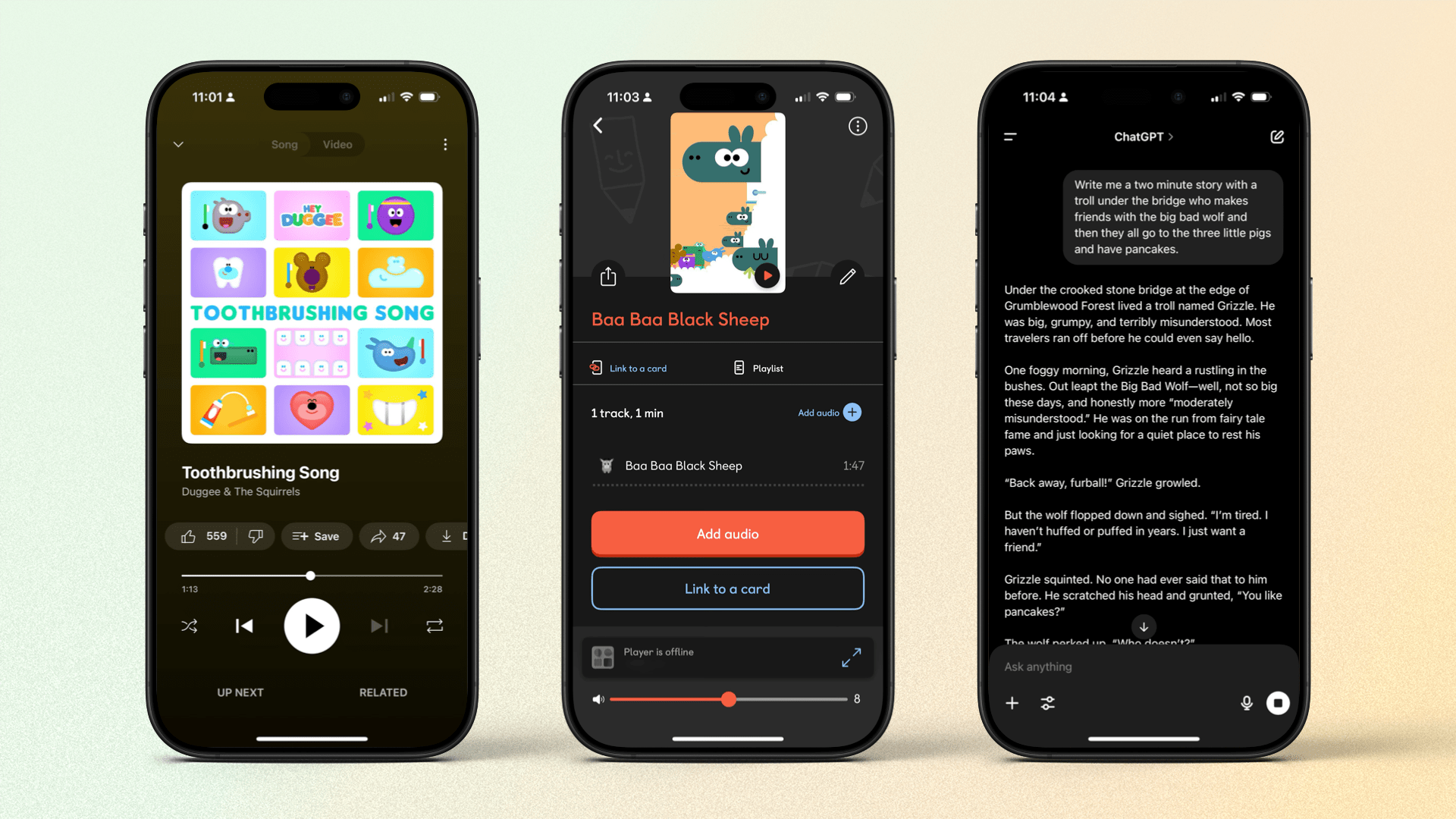
After last week’s clash of technology and personal family matters, I thought I’d change it up this week and talk about some positive tech that has influenced my family life. I’m a (relatively) new parent of three years, and the way my daughter and I interact with tech is something I constantly think about. This...
Apple Previews a Wide Range of Upcoming Accessibility Features to Mark Global Accessibility Awareness Day
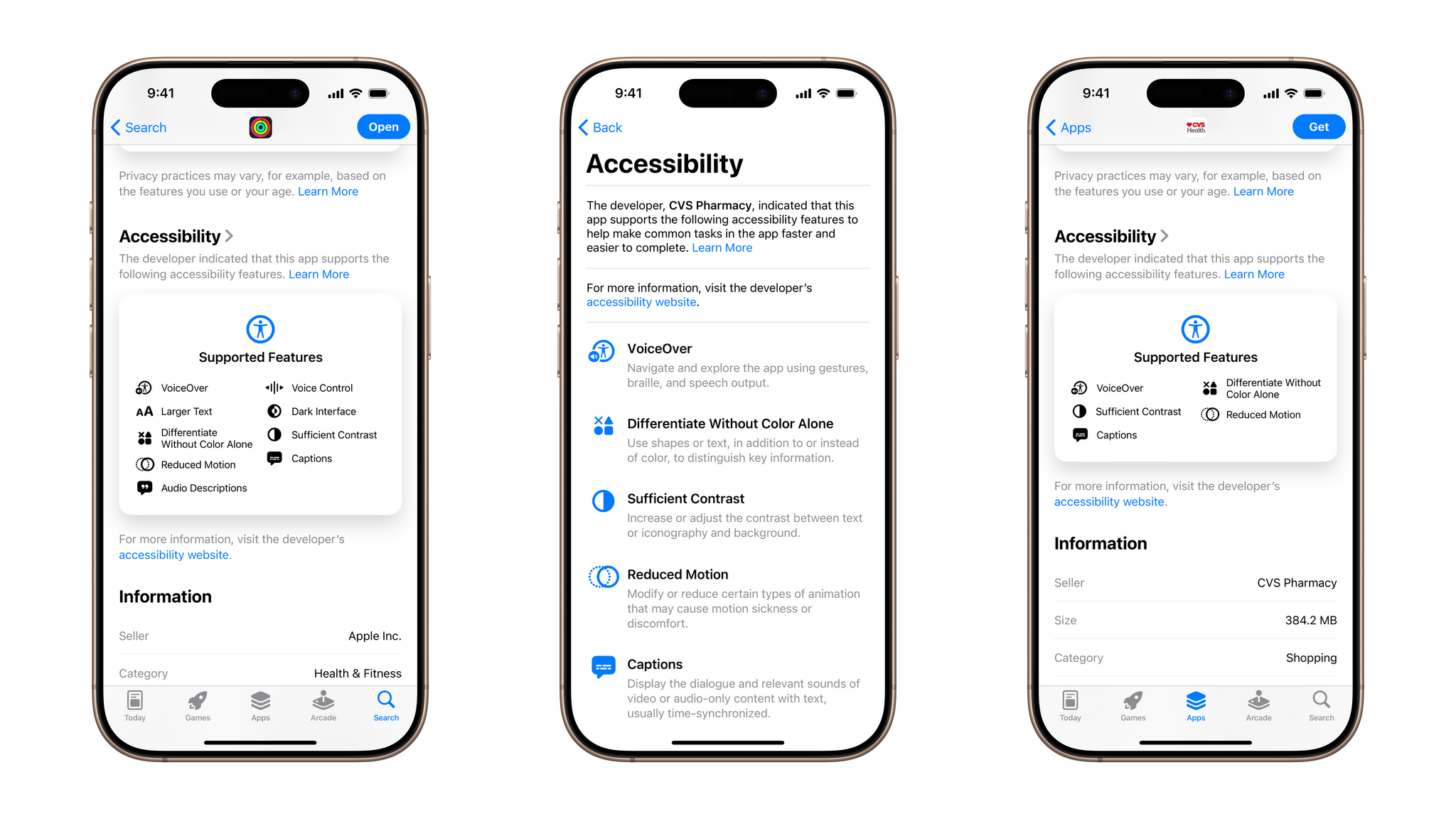
With Global Accessibility Awareness Day coming up this Thursday, May 15, Apple is back with its annual preview of accessibility features coming to its platforms later in the year. This year marks the 40th anniversary of the creation of the first office within Apple to address accessibility, and there’s no sign of any slowdown in the company’s development on this front. While no official release date has been announced for these features, they usually arrive with the new OS updates in the fall.
In addition to a new accessibility-focused feature in the App Store, Apple announced a whole raft of system-level features. Let’s take a look.