John Voorhees

5390 posts on MacStories since November 2015

John is MacStories' Managing Editor, has been writing about Apple and apps since joining the team in 2015, and today, runs the site alongside Federico. John also co-hosts four MacStories podcasts: AppStories, which covers the world of apps, MacStories Unwind, which explores the fun differences between American and Italian culture and recommends media to listeners, Ruminate, a show about the weird web and unusual snacks, and NPC: Next Portable Console, a show about the games we take with us.

This Week's Sponsor:

Dropzone 5

Improve your Drag-and-Drop Workflow


Apple’s AirPods Pro Hearing Health Features Are as Good as They Sound

The Verge’s Chris Welch has an in-depth look at Apple’s AirPods Pro hearing health features, which include hearing protection, a hearing test, and hearing aid features.

On hearing protection, Welch notes:

With iOS 18.1 and the soon-to-be-released AirPods firmware update, the AirPods Pro 2 will offer hearing protection at all times across noise cancellation, transparency, and adaptive audio modes. There’s no “concert mode” or a specific setting to toggle. You can think of this as an expansion of the loud sound reduction option that was already in place. Hearing protection is on by default, and Apple says “an all-new multiband high dynamic range algorithm” helps to preserve the natural sound of concerts and other live events.

It sounds as though Apple has put a lot of thought into its hearing test, too:

There are a few key things to know about Apple’s hearing test. For one, it’s designed so that you can’t predict or game it. The test can play any frequency at any time, so no two are the same.

Finally, if you discover that your hearing isn’t what it once was, you can also use the AirPods Pro 2 as a clinical-grade hearing aid:

For those 18 years and older with mild to moderate hearing loss, the AirPods Pro 2 can now serve as a clinical-grade hearing aid. Once enabled, you can also toggle on a “Media Assist” setting that uses your hearing test results to optimize the sound of music, phone calls, and video content.

I highly recommend reading Welch’s entire story. There are a lot of little technical details he covers that add up to features that should make a meaningful difference in a lot of people’s lives.

Permalink

Kicking Off Club MacStories’ Fall Membership Drive with Deals and Perks

Last year’s Club MacStories Fall Membership Drive was a big success, so we’re doing it again. There are more details below, but from now through November 1st, we’re offering 20% off on all annual Club MacStories plans plus special columns, a live Discord event, giveaways, deals, and more throughout the event. There’s a lot going on, so let’s look at the details.

To take advantage of the discounted plans, please use the coupon code CLUB2024 at checkout or click on one of the buttons below.

Join Club MacStories:

Join Club MacStories+:

Join Club Premier:

Visit our [Plans page](https://www.macstories.net/club/plans) for more details on each Club option.

Visit our Plans page for more details on each Club option.

Club MacStories is a bigger part of MacStories that ever before. The Club has grown steadily every year since it was started in 2015, and every plan is packed with more of what you love about MacStories. With this month’s event, we want to accomplish three things:

  • Thank our current members with two weeks of what makes the Club special;
  • Offer a special 20% off on annual plans to grow the Club further; and
  • Make switching to a higher-tier membership more affordable for existing members.

The support of Club MacStories members is the foundation of MacStories. It’s given us the freedom to expand, focus on our in-depth stories and reviews, and build a closer relationship with readers. And most recently, while ad dollars have dried up and websites are shutting down and laying off staff due to plummeting ad revenue, we’re still growing and have plans to do even more in the coming year. That wouldn’t have been possible without the Club.

What’s unique about Club MacStories is that it’s the perfect complement to MacStories. If you’re a fan of the site and our podcasts, you’ll find that the Club is a natural extension of what you already love, with more of everything.

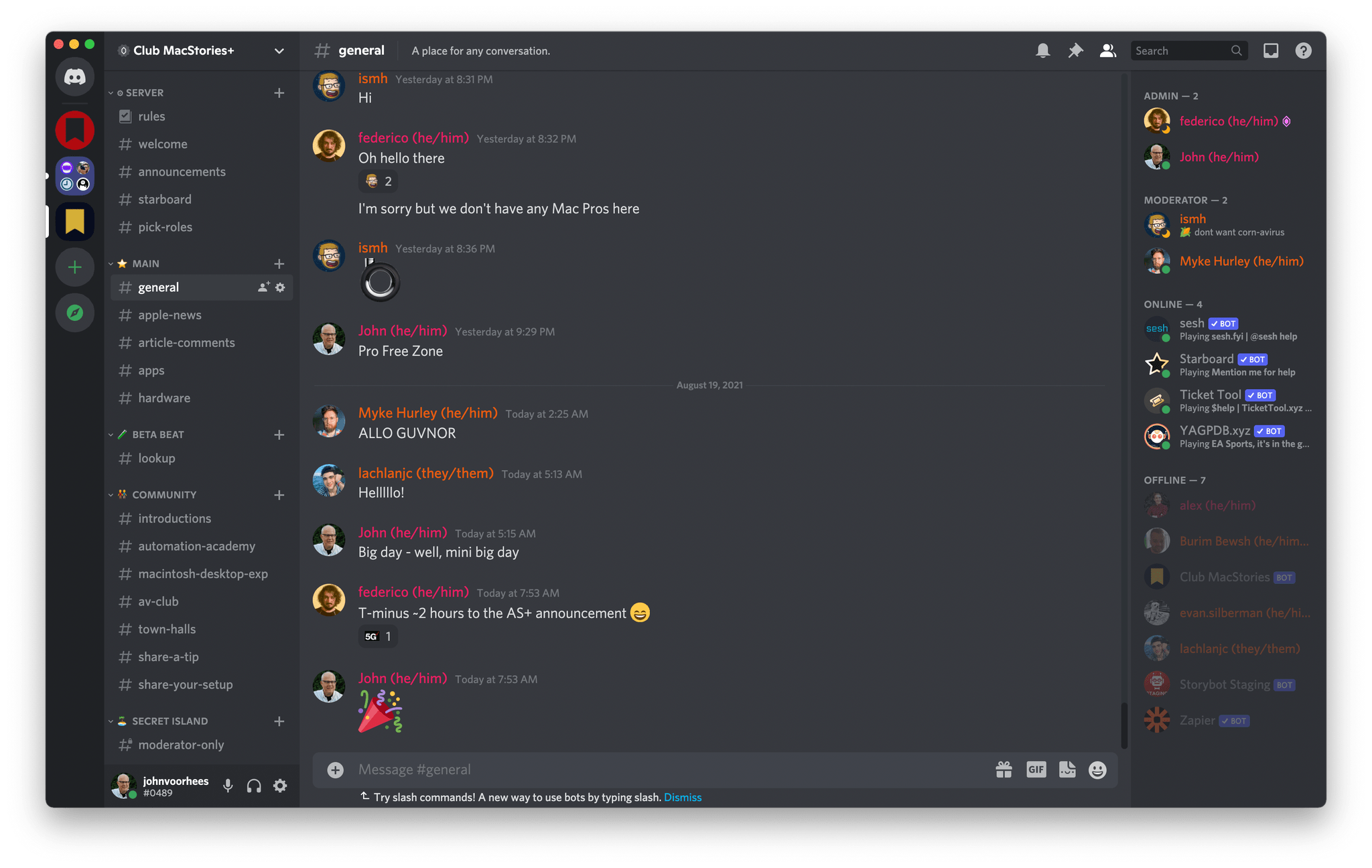
Our Club Discord community has become a fantastic resource for Club MacStories+ and Premier members.

Our Club Discord community has become a fantastic resource for Club MacStories+ and Premier members.

That’s been the case since the Club launched over eight years ago. We didn’t hide MacStories content behind a paywall when the Club was started. Instead, the Club has always been designed to supplement MacStories with more app coverage, complex automations, longer podcast episodes, and more. Then, with the introduction of Club MacStories+ and Club Premier, we built on that model further with a vibrant, respectful Discord community of app and automation fans who help each other get the most out of their technology.

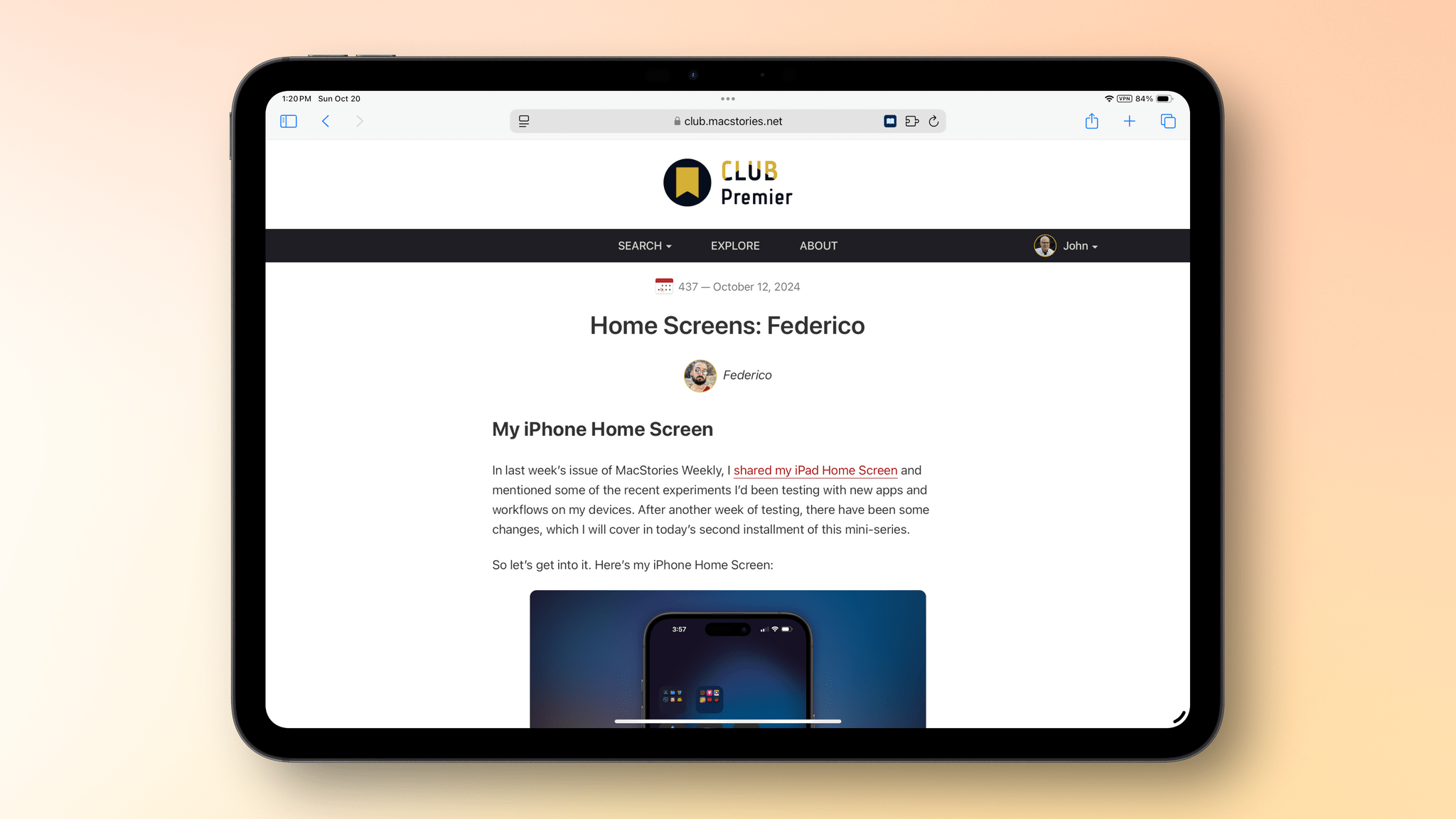
Club newsletters are available in our fully-searchable web app for Club MacStories+ and Premier members.

Club newsletters are available in our fully-searchable web app for Club MacStories+ and Premier members.

We know that folks are inundated with subscriptions these days, which is why we work hard to offer what we think is a great value at every tier of the Club. Our nine-year track record of consistency and content, which includes over 500 issues of our newsletters, speaks for itself, but we also realize that committing to an annual plan is still a lot. So that is why we’re excited to offer a big discount during our fall membership drive. Here’s a breakdown of each tier and the discounts we’re offering through November 1, 2024:

Normally Through Nov. 1
Club MacStories $50/year $40
Club MacStories+ $100/year $80
Club Premier $120/year $96

If you’re not familiar with the Club, you can learn more and compare plans side-by-side here and read our FAQ page.

These discounts are available to anyone signing up for an annual Club membership for the first time, reactivating an expired plan, or upgrading a current plan.

To take advantage of the discounted plans, please use the coupon code CLUB2024 at checkout or click on one of the buttons below.

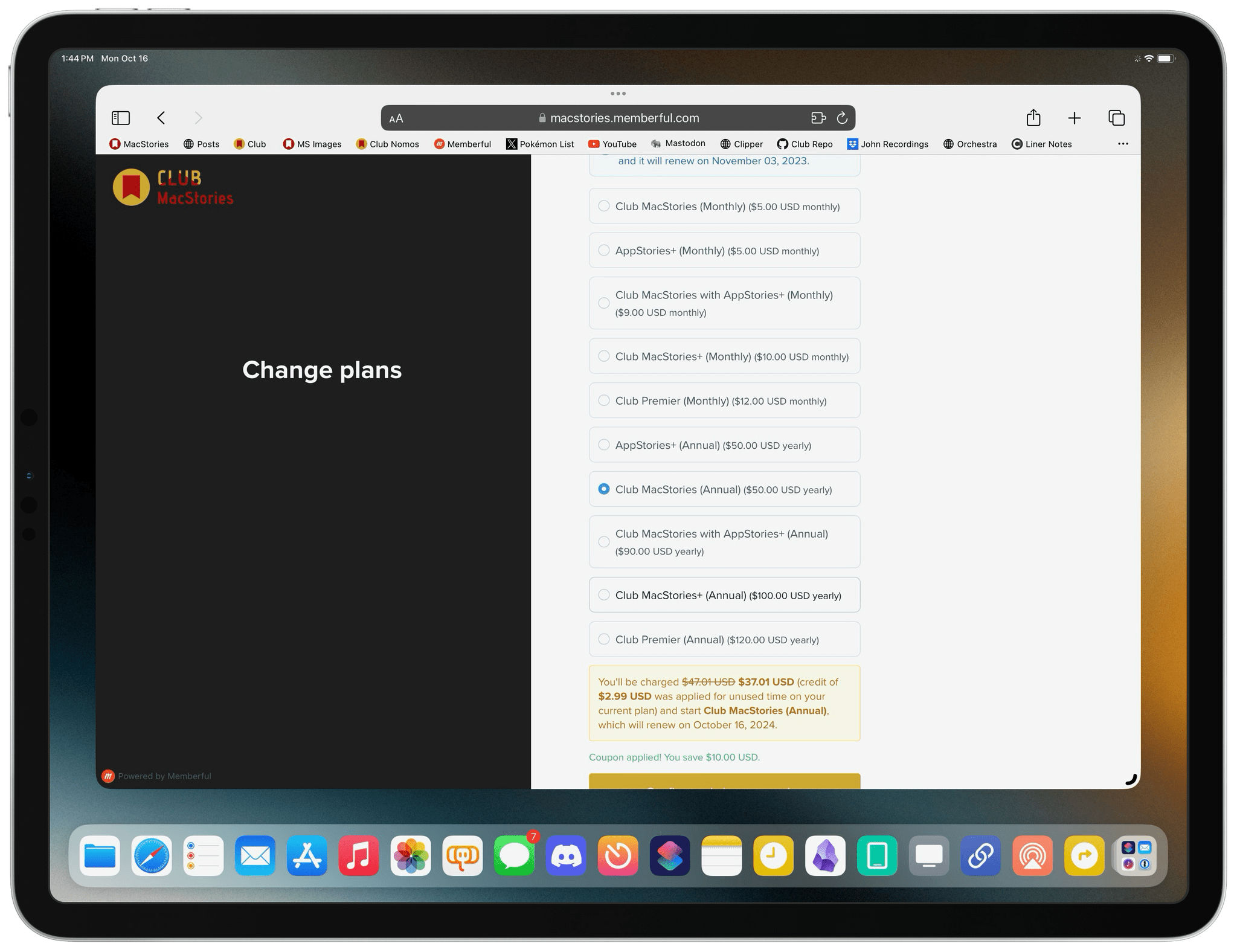
When you change a monthly plan to an annual one, you'll get credit for the remainder of your current month's subscription.

When you change a monthly plan to an annual one, you’ll get credit for the remainder of your current month’s subscription.

Join Club MacStories:

Join Club MacStories+:

Join Club Premier:

As a thank you to members, we’re also rolling out loads of extra content, giveaways, deals, and more this week and next, starting with new additions to our Club MacStories+ and Club Premier app discounts page, which we’ll begin revealing tomorrow on Mastodon and Threads. Then, through Nov. 1st, we’ll have columns, giveaways, a special Discord audio event tomorrow, and more, so keep an eye on the MacStories and Club MacStories Mastodon accounts and the MacStories Threads account every day to hear what’s coming next. We’ll be sure to keep any giveaway entries open throughout the fall Membership Event, too, so no matter when you join, they’ll be available.

Thanks again to our many loyal Club MacStories members, and welcome to everyone joining for the first time. You’ve all helped us grow MacStories, launch new projects, and build MacStories on a strong foundation while staying independent and true to our editorial values. We look forward to bringing you even more of what makes MacStories special for many years to come.


A Trio of iPad Stands

With the 11” iPad Pro, I’ve finally found the screen size that works best for me. Whether I’m writing, sending email, or doing some other work-related task, the bright OLED screen of the 11” iPad Pro is perfect. It’s also great for reading, catching up on a TV show, and other downtime activities. Sure, sometimes...


Interesting Links

There seems to be no end to the Automattic and WordPress drama, and 404 Media is doing a great job covering the daily chaos. (Link) Writing for The Verge, David Pierce has all the details about Amazon’s update to the Kindle Scribe, which didn’t get nearly as much coverage as the new color Kindle...


App Debuts

Kino I recently wrote on MacStories about Kino, a great app for shooting video with your iPhone that doesn’t require a lot of know-how to create good-looking video. One of its marquee features is a set of Grade presets made by well-known photographers. With its first big update this week, Kino has added three...


The Latest from Comfort Zone, Magic Rays of Light, and MacStories Unwind

Enjoy the latest episodes from MacStories’ family of podcasts:

Comfort Zone

Niléane is fired up about the state of tech, Chris is enjoying the sweet, sweet sounds of a V12 engine, and Matt is really into a new web browser.


Magic Rays of Light

Sigmund and Devon highlight Shrinking season two and the debut of NBA All-Star Weekend in Immersive Video. Then they recap Bad Monkey and Slow Horses season four.


MacStories Unwind

This week, Federico suspects his new vacuum cleaner is the victim of corporate foul play, and I am denied a donut and apple cider slushie thanks to my reliance on technology.

Read more


MacPaw Updates CleanMyMac with a Fresh Design and New Tools

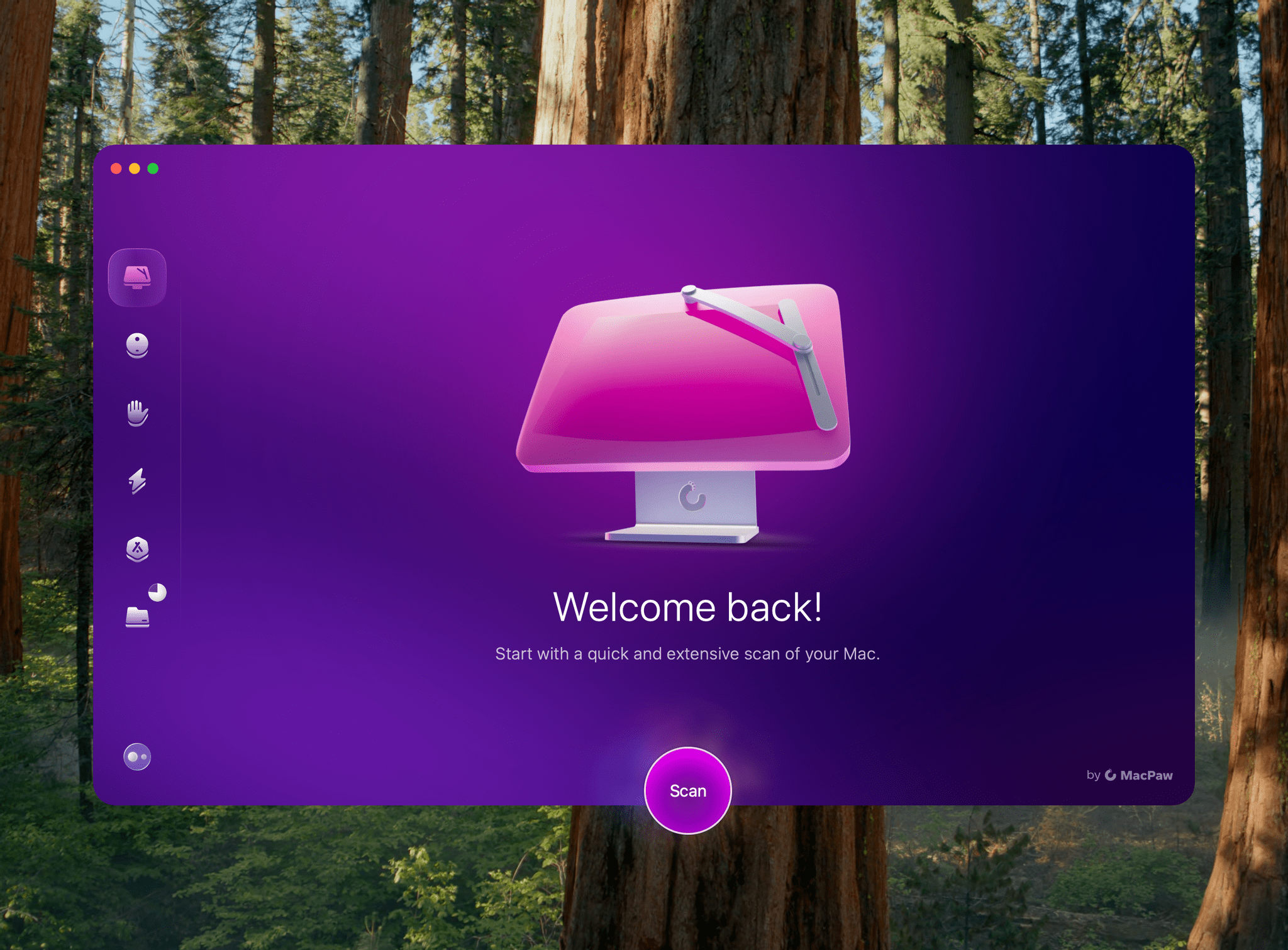
MacPaw has released a new version of its cleanup and maintenance utility CleanMyMac, dropping the “X” from its name, refreshing the design, and simplifying the app substantially.

The latest version is divided into six modules that host a variety of tools:

  • Smart Care
  • Cleanup
  • Protection
  • Performance
  • Applications
  • My Clutter

It also includes an assistant that rates the health of your Mac and recommends maintenance actions to you.

A lot of the tools available in CleanMyMac’s update will be familiar to long-time users. The difference is that the app’s modules have been simplified and explained in a less technical manner, which should make the app approachable to a broader audience.

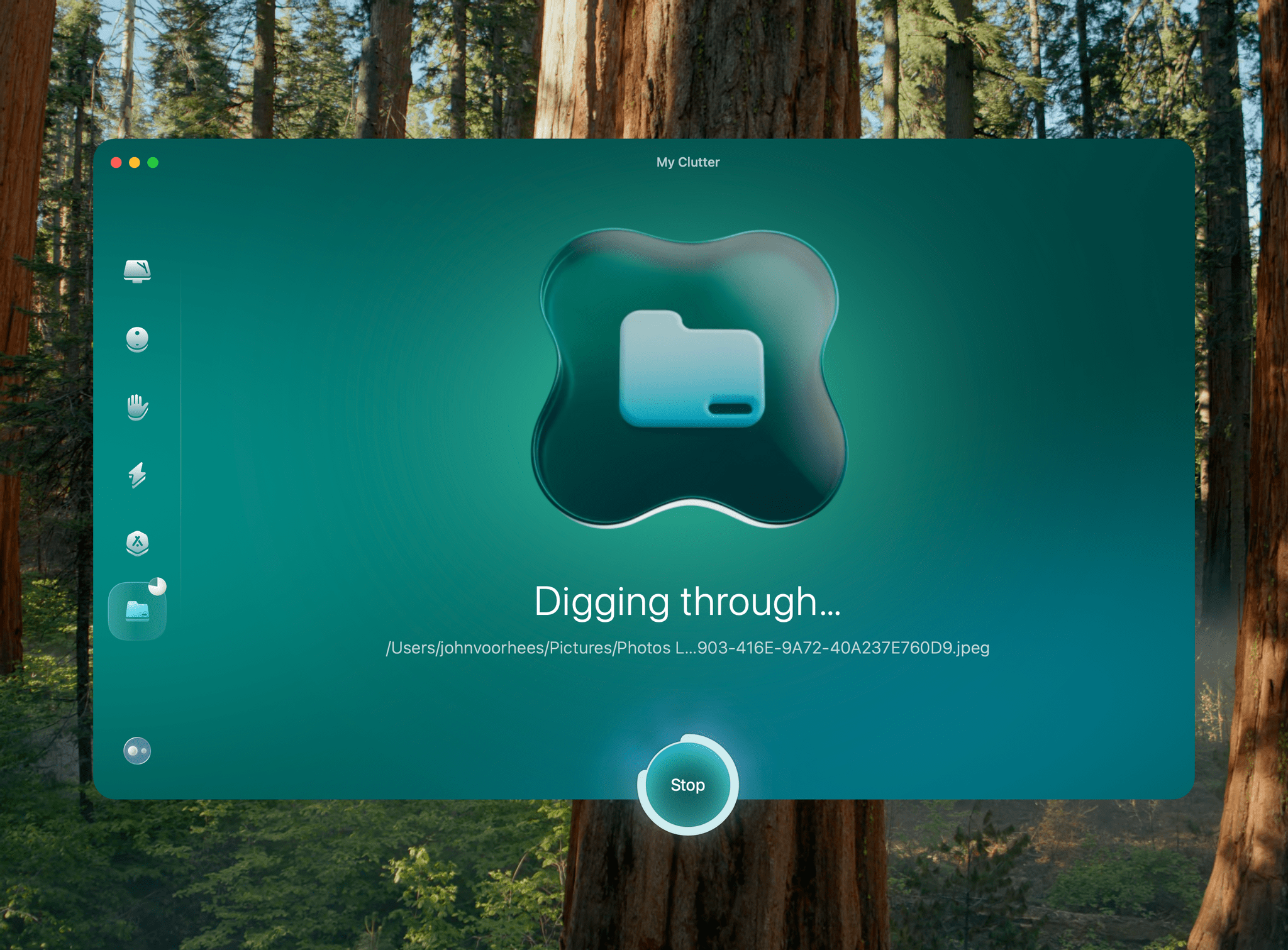
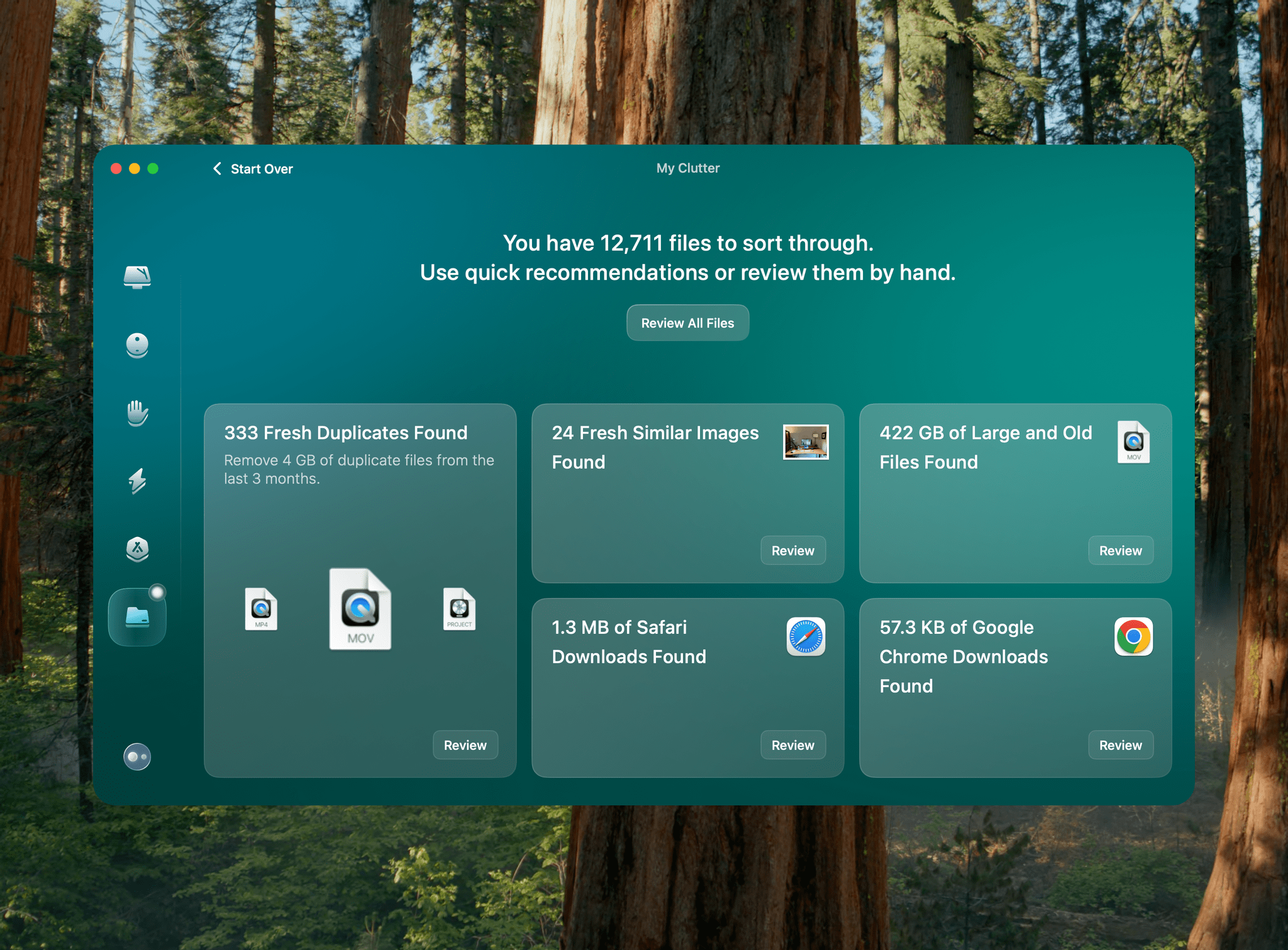
The My Clutter module does more to find file clutter than before, scanning for large, old, and duplicate files, as well as images that are the same or close matches to each other. The scan can take a while depending on the amount of storage on your Mac, but I was impressed with the volume of files it identified that I could summarily delete.

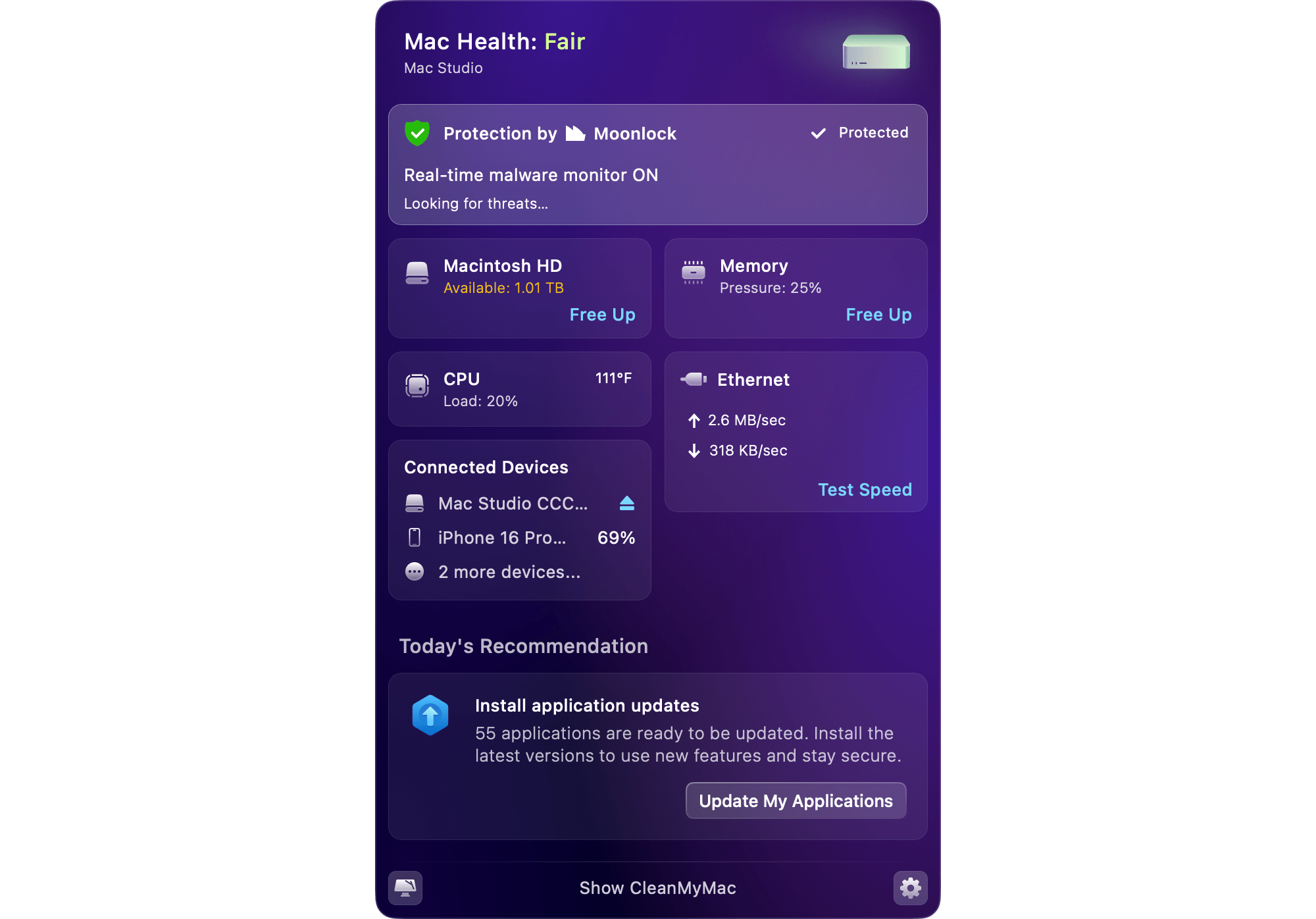
CleanMyMac's menu bar item.

CleanMyMac’s menu bar item.

The app also features a menu bar item that opens a grid of tiles reporting the highlights of your Mac’s health. Clicking on any of the tiles reveals additional details about that component.

The Smart Care, Cleanup, Protection, Performance, and Applications modules include a variety of other maintenance tools. You can tune up your Mac by clearing caches and other unnecessary files taking up your storage, free up memory, scan for viruses and malware, and uninstall or update apps to name just a handful of the many tools at your disposal.

The My Clutter scan may take a while if you have a lot of files.

The My Clutter scan may take a while if you have a lot of files.

I’ve been running the new version of CleanMyMac for about a week, and it’s been running smoothly. The My Clutter file scan does take a lot of time; my 4TB Mac Studio took about 25 minutes to scan, but the app did a fantastic job identifying files I could delete. The other available scans have worked well, too, and are faster, making it simple for me to periodically maintain my Mac.

CleanMyMac is available directly from MacPaw starting at $39.95 per year for one Mac (with multi-device bundles available at a discount), or as a one-time purchase starting at $119.95. Either option includes a seven-day free trial. Alternatively, you can download CleanMyMac as part of a Setapp subscription (affiliate link).


The Latest from AppStories and Ruminate

Enjoy the latest episodes from MacStories’ family of podcasts:

AppStories

This week, Federico and John share the changes they’ve made to their desk setups in recent months and the philosophies that have driven those changes.

On AppStories+, Federico and John share their reactions to Submerged, the first scripted short film published for Apple Immersive Video on the Vision Pro.

This episode is sponsored by:

  • Notion: Try the powerful, easy-to-use Notion AI today.

Ruminate

It’s biscuit week! Plus (not) ordering chicken on CarPlay and YouTube algorithms.

Read more


Join the MacStories Team: Advertising Sales Position Opening

As MacStories has continued to grow, so have the opportunities to offer sponsorships to the makers of apps, other products, and services on MacStories.net, our podcasts, and YouTube.

To help us find and make the most of those opportunities, which allow us to fund an expanding and diverse collection of properties, we’re looking for someone to join the MacStories team.

We’re looking for someone who:

  • Has ad sales experience;
  • Understands the MacStories audience and the types of sponsors we work with;
  • Will work with our editors to explore and develop new advertising initiatives;
  • Wants a flexible, remote position; and
  • Is willing to work on a commission basis.

If you’re interested in applying for the position, please get in touch with [email protected] with your qualifications and availability.

– Federico and John