
Over two years ago in Classic MacStories Weekly 3, Federico compiled a collection of iOS email apps. A lot has changed with email apps since then, so we thought we would revisit the category. Airmail Airmail has been my primary email client since it became available on iOS and macOS. Airmail has stuck...
 Opener

Over time, iOS has gotten better about opening links in the apps you have installed on your iPhone instead of in Safari, but it’s still far too common to end up on a webpage or in an app other than the one you want. Twitter is a good example. Even if you don’t wind...
App Debuts
Eggggg Eggggg, which I reviewed earlier this year, is a classic platformer game with a twist. You play as Gilbert who propels himself through levels with his own vomit. I know, it sounds gross, but it isn’t. I love the 90s Nickelodeon-style art and fun soundtrack. Earlier this week, Hyper Games added a holiday-themed...
Spectator, the Spectacles Video Player→

One of the coolest features of Snap’s new Spectacles sunglasses is that they take circular video. That means whichever way you turn your phone to view the captured video, there are no black bars surrounding the footage. Users have been uploading the videos to Twitter and Instagram, but the results aren’t great – the video looks like it’s been taken through the peephole in a door.
Tim Johnsen, the creator of iOS utility Opener, has come to the rescue with a solution. Johnsen’s new iOS app, Spectator, displays the video just like Snapchat does. Here’s a video Johnsen made to demonstrate:
https://www.instagram.com/p/BM1thBfgn6O/You use Spectator by copying links to Spectacles videos on Instagram or Twitter, then launching the app. It’ll prompt you to play the video you have copied shortly after launch, and keeps a list of the videos you’ve recently watched. If you’re looking for a list of videos to try out I’m curating one here. Enjoy!
I’ve tried Spectator and it works like a charm. The app has also made me want to try Spectacles more than ever before, which makes me think that this is an app Snap should have made to help spread the buzz about its new product.
How Aqua and Bondi Saved Apple
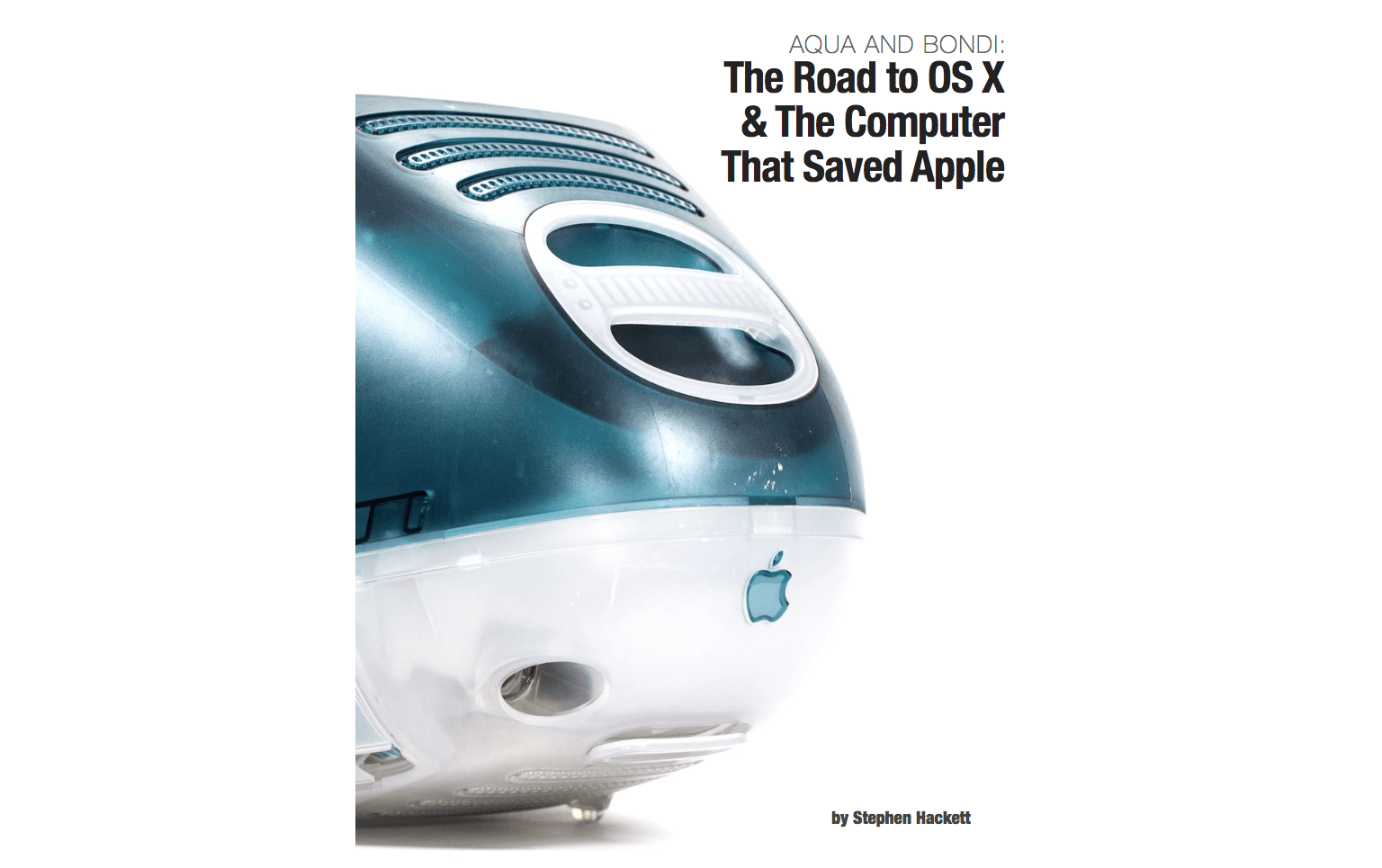
Stephen Hackett of 512 Pixels has published a book called Aqua and Bondi: The Road to OS X & The Computer That Saved Apple, a history of the critical role OS X and the iMac G3 played in Apple’s comeback from the brink of financial ruin in the late 90s. As Hackett explains in the introduction to the book,
OS X and the iMac’s stories are intertwined, but are often told separately. Apple’s strength is most obvious when its hardware and software are working in harmony, and that’s what was needed to save Apple in the late 1990s. Turns out, it worked.
Aqua and Bondi shares that story for those who haven’t read it before. It’s a consideration of Apple at a very interesting time in its life and the products it shipped.
I had the pleasure of reading an advance copy of Aqua and Bondi and love it. Not only is the story of OS X and the iMac G3 told in a compelling and accessible way, but the book is full of fantastic photos drawn from numerous sources, including Hackett’s own collection of colorful iMacs.
Aqua and Bondi is available from the iBookstore and as a PDF from aquaandbondi.com for $3.99.
Apple’s Plans for the (RED) Campaign Against AIDS Are Bigger Than Ever
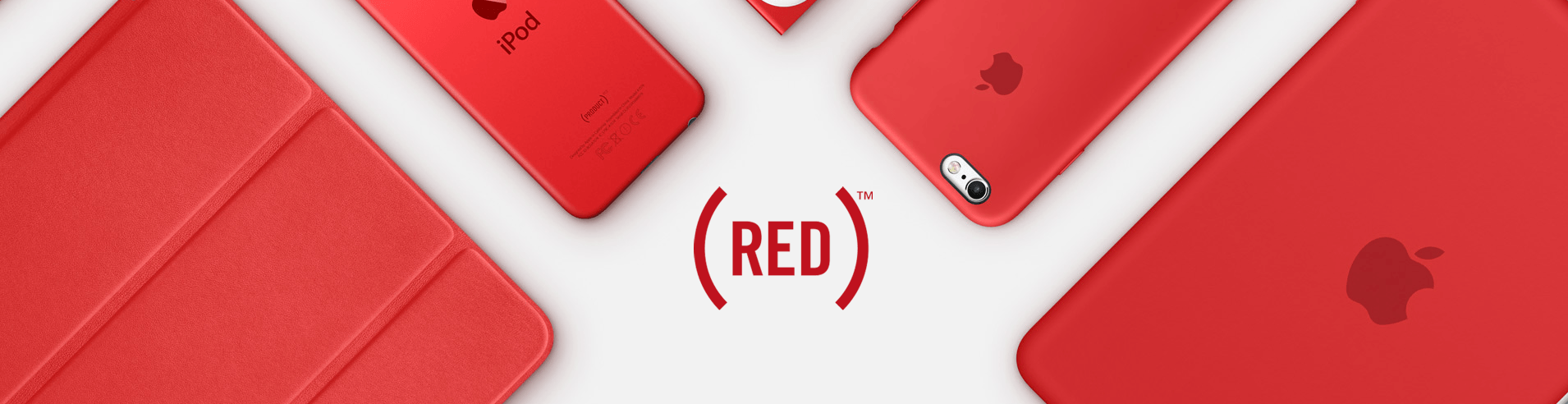
Apple, which has a long-standing relationship with (RED), today announced that:
In honor of World AIDS Day, Apple® is offering more ways than ever for customers to join (RED) in its mission to create an AIDS-free generation. Apple is the world’s largest corporate contributor to the Global Fund, and this year marks its 10th anniversary supporting (RED) in the fight to end AIDS.
In an interview with Buzzfeed, Tim Cook said the (RED) campaign is “designed to reach people via all the different ways in which a customer might touch us.” Apple certainly seems to have accomplished Cook’s goal with an impressive array of plans this year:
- 400 Apple Stores will turn the Apple logo on the stores red or display special window treatments;
- 20 games are offering special (RED) content as in-app purchases, the proceeds of which will be donated to the Global Fund;
- Apple will offer special products, including a Product (RED) smart battery case for the iPhone 7 (pictured in this article on The Verge), a (RED) leather case for the iPhone SE, a (RED) Beats Pill+ portable speaker, and (RED) Beats Solo3 wireless headphones, which will join the year-round Product (RED) products that Apple offers;
- From December 1-6, Apple will donate $1 for every Apple Pay purchase made on apple.com and at Apple Stores up to $1 million;
- Bank of America will donate $1 for each Apple Pay transaction made with its cards up to the same $1 million maximum and for the same period as Apple; and
- iTunes has an exclusive (RED) holiday album from The Killers called Don’t Waste Your Wishes, 100% of the the US proceeds of which will be donated the Global Fund.
Tim Cook elaborated in his conversation with BuzzFeed on why Apple participates in events like the (RED) campaign against AIDS:
“We look for ways we think we can uniquely contribute to the world in which we live,” Cook said. “And we’ll always touch more people through our products than anything else. … It’s that area — an area in which we have expertise — where we think we can make a contribution that multiplies well beyond simply writing a check. We want to advocate for human rights in a way that people can look at what we’re doing and say ‘you know, I could be a part of something like that’ — ‘I could do something like that.’ For us this is critically important.”
Expecting the Unexpected
I wrote my first Club MacStories article in January. In ‘Hi, I’m John, the New Guy,’ I told the story of how I wound up writing at MacStories, described my writing process, and covered the tools I use to write. It just so happens that today is my first anniversary at MacStories, so I...
Spark Arrives on macOS
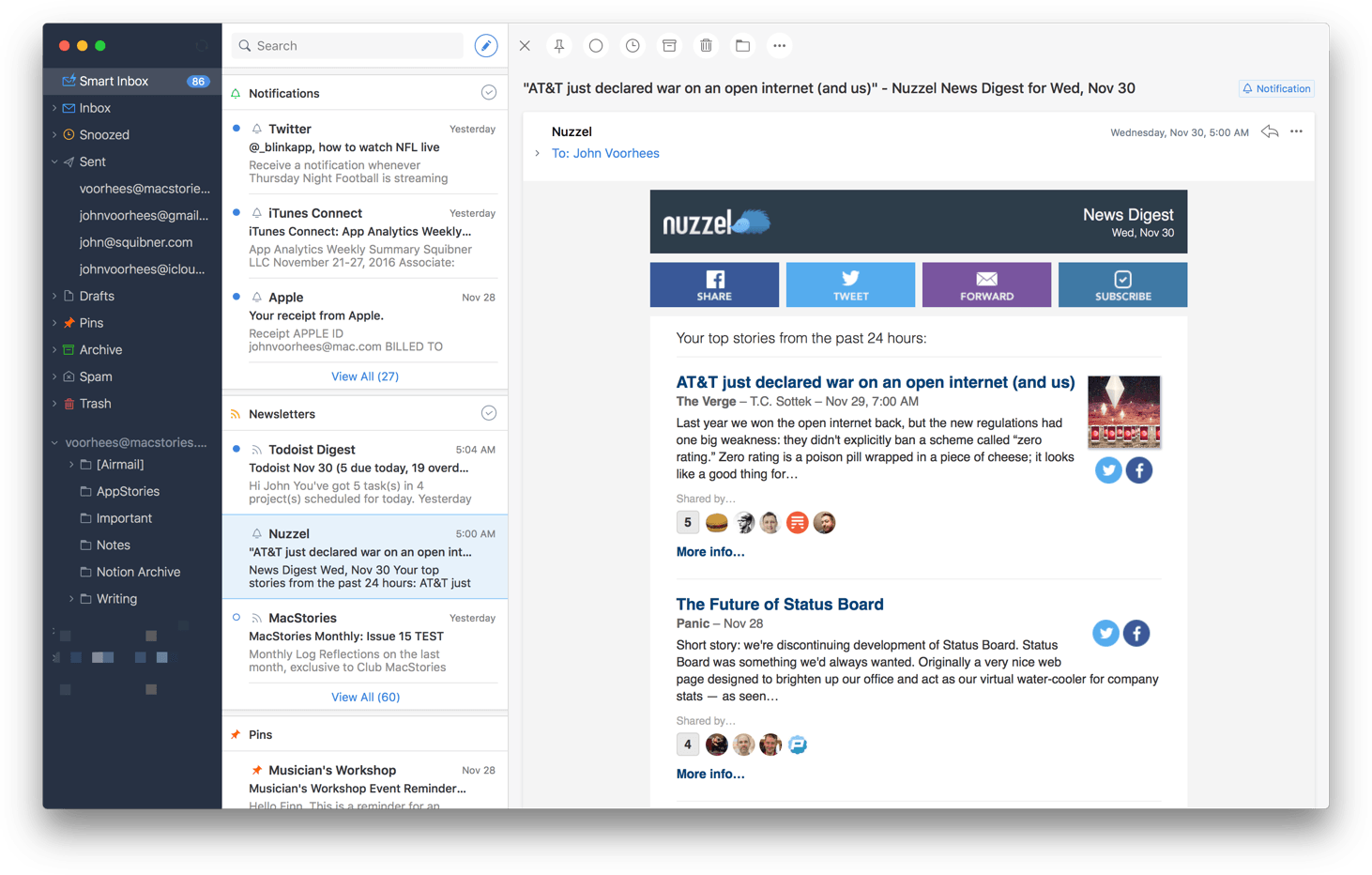
Competition among email clients on the Mac and iOS has heated up over the past couple of years. With that comes innovation, making email clients one of the most interesting app categories.
Today, Readdle released Spark for Mac, bringing its popular iOS email client to the Mac for the first time. Spark excels at bringing order to the chaos of your inbox and providing tools to help you quickly triage common types of email individually, or in bulk. But perhaps the greatest benefit of Spark for Mac is that it’s a solid free solution for fans of the iOS version of the app who felt constrained by the lack of a macOS version.
App Review Downtime Announced→

Each year around the Christmas holiday, Apple’s App Review team takes a break from reviewing the thousands of apps that pour into the App Store on a typical day. During the break, new apps and app updates are not accepted. This year is no different. According to Apple’s Developer news site:
The busiest season on the App Store is almost here. Make sure your apps are up-to-date and ready for the winter holidays. New apps and app updates will not be accepted December 23 to 27 (Pacific Time), so any releases should be submitted, approved, and scheduled in advance. Other iTunes Connect and developer account features will remain available.