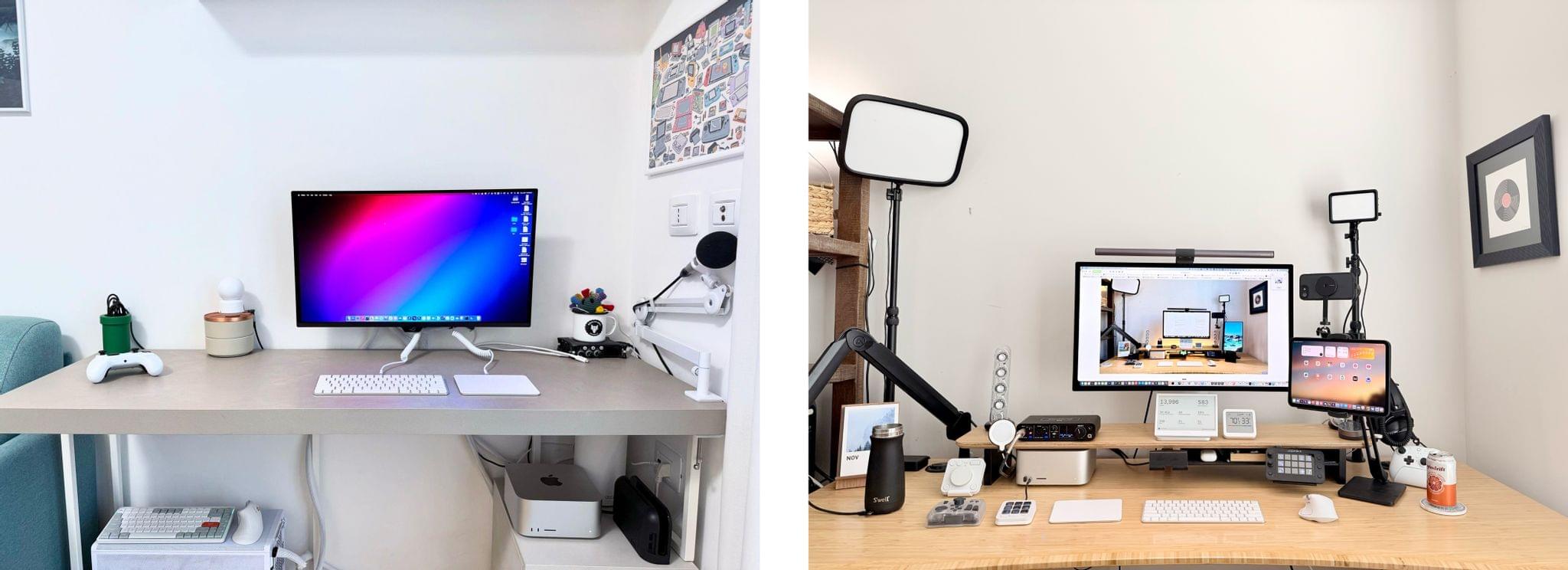
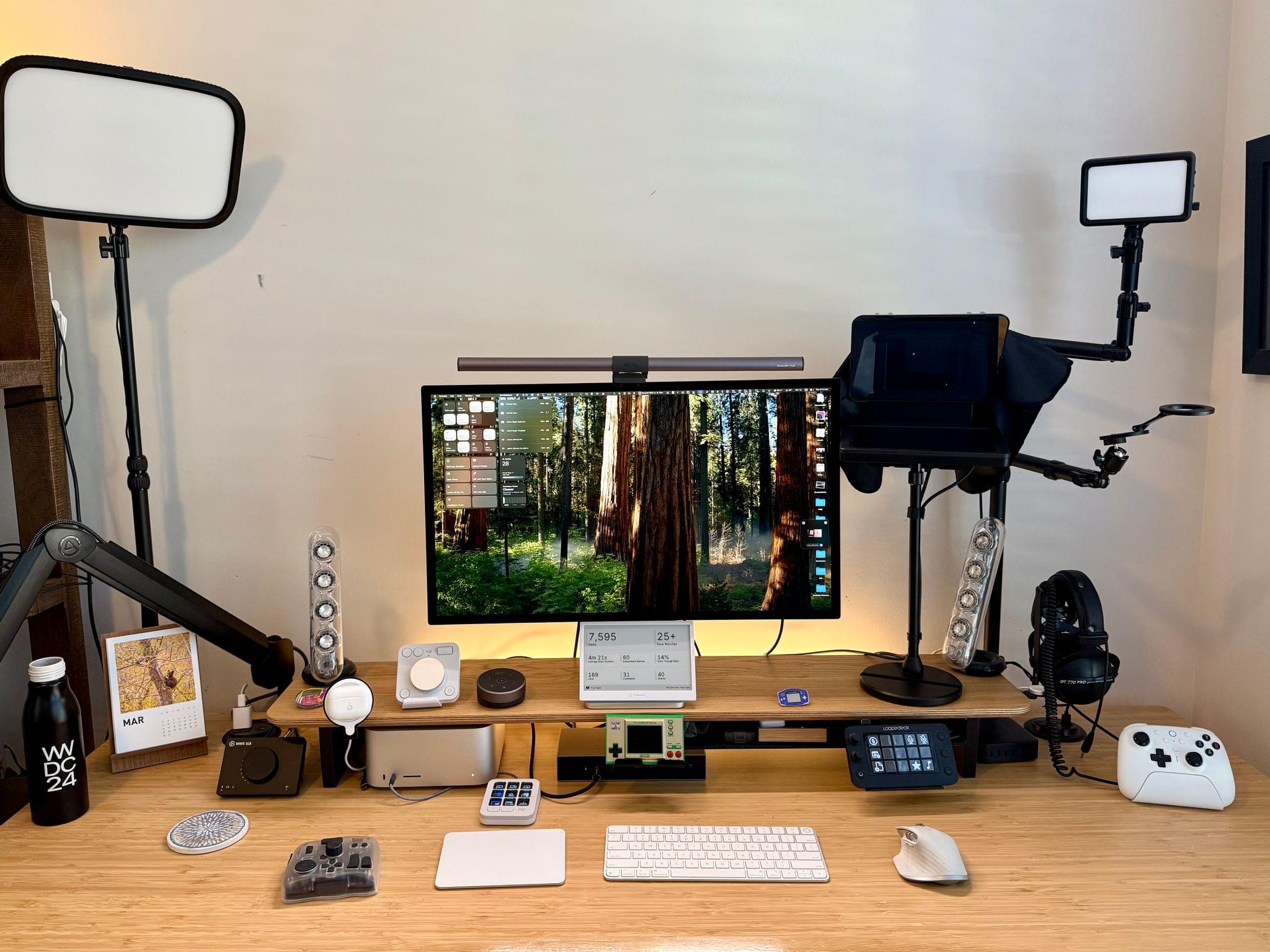
It’s been a couple of months since I updated my desk setup. In that time, I’ve concentrated on two areas: video recording and handheld gaming.
I wasn’t happy with the Elgato Facecam Pro 4K camera, so I switched to the iPhone 16e. The Facecam Pro is a great webcam, but the footage it shot for our podcasts was mediocre. In the few weeks that I’ve moved to the 16e, I’ve been very happy with it. My office is well lit, and the video I’ve shot with the 16e is clear, detailed, and vibrant.
The iPhone 16e sits behind an Elgato Prompter, a desktop teleprompter that can act as a second Mac display. That display can be used to read scripts, which I haven’t done much of yet, or for apps. I typically put my Zoom window on the Prompter’s display, so when I look at my co-hosts on Zoom, I am also looking into the camera.
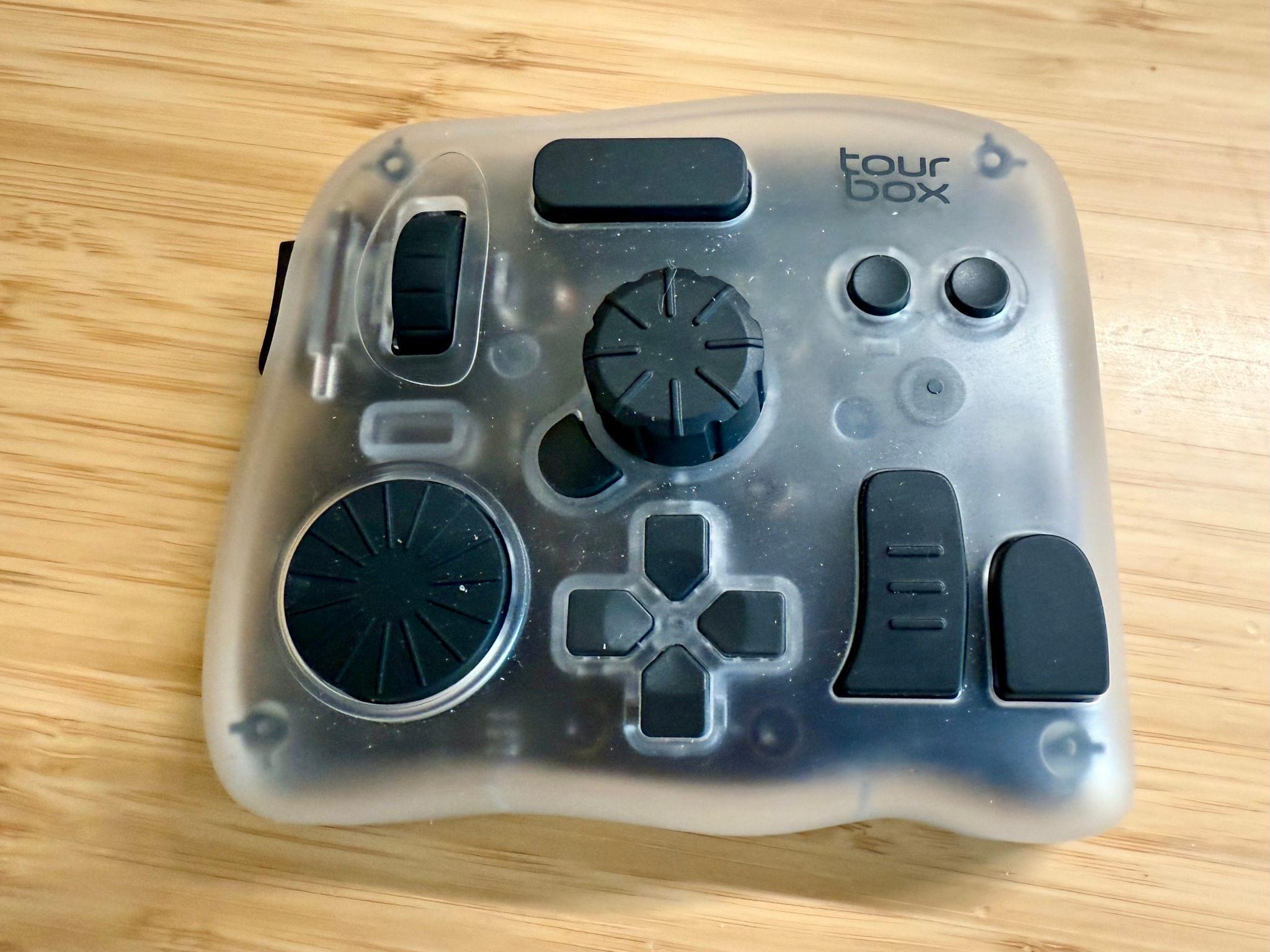
The final piece of my video setup that I added since the beginning of the year is the Tourbox Elite Plus. It’s a funny looking contraption with lots of buttons and dials that fits comfortably in your hand. It’s a lot like a Stream Deck or Logitech MX Creative Console, but the many shapes and sizes of its buttons, dials, and knobs set it apart and make it easier to associate each with a certain action. Like similar devices, everything can be tied to keyboard shortcuts, macros, and automations, making it an excellent companion for audio and video editing.
On the gaming side of things, my biggest investment has been in a TP-Link Wi-Fi 7 Mesh System. Living in a three-story condo makes setting up good Wi-Fi coverage hard. With my previous system I decided to skip putting a router on the third floor, which was fine unless I wanted to play games in bed in the evening. With a new three-router system that supports Wi-Fi 7 I have better coverage and speed, which has already made game streaming noticeably better.
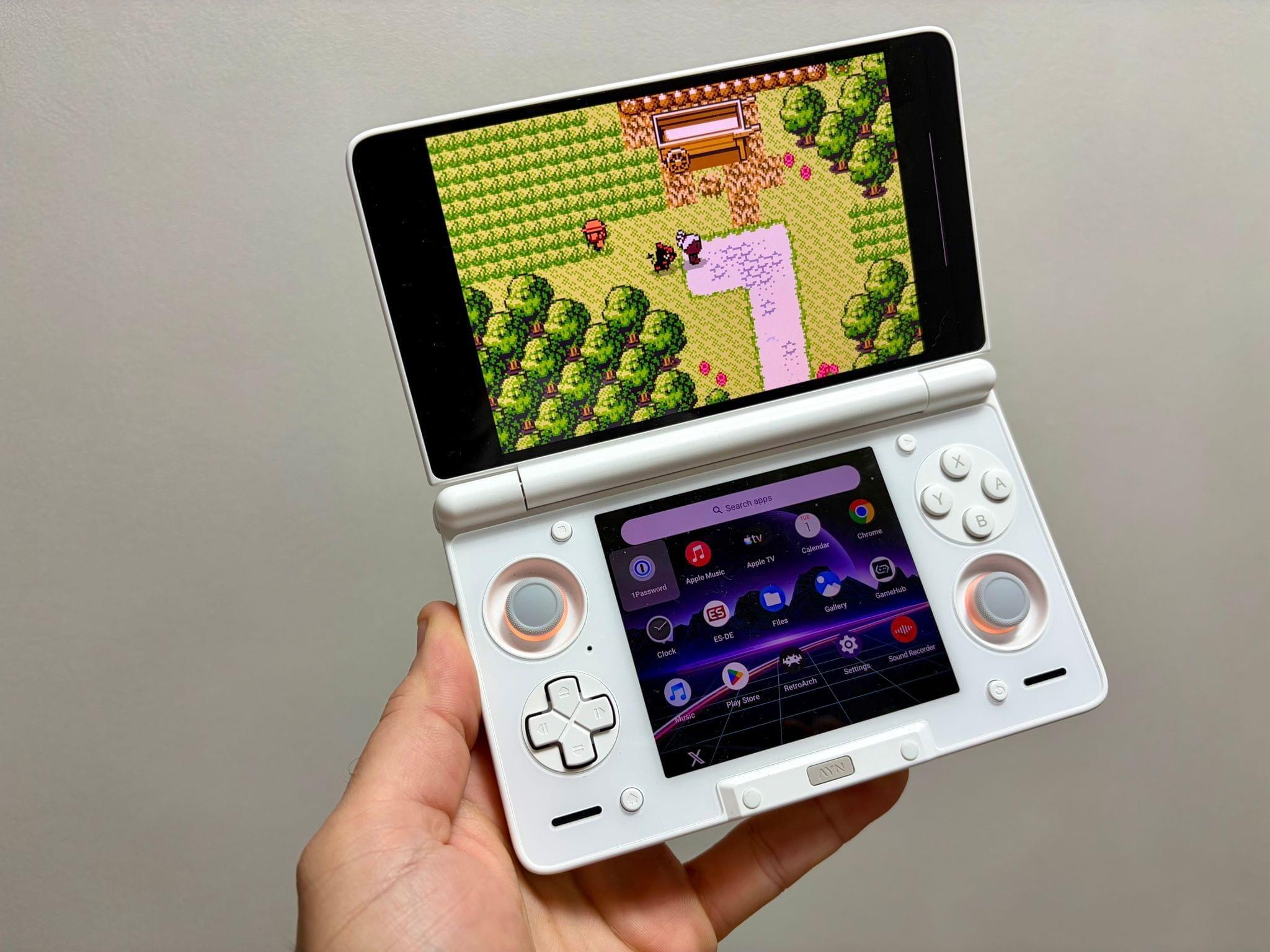
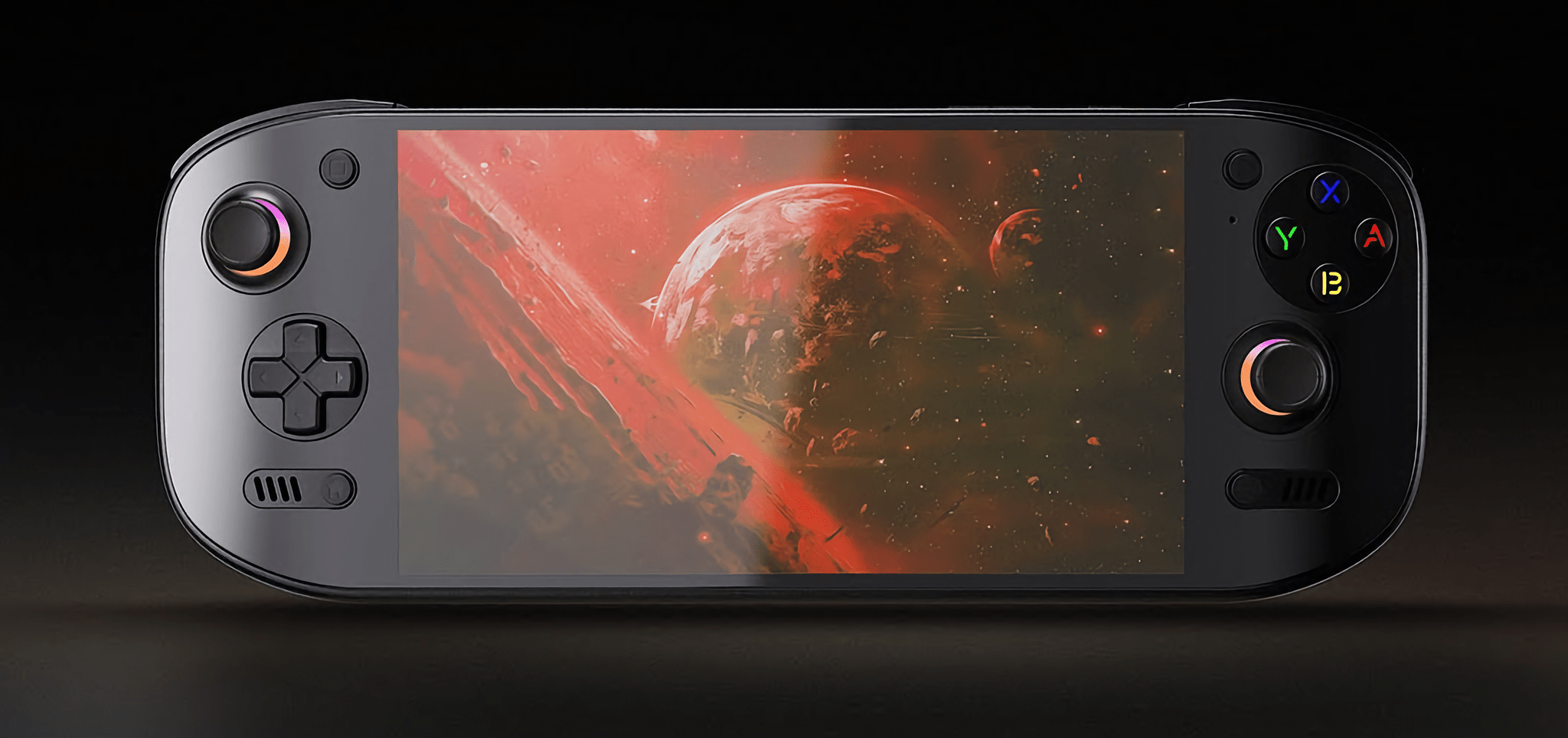
The other changes are the addition of the Ayn Odin 2 Portal Pro, which we’ve covered on NPC: Next Portable Console. I love its OLED screen and the fact that it runs Android, which makes streaming games and setting up emulators a breeze. It supports Wi-Fi 7, too, so it pairs nicely with my new Wi-Fi setup.
A few weeks ago, I realized that I often sit on my couch with a pillow in my lap to prop up my laptop or iPad Pro. That convinced me to add Mechanism’s Gaming Pillow to my setup, which I use in the evening from my couch or later in bed. Mechanism makes a bunch of brackets and other accessories to connect various devices to the pillow’s arm, which I plan to explore more in the coming weeks.
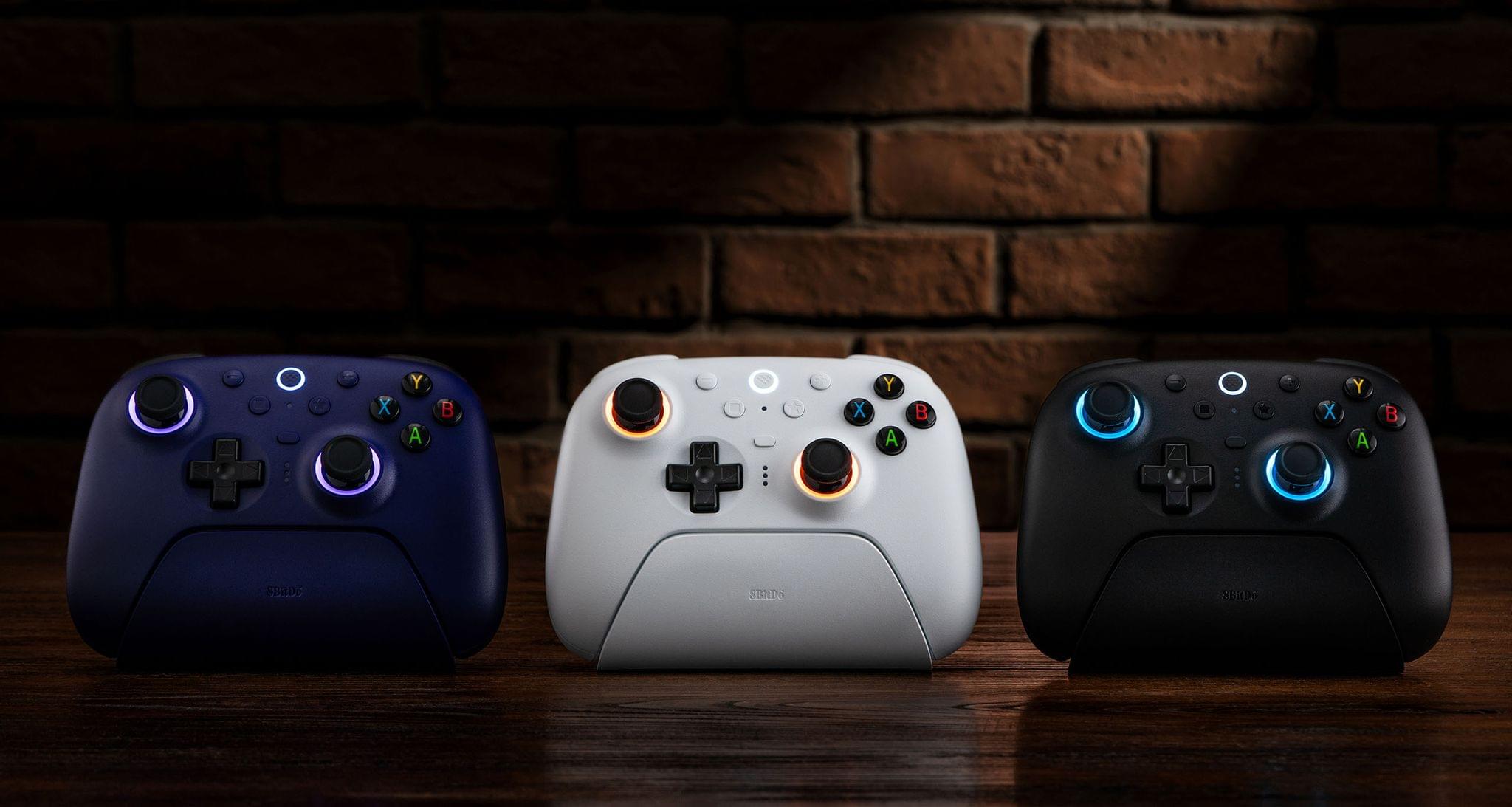
There are a handful of other changes that I’ve made to my setup that you can find along with everything else I’m currently using on our Setups page, but there are two other items I wanted to shout out here. The first is the JSAUX 16” FlipGo Pro Dual Monitor, which I recently reviewed. It’s two 16” stacked matte screens joined by a hinge. It’s a wonderfully weird and incredibly useful way to get a lot of screen real estate in a relatively small package. The second item is 8BitDo’s new Ultimate 2 Wireless Controller that works with Windows and Android. I was a fan of the original version of this controller, but this update preserves the original’s build quality and adds new features like L4 and R4 buttons, TMR joysticks that use less energy than Hall Effect joysticks, and 2.4G via a USB-C dongle and Bluetooth connection options.
That’s it for now. In the coming months, I hope to redo parts of my smart home setup, so stay tuned for another update later this summer or in the fall.