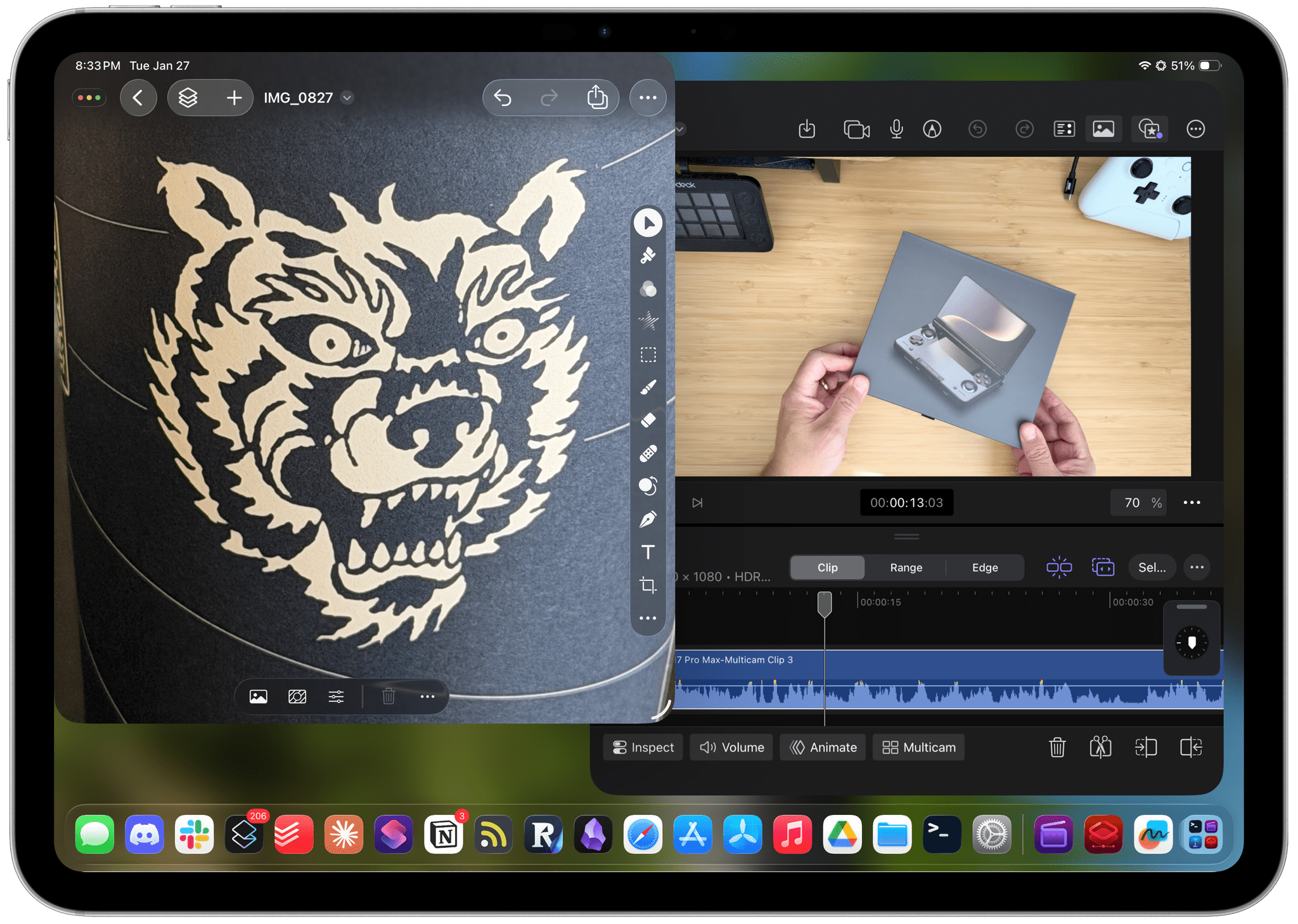
In November, Apple Creator Studio will get its biggest update since its release in January. There’s a lot here, so let’s break it down by app.
Final Cut Pro and Motion
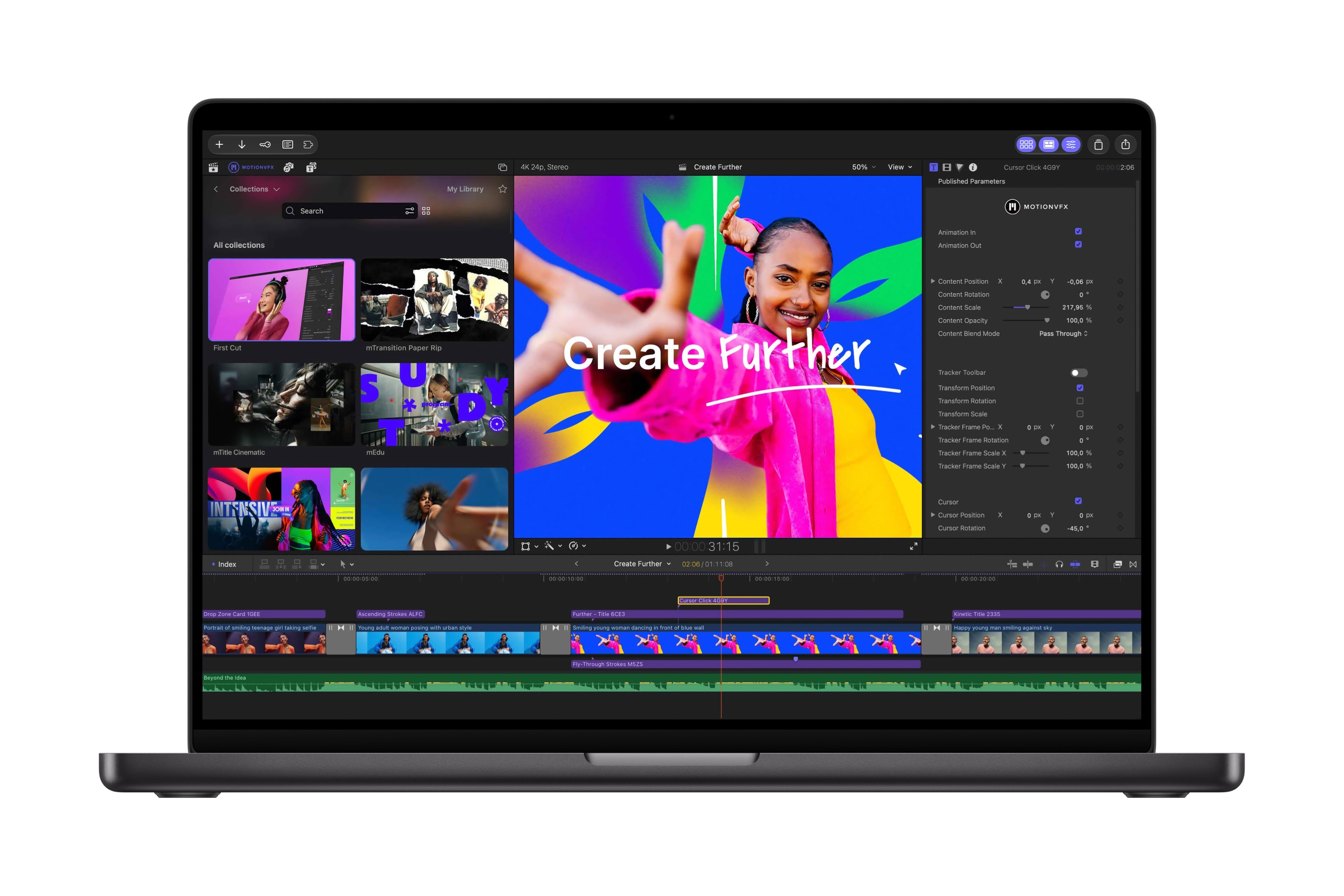
Back in March, Apple acquired MotionVFX, a highly regarded plug-in maker for Final Cut Pro. The upcoming update to Final Cut Pro will bring MotionVFX’s tools directly into the app for the first time. According to Apple’s press release, the update adds thousands of new elements to Final Cut Pro “including templates with unique themes, stylish graphics, titles, and transitions, as well as tools for rotoscoping, tracking, and color grading.” That will add a lot of value to Final Cut Pro that creators historically paid for separately. The update also adds new content to the suite’s Content Hub like stock videos, images, and backgrounds.
Final Cut Pro will also be integrated more tightly with Pixelmator Pro, allowing images in a video timeline to be edited in Pixelmator Pro without exporting and reimporting the image. The update also includes finer control over animation and 23 new transcription languages for captioning video.
Motion will also gain MotionVFX plug-ins, integration with Pixelmator Pro, and more.
Pixelmator Pro
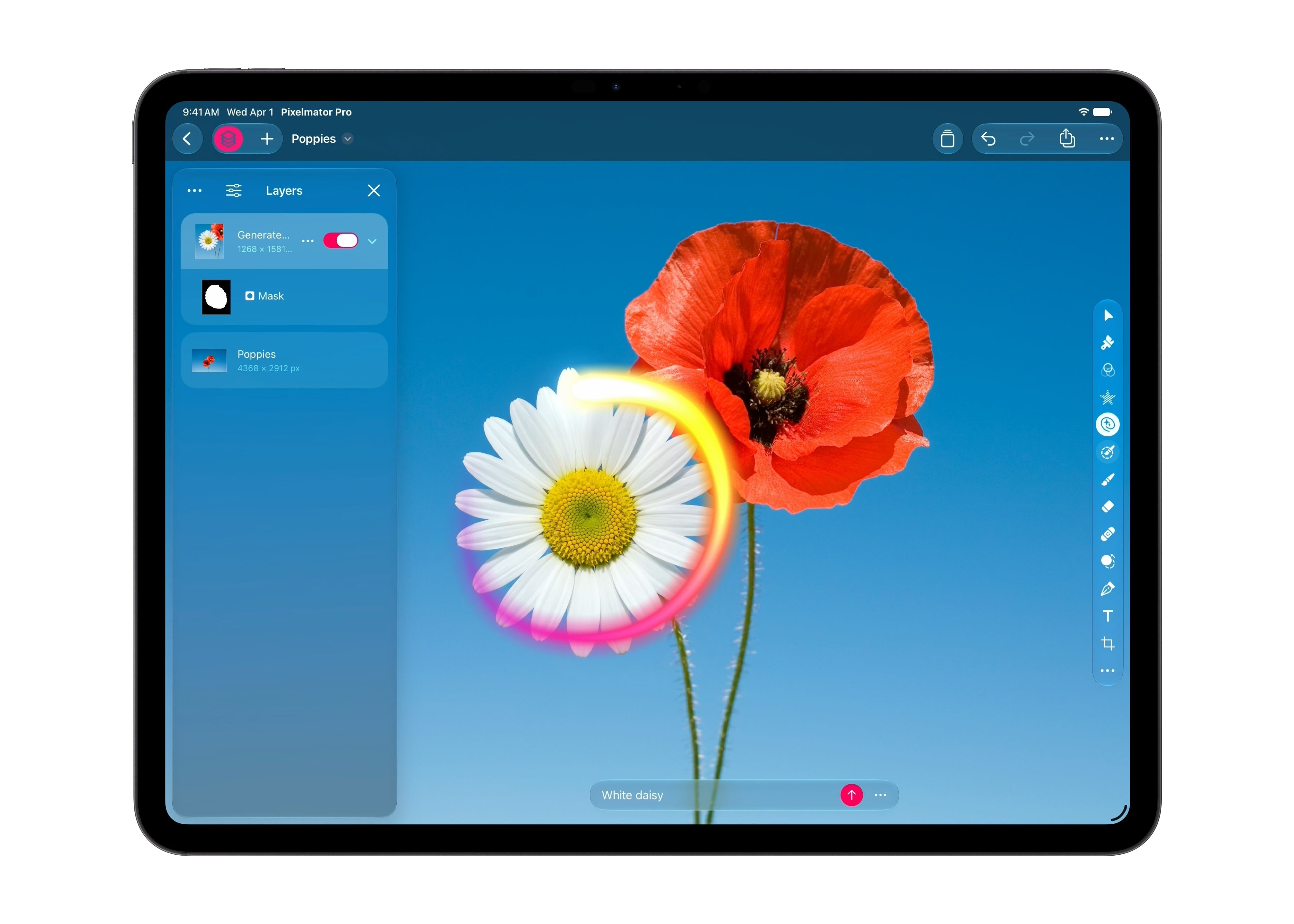
A new Generate Fill feature will be added to Pixelmator Pro. Users circle where they want an edit or use one of the app’s selection tools, describe it, and the app generates the edit. Generated elements will also work with the existing Super Resolution tool and can be merged into a layer or be inserted as a separate layer.
Logic Pro
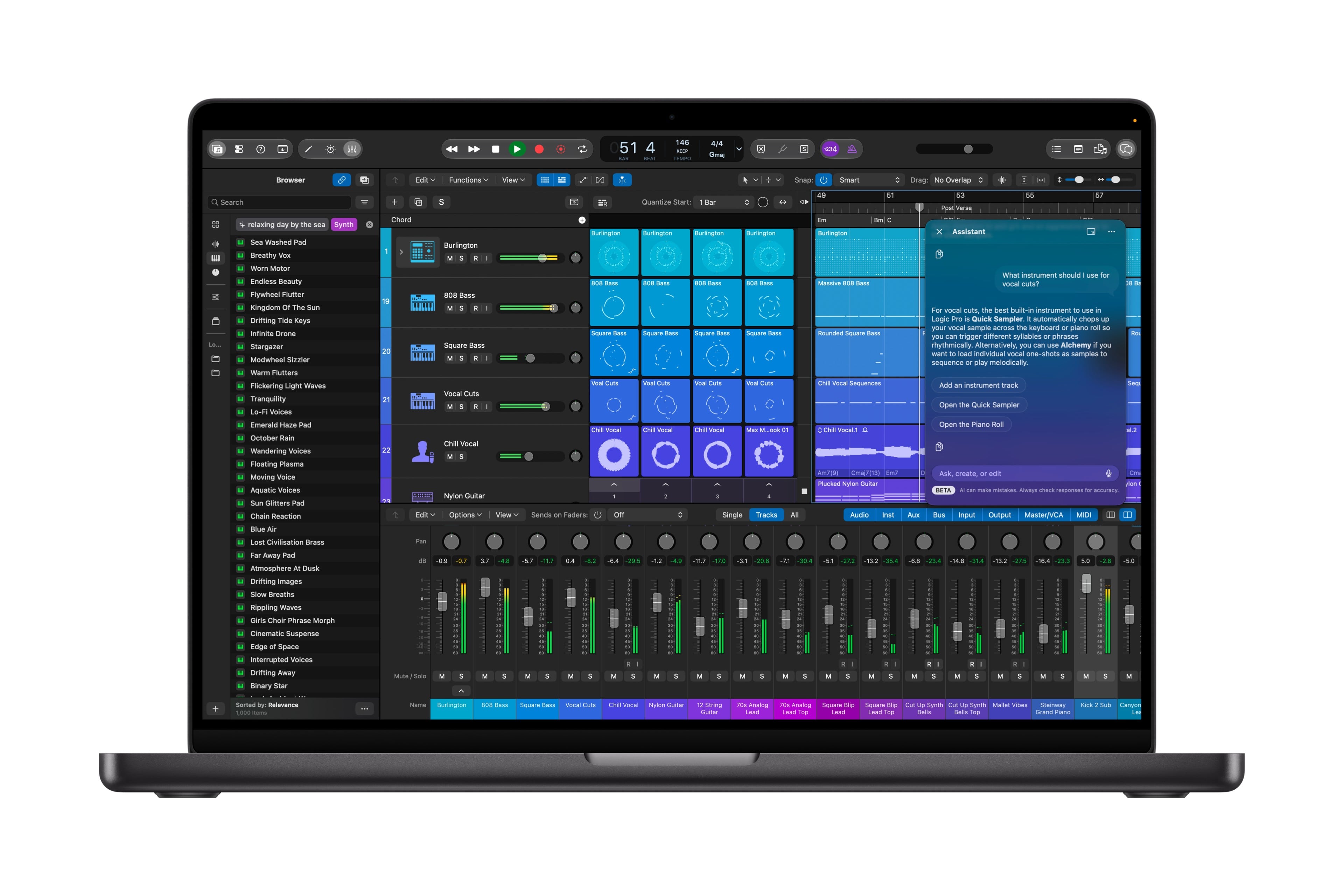
Logic Pro is getting a Liquid Glass redesign, which looks great in Apple’s press release images. For musicians, there will be a new beta chatbot assistant on the Mac that uses Apple and OpenAI models. The app’s Browser is being updated on the Mac, too. It will consolidate loops, instruments, and more, organizing them using music understanding to make finding what you want easier. In addition, Logic’s Stem Splitter will gain the ability to separate drums, and a new Producer Pack from Grammy-winning salsa producer Sergio George is coming too.
Keynote, Pages, and Numbers
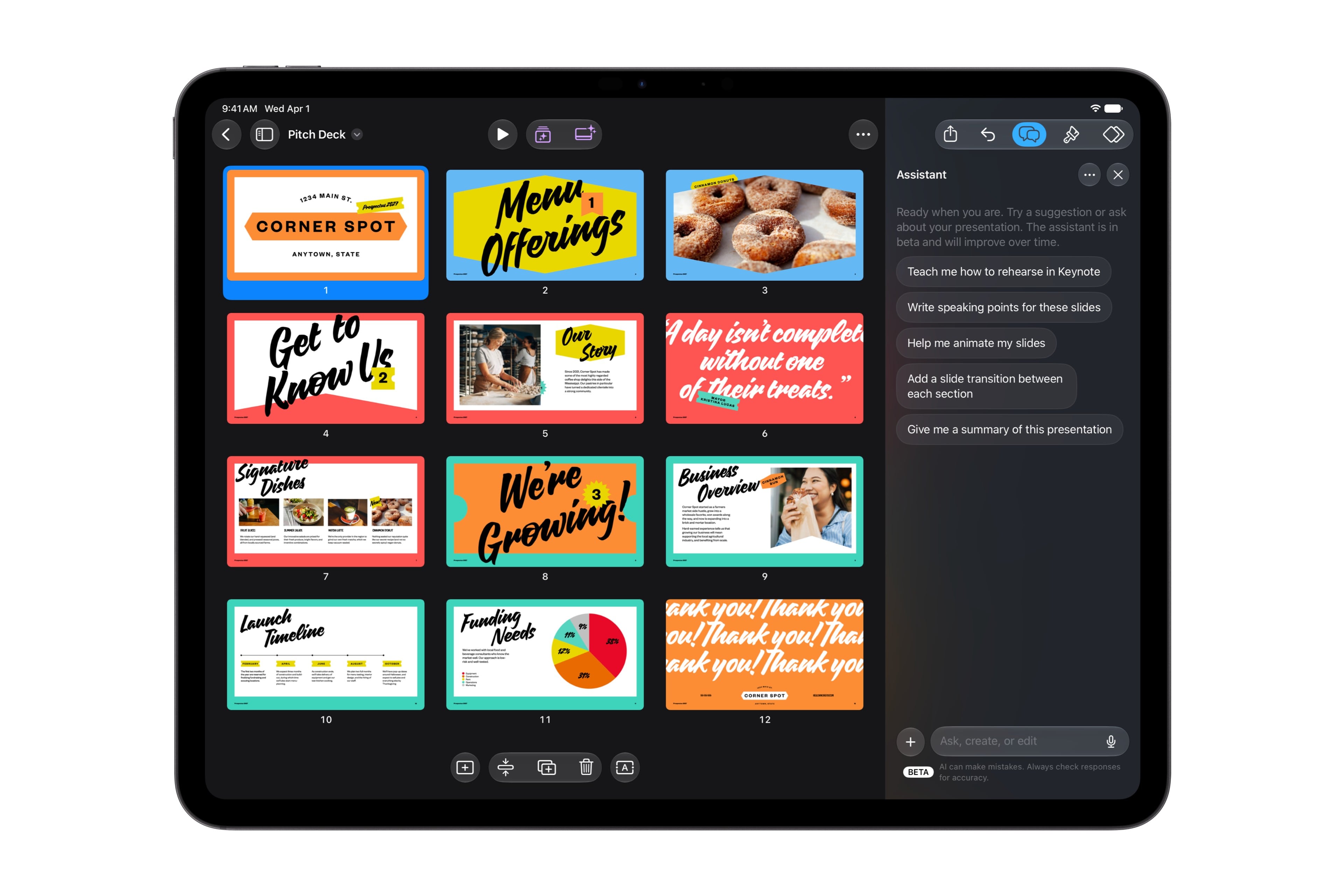
All three productivity tools will add a beta AI assistant powered by Apple and OpenAI models. Assistants understand the context of documents, helping build slides, write documents, and refine spreadsheets. The apps will also add MCP support on the Mac, allowing users to connect them to external AI agents for the first time. Content Hub will also add stock video footage that can be used in Keynote, Pages, and Numbers, and Keynote will gain a new Keynote Interchange Format that is based on JSON, which should make it more accessible to AI workflows.
Freeform
Freeform will add text styles that can be applied in one step across multiple boards, along with custom and preset background colors. Then in December, Freeform will integrate with Pixelmator Pro for image editing.
I’m glad to see MotionVFX coming to Creator Studio. I also appreciate that an MCP server will be added to Keynote, Pages, and Numbers, something that is sorely missing compared to similar apps from companies like Google. I’m intrigued by the AI assistants coming to Logic Pro, Keynote, Pages, and Numbers, too. I’ve used Codex a lot to help me learn new tricks in those apps and having an assistant like Codex built in has the potential to reduce the distraction of switching between apps.
Existing subscribers will have access to these new features beginning in November. Creator Studio, which supports Family Sharing, is $12.99/month or $129/year, with a one-month free trial or three months free when you buy a new Mac or qualifying iPad. College students and educators can get it for $2.99/month or $29.99/year.
.](https://cdn.macstories.net/images/uploads/2026/08/14/hero-1786751163983-f6ca13e3c1.jpg)