
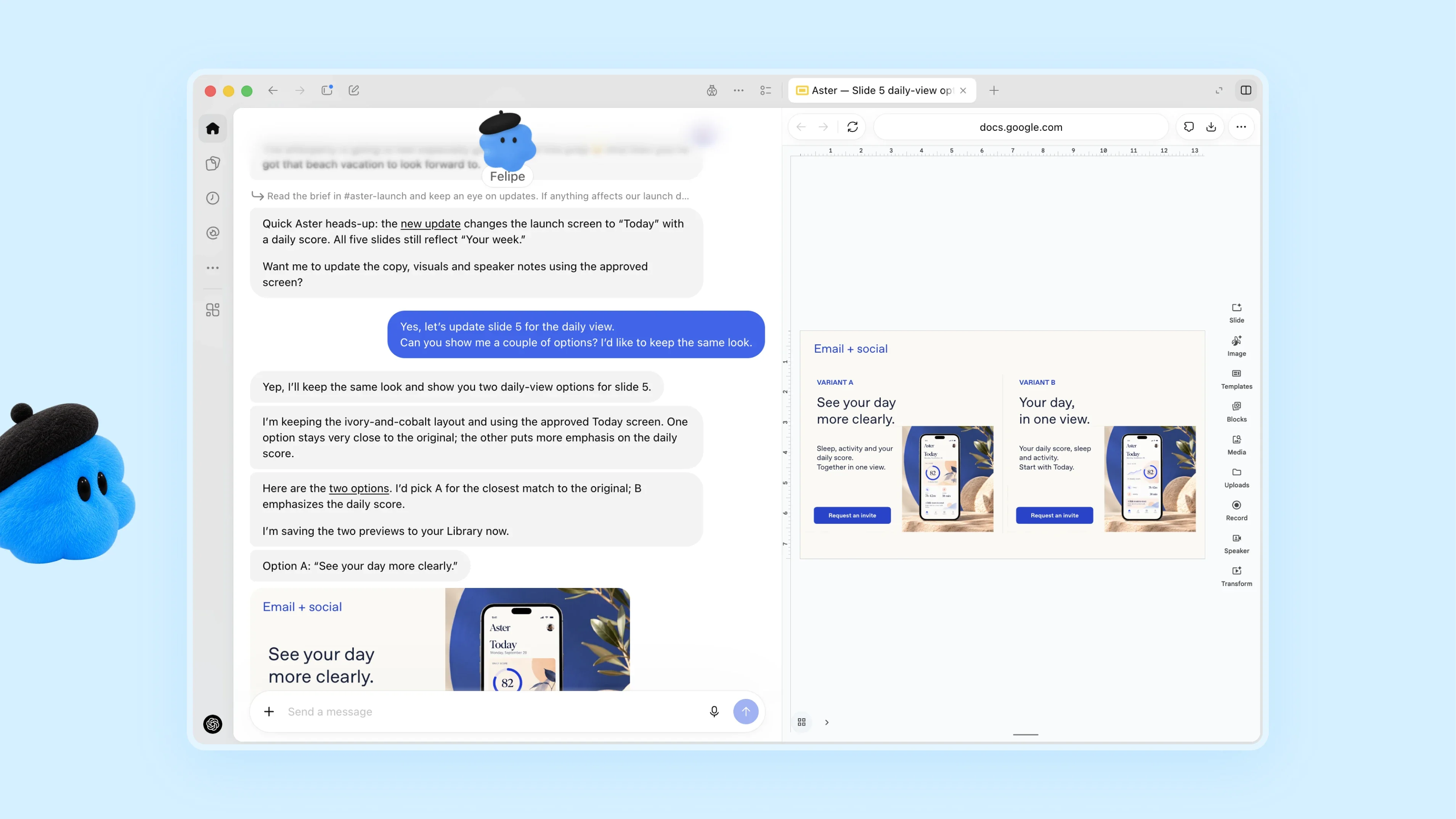
Earlier this week, I was at OpenAI’s annual DevDay conference where it launched Dots, a personal agent that lives inside the ChatGPT app. I set up my Dot and named it Puck after the mischievous sprite in Shakespeare’s A Midsummer Night’s Dream. In the days since then, I’ve found myself using Puck more and more. There are still rough edges, but I thought I’d share what’s working and what’s not, and how Dots are different from what’s already available in ChatGPT and Codex.
Dots are persistent, cloud-based agents that use the plugins and other tools you’ve connected to ChatGPT, after you allow them to do so. Your Dot has its own virtual Linux computer to assist you with your work. And at first, your Dot, which is depicted by a colorful character you can customize, doesn’t have access to anything else. However, as you give your Dot tasks that need access to other tools, it will ask for your permission to access other tools. The pacing of this initial interaction with your Dot is really well done. The requests felt natural and allowed me to get comfortable with expanding what I let Puck do without feeling like annoying interruptions.
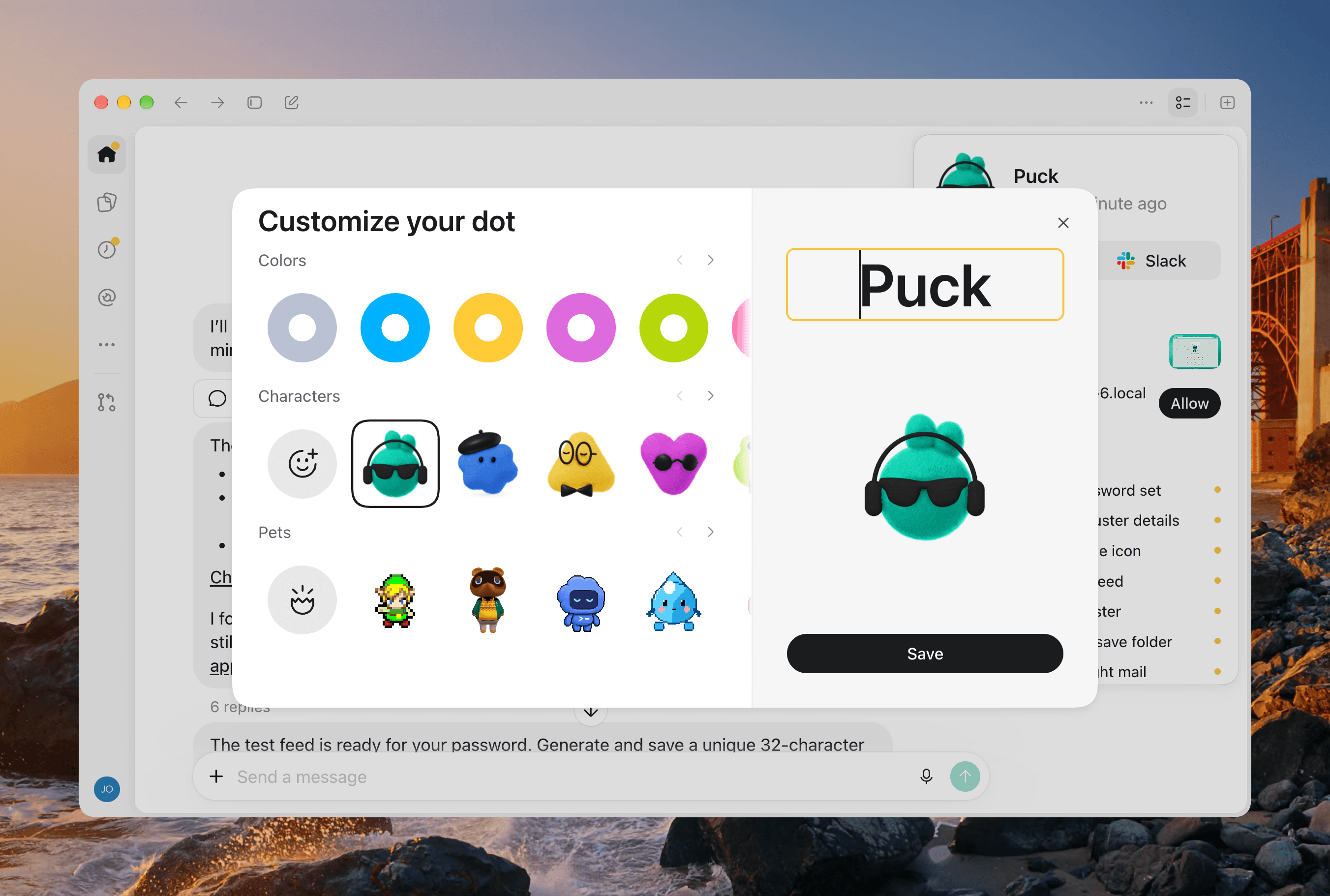
Dots are available on mobile and desktop devices, and because they are cloud-based, your Dot’s chat is always synced between devices. But being a cloud-based agent has its downsides, too. Out of the box, your Dot can’t access your computer’s files and apps. That’s easily fixed by clicking or tapping on your Dot and granting it access to your Mac, so it can use the Mac alongside its own VM. As with Codex’s Remote feature, using a remote Mac with your Dot requires the ChatGPT app to be open on that Mac, too.