
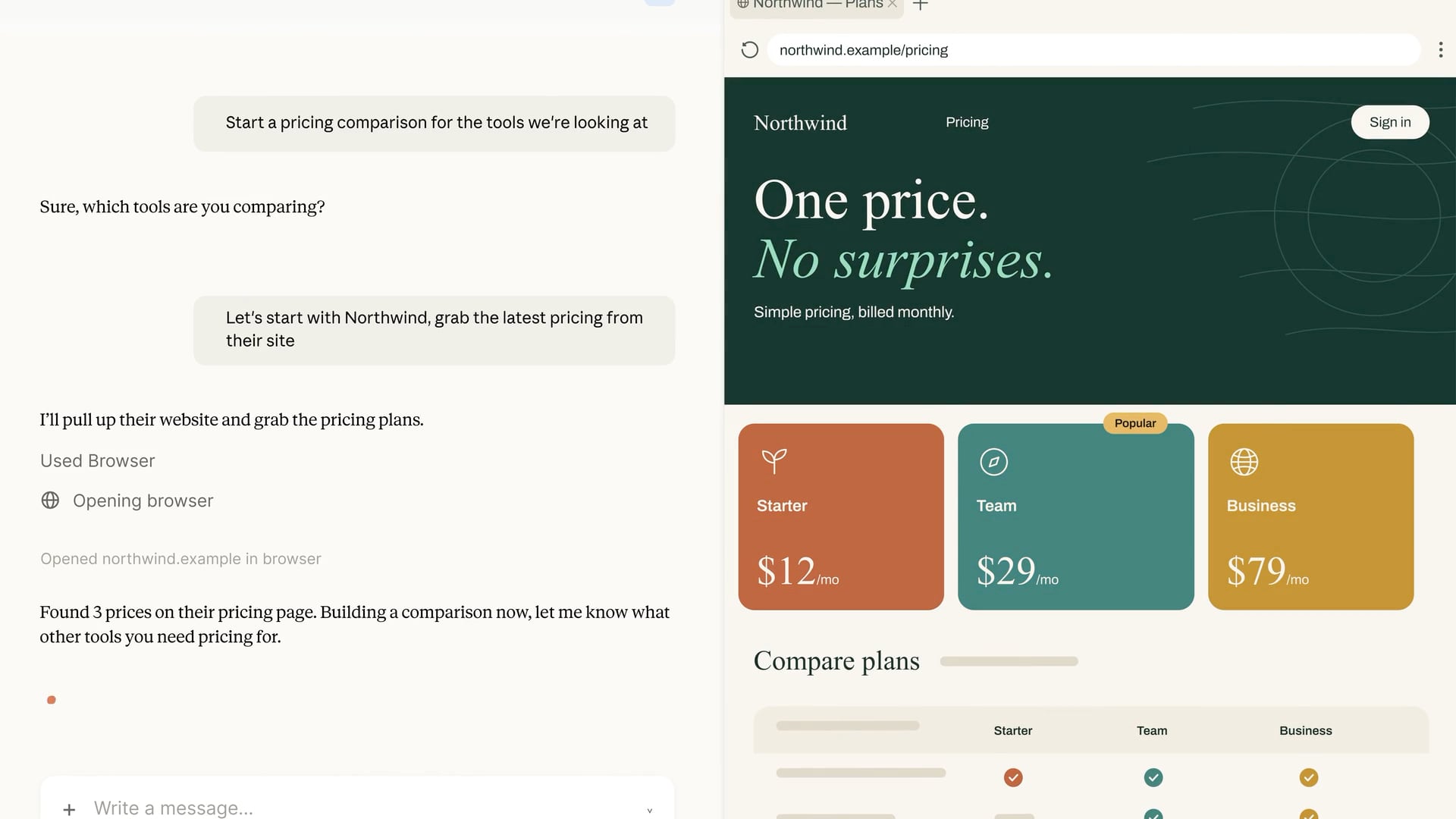
Hot on the heels of OpenAI’s addition of a cloud-based browser to ChatGPT Work, Anthropic has added an in-app browser to Claude Cowork in its desktop app. What’s interesting about the two browser implementations is that while both ChatGPT Work and Claude Cowork are meant to be used for general knowledge work, Claude Cowork’s browser is something of a hybrid that mixes aspects of OpenAI’s Codex built-in browser with its ChatGPT Work cloud-based browser.
First of all, I do not yet have access to Claude’s in-app browser, so the following is based solely on Anthropic’s announcement and other documentation. Still, the differences are worth understanding since the tools are aimed at different workflows.
Like Codex’s in-app browser, Claude Cowork’s in-app browser is built into the desktop app itself. That ties Claude’s browser to the instance of its app running on your Mac. Turn your Mac off or close the Claude app, and the browser becomes unavailable. Leave the Claude app running, and you’ll be able to control the browser session remotely through the Claude mobile app or the web.
From there, however, the browsers diverge. As you’d expect, the Codex implementation is developer-oriented, with tools to build, inspect, and annotate web pages along with access to a terminal, repos, and diffs. In contrast, Claude Cowork’s in-app browser opens automatically as needed for general-purpose web tasks instead of development tasks.
Also, while both ChatGPT Work’s and Claude Cowork’s browser implementations benefit from being isolated from your other day-to-day browser use outside those apps, their handling of login credentials is a little different. As I wrote in greater detail yesterday, ChatGPT separates the login process from the model’s activity and evaluates the login page for things like phishing schemes. Claude Cowork’s in-app browser offers two ways to log in: manually, or by importing cookies from logged-in sessions in another browser. Currently, Claude supports cookie imports on the Mac from Chrome, Edge, and Firefox, but not Safari. In addition to the security benefits that come with a browser that runs isolated from your everyday browser, Claude also requests permission before acting on a site for the first time, blocks high-risk sites, checks actions against the your requests, and uses the same prompt injection protections as its Chrome extension.
My first-run experience with ChatGPT Work’s cloud browser was a mixed bag but showed promise. Although I haven’t tried Claude Cowork’s browser yet, I’m glad to see Anthropic moving in the same direction as OpenAI here. Isolating agent browsing by bringing the browser into Claude and ChatGPT doesn’t solve every security issue, but it’s a good starting point. I expect we’ll see both Anthropic and OpenAI iterate quickly on this theme in the coming months.