One of my favorite kinds of apps is simple utilities that solve a common problem and are straightforward to use. That’s exactly what Greg Pierce has created with Simple Scan, a scanning app for the iPhone and iPad that simplifies the process of one-off document scans.
Simple Scan is entering a crowded scanning market. Many scanning utilities also help you organize your scans, store them in the cloud, submit expense reports, and more. There are people who need that sort of extended feature set, but somewhere along the way, people with simpler needs have been forgotten.
That’s exactly my situation. I occasionally scan a receipt for one reason or another, but it’s not something I do often. As a result, it doesn’t make sense for me to pay a lot for a scanning app with features I’ll rarely use. Nor do I want to use a free version with ads, which is why I like Simple Scan so much.
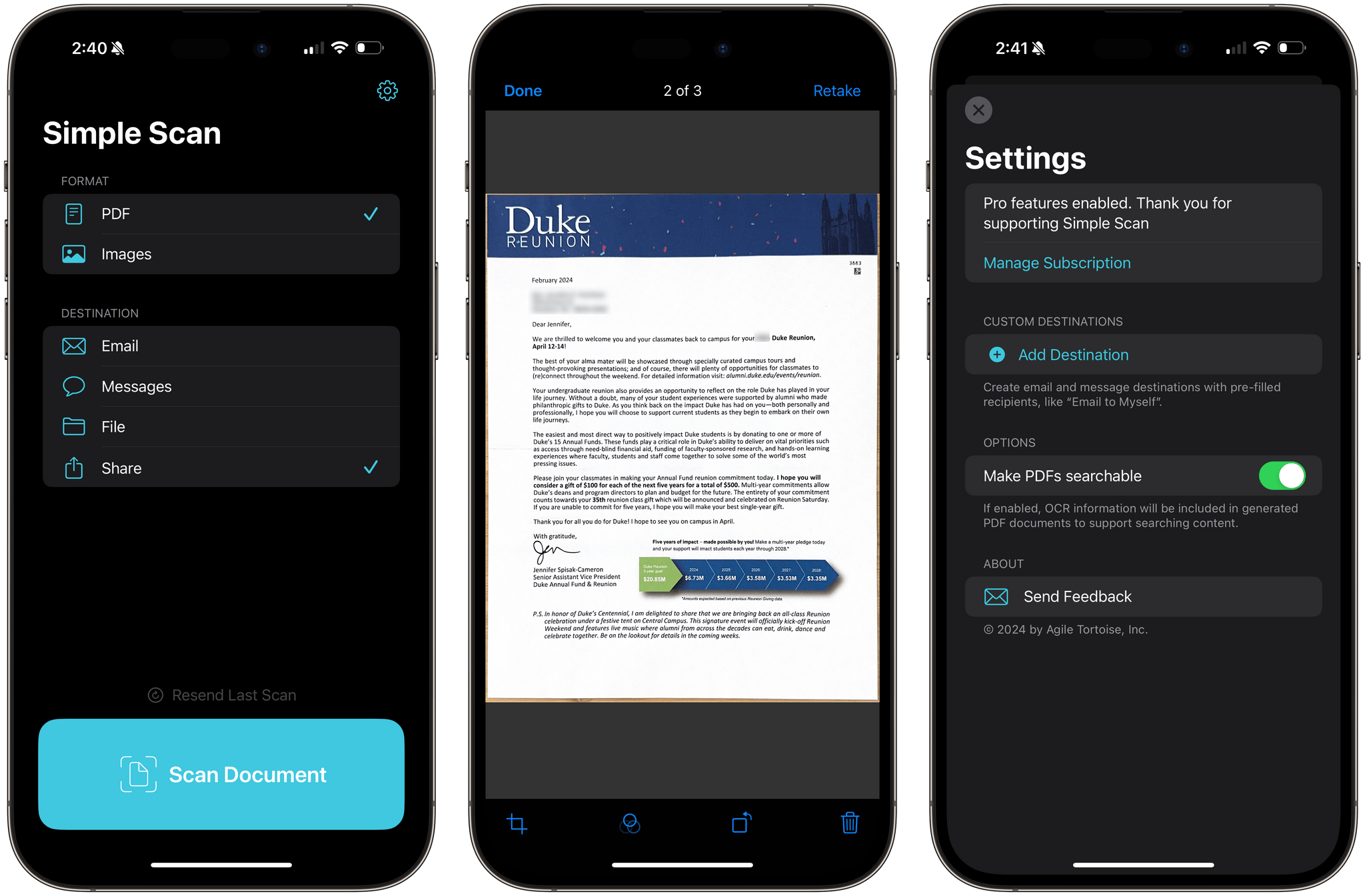
Simple Scan has two options and a big ‘Scan Document’ button. Pick whether you want to create a PDF or an image, select a destination, then point your device’s camera at a document and start scanning. That’s all there is to it. Destinations include email, Messages, the Files app, and the system share sheet, covering all the obvious places you’d want to send most scans.
The destination options in Simple Scan are key. You can already scan documents into Apple Notes, but it adds to the overhead of scanning and clutters Notes with one-off scans. With Simple Scan, you’re up and running faster and with more options for where to store or send your documents.
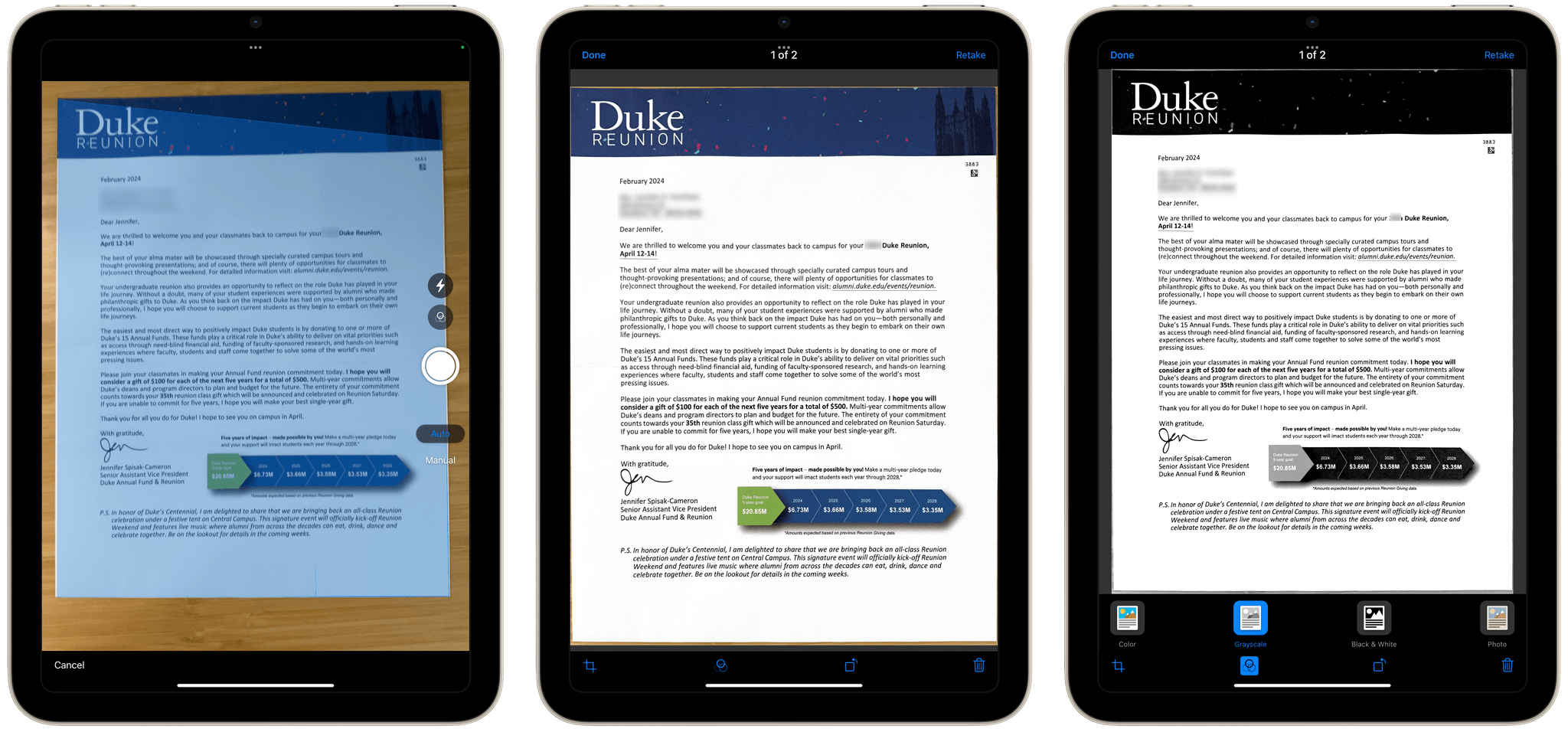
The scanning process uses Apple’s built-in scanning feature, allowing you to drag points to the corners of your document for cropping. The app also supports:
- Manual or automatic shutter
- Color, Greyscale, black and white, and photo scans
- Automatic, on, and off settings for your camera’s flash
Plus, there’s a toggle in settings to turn OCR of PDF files on or off.
As you scan pages, they stack up as thumbnails in the corner of the screen, where you can tap on them to make basic edits or discard them. When you’re finished, there’s a Save button on the opposite side of the shutter button that sends the images to whatever destinations you’ve chosen. That’s all there is to Simple Scan, but for a lot of people, myself included, it’s also enough.
Simple Scan is free to download from the App Store and use for your first five scans. Paying $4.99 per year or $19.99 one time unlocks unlimited scans and custom destinations that allow you to pre-fill email and iMessage recipients.