This Week's Sponsor:

Soulver 4

The Notepad Calculator for Mac, iPad, and iPhone — Biggest Update in 7 Years


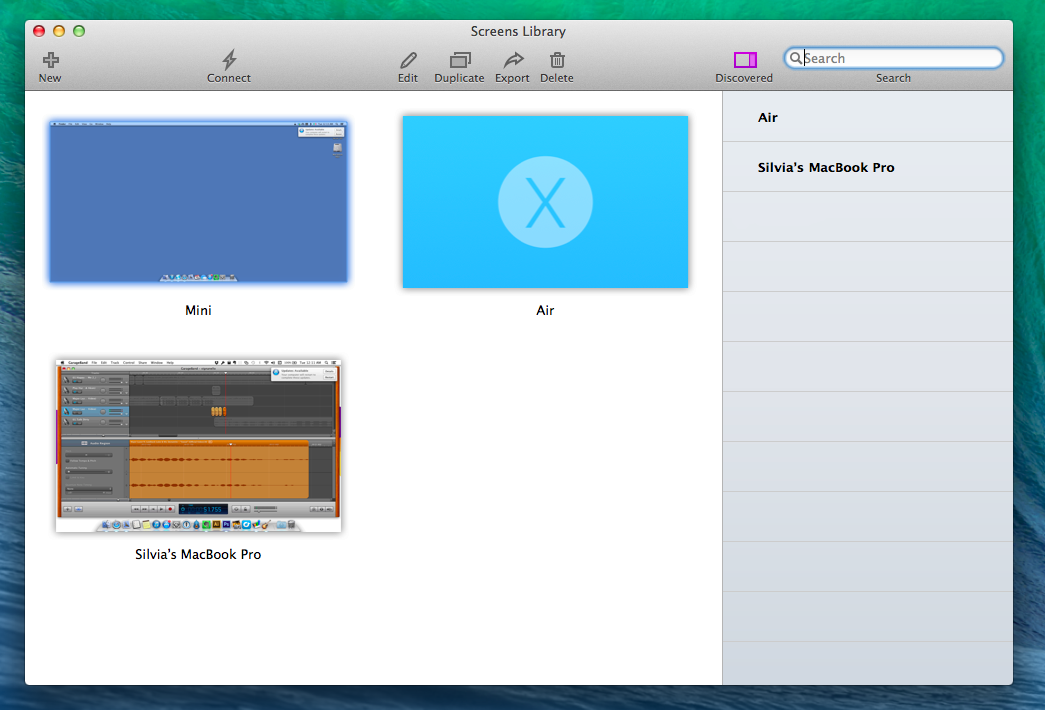
Screens 3 for Mac Review

Since 2010, I’ve been using Edovia’s Screens for all my VNC needs: an elegant client with a polished interface and just the right amount of options, I’ve always been a fan of Edovia’s focus on elegance and simplicity combined with touch controls.

The iOS app has changed quite a bit over the years: notably, with iOS 7 Edovia took the opportunity to completely redesign Screens with a cleaner UI and updated gestures, adding on-disconnect actions, hot corners, and trackpad mode with subsequent updates that continued to strike a good balance between feature additions and intuitiveness. I don’t need to access dozens of Macs remotely every day – I only log into my local MacBook Air (when I’m in bed or in another room) and my remote Mac mini – but I know that Screens for iOS has everything I need.

Screens 3 is Edovia’s latest update to their Mac client, originally released in 2011. A free update for existing Screens 2 customers, Screens 3 is available both on Edovia’s website and the Mac App Store at $34.99, but only the Mac App Store version can offer iCloud sync across devices; because of this limitation, I recommend buying Screens from the Mac App Store.
Read more


Xcode Plugins

Indeed, significant progress has been made in recent years to break open the developer workflow, from alternative IDEs like AppCode to build tools like CocoaPods, xctool and nomad. However, the notion that Xcode itself could be customized and extended by mere mortals is extremely recent, and just now starting to pick up steam.

Xcode has had a plugin architecture going back to when Interface Builder was its own separate app. However, this system was relatively obscure, undocumented, and not widely used by third parties. Despite this, developers like Delisa Mason and Marin Usalj have done incredible work creating a stable and vibrant ecosystem of third-party Xcode extensions.

If you’re an iOS or OS X developer and have been looking for ways to customize Xcode, Mattt Thompson has a great roundup of Xcode plugins. I had no idea it was possible to add a Sublime Text-like mini map to the app.

Permalink

The Prompt T-Shirts

If you listen to The Prompt and you’ve ever wished you could express your appreciation for the show in a very visible way, well, we now have t-shirts.

We’re excited to announce the world’s greatest t-shirt. With a two-sided color design and printed on black, it celebrates the culture surrounding Apple and a community that’s bigger than any country or accent. We’ve been testing the design for a while now, and we really like it.

All orders and shipping are being handled by Teespring, so there’s no doubt about the quality of the product and the service. The best part? They’ll be at your door well in time to pack for WWDC.

Get yours on Teespring today, and you’ll have it by WWDC.

Permalink

Asking Users For iOS Permissions

Brenden Mulligan has an interesting post on various ways to ask users for permissions to access photos, contacts, and notifications on iOS. Brenden and his team experimented with different user flows and designs for Cluster, and what they ended up using seems like a good balance to me: there are multiple dialogs, but they’re often contextual and they explain to the user how data will be accessed before making a decision.

The “trick” of showing a custom permission dialog before the real iOS one seems to be a common trend these days – I’ve seen it in Facebook Messenger and other apps, and the general idea is that the user will be prepared when iOS will pop up the permission dialog to grant access to private data. There are many ways to approach this problem (dialogs integrated with welcome tutorials, custom dialogs with screenshots, etc), but I agree that making permission-granting contextual to a user-initiated action is much better than a deluge of permission dialogs on an app’s first launch.

Permalink

The Prompt: I Am Your Middleman

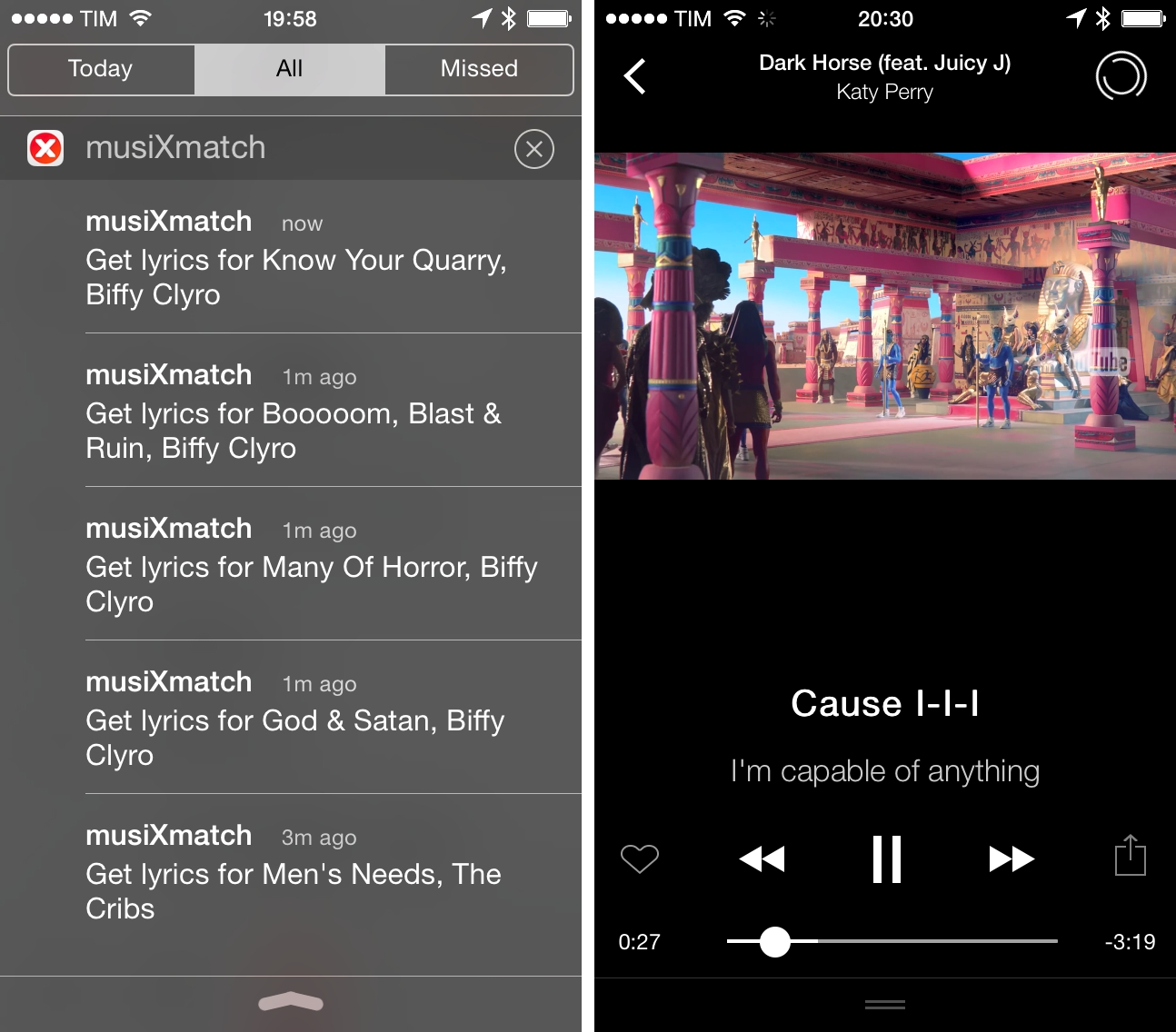
This week, Federico, Myke and Stephen reflect on their input into the world of dental healthcare, then move on to discuss Dropbox’s recent news, shake-ups in Apple’s design department and the WWDC lottery system.

For more on Carousel, see my thoughts on the app – I like its browsing experience a lot, but it needs more options for uploads and folder-based structures. Get the episode here.

Brought to you by:

Permalink

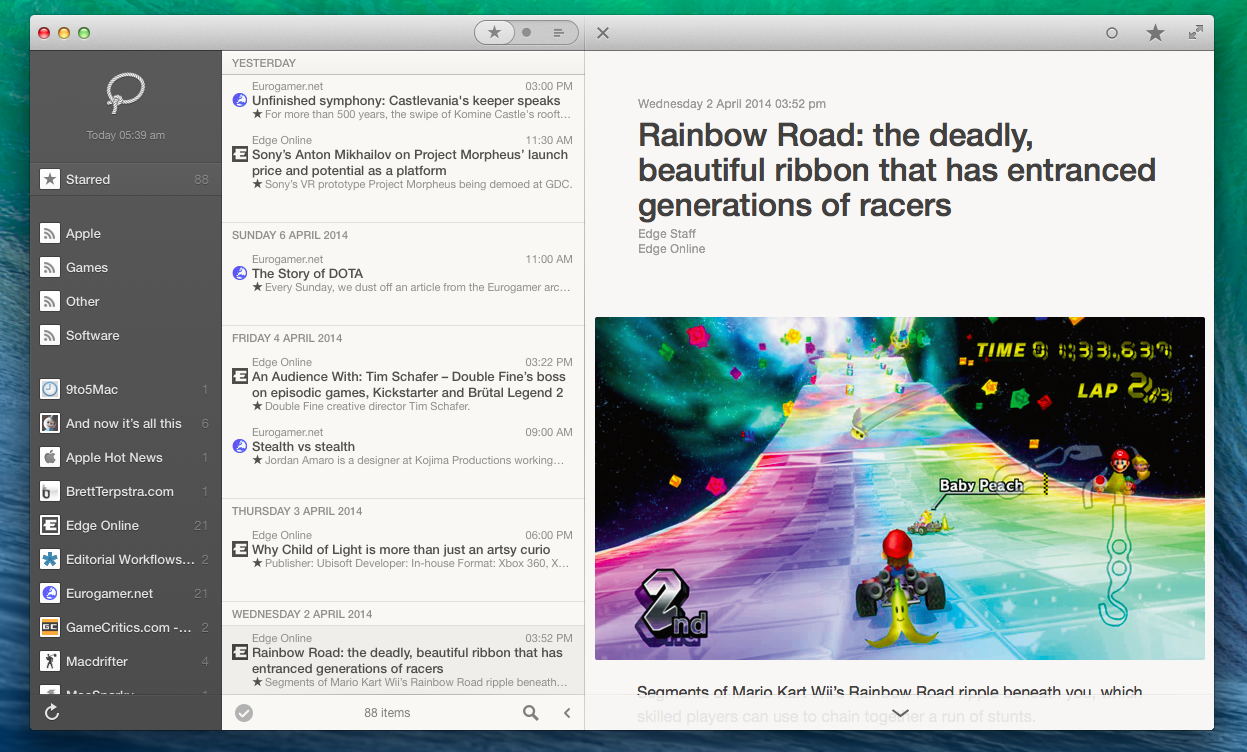
Reeder 2 for Mac Public Beta Now Available

Reeder 2 for Mac beta

Reeder 2 for Mac beta

Nine months after being pulled from the Mac App Store following the Google Reader shutdownReeder for Mac, Silvio Rizzi’s popular desktop RSS client, is back with a public beta that offers a glimpse at the app’s new service integrations, refreshed design, updated gesture navigation, and new features that will come in the final version.

During the beta stage, Reeder 2 for Mac will be free to download from Rizzi’s website.

The Reeder 2 beta builds on the design foundation of the old Reeder for Mac and the latest Reeder for iOS to offer a mix of new functionalities and tweaked layouts that should be familiar to both audiences. In July 2013, Rizzi pulled Reeder for Mac from the App Store due to the discontinuation of Google Reader (the RSS service that powered Reeder 1.0) as he couldn’t ship compatibility updates in time for Google’s deadline and preferred to jump directly to a 2.0 update that, however, is taking longer than expected. Originally announced for Autumn 2013, Reeder 2 for Mac still isn’t feature complete according to Rizzi, but he’s confident that the public beta should provide a solid preview of the changes he’s been working on while also serving as a way to gather feedback for what will become a paid app on the Mac App Store. Read more


Don Melton’s Memories Of Steve Jobs

Let me be clear. Steve was not some mercurial ogre or cartoon autocrat. He was just very, very busy. He didn’t have time for “yes men,” the easily frightened, or those who didn’t know what the fuck they were doing or talking about.

In that way, he wasn’t different from any other executive. At least those with good sense.

Steve expected excellence. Which is why he so often got it.

Fantastic collection of stories about Steve Jobs and working at Apple by Don Melton (an extended, unified version of what first appeared on The Loop Magazine).

If you read one thing today, make it this one.

Permalink

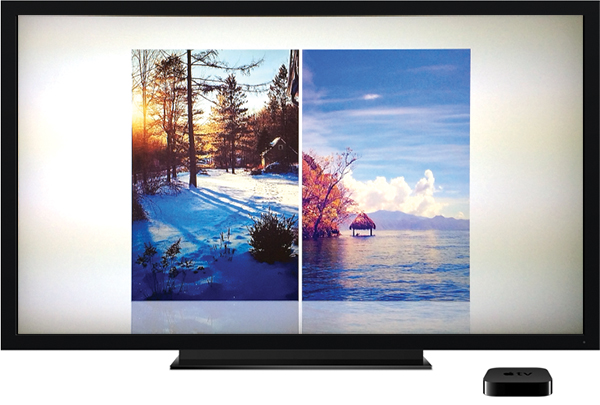
Use The Power of IFTTT To Customize Your Apple TV Screen Saver

It’s a fairly hidden feature that not many people seem to know about, but the Apple TV has some pretty great options for customizing its screen saver. There are a few default sources of photos you can choose from, including National Geographic (probably what you are using now), Animals, Flowers, Trailers (which shows movie posters of films on the iTunes Trailers website) and iCloud Photos (Photostream and iCloud albums).

But more interesting is the option to use Flickr. That may sound odd, but the reason I say it is because when you combine it with the awesome power of IFTTT, you can create some really unique screen saver options. For example, for the last few months I’ve been using a combination of Flickr, IFTTT and Instagram to create an Apple TV screen saver that cycles through images that I have liked on Instagram and it is far better than seeing the same old National Geographic photos (as great as they are) over and over again.

Read more