MyPhoneDesktop Puts Your iPhone On Your Desktop. Review and Giveaway.

Sharing information between your desktop computer and the iPhone can be a hell of a task sometimes. Whether you want to share pictures, documents, text, links or just anything, Apple’s products don’t come with an easy built-in solution to achieve a complete, easy and painless sharing. Sure there’s MobileMe, but that’s not so immediate. Dropbox, still requires a sync and I don’t exactly see it a sharing platform - it’s a backup and sync solution. On the other hand, native applications like Pastebot allow you to let your iPhone communicate with your Mac and vice versa by sharing the clipboard over a wireless connection. With Pastebot you can transfer text, links and pictures with just a few clicks and taps and it’s no doubt a great app. Be sure to write our review if you missed it.

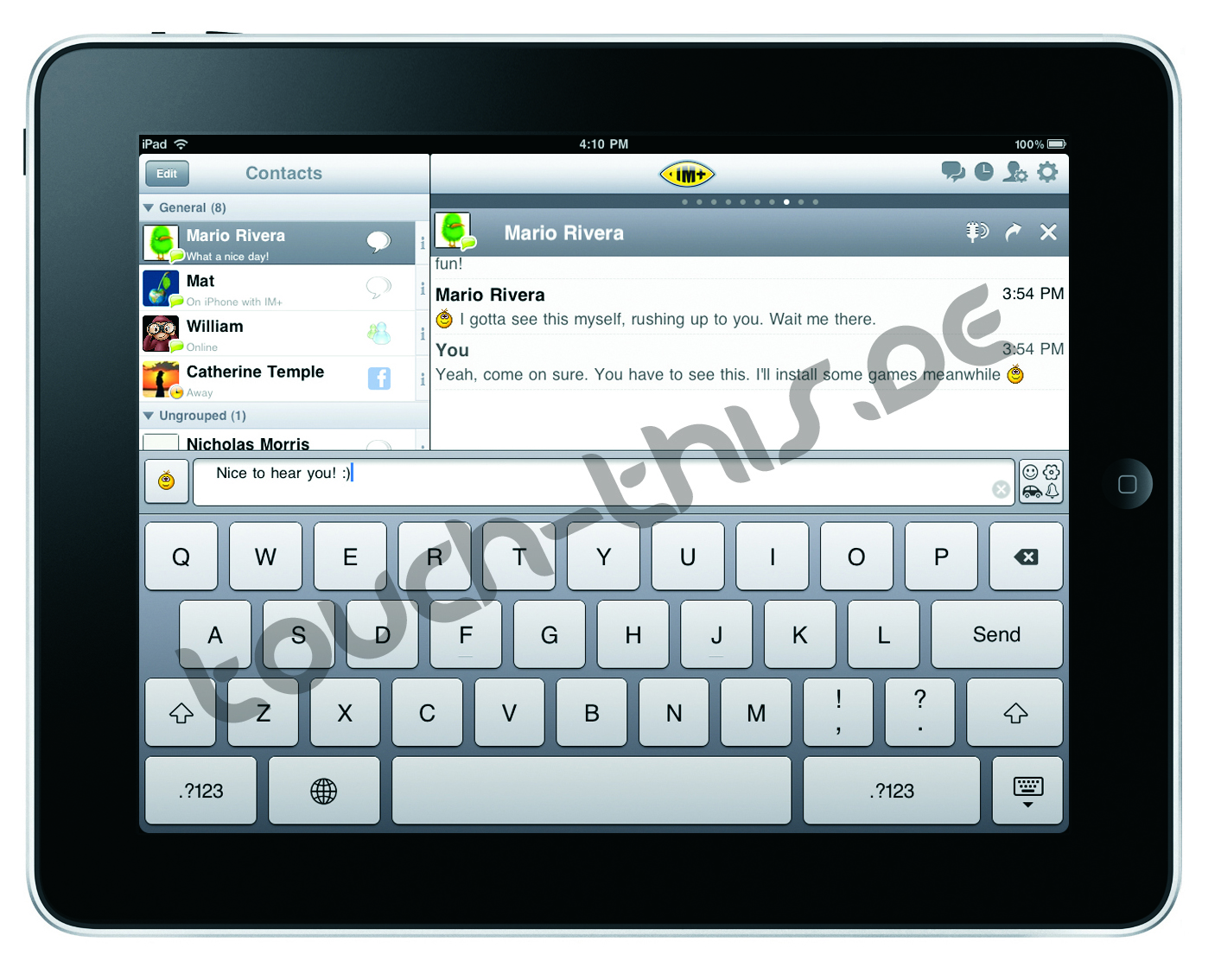
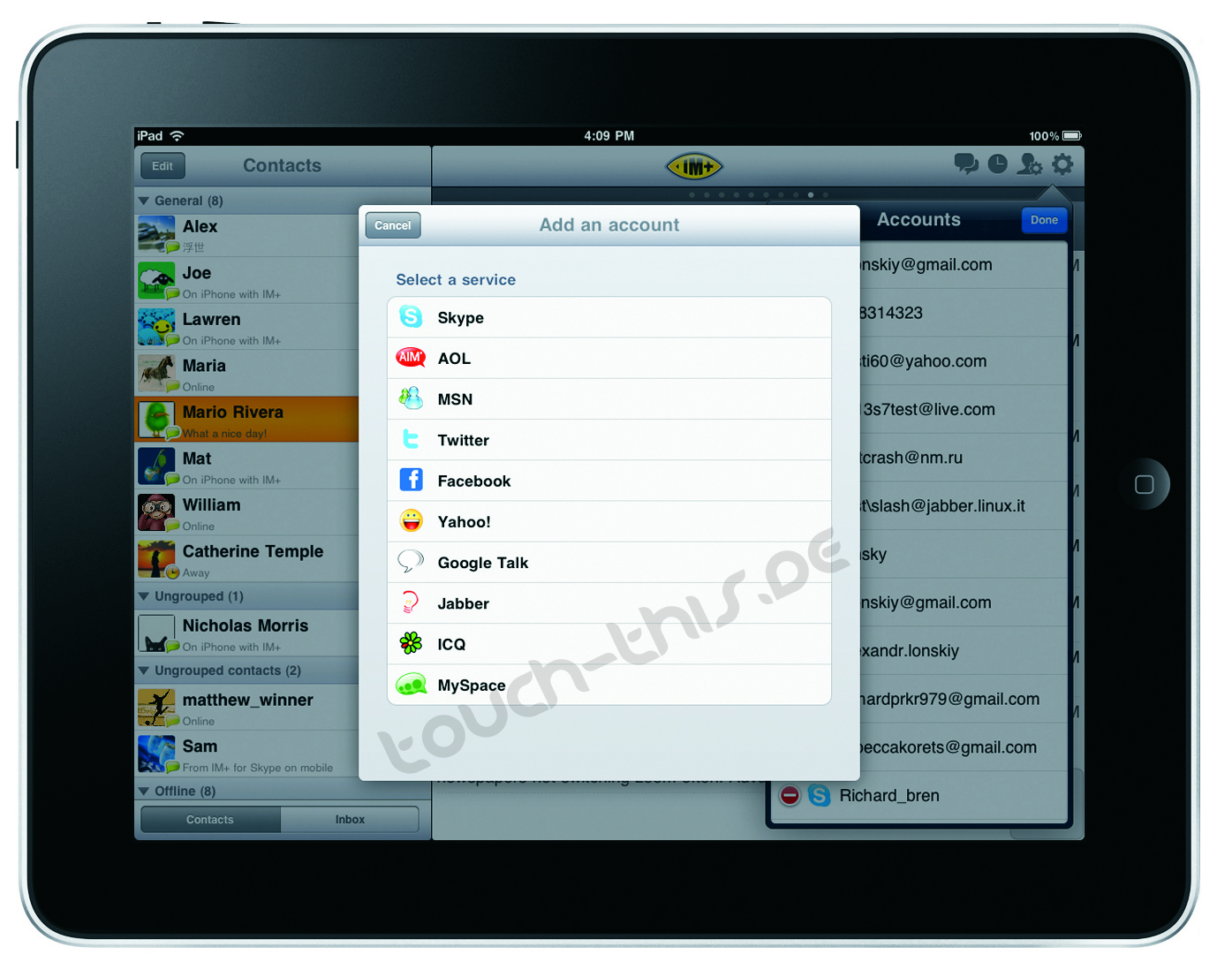
MyPhoneDesktop is a rather different application that takes a unique approach in providing its own way to share stuff between your computer, the web and the iPhone. It combines push notifications with bookmarklets and a Mac app to let the devices “talk” with each other. I had the chance to test it for a few days, here are my impressions so far. Also, we have 10 promo codes to give away.

Read more


Fortune: Apple Is “Most Admired” Company of 2010

Link

“With 250 million iPods, 43 million iPhones, and 32 million iPod touches sold to date, plus the promise of a game-changing iPad, Apple won this year’s vote by the highest margin ever for a No. 1. Two more years as champ and Apple will match GE for most appearances in the top spot.

What makes Apple so admired? Product, product, product. This is the company that changed the way we do everything from buy music to design products to engage with the world around us. Its track record for innovation and fierce consumer loyalty translates into tremendous respect across business’ highest ranks.”

I’d also say: apps, apps, apps.


GroceryList, Grocery Shopping Made Easy! Review & Giveaway.

Who the heck still writes grocery lists? No offense to my mom of course, but it’s 2010. Everything we do is now digital! And with that in mind, what better device to have your grocery list on than an iPhone? You know, having used a myriad of grocery shopping apps for the iPhone, they can be rather clunky. I mean, adding items to your list is always a chore because you’re always typing things in or adding items that don’t yet exist in that app’s database. Well HeliumFoot Software decided enough was enough, and they certainly laid the smack down with their new GroceryList application. Seriously, their approach to grocery lists is wicked cool.

Read more


No More Accidental Caps Lock with CapSee

If you do a lot of writing with your Mac, you might be interested in CapSee. CapSee is a lightweight utility that presents a bezel on screen everytime you activate the caps lock. Just like Mac OS X does with volume or brightness.

It’s free, it works great.

CapSee

CapSee


Firefox 4.0 Alpha 2 Brings out-of-process Plugins

Link

“Mozilla has released a second developer preview of Firefox 4.0 which contains a piece of the Electrolysis project. Dubbed “Out-of-Process Plugins,” the new feature will ensure that plugins don’t bring down the entire browser. When a plugin, such as Flash, crashes, the user’s session will stay intact, leaving the plugin to be dealt with on it its own. Firefox will terminate the problematic plugin and then restart it automatically.”


Plainview, Full Screen Browser

CultOfMac

“Plainview is a web browser with a difference. It’s a full screen browser, lacking any bells and whistles at all except just the one: no chrome, if you’ll forgive the pun.

So all you get is web content from floor to ceiling. Everything else gets hidden away, including your Dock and your Menu Bar.”


MobileRSS Pro for iPhone, Surprisingly Good Feed Reader. Review and Giveaway.

I think the quest for the perfect iPhone RSS reader will never end, mostly because it’s not clear what people exactly want from that kind of application. Some people say they just want a simple app that could notify them of new items, some want tons of features, some don’t even  know what they want but still they write blog posts about the subject. In the past we’ve covered apps such as Reeder and Newsprint, but today we’d like to take a look at MobileRSS Pro from NibiruTech.

I must admit I never really considered this app before, maybe because of the UI or just because of the not-so-appealing name, but it turns out MobileRSS Pro is a pretty good application with a clean design, surely worth a mention. Also, 8 promo codes up for grabs.

Read more


Buzzie Launches as the First Google Buzz iPhone App

Link

“Buzzie appears to share a lot of design cues with the popular iPhone app Tweetie. It also does pretty much everything you would expect: You can view posts from your Google Buzz followers, create public and private Buzz posts, and add new followers from within the app. Buzzie can also show you Buzz conversations near your location.

For a first release, the application is fast and polished — though it lacks any truly distinguishing features from Google’s web interface. Heavy Buzz users will find it easier to use than the online interface, but I’m not sure if casual users will see enough benefit to justify paying for the app.”

$1.99 in the App Store.