iCurrency Pad: Not Another Simple Currency Convertor

The fact that I’m based in Italy doesn’t really help out with the management of MacStories advertisement. Being part of the BuySellAds network means that I have to deal with USD payments, which I have to convert everytime in Euros to see how much my income actually is. Which better tool than the iPhone to get a quick overview of currency conversion? There are hundreds of currency apps out there, including the popular Convertbot from Tapbots and Convert.

Today I’ll take a look at a new application that showed up this morning in my inbox, iCurrency Pad.
Read more


Walt Mosspuppet on the Windows Phone 7

This Mosspuppet thing is just great. Go read the latest post here.

“When you think about it, Microsoft’s successful attempt to come up with something new and innovative to secure their place as a contender in the mobile phone space is really pathetic.”


1Password for iPad Announced: First Mockups

AgileWeb Solutions is already working on the iPad version of the popular password manager and form filler app, 1Password. From the mockups that the developers posted online, we can see a very custom UI which will probably make an extensive use of popovers. We’ll see.

Here’s the blog post about it, we’ve included the first mockups right after the jump.

Read more


Hobiconer: Create, Import and Export Icons

What a nice application I’ve just found on MacThemes forums. It’s called Hobiconer and it’s a free app by Jérémy Marchand that lets you create, import and export icon in many formats: .icns (Apple icon format), .ico (Microsoft icon), .png and .tiff.

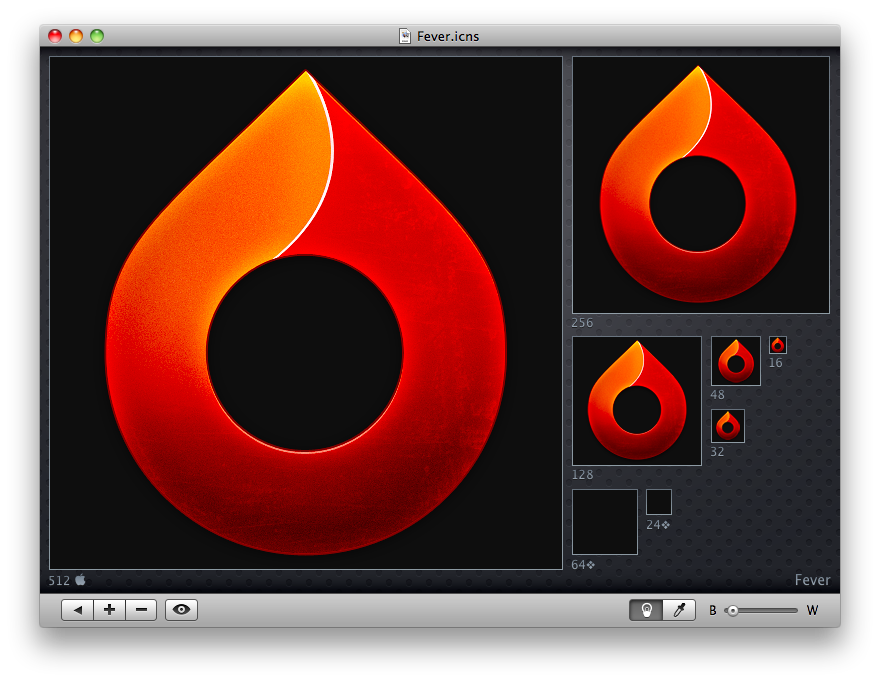
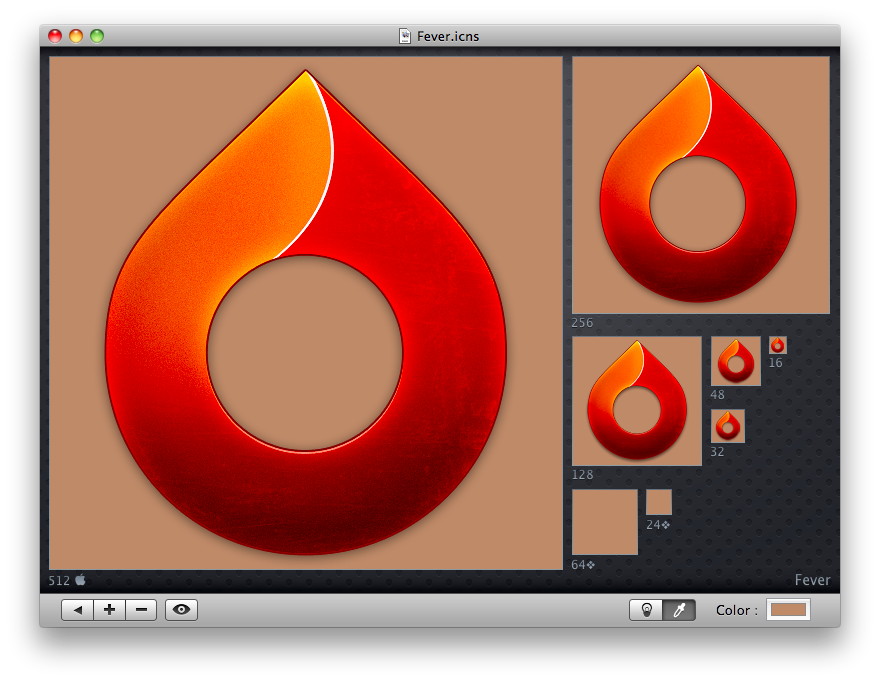
As you can see from the screenshots, you can import an icon and see it at every available resolution, change the background color from black to white with a slider (or even choose another color with the system wide picker), hit the eye button to see the icon “live” in the dock, open more than a “project” in the sidebar.

Hobiconer

Hobiconer

Hobiconer

Hobiconer

Hobiconer

Hobiconer

There are a lot of advanced tools that let you export icon image files, but this one is just a simple solution for people who need a quick conversion / preview. The app it’s free, it does well what it’s meant for, you should give it a try.

[Fever icon by Matthew Rex Downham. Go download it here.]


Bowtie: The Customizable Music Controller. For Mac and iPhone.

How do you control your music?

I don’t know how many times I’ve been asked this question since I started blogging on MacStories. I still haven’t found a good way to control my music, besides the good & old “go to the player of choice and press play”. Yes, I’ve never been able to stick with a dedicated desktop controller for iTunes or Spotify, as I kept switching back and forth between new apps (Tracks), popular alternatives (Coversustra) and even mobile applications (Remote). As I mentioned many times before, I found a good compromise in Ecoute, which is a neat app that enables you to play your music library without launching iTunes and it even displays a nice controller on the desktop.

There was this other app, anyway, that many people were using and enjoying: Bowtie. Bowtie has been sitting on the much popular beta stage for months, but has been finally released as a 1.0 version - both on the Mac and iPhone. Was the wait really worth it?

Read more


ShrinkIt: A Little and Useful New App from Panic

Link

“Is your application larger than necessary because of needless data stored in image resources? What is making your PDFs four times the size they ought to be?

ShrinkIt is a simple, small Panic internal tool that will automate the process of stripping needless metadata from PDFs by re-saving them using Apple’s PDF processor. Just drop a bunch of files (not folders) onto it — such as the contents of your app’s Resources folder — It’ll find the PDFs and do its magic on them. The original files will be renamed with the prefix “org” for safety, but you’ll likely want to delete those. That’s it!”

An app meant for developers, but I’m curious to see how much space I can free from my /Applications folders.


Adobe and Wired Introduce a New Digital Magazine Experience

Link

“Built on Adobe AIR and developed with Condé Nast, the tablet prototype we showed during the TED “Play” session illustrates the possibilities for magazine publishers to reach readers in new ways. The concept enables — in digital form — the immersive content experience magazines are known for, and allows new interactive features to stimulate reader engagement”

Magazines built with Adobe AIR on the iPad? I’m very skeptical about it.