

I like applications that make my life easier. Anything that helps me avoid post production for example is usually something I’ll fall in love with if I can apply it to my work. If you noticed in the last screencast, I was able to better display screen shortcuts sans what Screenflow offered me. While Screenflow is certainly an excellent tool, its specific text tools were not geared towards my application. Instead, I was using something called Mouseposé, which is a must have if you ever do screencasts. Many of you probably already know about it, or even have it. I just came across this wonderful tool, and would like to share my walkthrough with all the other new screencasters out there.
Mouseposé 3, An Awesome Compliment to Screencasts
Firefox 4.0 Mac Mockups
-(BottomTabs)-(Default).png "Firefox 4 Mac Mockup")
Gazaro Winners Announced
Thanks everyone who entered the Gazaro giveaway. Also, I’d like to thank the Gazaro developers for the licenses they gave to MacStories.
Here are the winners:
Martin
Dale
Cheers!
Necessity vs. Want & Apple’s Mobile Pitch for The iPad
“The first truth is that by selling the iPad as an accompanying device, and not a stand-alone computer, you immediately instill this idea that it’s not necessary to own. You’ve already lost a lot of interest because people are thinking, “Why would I buy this device in addition to what I already own that already does these things and more?” Apple, if you believe that the iPad’s form of computing is the direction we need to go, you gotta make people ditch what they already have – even if it is a Macbook.”
Find the Best Deals on your iPhone in Gazaro. Review and Giveaway.
Some call me a deal hunter. Others call me Bargain Finder the Barbarian. I’m a savvy connoisseur at purchasing things at great deals; a savant at money spending. Part time window shopper, part time wishful thinker, I might not be exactly rolling in cash, but I always do my best to spend my cash wisely when I find something I want - usually for the cheapest price available. On the iPhone, it’s more difficult to look up prices, because I can’t utilize my Google Shopping, camelcamelcamel extensions, and other promo sites I often have in tabs gobbling up Google Chrome.
The timing was well placed, as at that very realization I received an email in my inbox which eventually turned me onto what is probably my new favorite toy, since it integrates everything I’d ever want on my desktop when researching product prices and trends. Strap your wallets no more you high spending goons and goonettes, because I’m about to take you on an adventure through the world of Gazaro.
iPad UX Interactions
Huge collection over at Designing Web Interfaces’ Flickr photostream, showcasing interactions snapshots for the iPad. From popovers to split views and 3d transitions, this is a must-have resource for developers who are about to create apps for the new device.
/via David Kaneda
Extract: Grabs Flash Videos and Plays Them In a Dedicated Window
This is neat. Extract from Zach Waugh is a new Mac app that can load html code in a dedicated, almost chromeless, window and it’s ideally meant for loading flash videos into a standalone window on your Mac. You just have to launch the app, copy the embed code from either Youtube or Vimeo and paste it into Extract; the app will then load the lash instance and display it into a minimal, translucent black chrome.
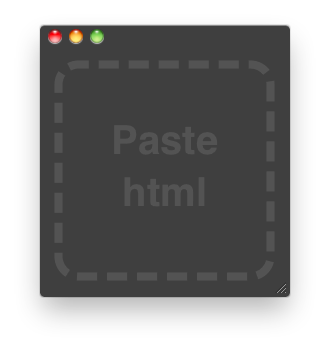
I find this app very useful as it lets you watch a video without having to open another Safari window or switching between tabs in the browser. Also, you can activate the “Keep on Top” function that will make the app stand in the foreground even when another application is selected: this means you can drag Safari around and the transparent border of Extract will just overlay it.
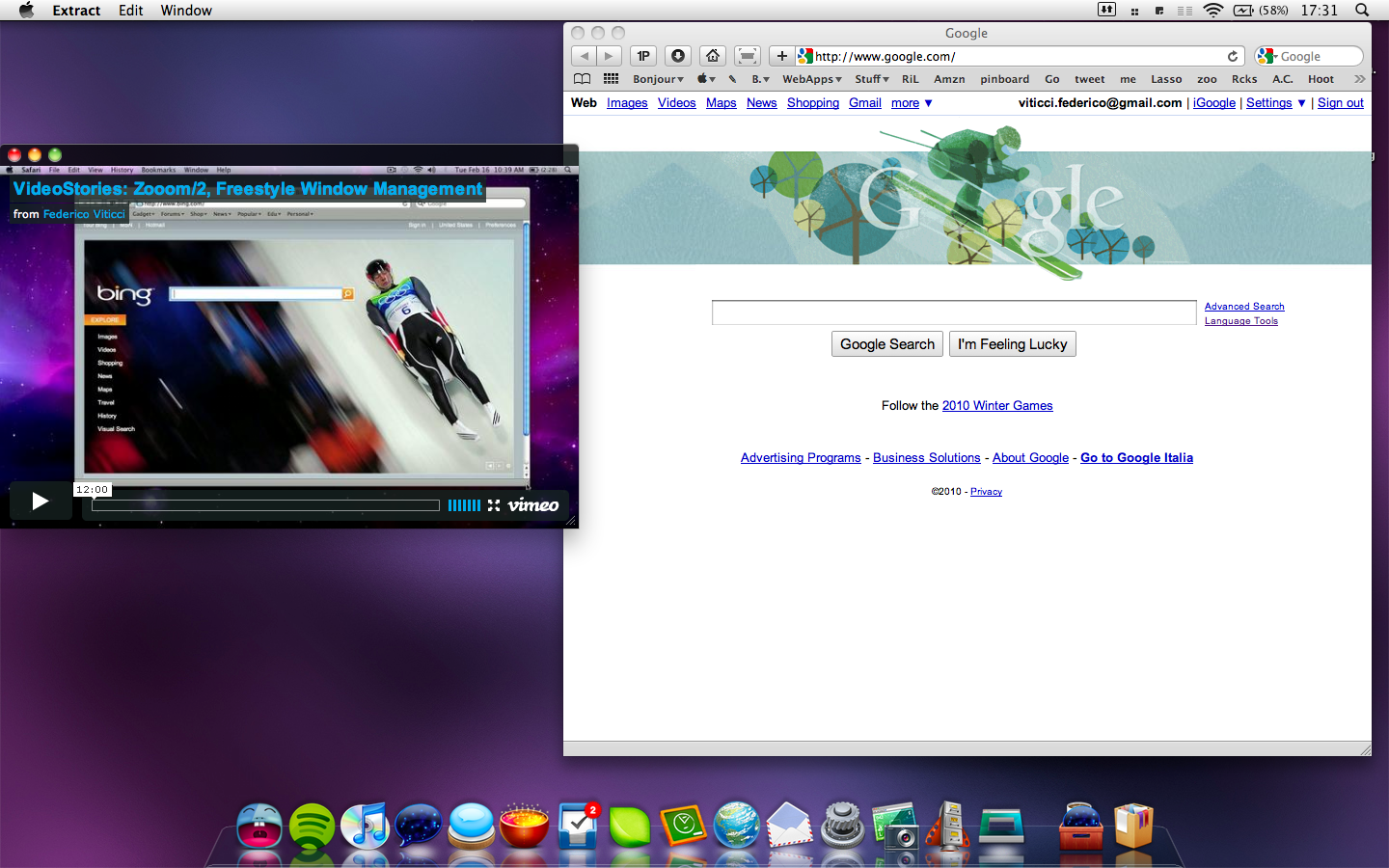
Now the developer just need to add an “automatically resize” feature and this will be my favorite utility since ClickToFlash.
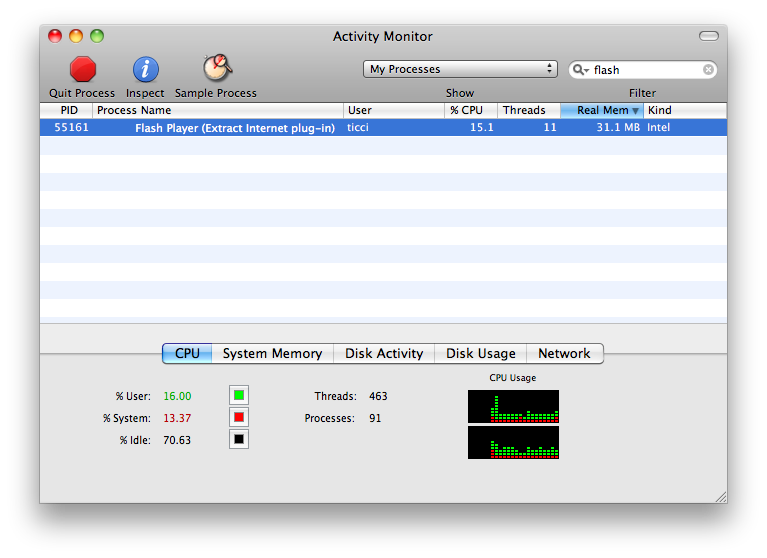
Sure, you can open a new Safari window, resize it and play the video in that window. Problem is, Flash would still be able to kill the browser (Leopard only. Snow Leopard has a separate process for Flash) and, overall, you can’t compare it to the easy to use of Extract.
Good job, Zach.
iPad App Pricing
“Apple has also said that existing iPhone applications will run on the iPad and that they will be able to be “blown up” in size to be full screen. From reports I’ve heard and my own experience in the simulator, this doesn’t look very good. Developers will want to have an iPad specific interface built into their app. The amount of work to get an iPad app’s UI to have the great polish it should have is going to exceed that of the iPhone. This will mean higher development costs. Presumably with higher development costs, higher prices will come with it. The rub is that these universal applications are going to be subjected to the same price pressures from the iPhone side of the market because users will buying a single binary.”
Find My iPhone Now Accessible from iPhone Too
Apple has updated www.me.com login page for the iPhone, which now displays the Find My iPhone tab as well.

Nice, but what’s the point Apple?