
John shares a collection of Obsidian plugins for automating the management of notes, Part 9 of Federico’s Obsidian setup on how he uses Dataview and Shortcuts to save articles and music albums for later, a Club member desk setup and story, plus the usual Links, App Debuts, the latest happenings in the Club MacStories+ Discord...
 Perks
Perks

Member Story: Jack Amick

Twitter: @jackamick. I’m a mechanical engineer, coffee roaster, and general hobbyist. AirPlaying a Record Player to Multiple HomePods I love my HomePods but they have some severe limitations when it comes to inputs. We have a record player in our office connected to a small receiver and stereo speakers. Sometimes it’s nice to listen to...
Automation April: Shortcuts Workshop Part 1
Club MacStories Town Halls are part of the monthly and other special live audio events we hold in the Club MacStories+ Discord community. The show is a recorded and lightly edited version of the Town Halls that we produce, so Club MacStories+ and Club Premier members who can’t attend the event live can listen later. To learn more about Club MacStories+ and Club Premier, visit our Club plans page.
For today’s live Town Hall, Federico and John were joined by Christopher Lawley to talk about how we use Shortcuts in our day-to-day work, ways to optimize shortcuts for sharing with others, and some of the core techniques we use for creating shortcuts.
Kolide: Endpoint Security Powered by People; Try for Free! [Sponsor]
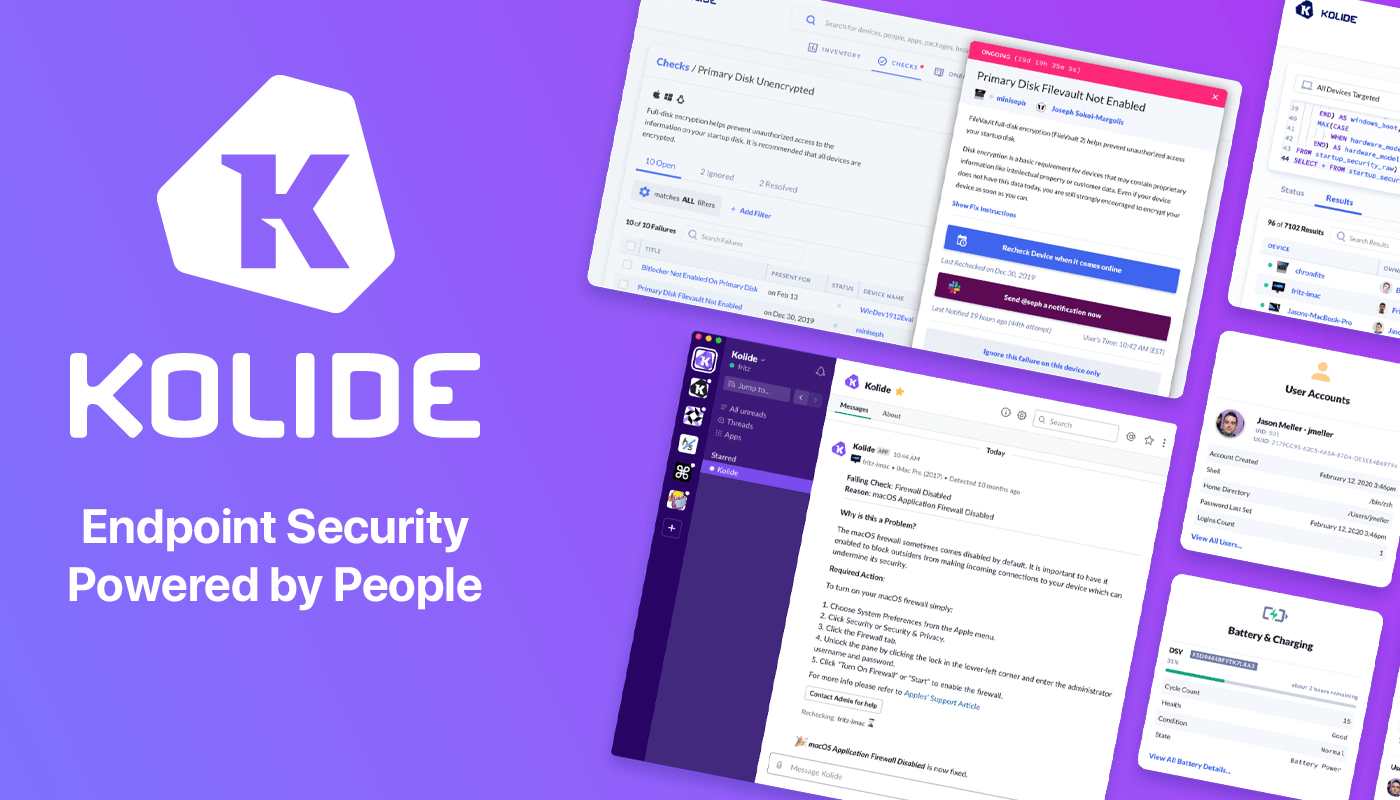
Kolide is a SaaS app that sends employees important, timely, and relevant security recommendations concerning their Mac, Windows, and Linux devices, right inside Slack.
Kolide is perfect for organizations that want to move beyond a traditional lock-down model and move to one where employees are educated about security and device management while fixing nuanced problems. We call this approach Honest Security.
For example, Kolide can:
- Instruct developers to set passphrases on the unencrypted SSH keys littered throughout their devices.
- Find plain-text two-factor backup codes and teach end-users how to store them securely.
- Convince employees to uninstall evil (yet allowed) browser extensions that sell their browser history to marketing companies
You can try Kolide on an unlimited number of devices with all its features for free and without a credit card for 14 days.
Our thanks to Kolide for sponsoring MacStories this week.
Previously, On MacStories
Stories Introducing Automation April: A Month-Long Community Event About Automation, Featuring Shortcuts, Interviews, Discord Workshops, and a Shortcut Contest CARROT Weather 5.6 Adds Locations Lists, New Layout Sections, and More Paper’s 10th Anniversary Last Week, on Club MacStories: The 8th Installment of Federico’s Obsidian Series, John’s Studio Setup, and an Afterparty Town Hall Apple TV+’s...
Up Next on MacStories’ Podcasts
Next week on AppStories, Federico and John introduce Automation April, a month-long celebration of automation on Apple’s platforms and explain how they organize their Shortcuts libraries. This week on MacStories Unwind, Federico explains the many ways to play the PS5 remotely, and John recommends Microsoft’s All Access Pass as an entry point into...
Reader Setup:

Welcome to Automation April

Today makes the start of a brand new MacStories event with a scope beyond anything we’ve ever done before: Automation April. Throughout the month of April, you’ll find stories, podcast episodes, giveaways, and special events across everything we do on MacStories, the Club, and AppStories. Automation April is meant to be an event the entire...