

Twitter: @frankjath. Instagram: @frankjath. Technology, Peloton fan, Health & Wellness The High Rise Jeans of Desk Setups Hi I’m Frank from San Diego, California! During WWDC 2022 keynote, I very casually posted a photo of my desk setup for watching and following along with members in the MacStories Discord. Federico kindly asked if I would...
 Previously, On MacStories
Stories Last Week, on Club MacStories: AppStories Live, the New WWDC, Multitasking Questions, and Giveaways Android Users Can Now Migrate Their WhatsApp Data to iPhone iA Writer 6 Adds Cross-Document Linking, Metadata, and More TechCrunch’s Matthew Panzarino Interviews Craig Federighi About Stage Manager Tech Radar Interviews Craig Federighi and Alan Dye About iOS 16’s Lock...
Mail Will Get Much-Needed Modern Features with the OS Updates Coming this Fall
Stephen Hackett Twitter: @ismh. Co-founder ofRelay FMandfounder of512 Pixels. After years of wishing that Apple would add new features to Mail.app, macOS Ventura, iOS, and iPadOS 16 bring a handful of much-needed improvements to the venerable application. Send Later Now in Mail, users will be able to select a specific time they wish their messages...
Mac-Savvy Businesses Love Daylite CRM [Sponsor]
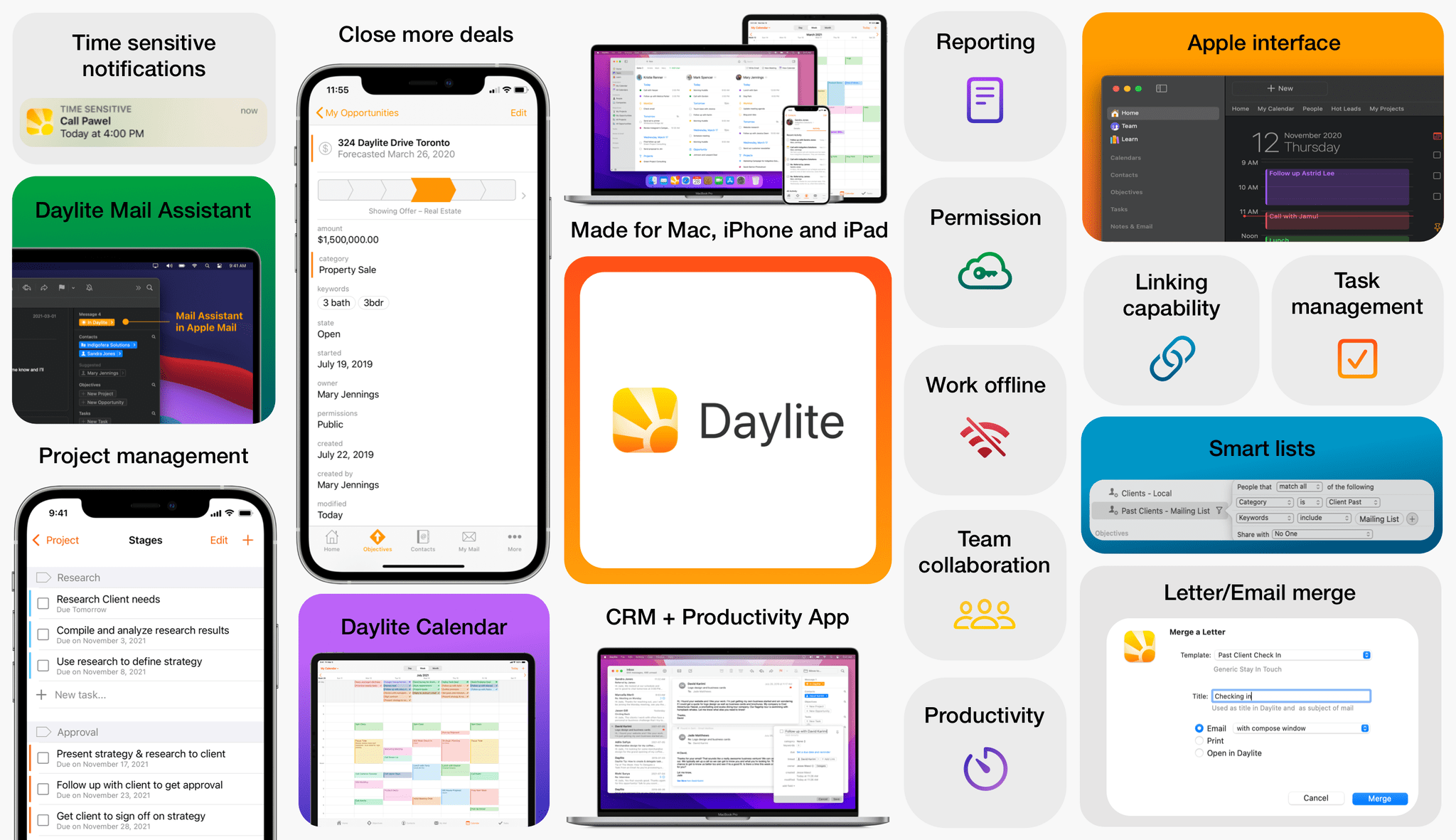
For small businesses, it can be difficult to stay on top of clients, leads, and projects that are evolving every day. Here’s how Daylite can help supercharge your team to collaborate better, handle more clients, close more deals, and execute more projects. Designed for Mac, iPhone, and iPad exclusively.
Daylite is more than just a CRM app for small businesses. Its Productivity capability is what sets Daylite apart from other web-based competitors.
Here are a few productivity-boosting power features that thousands of Mac-savvy businesses couldn’t do without:
Daylite Mail Assistant (DMA)
Direct Apple Mail integration allows you to take action from your inbox and be more productive. Instead of drowning in emails all day, you and your team can capture all email communication, clear out your inbox and stay on top of the next steps. Save emails related to clients, appointments, and tasks, so you have a full history of conversations in one place. Plus, you can create tasks in Daylite right from Apple Mail.
Linking
Its linking capability is what makes Daylite shine. You can link emails, notes, tasks, projects, appointments, and other records to existing contacts in Daylite. This enables teams to quickly and clearly view an organization’s structure and access the information they need in a unique way.
Daylite Calendar
Daylite’s built-in calendar allows you to view your entire team’s schedule in one place. Set reminders for follow-ups and book meetings, so everyone stays in the loop and is always on top of their appointments. Set your calendar to “public” or “private”, so team members can only have access to the information they need.
CRM + Project Management
Daylite’s productivity-focused design helps you and your team get more done throughout the full customer lifecycle. From meeting prospects and winning business to managing the moving pieces on projects, all the way through to following up on referrals and repeat business, it’s all done in Daylite.
Daylite empowers small businesses by improving team efficiency and making collaboration easy—everything is organized, searchable, and accessible (even offline). You can easily access information and segment data tailored to your specific client’s history.
If you live by the Mac, you’ll love Daylite. Start your free 14-day Daylite trial today!
Our thanks to Daylite for sponsoring MacStories this week.
Previously, On MacStories
Stories The M2’s Unique Combination of Unified Memory and GPU Performance May Reveal Apple’s Videogame Ambitions Safety Check Lets Victims of Domestic or Intimate Partner Violence Reset Privacy Settings Apple Introduces iCloud Shared Photo Library and New Family Sharing Setup Features Apple Provides a Sneak Peek at the Future of CarPlay Apple Updates Its Human...
Up Next on MacStories’ Podcasts
Next week on AppStories, Federico and John step back to look at the big-picture themes of WWDC, including the return of in-person WWDC, user customization of iOS and iPadOS, the relationship of the Mac and iPad, and making Shortcuts more accessible for everyone....
In This Issue
Federico has 5 questions about iPadOS 16 multitasking, John looks at how WWDC has changed and what it means for the conference in the future, plus the usual Links, App Debuts, the latest happenings in the Club MacStories+ Discord community, a recap of MacStories articles, and a preview of upcoming MacStories podcast episodes....
Perks
Albums We are giving away 10 1-month subscriptions to Albums, the album-focused Apple Music player that puts you in control of your music. Learn more on the App Store. Entries close on Monday, June 13th at Noon Pacific. Enter for a chance to win! DoMarks We are giving away 20 discount codes for 1-year of...
Kolide: Endpoint Security Powered by People; Try for Free! [WWDC Sponsor]
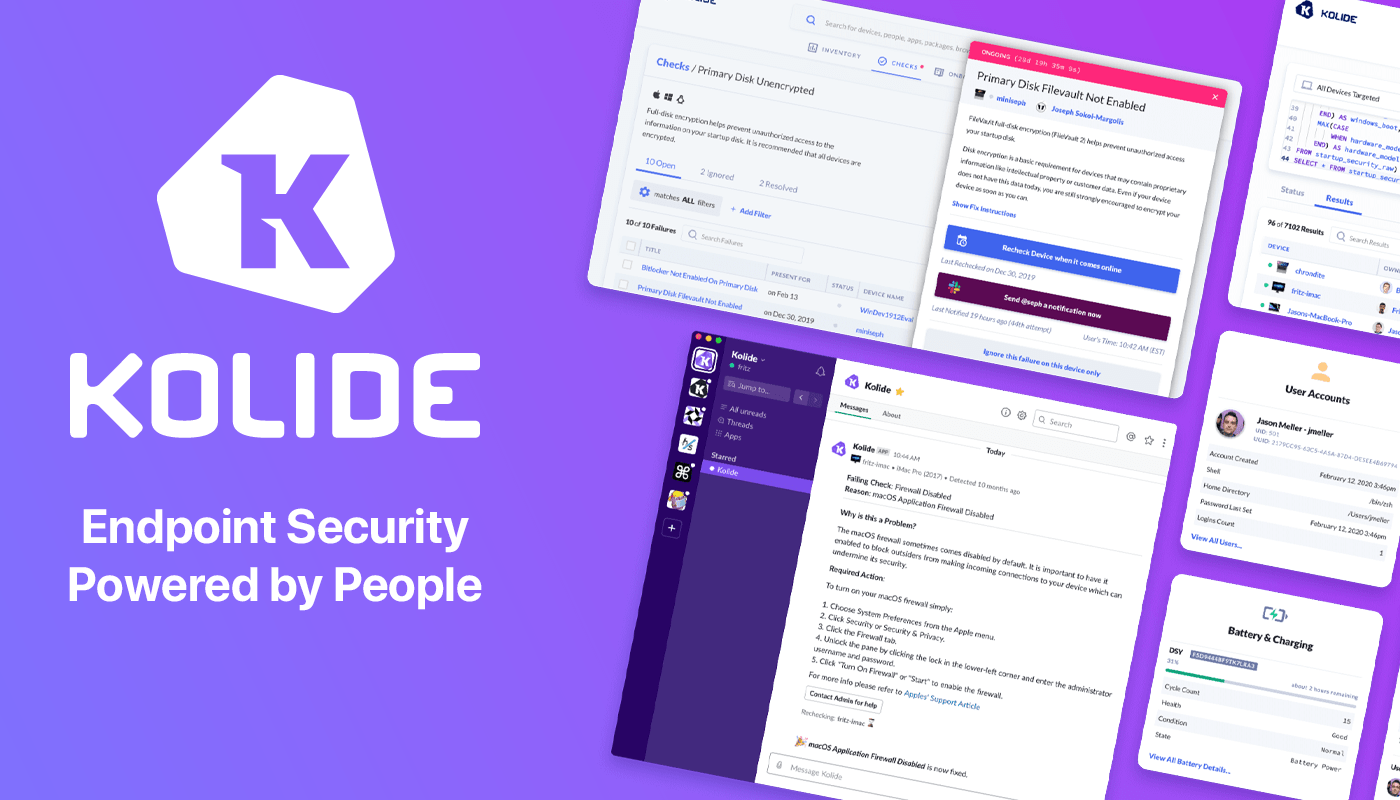
Kolide is a SaaS app that sends employees important, timely, and relevant security recommendations concerning their Mac, Windows, and Linux devices, right inside Slack.
Kolide is perfect for organizations that want to move beyond a traditional lock-down model and move to one where employees are educated about security and device management while fixing nuanced problems. We call this approach Honest Security.
For example, Kolide can:
- Instruct developers to set passphrases on the unencrypted SSH keys littered throughout their devices.
- Find plain-text two-factor backup codes and teach end-users how to store them securely.
- Convince employees to uninstall evil (yet allowed) browser extensions that sell their browser history to marketing companies
You can try Kolide on an unlimited number of devices with all its features for free and without a credit card for 14 days.
Our thanks to Kolide for sponsoring MacStories and all of our WWDC coverage this week.