
Widgets and the App Library: A First Look at Bringing Personality and Customization to Your Home Screens Two Weeks with iPadOS 14: Redefining the Modern iPad Experience Apple Opens First Public Betas for iOS, iPadOS, and tvOS 14 Epic Games Releases iPhone App That Captures Facial Expressions to Unreal Engine Apple Updates Coding Resources for...
 Straw Poll
Straw Poll #28: WWDC 2020...
Up Next on MacStories’ Podcasts
Next week on AppStories, John is joined by Myke Hurley of Relay FM to talk about the apps he uses to run a network of 30 podcasts and produce the shows on which he appears. Today on MacStories Unwind, Johncovers Federico’s story about the evolution of iPadOS, a first look at widgets and...
OffScreen: Leave Your Phone, and Focus on Real Life [Sponsor]
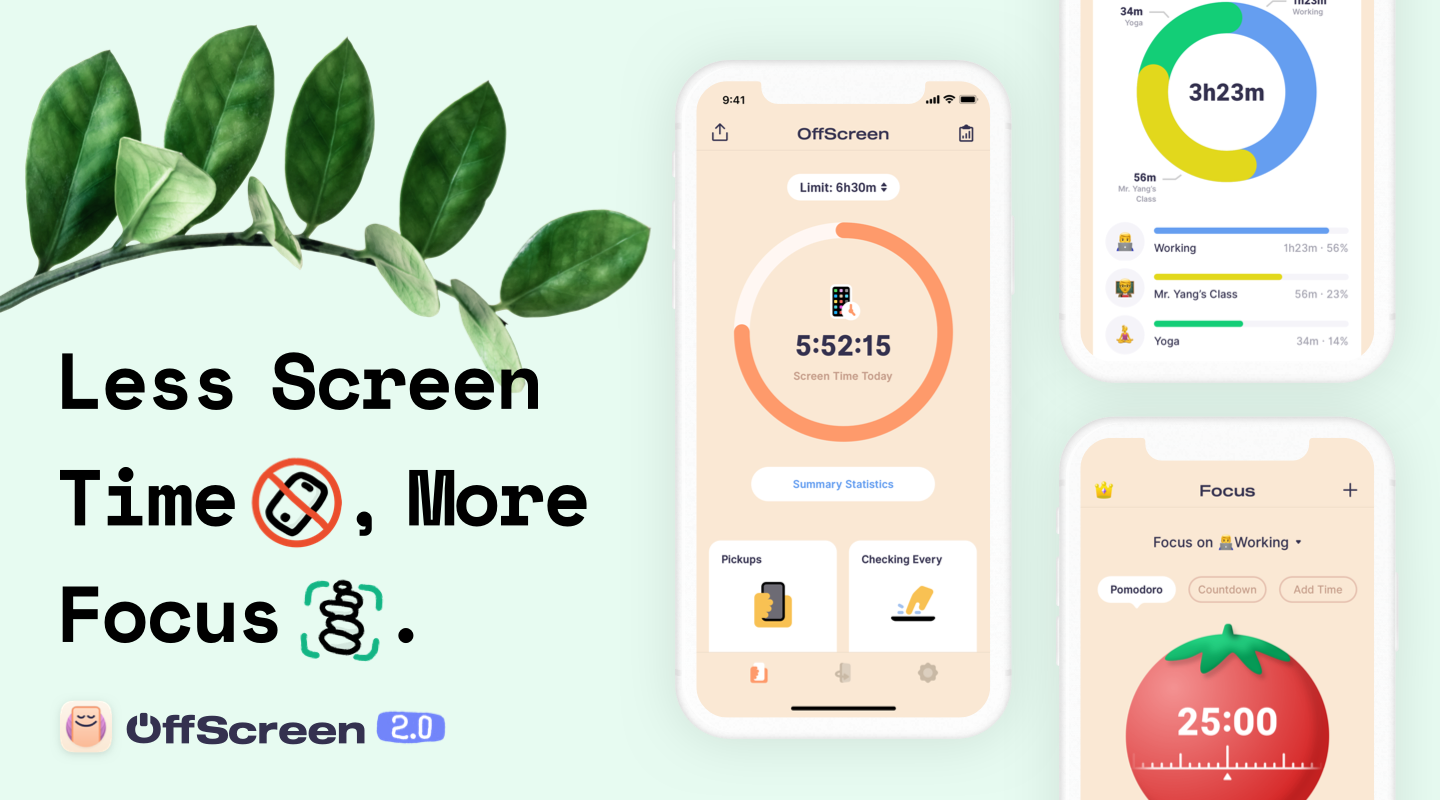
It’s far too easy to get sidetracked and waste time on your iPhone. With Offscreen, you’ll understand exactly how you are spending time, regain control of it, and learn how to focus on what’s most important to you.
OffScreen is a beautifully-designed app for the iPhone and iPad that humanizes the way it reports statistics of your device usage. Not only does the app track screen time, but you can set goals, track your progress, and gain insights into your use patterns with built-in, understandable details like Pickups, Checking Every, Walking Life, Stationary Life, Last Pickup, First Pickup, Best Break and Sleep Time. It’s a holistic overview of your time that gives you the tools you need to form better habits.
OffScreen also helps you focus on your work. The app supports Pomodoro timers, countdowns, and cumulative time counters. Once you start a timer and put your phone down, OffScreen will remind you to get back to work with a notification, if you pick it up. Of course, if there are apps you need for your work, you can whitelist just those apps. OffScreen has terrific white noise options to help you concentrate on your tasks too.
To keep you on track and assist you with spotting long-term trends, OffScreen provides reports too. You’ll find detailed historical information beautifully displayed using charts generated for certain days, weeks, months, or years. You can also navigate your data from a calendar view to quickly jump to a particular day, and statistics are sharable.
Download OffScreen today on the App Store to take control of your iPhone use and focus on real life.
Our thanks to OffScreen for sponsoring MacStories this week.
In This Issue
A collection of small but interestingchanges coming in macOS 11.0 Big Sur, an OmniFocus shortcut for creating tasks from the Home screen and search, a look at what Apple might be planning for gaming, a reader poll about the WWDC 2020 announcements,plusWeekly Q&A, Links, App Debuts, arecap of MacStories articles, and a preview of upcoming...
Straw Poll
Vote in Straw Poll #28 WWDC 2020 Vote in Straw Poll #28...
Previously, On MacStories
Josh Ginter’s First Impressions Review of HEY Apple Debuts Web Portal for Apple Card Management Connected Trio Host Interview with Members of Apple’s iPad Team Michael Flarup on Big Sur’s New Design Apple Adds Look Around for Seattle, Washington in Maps Apple News Loses The New York Times Apple’s Kevin Lynch on watchOS 7’s Sleep...
Interesting Links
Apple has created a new four-month program called Path to Apple Card to help customers improve their credit scores so they qualify for the card. (Link) With many people staying home during the global pandemic, Amazon Prime has introduced Watch Party, a new feature that allows subscribers to the video streaming service to watch movies...
Up Next on MacStories’ Podcasts
Next week on AppStories, special follow-up coverage of the Apple Design Awards. Today on MacStories Unwind, Federico and John cover the Apple Design Awards, new details about the Apple Watch, Big Sur’s redesign, additions to Apple Maps’ Look Around feature, The New York Times’ departure from Apple News, plus AppStories, Club MacStories, and...