
Results of our WWDC 2021 Straw Poll Apple Design Award Responses In addition to the questions above, we asked Club members which apps they would have selected for an Apple Design Award. We received a long list of suggestions, but here are the apps that received the most mentions: Craft CARROT Weather Apollo Reeder Things...
GoodTask: Get It Done With the Task Manager Based on Apple’s Reminders and Calendars [Sponsor]
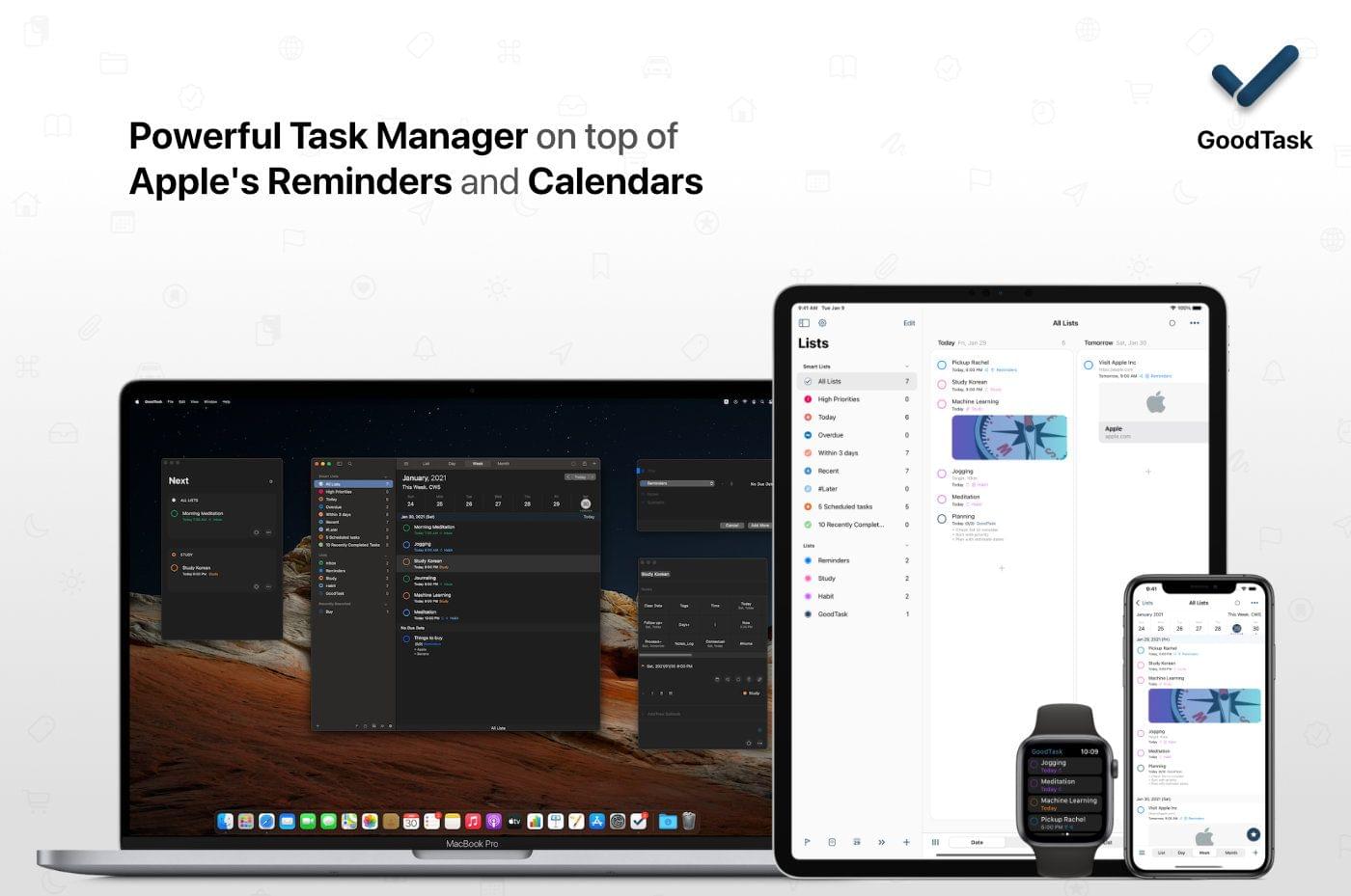
GoodTask is the powerful, customizable task manager for getting things done on the iPhone, iPad, Mac, and Apple Watch. That’s because it’s built on top of Apple’s Reminders app and integrates with Calendars too. It’s a solid foundation that GoodTask extends with fast, reliable syncing, Siri and Shortcuts support, widgets, and much more.
GoodTask is highly customizable too. You can view tasks as lists or in Kanban-style boards, and filters allow you to create Smart Lists based on the criteria that are most important to you.
The app also offers Quick Actions for integrating multiple task options into a single tap or click and eliminating the need to repeatedly type common information. It’s a terrific way to streamline your workflow, so you can spend your time getting things done instead of creating new tasks.
The app also offers fully customizable widgets on the iPhone, iPad, Apple Watch, and Mac too, making it easy to see the tasks that are most important to you and your calendar at a glance. GoodTask has a theme system, too, offering built-in options as well as the ability to create and import themes to suit your personal tastes.
GoodTask extends beyond lists allowing you to set goals and review reports. The Today and Next Pages are designed to cut through the noise of your list and focus on what can be done now. It’s a fantastic way to avoid becoming overwhelmed by a long task list.
Start getting things done today by visiting GoodTask’s website to learn more about its Mac, iOS, iPadOS, and Watch apps and discover the power of the premier task manager based on Apple’s Reminders and Calendar apps.
Our thanks to GoodTask for sponsoring MacStories this week.
 Previously, On MacStories
The iPad’s New Universal Keyboard Shortcuts Shazam Passes 1 Billion Monthly Songs Recognized for a Lifetime Total of More Than 50 Billion Everyday Robots Releases A Two-Part WWDC 2021 Developer Special Apple Podcasts Channels and Subscriptions Launch 2021 Apple Design Award Winners: The AppStories Interviews Five Years Ago, Apple Released a Comic Book of the...
Perks

Pillow Exclusively for Club MacStories members, we have 30 coupon codes for Pillow’s premium features. Pillow, an AppStories sponsor, is an excellent app for tracking your sleep and gaining new insights on the iPhone, iPad, and Apple Watch. Enter by Noon Eastern US time on June 25th for a chance to win. Enter for a...
Interesting Links
Last year, we reviewed the Level Touch, a HomeKit-enabled smart lock that looks like a standard door lock, unlike most of its competition. This week, Level introduced the Level Lock, a simpler, less expensive model that doesn’t include touch sensitivity but also works with Amazon’s Alexa assistant. (Link) Venture capital firm Andreessen Horowitz launched Future.com...
Straw Poll
WWDC 2021 Straw Poll Share Your Thoughts on WWDC Vote in the WWDC 2021 Straw Poll...
Interview: Christian Selig

Twitter: @ChristianSelig. Creator of Apollo. Which of the new or updated frameworks make you want to drop support for older OS versions and why? The new Swift concurrency features around async await look really nice; I’ve been wanting to rewrite my networking stack for a while and it looks perfect. That and the new iPad...
Up Next on MacStories’ Podcasts
Next week on AppStories, Federico and John dig intothe latest iteration of the research and note-taking setup that Federico is using to prepare his annual iOS and iPadOS review, which features Obsidian. This week on MacStories Unwind, John is joined by Alex Guyot to talk about Apple’s infamous App Store Review Guidelines comic...
In This Issue
A Pillow app giveaway,Federico builds a Focus mode for writing his iOS and iPadOS review, John imagines his ideal research app, we interview Apollo developer Christian Selig, plus, we have astraw poll about WWDC 2021 for membersandthe usual Links, App Debuts, arecap of MacStories articles, and a preview of upcoming MacStories podcast episodes....