5
Nov

I’m quite sure that every Web developer out there who owns a Mac knows / is using Coda.

What’s Coda, exactly? As Shawn Blanc wrote in his review back in January 2008:

“Coda is a text-editing, CSS-styling, WebKit previewing, file-managing, FTPing, terminal-accessing, web-site-building and publishing application for the Macintosh.”

Now, I’ve collected 120 of the best resources about Panic’s Coda: they include tutorials, clips, snippets, plugins and more.

Do you know other useful tools for Coda? Feel free to share them in the comments!
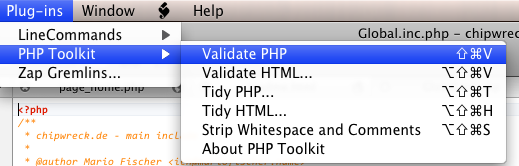
Coda PHP Toolkit

Features:

- W3C-Validation via Browser

- PHP syntax validation with jump to error

- Use HTML tidy to clean up/beautify HTML code

- HTML Validation

- Strip PHP whitespace and comments

- Use phptidy to clean up/beautify PHP code

- Written completely with Cocoa/ObjC, so it should be fast

- Works with local and remote files
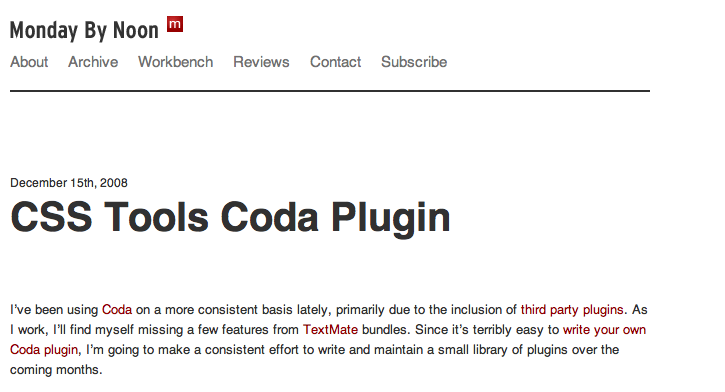
CSS Tools Coda Plugin

“Basically, CSS Tools brings that functionality to Coda. You’re able to convert a style sheet from single line to multi line and vice versa. You’re also able to compress your CSS if you’d like.”
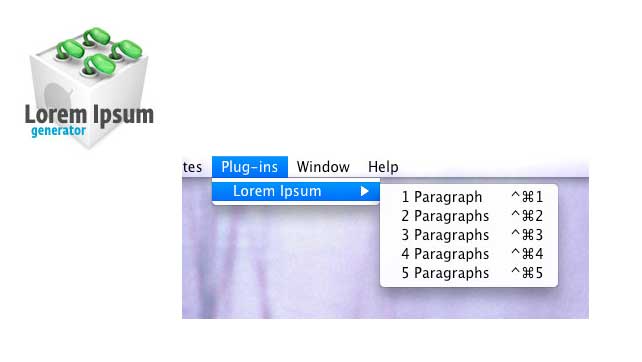
CODA Lorem Ipsum Plugin

Text Editor Actions for Coda

“Text Editor Actions for Coda (formerly “Textmate Emulation Actions”, and always TEA for short) is a plugin that emulates some of Textmate HTML.bundle actions.”


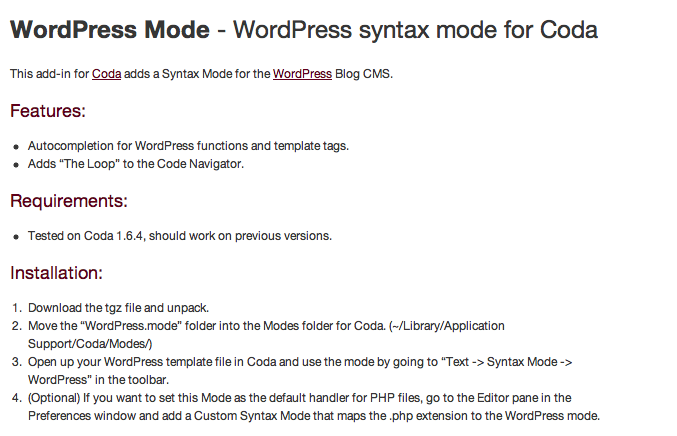
WordPress Mode – WordPress syntax mode for Coda

Features:

- Autocompletion for WordPress functions and template tags.

- Adds “The Loop” to the Code Navigator.

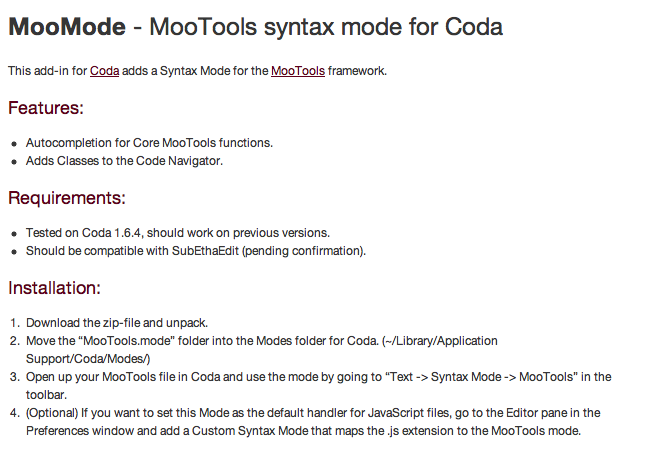
MooMode – MooTools syntax mode for Coda

Features:

- Autocompletion for Core MooTools functions.

- Adds Classes to the Code Navigator.

40+ Third-Party Coda Plugins

Coda Assorted Quickies

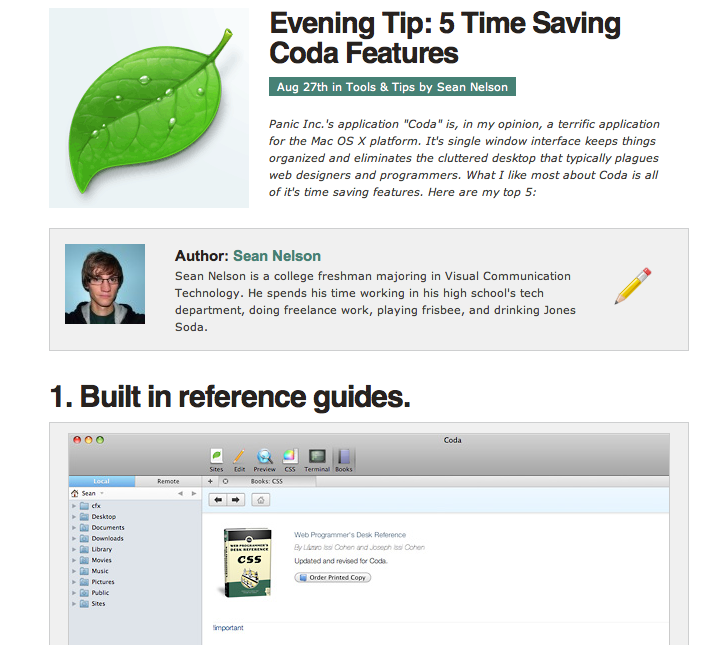
Evening Tip: 5 Time Saving Coda Features

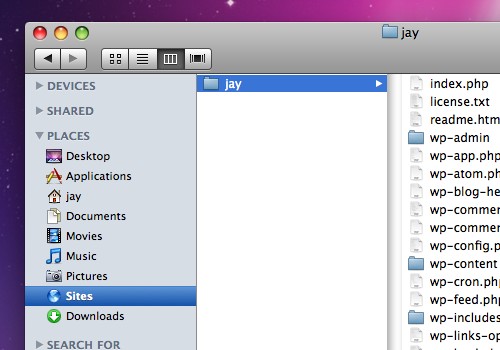
Setting Up Your Mac For Local Development Using Coda, WordPress & MAMP
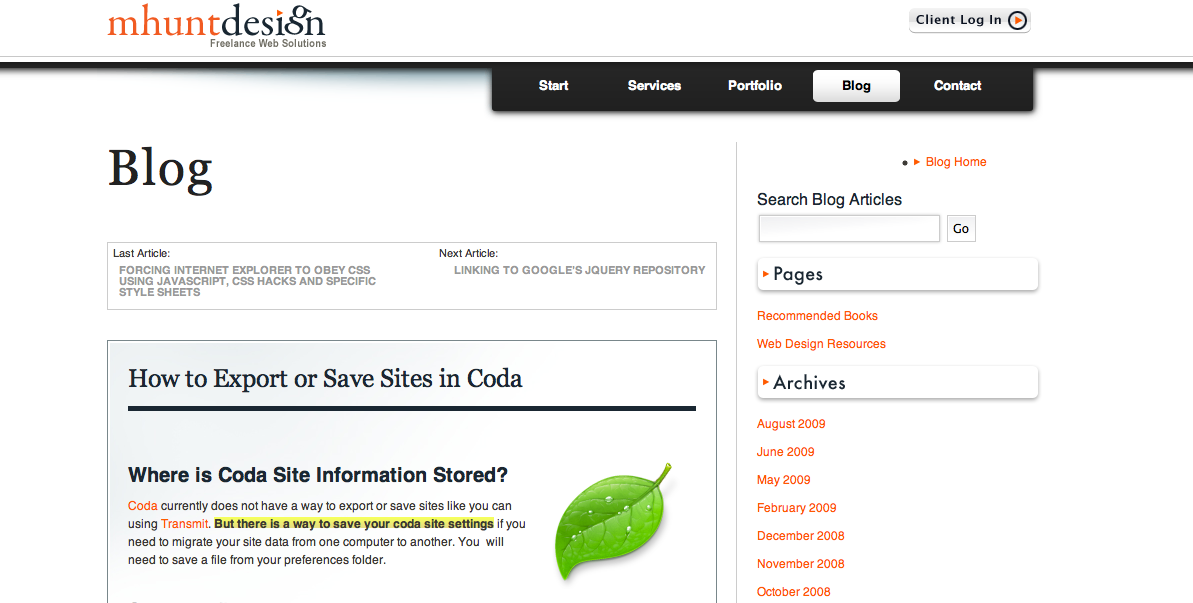
How to Export or Save Sites in Coda
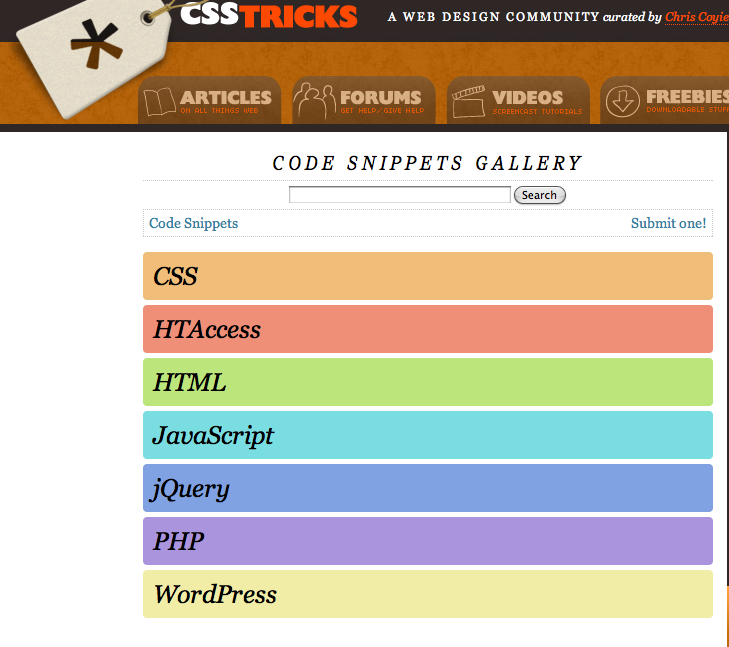
CSS Tricks Code Snippets Gallery
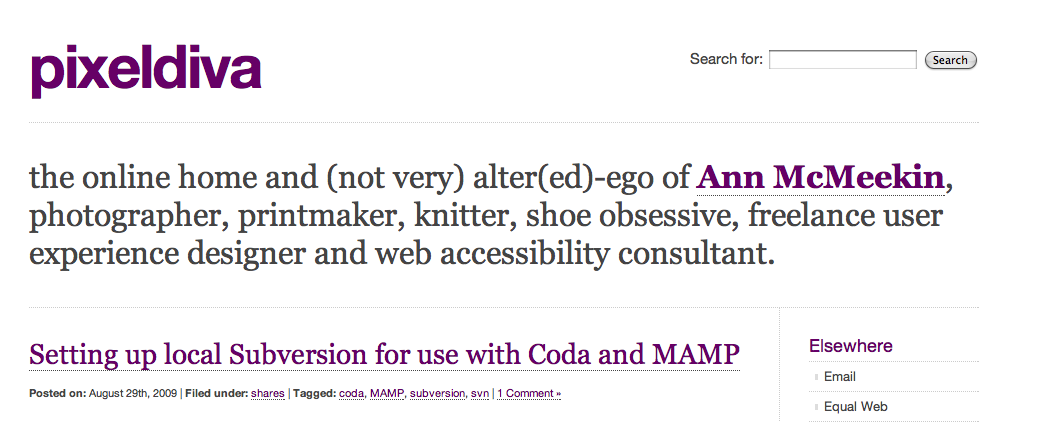
Setting up local Subversion for use with Coda and MAMP
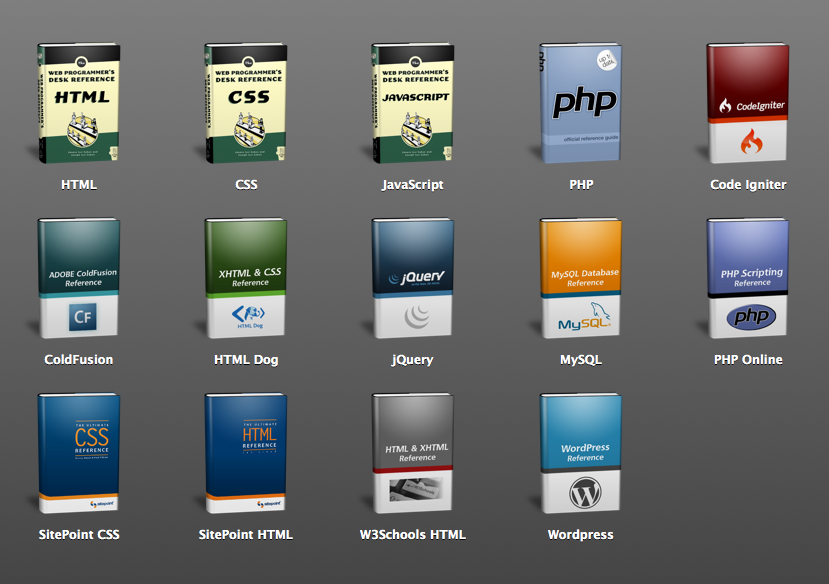
Adding More Coda Books

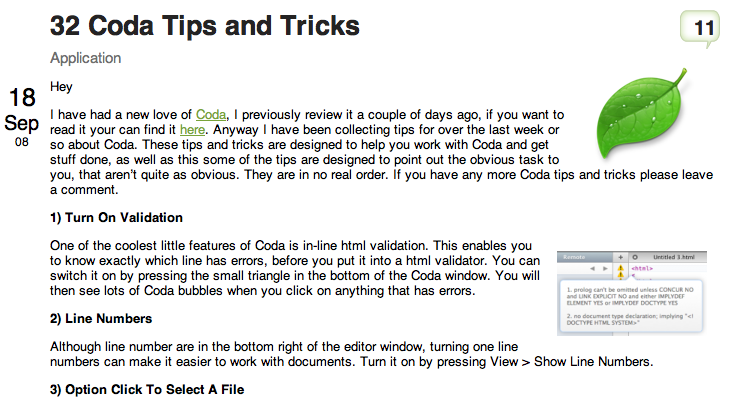
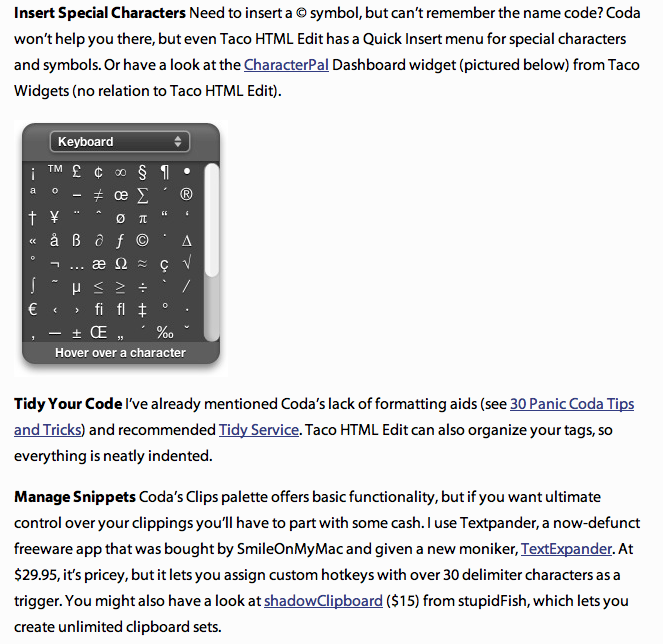
32 Coda Tips and Tricks

Panic Coda: What’s Missing? 19 Free Apps To Fill The Gaps
Tutorial: Use Coda with locally stored Django documentation

20 Excellent Coda Tips


30 Panic Coda Tips and Tricks

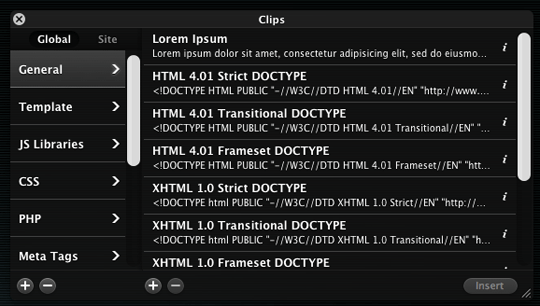
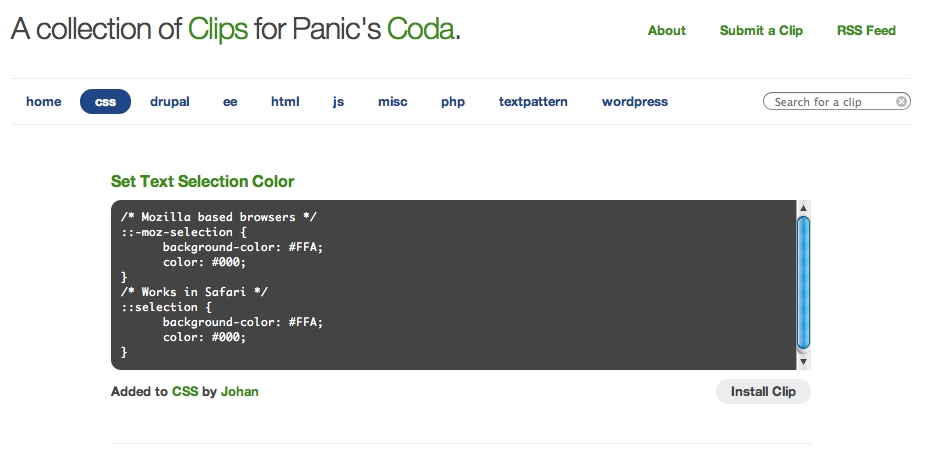
A collection of Clips for Panic’s Coda
Joomla Coda Clips

Further Reading:

Coda: Integrated Web Development

Coda: The One-Window Wonder

Coda – Daring Fireball


Subscribe to our RSS feeds. You can also follow our official Twitter account @macstoriesnet.


  1. #1

    That's what Steve said 10 months ago:

    I personally use Espresso. Coda is interesting, however.

    [Reply]

    storiesofmac Reply:

    @Steve, Thanks Steve. I never tried Espresso, your thoughts?

    [Reply]

    holms Reply:

    @Steve, espresso doesn’t have file/ftp browser? I tried once, and It just totally ussuless without file manager..

    [Reply]


  2. #2

    That's what Eugenio Grigolon said 10 months ago:

    Oh my God Ticci, amazing list, awesome job as always. Now the only thing you need is a Coda giveaway! :P

    Thanks for the effort!

    [Reply]


  3. #3

    That's what Matto said 10 months ago:

    I use Coda for some time now. It’s a perfect tool. Thanks for this post. It’s very useful!

    [Reply]

    UniRi Reply:

    matto from terni?

    [Reply]


  4. #4

    That's what Rob Layfield said 10 months ago:

    We’ve completely switched from Dreamweaver to Coda. Coda is more elegant, lightweight and fit-for-purpose. It doesn’t load up your sites with the kind of MM-Script / templating cruft that Dreamweaver produces.

    And it’s packed with handy features – the learning curve is lovely and smooth; the more you use it, the easier it gets to take advantage of things like snippets and direct remote file management.

    All in all it’s a giant leap away from the kind of bloatware we web developers are becoming used to.

    [Reply]

    storiesofmac Reply:

    @Rob Layfield, Thanks Rob, great comment. I used Dreamweaver for 1 week only, and it was terrible. Coda it’s just perfect for my blog-admin purposes. I’d like to try Espresso next though.
    Thanks again :)

    [Reply]


  5. #5

    That's what pyemachine said 10 months ago:

    great list of tips and tricks

    [Reply]


  6. #6

    That's what Matthew Hunt said 10 months ago:

    Thanks for adding my Coda post! This collection is also pretty helpful to me.

    [Reply]


  7. #7

    That's what alex said 10 months ago:

    I switched from Dreamweaver over a year ago to Coda on Mac OS X.

    It’s been a good change, however Coda seems to crash quite often, and for some reason it always crashes when I try and upgrade it.

    [Reply]

    storiesofmac Reply:

    @alex, maybe you should do a clean install?

    [Reply]


  8. #8

    That's what Timuism said 10 months ago:

    I live by TextMate but these plugins are tempting!

    [Reply]


  9. #10

    That's what Antonio said 10 months ago:

    Oh Yeah! Coda is one of the first reasons that made me switch to Mac. Useful article.

    [Reply]


  10. #12

    That's what kevin said 10 months ago:

    i will try

    [Reply]


  11. #13

    That's what Yukilas said 10 months ago:

    Yeah, great list, very usefull, thanks.

    I work with Coda since a few months and there is one thing i can’t do with it : ctrl+tab for switching between tabs !
    Is this possible (a plugin, ..) ?

    [Reply]

    duncanbeattie Reply:

    @Yukilas, sure is, +shift+}, or just +} depending on keyboard layout

    [Reply]

    Yukilas Reply:

    @duncanbeattie, Oh, thx ;)

    [Reply]

    storiesofmac Reply:

    @duncanbeattie, haha, didn’t know it. Thanks!

    [Reply]


  12. #14

    That's what Scott said 10 months ago:

    Nice Coda List.

    I have switched between textmate and coda off and on. I like coda.

    My one wish is git integration. Does anyone know any git plugins?

    [Reply]

    duncanbeattie Reply:

    @Scott, http://groups.google.com/group/coda-users/browse_thread/thread/d3beab59f6a692a7?pli=1

    never used it myself but give it a go

    [Reply]


  13. #15

    That's what Karl Bowers said 10 months ago:

    This collection of tips for Coda is amazing!

    Like a lot of people here I made the jump to Coda about a year ago now, and never looked back. I must admit I’ve never bothered using plug-ins for Coda, but there a few here that look really tempting!

    Many thanks for this!

    [Reply]


  14. #23

    That's what designfollow said 9 months ago:

    great post

    very useful

    [Reply]


  15. #24

    That's what sohbet said 9 months ago:

    http://www.goruntuluchat.gen.tr my sites

    [Reply]


  16. #29

    That's what Michelle said 7 months ago:

    amazing list, well done and thanks for putting them all together :)

    [Reply]


  17. #30

    That's what Gritte said 7 months ago:

    nice list of very useful stuff. thx :)

    [Reply]


  18. #31

    That's what Andrei said 7 months ago:

    well coda is good but it lacks code folding and the guys are sure taking their times implementing it :) .
    :D

    To get to the topic of the post … its really interesting and helpful. Good work

    [Reply]


  19. #32

    That's what Jon said 7 months ago:

    I’m so glad I Googled my way into your blog. Amazing and oh so useful list. Thanks!

    [Reply]


  20. #35

    That's what she said 1 month ago:

    thank you! looking forward to coda 2 with collapsible code etc.

    [Reply]