

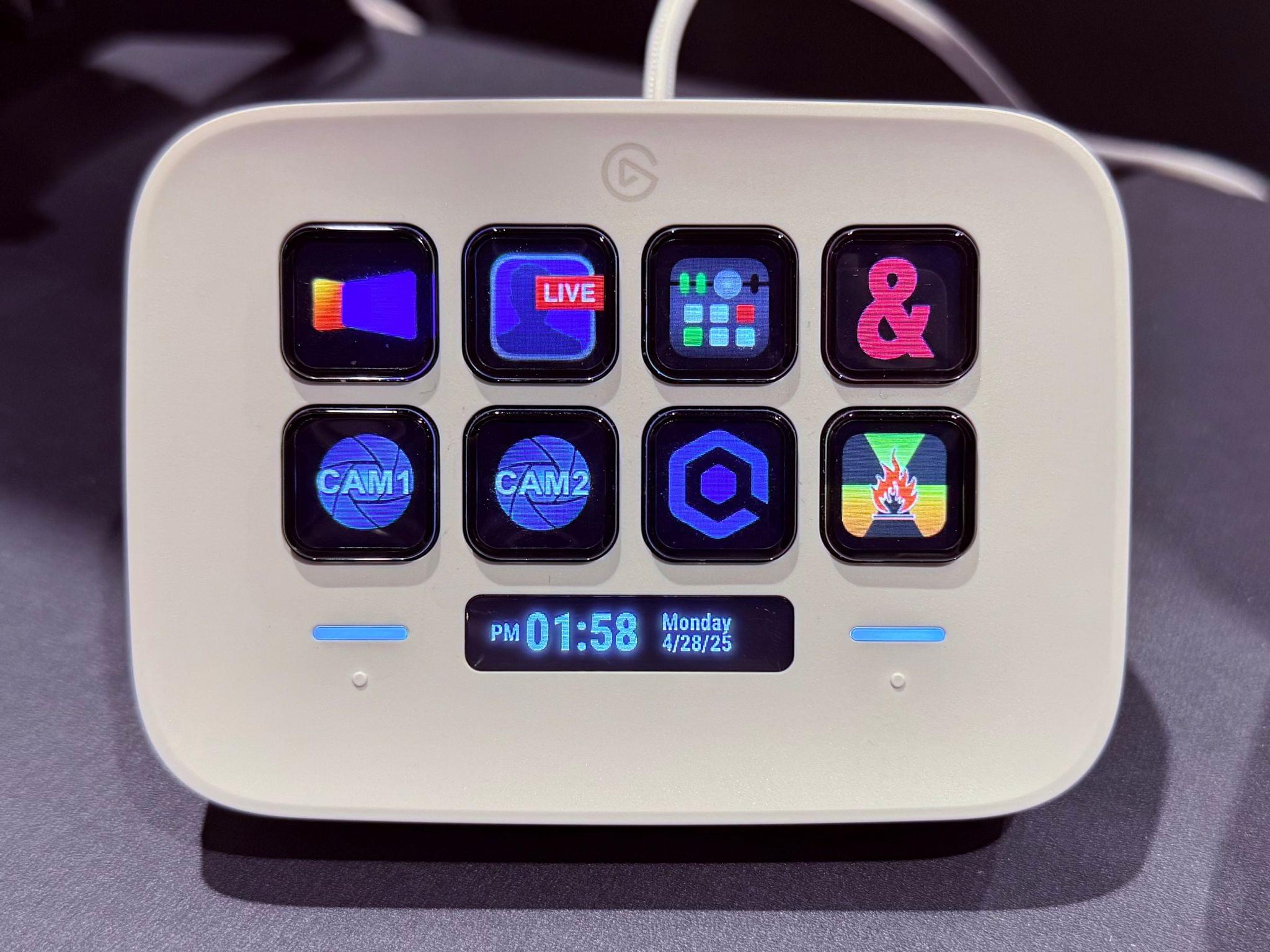
I am not a day-to-day Mac user. The vast majority of my digital life – all of my writing, podcast planning, editing, journaling, task management, web browsing, chatting, and more – happens on either my Vision Pro or iPad. And yet, there are key parts of my day job that still require me to use...
Hands-On with Guest User Mode in visionOS 2.4
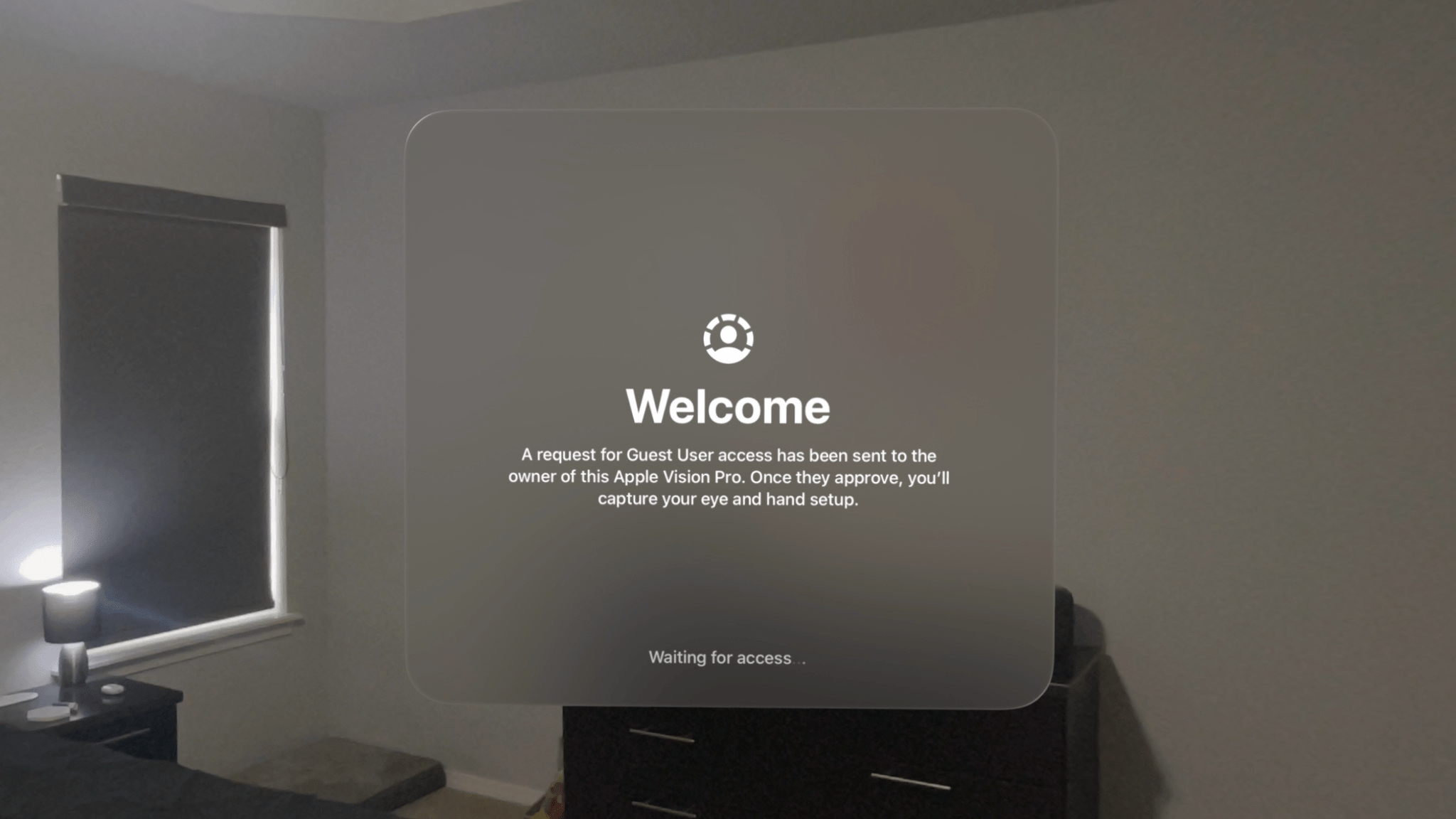
The Apple Vision Pro is a device that begs to be shared with others. Sure, mirroring your view to a TV or iPhone via AirPlay is a decent way to give people a glimpse into the experience, but so much about visionOS – the windows floating in real-world spaces, immersive videos, 3D environments, spatial photos, and more – can only be truly understood by seeing them with your own eyes. That’s why Guest User mode is so vital to the platform.
Guest User was included in the very first version of visionOS, and Apple has iterated on the feature over time, most notably by adding the option to save a guest’s hand and eye data for 30 days in visionOS 2.0 to speed up repeat sessions. With this week’s release of visionOS 2.4, Guest User has received another major update, one that I think Vision Pro users will be very happy about.
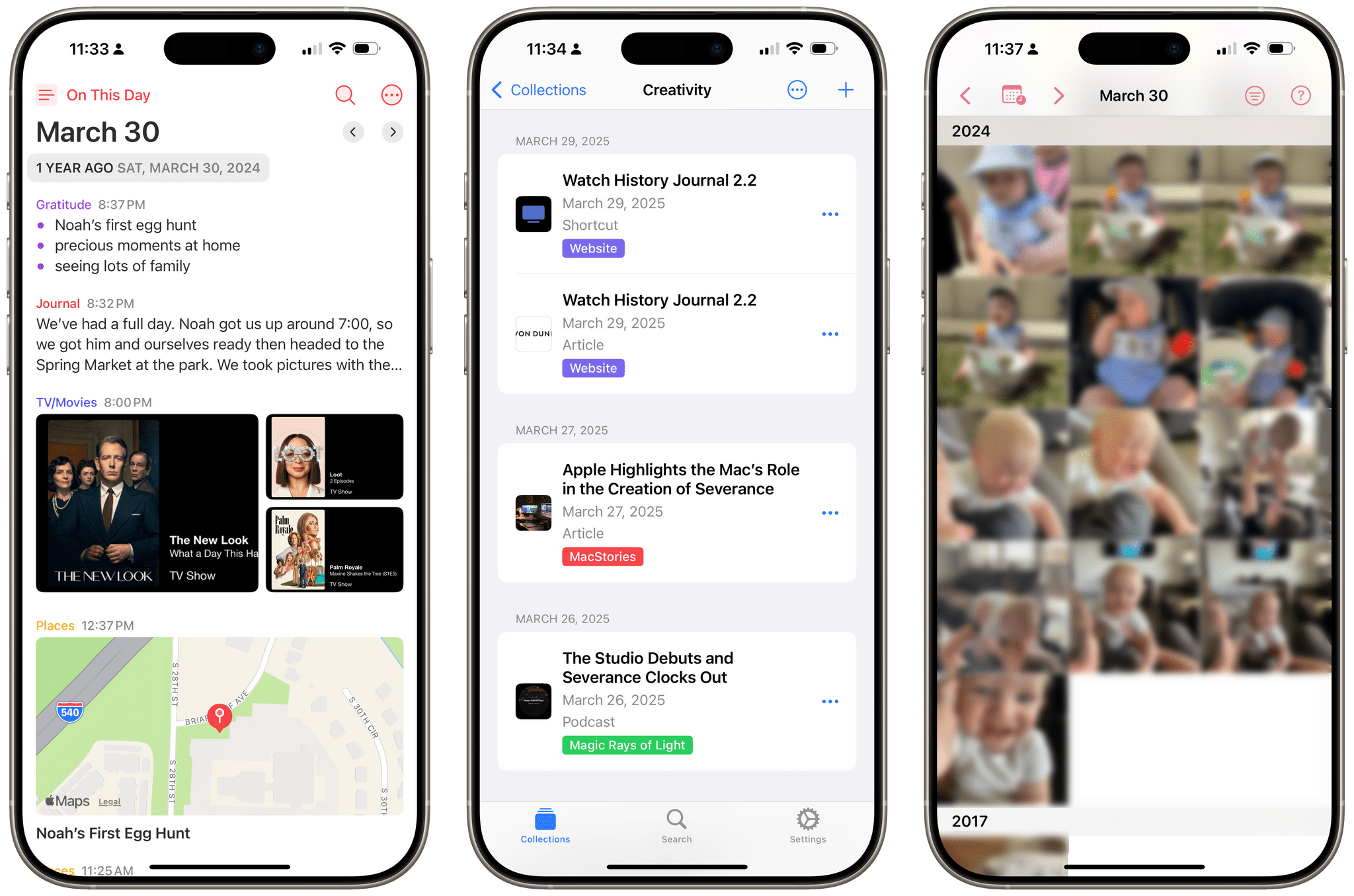
 A Life Timeline Check-In
Apple Highlights the Mac’s Role in the Creation of Severance
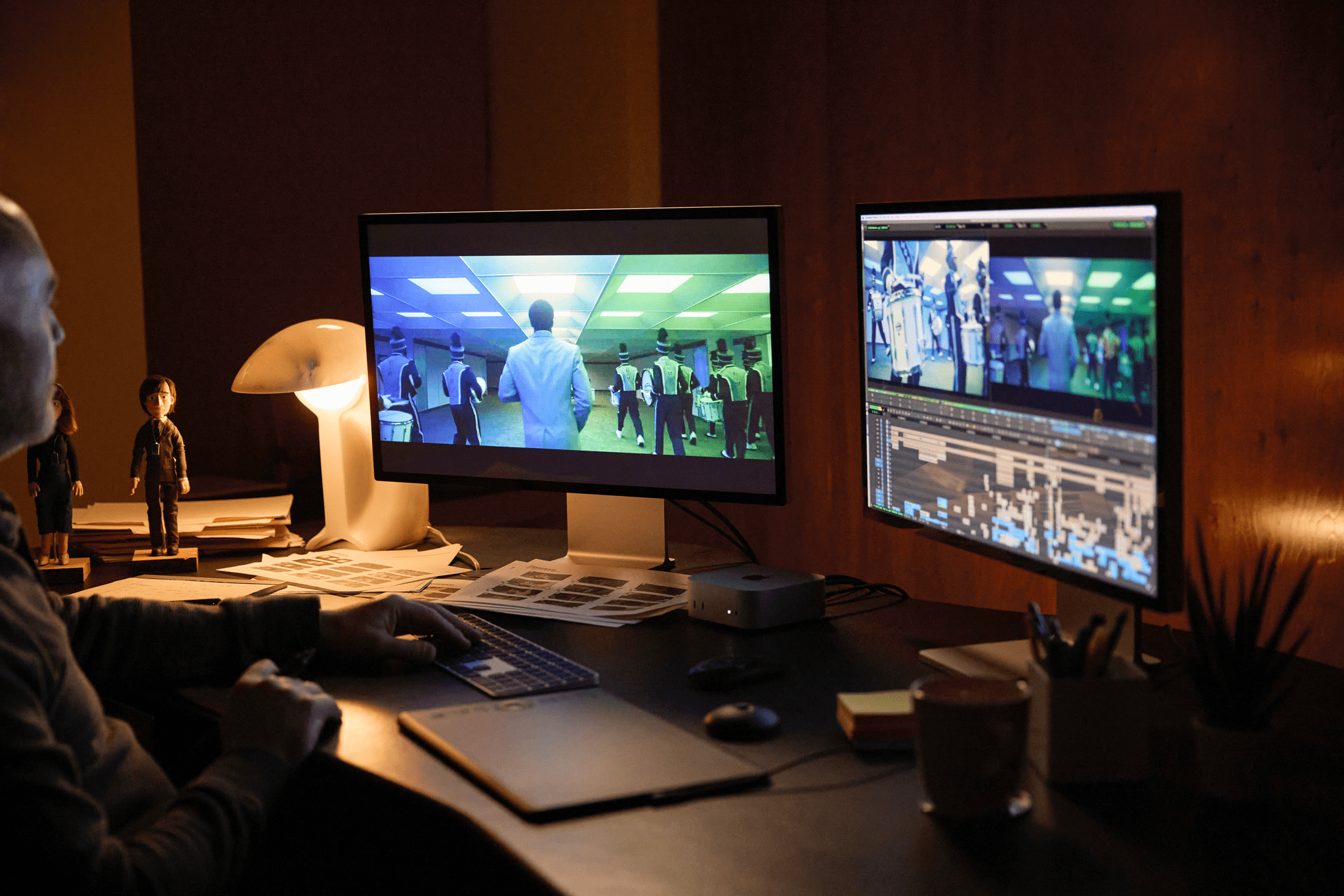
In the wake of last week’s jaw-dropping Severance season two finale, Apple has released a behind-the-scenes video and a Newsroom story showcasing the ways the Mac was used to edit the show. Both feature Severance’s editors discussing the process – creative and technical – behind the show’s editing. It’s worth checking out both pieces because each offers interesting insights into how Severance is made.
The video shows on-set footage of director and executive producer Ben Stiller leading preparation for the season finale’s marching band sequence. It then follows supervising editor Geoffrey Richman’s process of combing through the 70 different camera angle options assembled into a single multicam clip on a Mac to find the right shot for each moment. The video also features insights from editor Keith Fraase and composer Theodore Shapiro about different aspects of the editing process throughout the season, which involved three editors, three assistant editors, and 83 TB of footage.
In the Newsroom story, Geoffrey Richman dives deep into his editing workflow across various Macs. Richman uses a combination of an iMac at home, a MacBook Pro on the go, and a Mac Mini in a post-production studio to get his editing work done. He puts a lot of emphasis on the flexibility the Mac affords him:
I can work on my laptop and I can work on my iMac, and I can work at the post facility or I can work at Ben’s office, and as long as I’m logged into my account, everything I do shows up everywhere… That aspect of Mac I find very handy — to not think about which system I’m physically at.
Richman points out other aspects of working on the Mac, like macOS’ built-in multitasking tools and the MacBook Pro’s HDMI port, that make the Mac the right tool for editing a TV show like Severance.

You can read the full story on Apple’s Newsroom. The video, Behind the Mac: Editing Severance, is available to stream both on YouTube and, in a fun twist, on Apple’s fake product page for the Lumon Terminal Pro. While our dreams of refining data on a real Terminal Pro have yet to be realized, you clearly can make great TV on a Mac.
Hands-On with Multiple Pinned Item Lists in Callsheet
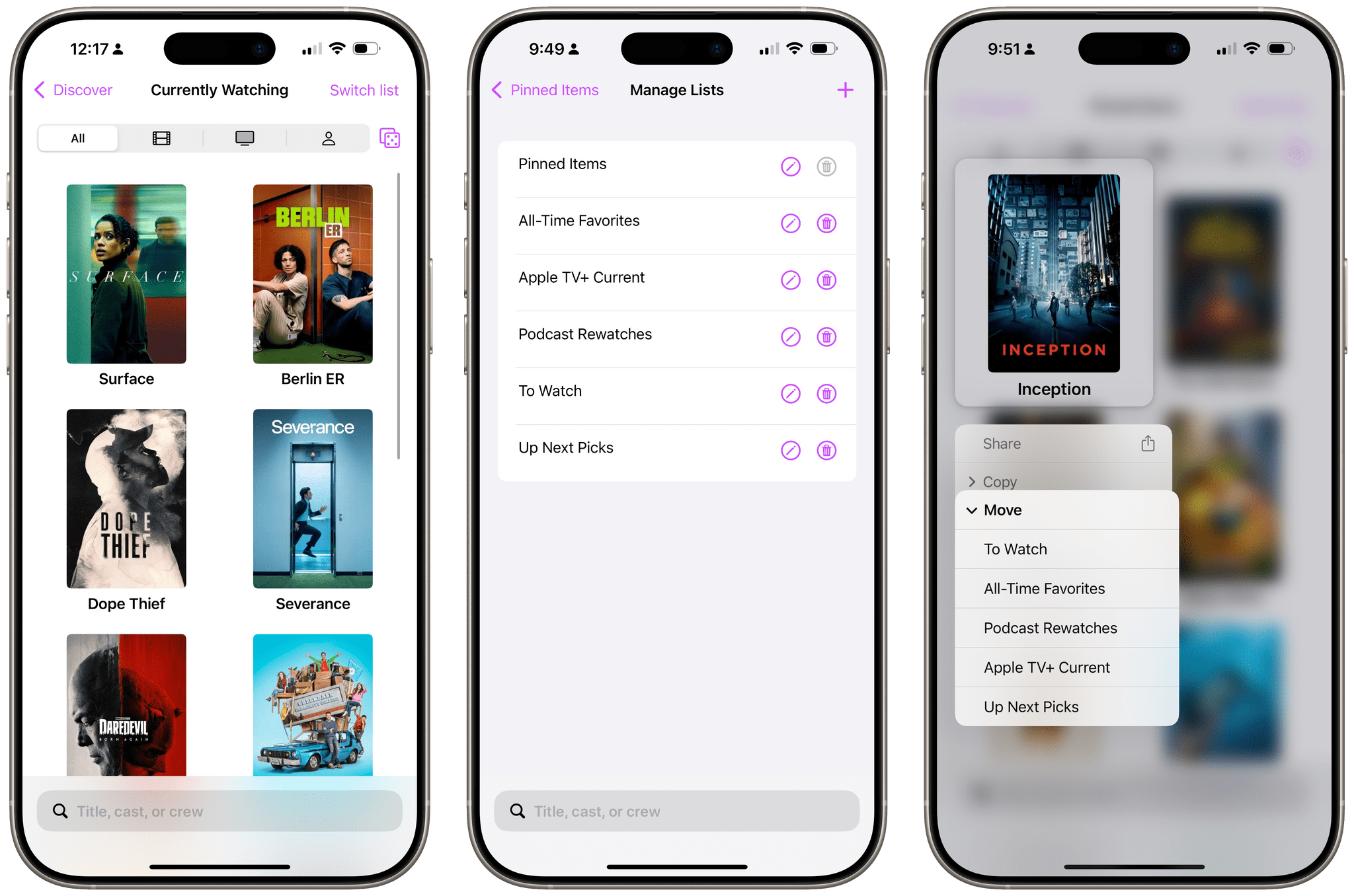
It’s been over a year and a half since the debut of Callsheet, the app from Casey Liss for looking up information about films and TV shows, and the app has grown a lot in that time. From new app icon variations to more fine-grained spoiler settings to actors’ heights and ages, Callsheet has gained many new capabilities. My favorite addition thus far is the indicator for mid- and post-credit scenes in movies.
The app’s latest update expands greatly upon a feature that’s been present since the beginning: pinned items. Users can now create multiple separate lists of pinned items and organize them to their hearts’ content. As someone who watches quite a bit of TV and covers it regularly, I could certainly benefit from this feature, so I decided to give it a try.
Ted Lasso Renewed for a Fourth Season on Apple TV+

Apple has officialy renewed its hit comedy series Ted Lasso for a fourth season on Apple TV+ with series star and executive producer Jason Sudeikis returning. Sudeikis even offered a small hint of what viewers can expect:
As we all continue to live in a world where so many factors have conditioned us to “look before we leap,” in season four, the folks at AFC Richmond learn to LEAP BEFORE THEY LOOK, discovering that wherever they land, it’s exactly where they’re meant to be.
Sudeikis also appeared on the New Heights podcast today, mentioning that his character Ted will coach a women’s football team in the next season. This information was exclusively revealed on MacStories’ own Magic Rays of Light podcast in February.
Season four is currently being written. The creative team behind the show, including executive producers Bill Lawrence, Brett Goldstein, Brendan Hunt, and Joe Kelly, is returning alongside new executive producer Jack Ruditt. The series, based on the preexisting format and characters from NBC Sports, won 13 Emmy awards over its first three seasons, including back-to-back wins for Outstanding Comedy Series.
Other details about season four, including its full cast and anticipated release date, are currently unknown. But for fans of Ted Lasso, this official renewal is an exciting progression after many months of rumors that the show would return. Sometimes, the hope doesn’t kill you.
Apple Introduces the New MacBook Air
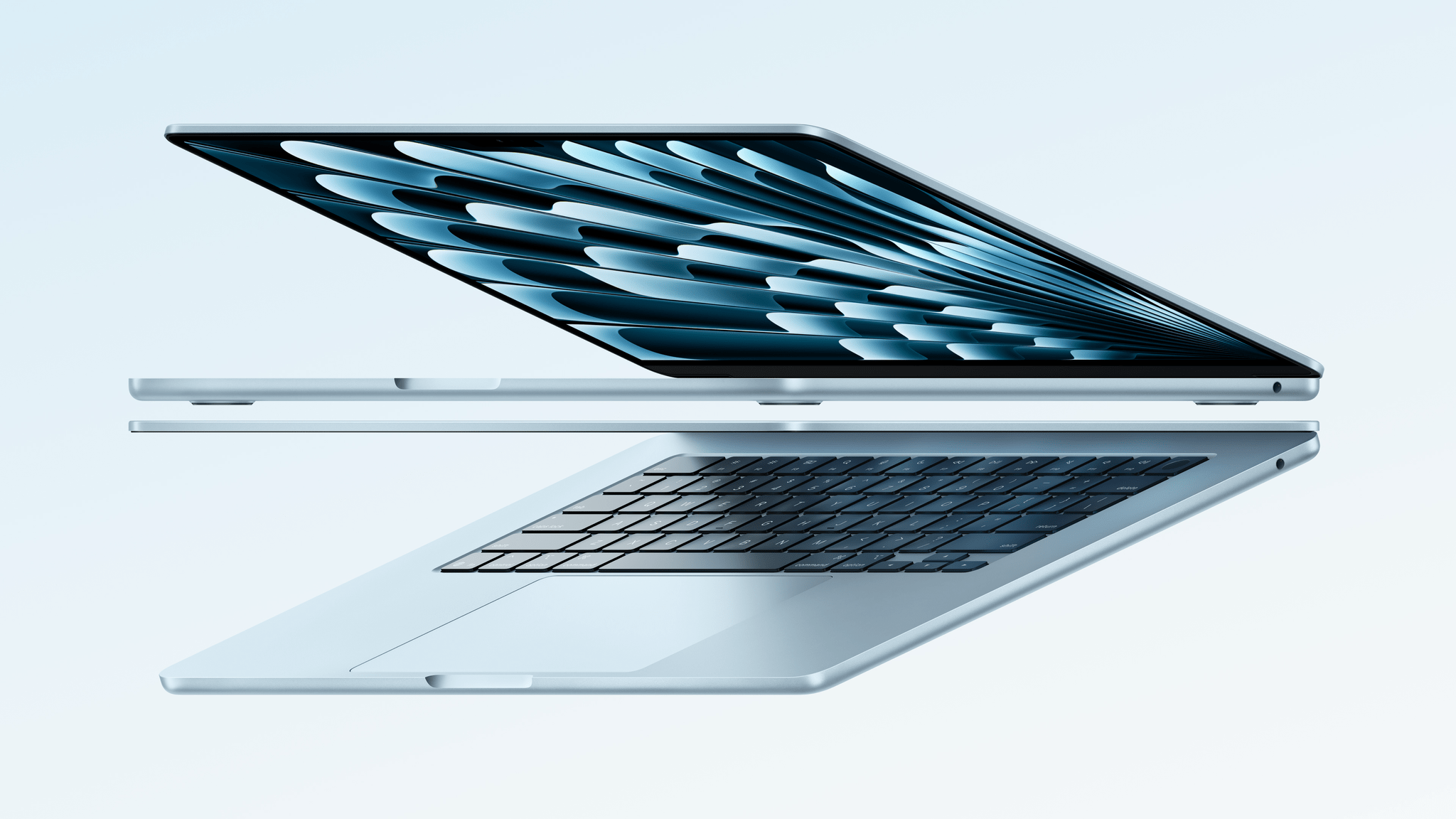
Today, Apple announced the new MacBook Air with the M4 chip, a new sky blue finish, and a reduced starting price. This update brings the latest generation of Apple silicon to the MacBook Air while keeping the external hardware mostly the same – save for a new color option.
The M4 chip comes with a 10-core CPU, an 8-core GPU (configurable up to ten cores), 16-core Neural Engine, 16 GB of RAM (configurable up to 32 GB), and 256GB of storage (configurable up to 2TB), offering up to 2x the speed of the M1 chip according to Apple’s metrics. The new chip enables the MacBook Air to output to two external 6K displays in addition to its attached display, which remains available in 13-inch and 15-inch variants. The device’s built-in LED Liquid Retina display remains unchanged at 500 nits of brightness and 224 pixels per inch.
The MacBook Air’s I/O includes two Thunderbolt 4 ports (upgraded from the previous generation’s Thunderbolt 3/USB 4 ports) a MagSafe 3 charging port, and a headphone jack. It also continues to feature Touch ID, Wi-Fi 6E, and Bluetooth 5.3. Apple claims the M4 MacBook Air can run for up to 18 hours on a single battery charge.
The device’s camera has been upgraded to the improved 12MP version seen on last year’s MacBook Pros. It records video at 1080p resolution and supports Center Stage as well as Desk View.
The most noticeable change to the device is the new sky blue color option, which replaces space gray. Apple describes the finish as “a beautiful, metallic light blue that creates a dynamic gradient when light reflects off of its surface.” The MacBook Air is also available in starlight, midnight, and silver.
With this update, Apple has lowered and simplified the MacBook Air’s pricing structure. The M4 MacBook Air starts at $999 ($899 for education) for the 13-inch model and $1,199 for the 15-inch model. Previously, those starting prices were reserved for older MacBook Airs, not the latest generation, with current-gen models costing $100 more. Now, MacBook Air purchasers don’t have to choose between the newest chip and the best price.
While this update to the MacBook Air is mostly about the M4, that chip does bring along some niceties, and the upgraded camera and new color option are welcome additions as well. Add the new, lower price point on top of those changes, and this is an upgrade worth getting excited over for those in the market for a MacBook Air.
The new MacBook Air is available for preorder now with deliveries and in-store availability starting March 12.
Apple Reveals New Magic Keyboard for iPad Air
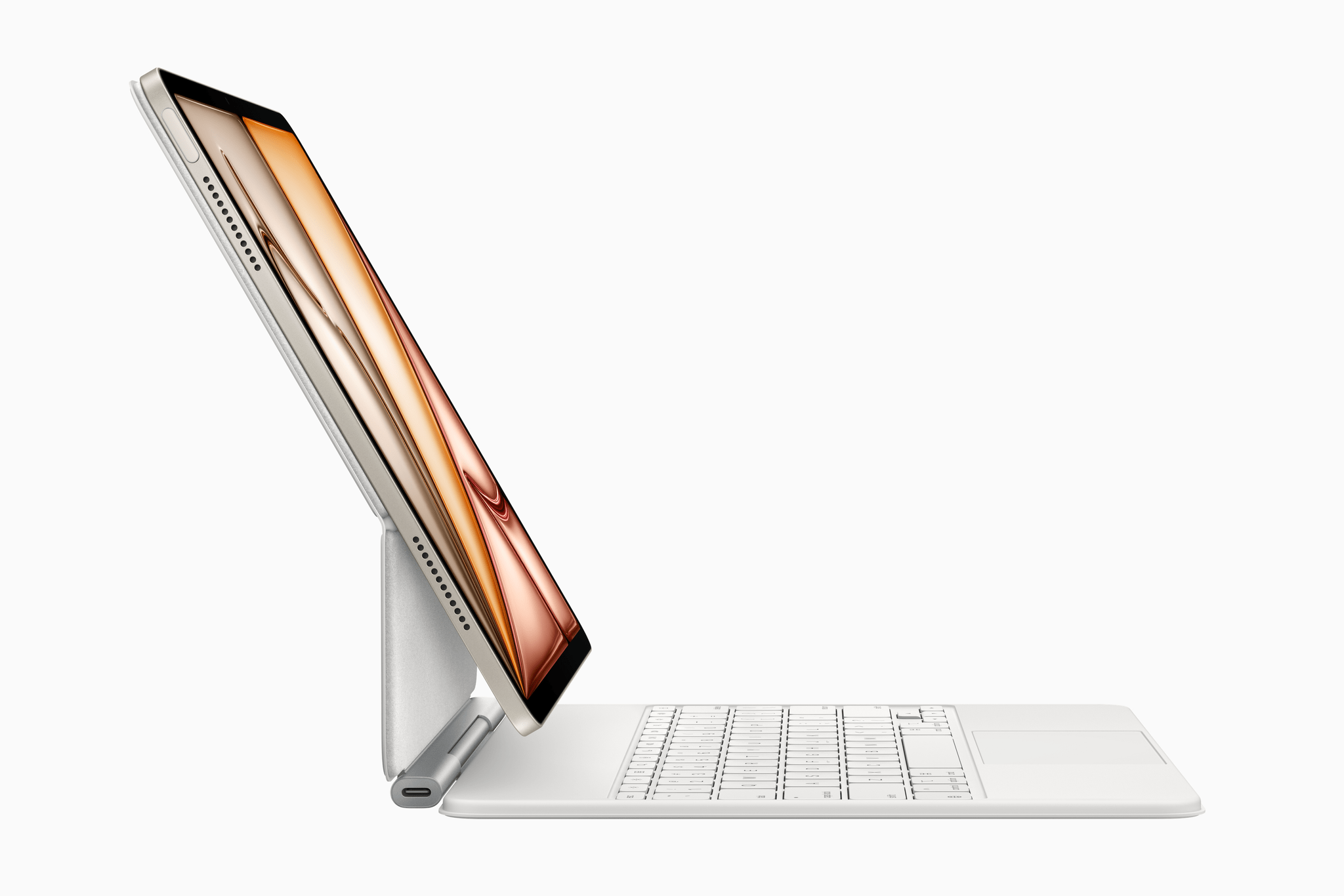
Alongside today’s announcement of the M3 iPad Air and A16 iPad, Apple also revealed the all-new Magic Keyboard for iPad Air. The iPad Air line has traditionally inherited previous versions of the Magic Keyboard for iPad Pro, so this Air-exclusive version is a first. It offers some of the new features that came to the iPad Pro’s Magic Keyboard last year as well as an interesting set of tradeoffs when compared to the Pro model.
The Magic Keyboard for iPad Air adds a 14-key function row above the number keys for adjusting screen brightness, controlling volume and audio playback, and more. It also features a larger trackpad than the previous version for the iPad Air as well as the new hinge design introduced on the Magic Keyboard for iPad Pro last year. As before, it connects to the iPad Air via the Smart Connector and includes a single USB-C port for passthrough charging.
It’s great to see these features from the iPad Pro’s Magic Keyboard make their way to the iPad Air. At the same time, the Air version does include some compromises, most notably its omission of backlit keys. It also lacks the aluminum palm rest and trackpad haptic feedback found on the Magic Keyboard for iPad Pro, and it only comes in a single color option: white.
The iPad Air’s Magic Keyboard is marginally cheaper than the iPad Pro version (and the Magic Keyboard for last year’s iPad Air), costing $30 less at $269 for the 11-inch version and $319 for the 13-inch version. It’s compatible with a far wider range of devices, too. While the Magic Keyboard for iPad Pro only works with the latest M4 models, the iPad Keyboard for iPad Air works with the new M3 models, last year’s M2 versions, and models going back to 2020.
This new keyboard offering for the iPad Air is a mixed bag, but I think it’s a net positive. Apple is taking a step towards simplifying the iPad accessory lineup by clearly separating iPad Air features from iPad Pro features. It will be an adjustment for Air owners who are used to getting all of the features of the previous-gen iPad Pro keyboard, but it sets a clear expectation for what Apple thinks the iPad Air experience should be.
The Magic Keyboard for iPad Air is available to preorder today with deliveries and in-store availability starting March 12.
Knowing When to Keep an Old App Around

On a recent episode of AppStories, John made an irregular app recommendation. It’s certainly not out of the ordinary for a MacStories team member to share an app that they find useful; that’s a good bit of what we do around here. But in this case, the recommendation came with a forewarning that it might...