Posts in news

Apple Introduces HomePod, a Siri-Equipped Smart Speaker

Apple is entering the smart speaker space, and it’s doing that with a new product launching this December called HomePod.

Introduced at the end of today’s WWDC keynote, HomePod is a Siri-equipped smart speaker that specializes in music. Rather than solely competing with products like the Amazon Echo and Google Home, Apple is positioning HomePod as a hybrid product that does more. It contains many of the same capabilities of those assistant-equipped speakers, but adds one more thing: high quality audio. This makes it not only a competitor to the Echo and Home, but also to home audio systems like those offered by Sonos and Bose. This latter market is where Apple has so far focused its marketing, as reflected by the title of its introductory press release: “HomePod reinvents music in the home.”

Read more


FlightLogger Delivers Elegantly-Designed, Real-Time Flight Tracking for Worry-Free Travels [Sponsor]

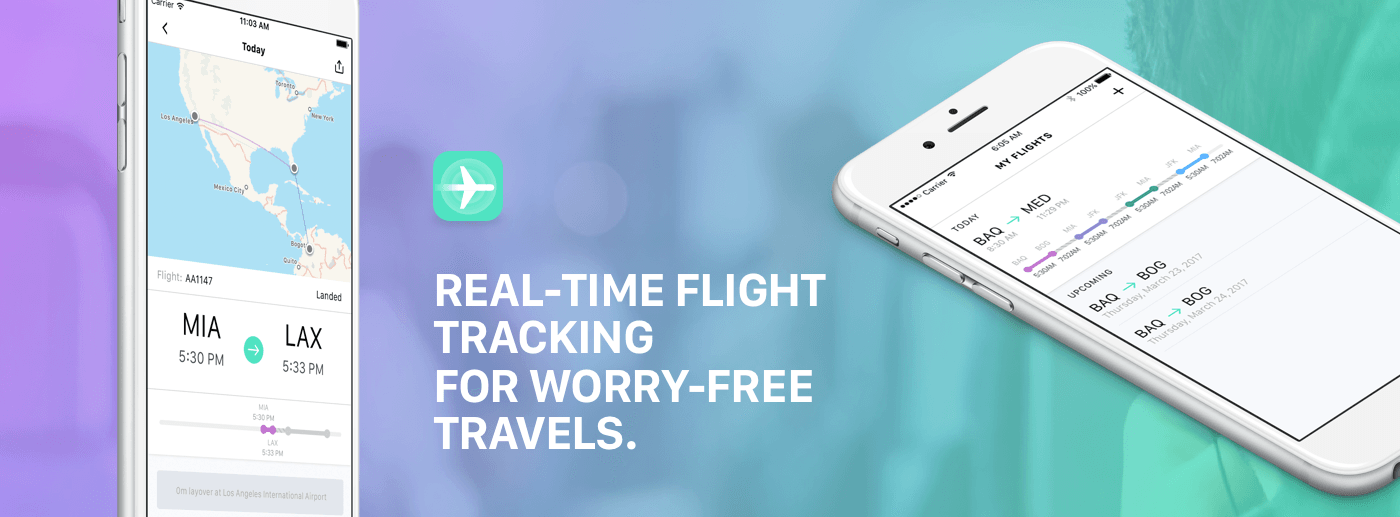
Traveling isn’t easy. FlightLogger is designed to take the pain out of air travel by making it simple to search and save your flights, get up-to-date notifications on any changes, share your travel plans with friends and family, and much more.

Too many flight tracking apps are a cluttered mess. FlightLogger takes a clean, minimalist approach that reduces the number of taps and information you have to input. Combined with a clear, easy-to-read interface, FlightLogger is the perfect companion for your next trip.

FlightLogger features:

  • Real-time, ad-free tracking of departure and arrival times, delays, cancellations, and gate and baggage claim information.
  • Flight status notifications.
  • Apple Watch syncing.
  • Data for around 37,000 airports worldwide.
  • Push notifications that can be set for 2 hours before the flight, 1 hour before, the time of departure, the time of arrival, and if there are delays.
  • Optional automatic deletion of flights an hour after you land.
  • An innovative timeline view that reduces screen clutter and provides simple glanceable information about your flights.

If that isn’t enough, you can get even more by subscribing to FlightLogger’s premium features like offline-mode for when you don’t have a data connection, enhanced alerts, unlimited flights tracked per month, sharing of location and flight status with family and friends, and syncing with your calendar. Head on over to FlightLogger’s website to learn more.

Our thanks to FlightLogger for sponsoring MacStories this week.


App Store Earnings for Developers Exceed $70 Billion

Apple announced today that since it launched in 2008, developers have earned over $70 billion from the App Store.

People everywhere love apps and our customers are downloading them in record numbers,” said Philip Schiller, Apple’s senior vice president of Worldwide Marketing. “Seventy billion dollars earned by developers is simply mind-blowing. We are amazed at all of the great new apps our developers create and can’t wait to see them again next week at our Worldwide Developers Conference.”

According to Apple’s press release, subscriptions saw a 58% increase year over year, fueled by their availability in all 25 app categories. Games and Entertainment are the App Store’s top grossing categories, Lifestyle and Health and Fitness apps have experienced 70% growth, and the Photo and Video category is up over 90%. Apple’s press release also highlights the addition of iMessage apps and stickers with iOS 10.

The timing of Apple’s press release is interesting coming just days before WWDC, its annual developer conference. Developer earnings have historically been covered as part of the WWDC opening-day keynote. One possibility is that this is a sign that the usual keynote updates are being compressed this year to make room for more product and operating system announcements than usual.

Permalink

Drawing App Linea Adds iCloud Support and Mac Companion App

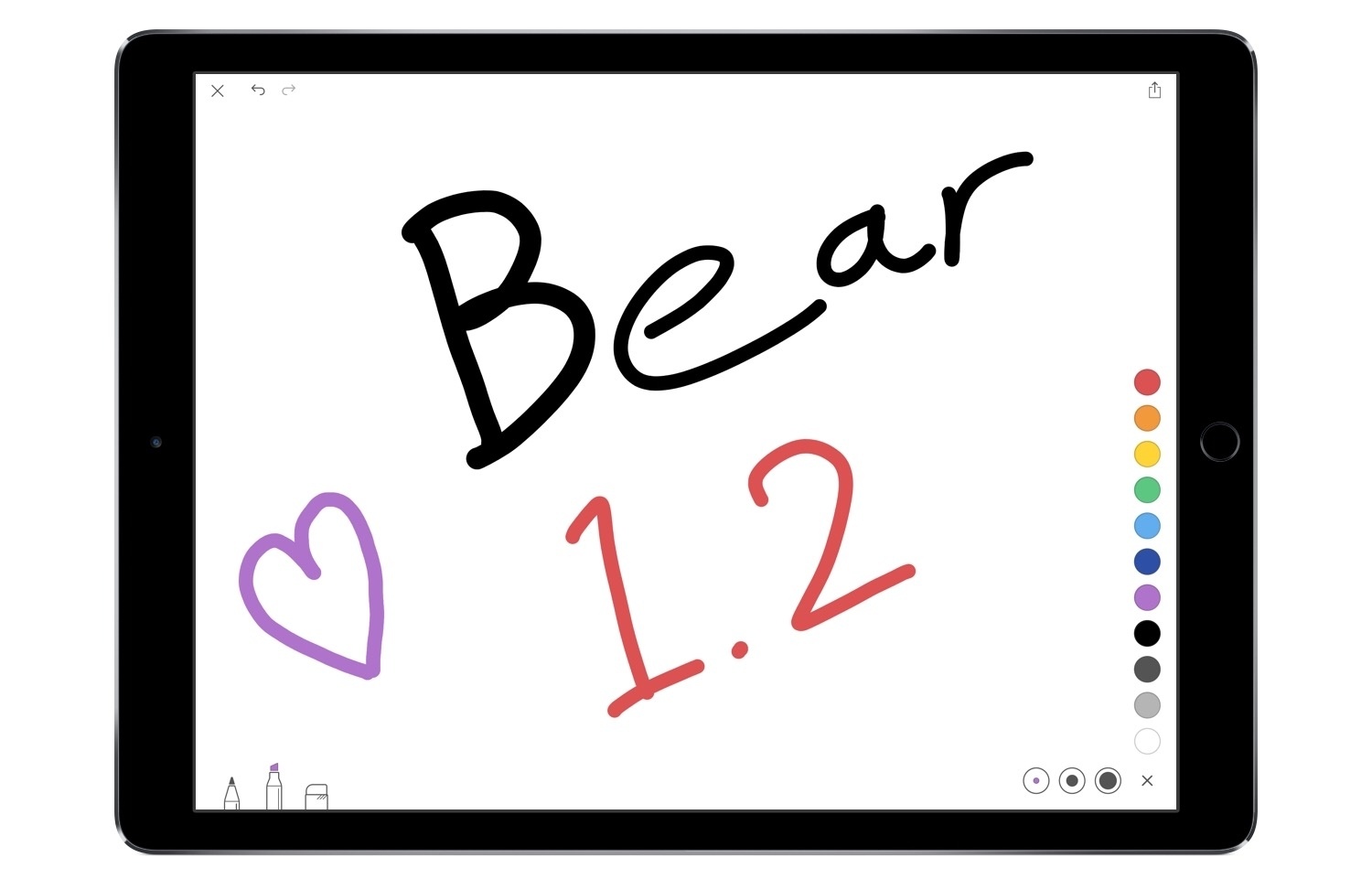
Earlier this week, The Iconfactory released version 1.1 of its iPad sketching app, Linea. The highlight of the release is iCloud syncing for all drawings stored in the app. This is a welcome addition for the sake of having safe backup files in the cloud, but it is also important because of a related app debut from this week.

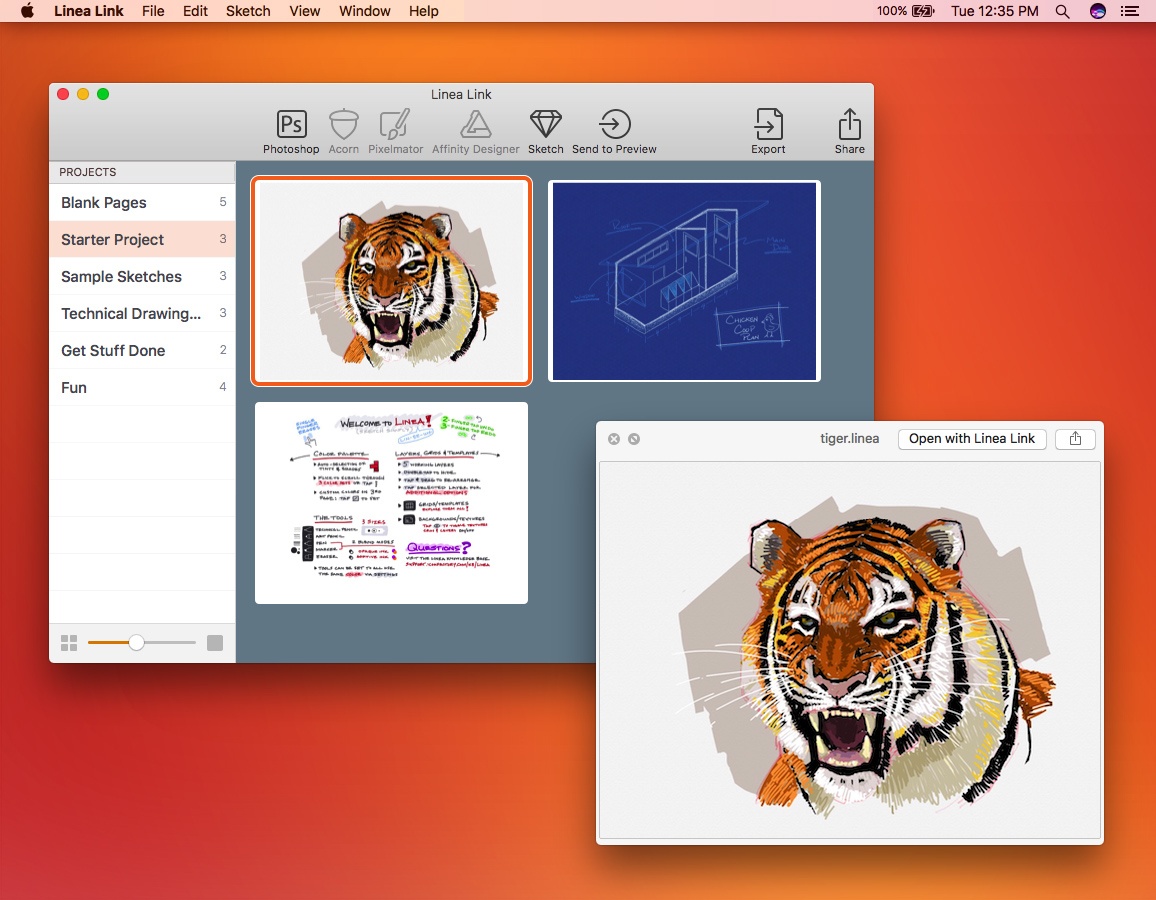
Alongside Linea’s 1.1 update, The Iconfactory has also released a companion app for Mac called Linea Link. Ged Maheux shares the details in a blog post:

This new app is the easiest way to get sketches drawn on your iPad onto your Mac. Using iCloud sync, your work is instantly available for use in your favorite macOS applications.

Start a new Photoshop document using Linea’s layers. Reference a quick design idea while working in Xcode. Transcribe meeting notes into a Pages document. Or just tap the spacebar to preview Linea documents using Quick Look. Linea on iOS works great to get an idea started, and Linea Link on macOS lets you take the next step toward making it a reality.

Linea Link is a perfect bridge between the iPad and Mac for those who use both devices to get their work done. Third-party app support includes Sketch, Acorn, Pixelmator, Affinity Designer & Photo, and the above-mentioned Adobe Photoshop.

It is still the early days of Linea’s life, but it’s comforting to see continued investment being made to the app by The Iconfactory. As John shared in his initial review, Linea is an excellent example of an app that blends elegance and usability with just the right amount of tools and power needed to get creative work done.


Twitter Adds Filtering of Direct Messages From People You Don’t Know

If you have opened your Twitter direct messages to receive messages from anyone, Twitter now separates them into two buckets: an Inbox and Requests. Your Inbox collects DMs from people you follow, while Requests are DMs from people you don’t follow. You can review Requests without the sender knowing you’ve reviewed their message until you accept it. If you accept a request, that person’s direct messages will be delivered to your Inbox in the future.

https://twitter.com/Twitter/status/869608493548011520

Based on some preliminary testing by The Verge, it appears that the new direct message handling functionality is slowly rolling out to users across Twitter’s apps and website.


WWDC App Updated with New Design and Features

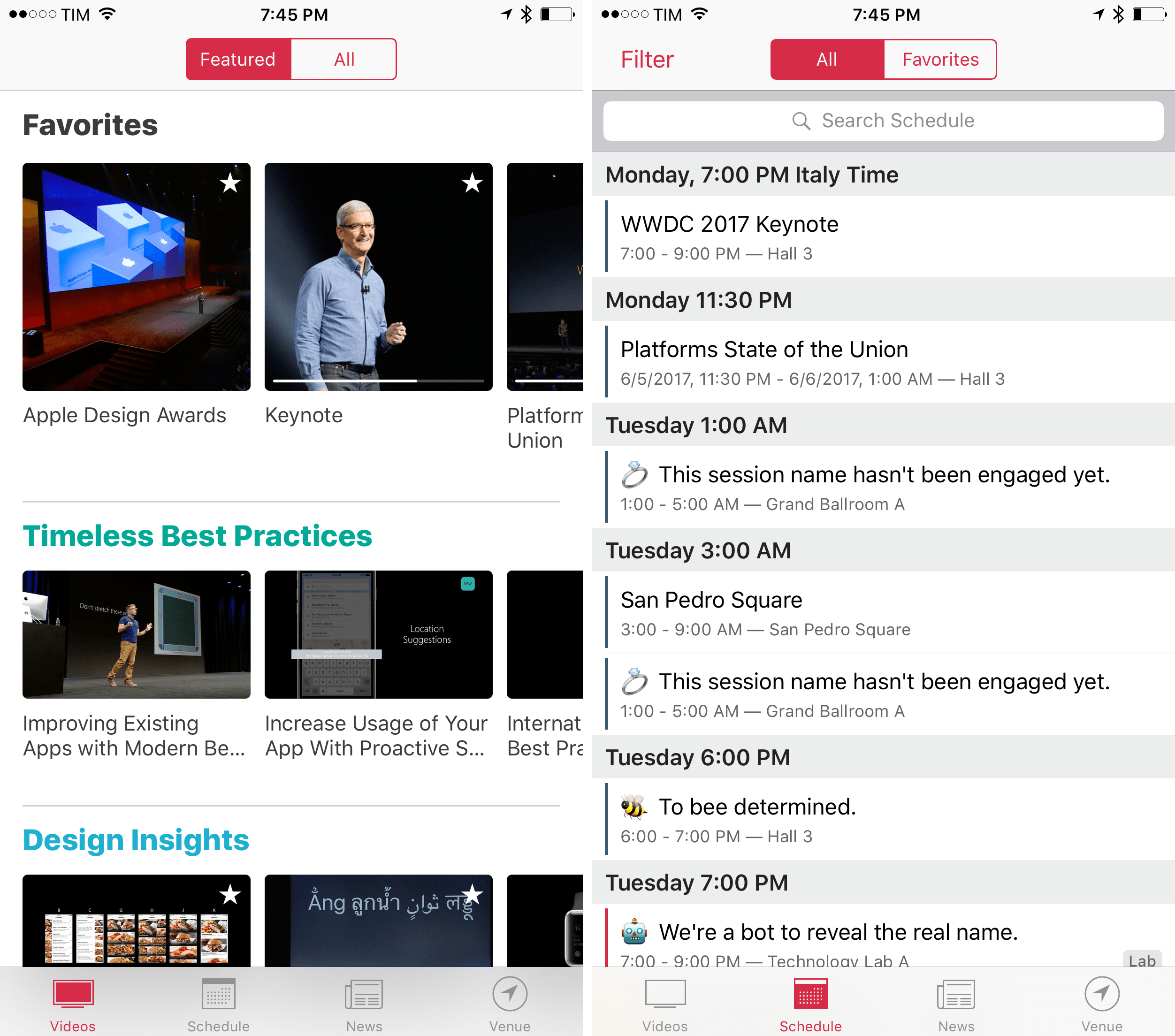
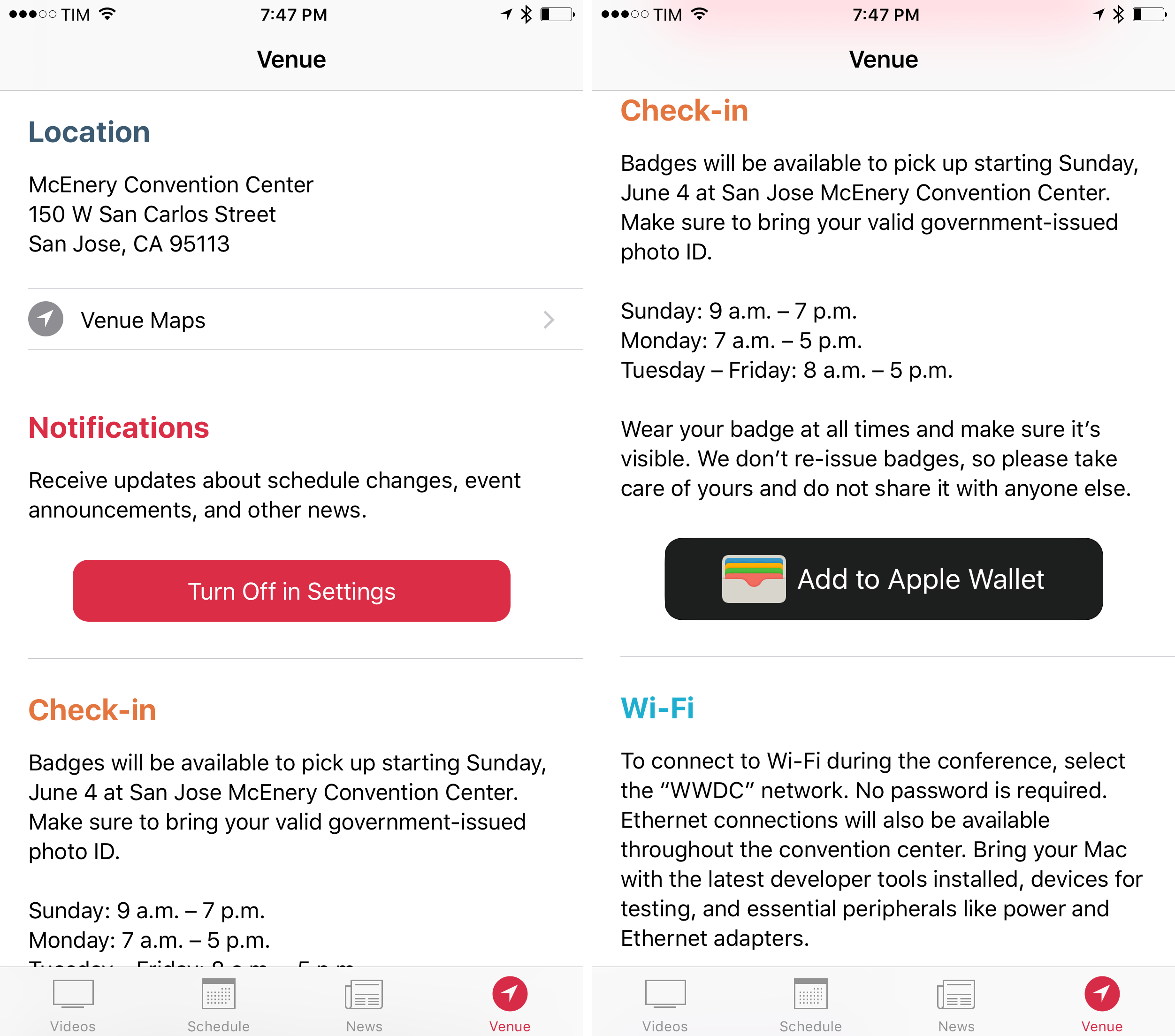
Apple has updated the WWDC app ahead of its annual developer conference that begins June 5, 2017 in San Jose, California. The app has an all-new design this year. In 2016, the UI was dominated by dark tones causing speculation that it was a precursor to a system-wide dark mode that didn’t materialize. This year’s update shares some of the same design language as the Apple Music and News apps.

In addition to the refreshed design, Apple has added curated video playlists focused on themes like Developing for iPad, interactive maps of the WWDC venue and surrounding area, for the first time, the ability to use of all of the app’s features without signing into a developer account, and a new ‘Venue’ tab. Apple is also making a podcast studio available as part of WWDC for attendees who need a space to record shows.

Though not mentioned in the release notes, the WWDC app has a little surprise in store in the form of iMessage stickers. The set includes 17 colorful cartoon-style images with an assortment of classic Apple iconography, logos for Metal and Swift, and more.

The WWDC app is a free download on the App Store.


You can also follow all of our WWDC coverage through our WWDC 2017 hub, or subscribe to the dedicated WWDC 2017 RSS feed.


Trails is Your GPS Tracker and Logbook for iPhone & Apple Watch [Sponsor]

When you start your next outdoor adventure, make sure you bring along Trails. Trails is a GPS tracker and logbook that gathers statistics like altitude, ascent and descent, speed, pace, and duration. It also includes topographic maps available for offline use when you have no data connection. Soon, Trails will add a dashboard display with summary statistics and graphs of your activities using a customizable date range and with optional filtering by tags.

Trails takes advantage of the latest Apple hardware and features like 3D Touch, Spotlight search for tracks and waypoints, Siri to start and end a trip, a Today Widget, and AirDrop sharing. In addition, with a Series 2 Apple Watch, you can start recordings, use it as a second screen to display live statistics, and gather heart rate and calorie data.

Trails features a wide array of ways to export and share the data you collect like integration with Apple’s Health app, GPX export, the ability to upload to Trails.io to share your trips, like the hike through San Francisco embedded above, local WiFi sharing, and full database backups. You’re in full control of your data. You don’t have to signup for anything to get started, your data isn’t uploaded anywhere without your permission, and there are no ads to get in the way.

Trails has a special promotion for MacStories readers. Trail is giving away 10 one-year subscriptions to Trails Pro. Just enter your email address here by 9:00 pm US Eastern time on June 4, 2017. Winners will be selected randomly and be given a code that they can redeem for the one-year subscription by contacting the Trails team.

Our thanks to Trails for sponsoring MacStories this week.