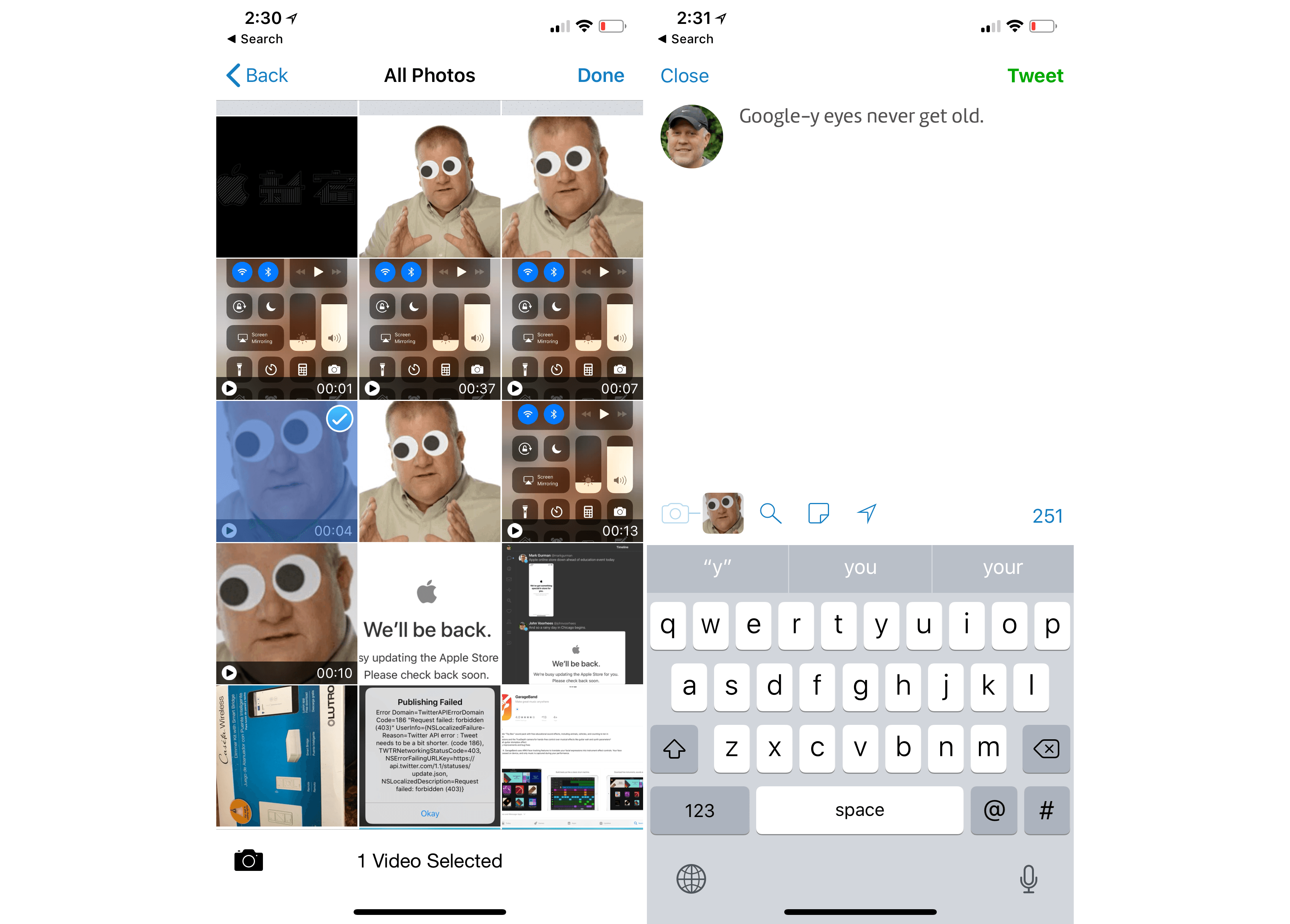
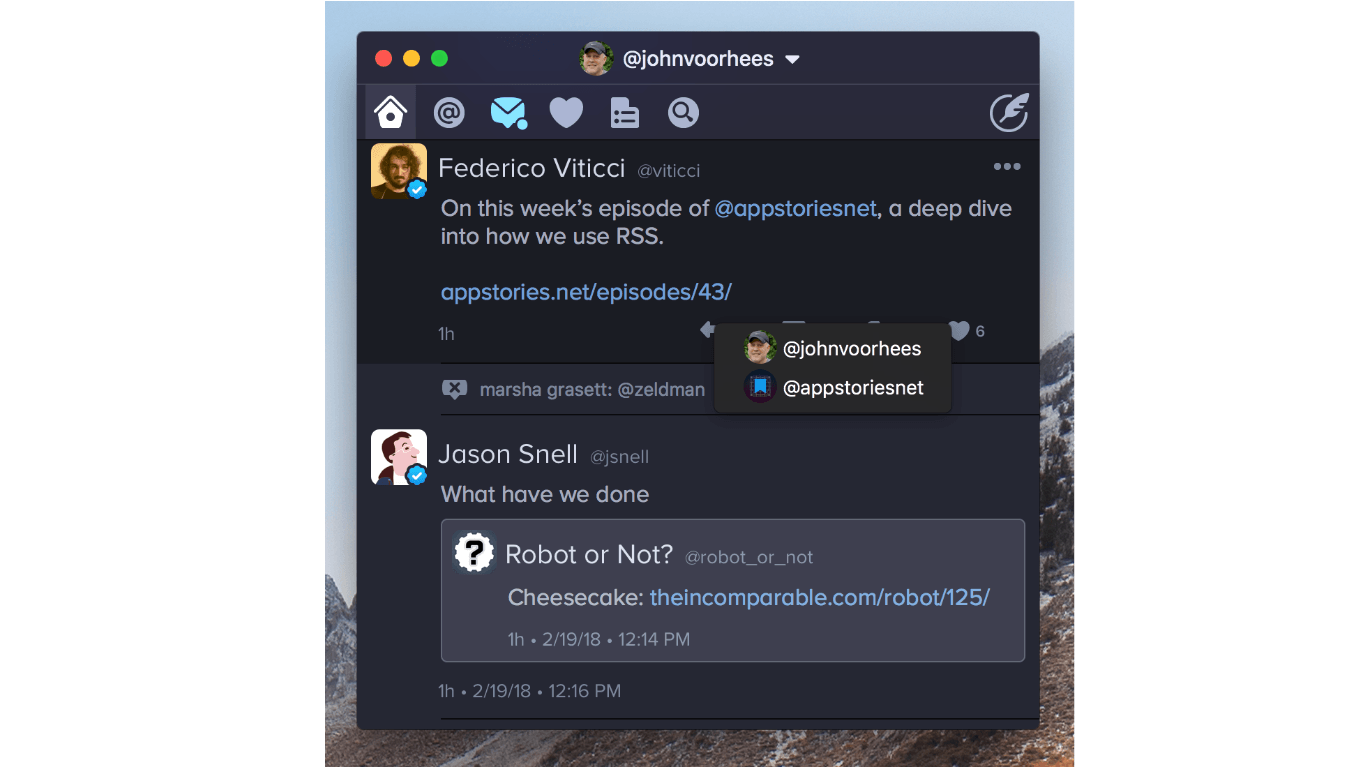
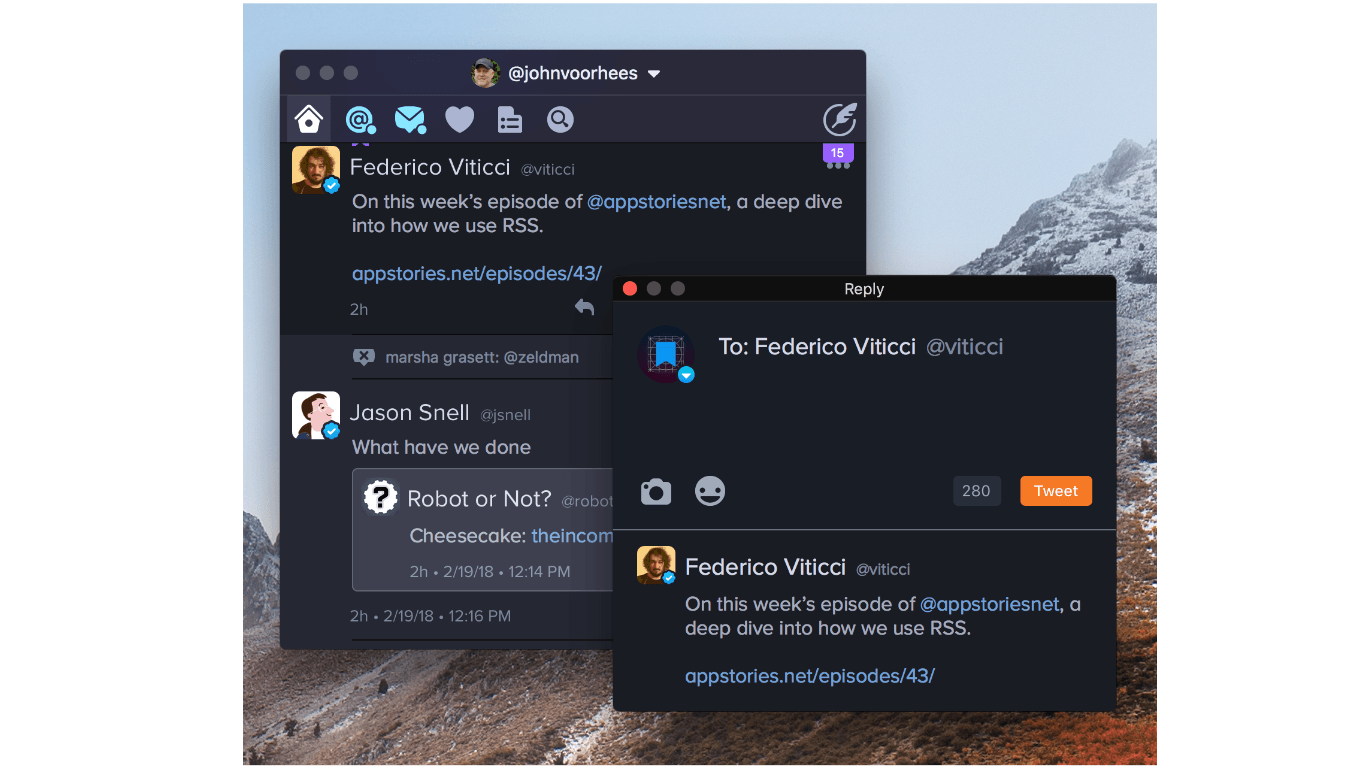
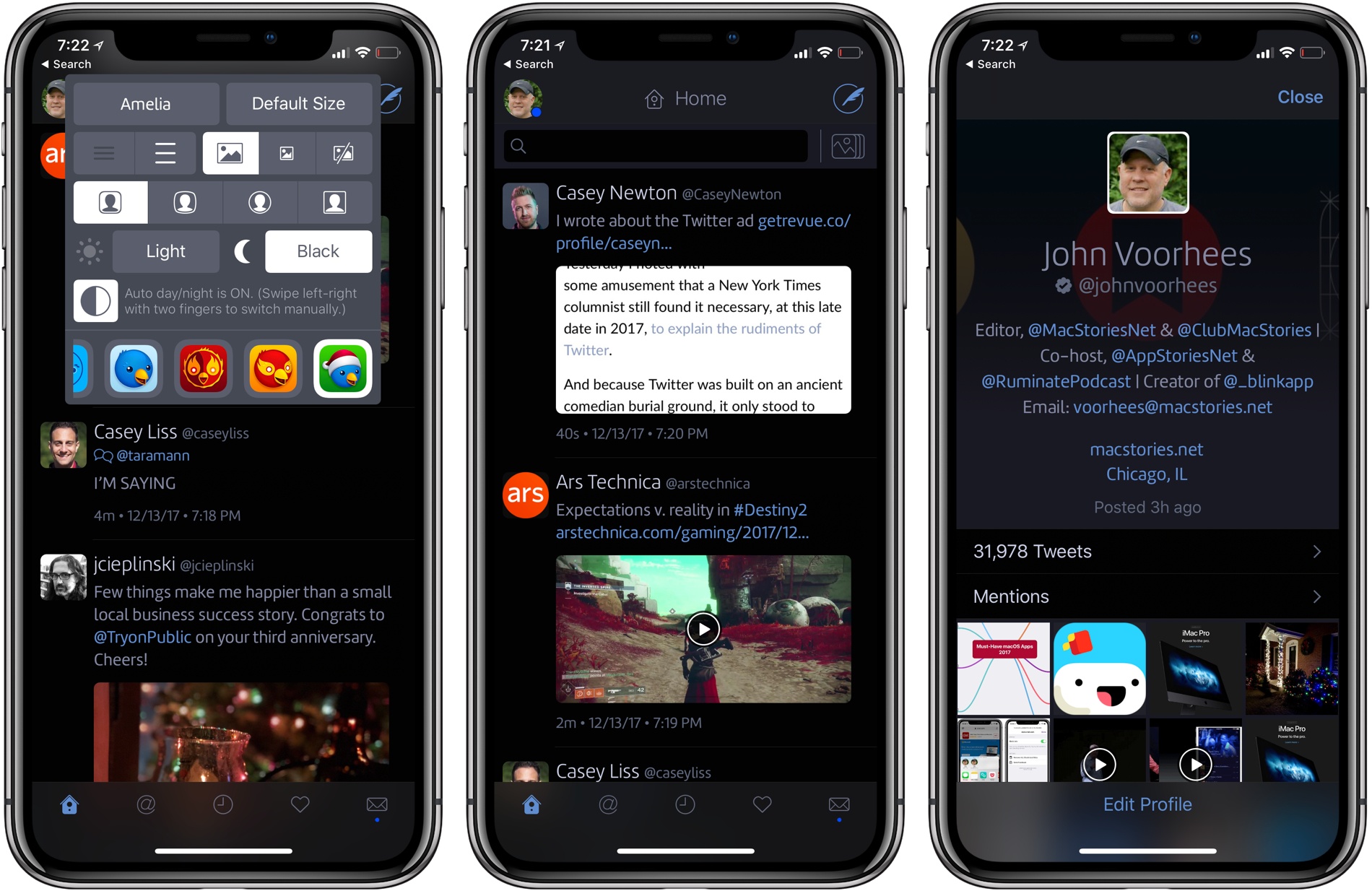
Push Notification Beta Alert

Redesigned from the ground up, Twitterrific launched last December with a fresh design that pleasantly surprised long time fans of the app. Breaking ground on the original iPhone, Twitterrific has relatively stayed the same for years, subtracting unnecessary features and focusing on delivering a robust core experience. Today, people expect more from their Twitter clients, such as the ability to mute hashtags and receive push notifications for follows and replies. The Iconfactory addressed the former through their last update with muffling, a simple way to shush users, hashtags, and domains on the timeline. Yesterday, The Iconfactory began addressing the latter by introducing push notifications in Twitterrific 5.2.

(more…)

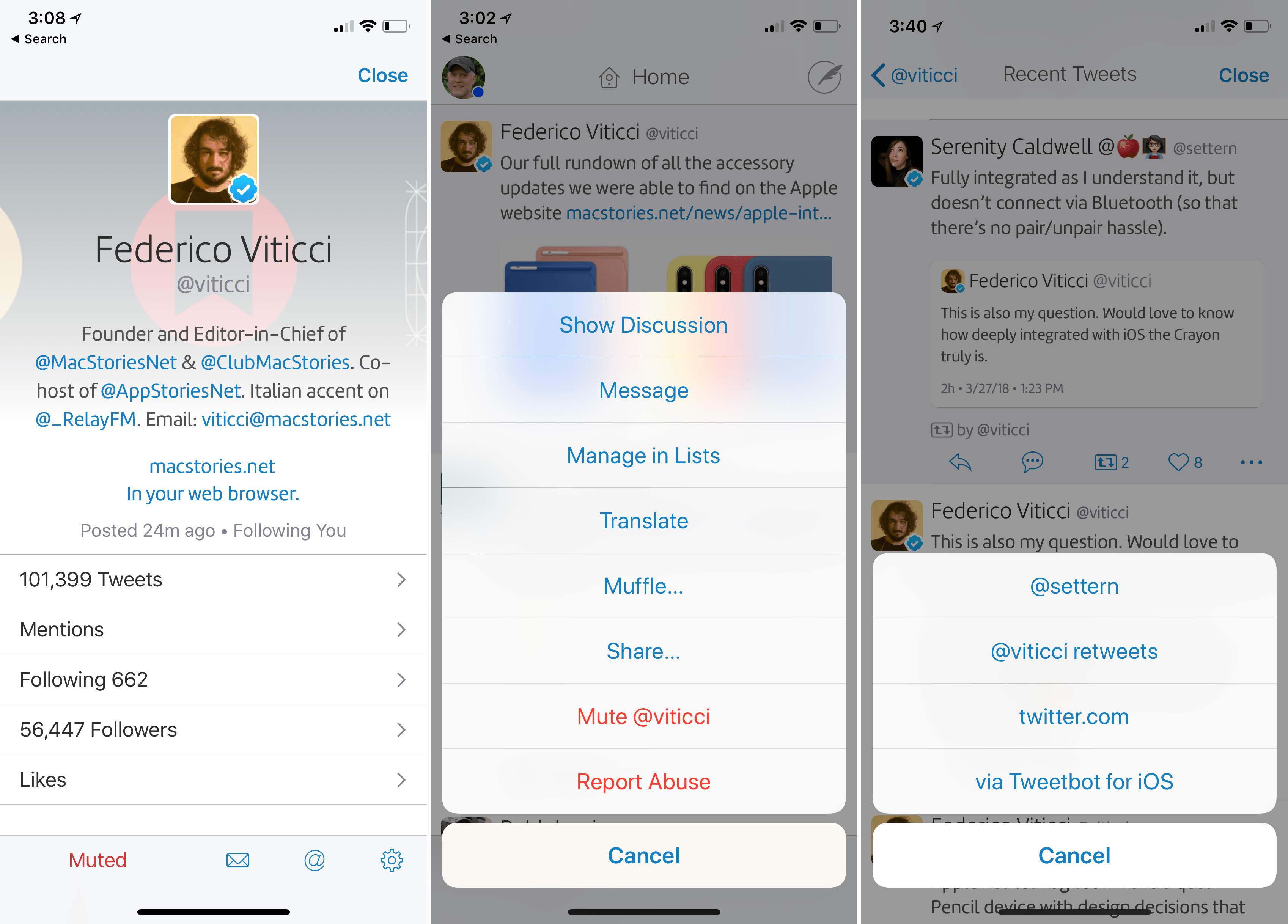
Muffling

Sorry Zac! I promise I did it just for the screenshot.

When The Iconfactory launched Twitterrific 5, they launched an app that reflected a specific vision of what a Twitter client should be. Twitterrific certainly hasn’t lost its charm since it launched back in December. Setting itself apart with a modern interface and clever gestures, Twitterrific started anew with a clean slate and plenty of room to add features thanks to feedback from their fans. Throughout the last few months, The Iconfactory has been progressively iterating Twitterrific, leading up to the first major update which launched yesterday evening.

The most notable feature in Twitterrific 5.1 is muffling. It’s muting made simple.

(more…)

Behind The Scenes Of Twitterrific 5

The Iconfactory’s Craig Hockenberry has published a “behind the scenes” look at their most recent release, Twitterrific 5. I recommend reading it, as it doesn’t involve too many technical aspects of the software, but instead puts the decisions made by The Iconfactory in more context:

We are well aware that people are going to complain about missing features: push notifications and streaming are obvious examples. But so are trends, and video support, and in-line photos, and… well none of that matters. We believe in building opinionated software.

Our Cody Fink, in his review of Twitterrific 5 posted last night:

It may be completely redesigned, but the core tenets that Twitterrific were founded upon remain in 5. Twitterrific has always been opinionated, decidedly simple, and never wanted to compete for your attention. And at its heart, Twitterrific 5 is still a Twitter app built with the same passion The Iconfactory builds into all of their apps. Twitterrific 5 is simply a better Twitterrific.

Here’s my take on Twitterrific: it is the result of a very specific vision. The Iconfactory doesn’t prioritize notifications, filters, third-party service integration, or custom image uploads as much as they strive to build an extremely polished Twitter client meant for reading.

I am what you may call a “Twitter power user”. There’s truth to that: I use filters, custom uploads, web services, and I spend most of my day on Twitter. Twitterrific isn’t meant for me. Thinking to rely on it as my go-to Twitter client will probably make me frustrated in the end, leading me to “hate” an app that’s actually made by nice people. I don’t want to do that.

So I have a simple suggestion. If you don’t think Twitterrific 5 can be your main client, it doesn’t have to be. No one is forcing you to buy the thing everyone is talking about. You’re probably not “missing out”. But I will also say this: if you have three bucks and you’re genuinely interested in trying something new — a fresh experience — go get Twitterrific 5 and try it. I’m not saying it’ll become your favorite app, but if you care about quality handcrafted software, maybe you’ll take away something from it.

I’m glad I did, because even if Twitterrific won’t be in my dock, as someone whose job is to write about software, now I know that other things are possible.

Dec
5
2012

Twitterrific 5 Review

Posted by at

Twitterrific 5. It’s been fun to watch Twitter’s reaction to an app that I, and other writers, wanted to surprise the world with. Alas, it was bound to leak, unsurprisingly by Apple’s Japanese App Store. The Iconfactory’s latest iteration of their famed Twitter client is shockingly different isn’t it? The same gut reactions I watched unfold on Twitter could not better describe the same gut reactions I had when I first saw just how striking the new interface is.

Sharing the first pic of Twitterrific 5 with my coworkers resulted in an immediate, “Wow.” After a few more screenshots, “That looks like a Windows 8 app. Like Track 8.” It’s an absolutely fair assessment. And it’s one I’ve seen echoed on Twitter as I watched the tweets scroll by. Thankfully, Twitterrific 5 is as much of an iOS app as it ever was. No text hangs off the screen — no “CTURES” as Federico and I will joke.

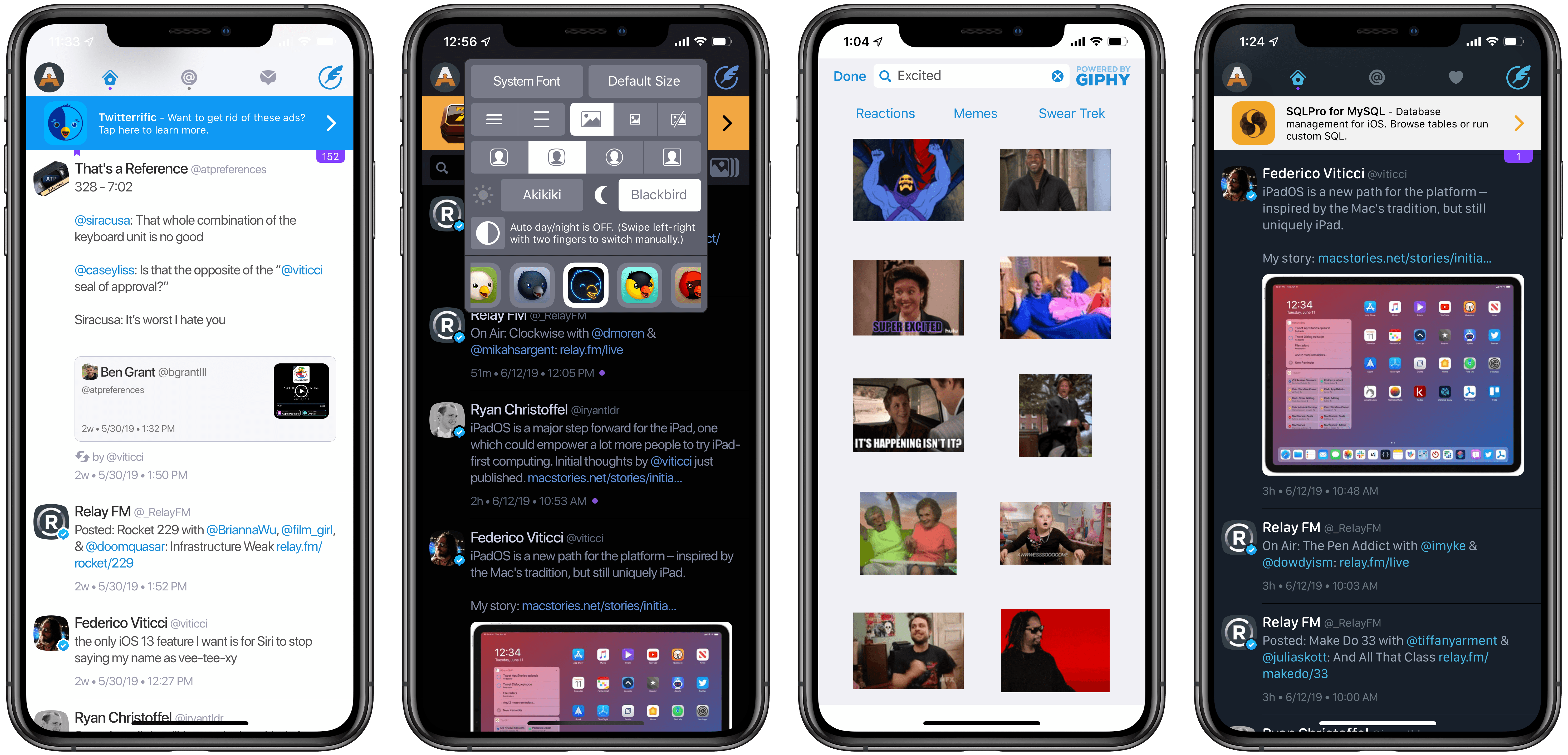
Twitterrific 5 presents itself dressed in black with Helvetica accents and familiar shades of orange and blue for mentions and messages. It’s both instantly recognizable and obviously different. In contrast to colored entries and standard rectangular iOS elements, it is typography, floating buttons, and rounded corners that are pervasive in the new Twitterrific.

(more…)

Dec
9
2011

In light of the Twitter news yesterday, we missed a small but important update for Twitterrific! Fans of the Readability subscription service will find an update (4.4.4) waiting for them in the Mac and iTunes App Stores. Readability can be chosen as a read later services from the Services tab in Preferences on the Mac, and via Twitterrific in the Settings app on iOS. Readability, a bookmarking service that gives back to the authors you enjoy, also offers a customizable web and mobile reading experience, an easy to use article queue that can be shared with others, and bookmarklets to send articles directly to your Kindle.

The previous Twitterrific 4.4.3 update brought in a lot of extra refinements such as the addition of a load more button in profile pop-overs. In 4.4.4, the load more button has been added to timeline searches as well! In addition, 4.4.4 fixes some bugs with the Magic Mouse (no more missed clicks), and fixed a bug that would cause the timeline to jump to the top of the timeline when retweeting. Overall a small but noteworthy update!

Twitterrific is a free download on iOS, with a $4.99 in-app purchase removing ads and adding translations. Twitterrific for the desktop is $4.99 from the Mac App Store.

Nov
30
2011

It’s been a while since we’ve covered what Ollie’s been up to in his spare time. Twitterrific 4.4.3 — a combination polish & maintenance release — launched this afternoon on the Mac and iOS App Stores. There’s a couple of new improvements here, especially in the iOS edition that’ll delight some and confuse others. So what’s in the rundown? Lots of stuff.

(more…)

Twitterrific 4.3 is now available on the iOS App Store and on the Mac App Store, featuring timeline sync via Tweet Marker. Tweet Marker is a service that enables developers to remember where you stopped reading your timeline on one device, so you can start where you left off on another. If you value reading every tweet (and not just what’s happening right now), Tweet Marker gives Twitterrific tremendous value. There’s virtually very little users have to do on their end to enable Tweet Marker, but we’ll break down all the juicy details pertaining the purple bookmark past the break.

(more…)

Twitterrific 4.2 is available on the App Store for both Mac and iOS right now if you’re so inclined to keep on top of the latest updates, and there’s some new major additions that we think you’ll really love. There’s also some big changes to how you’ll sign in–thanks to the way Twitter is requiring 3rd party clients to authorize your account–thus making 4.2 a mandatory update to comply with Twitter’s rules.

(more…)

If you’re a proud user of The Iconfactory’s Twitterrific (Hooah!), it’s time to check the Mac App Store or the menubar for an update to 4.1, which brings lots of new & thoughtful features to the colorful client. Introduced with the most recent iOS update, Twitterrific for the Mac now boasts autocomplete (which is done just as tastefully) and has updated its fonts to Helvetica, prominently used in Lion. Font rendering and especially scrolling performance will now see a significant improvement with the Magic Mouse, but that’s not all you’ll find underneath the new hood.

(more…)