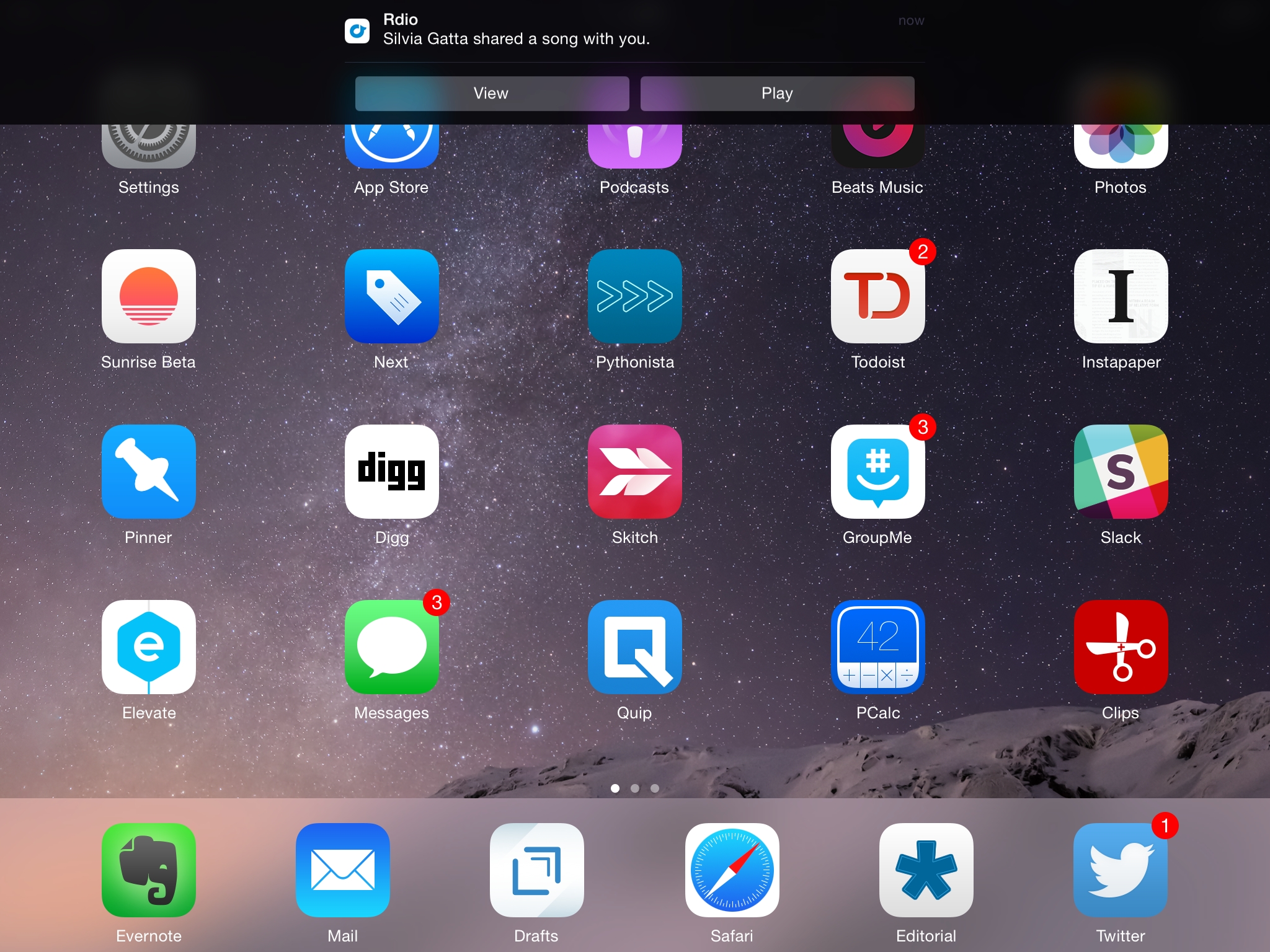
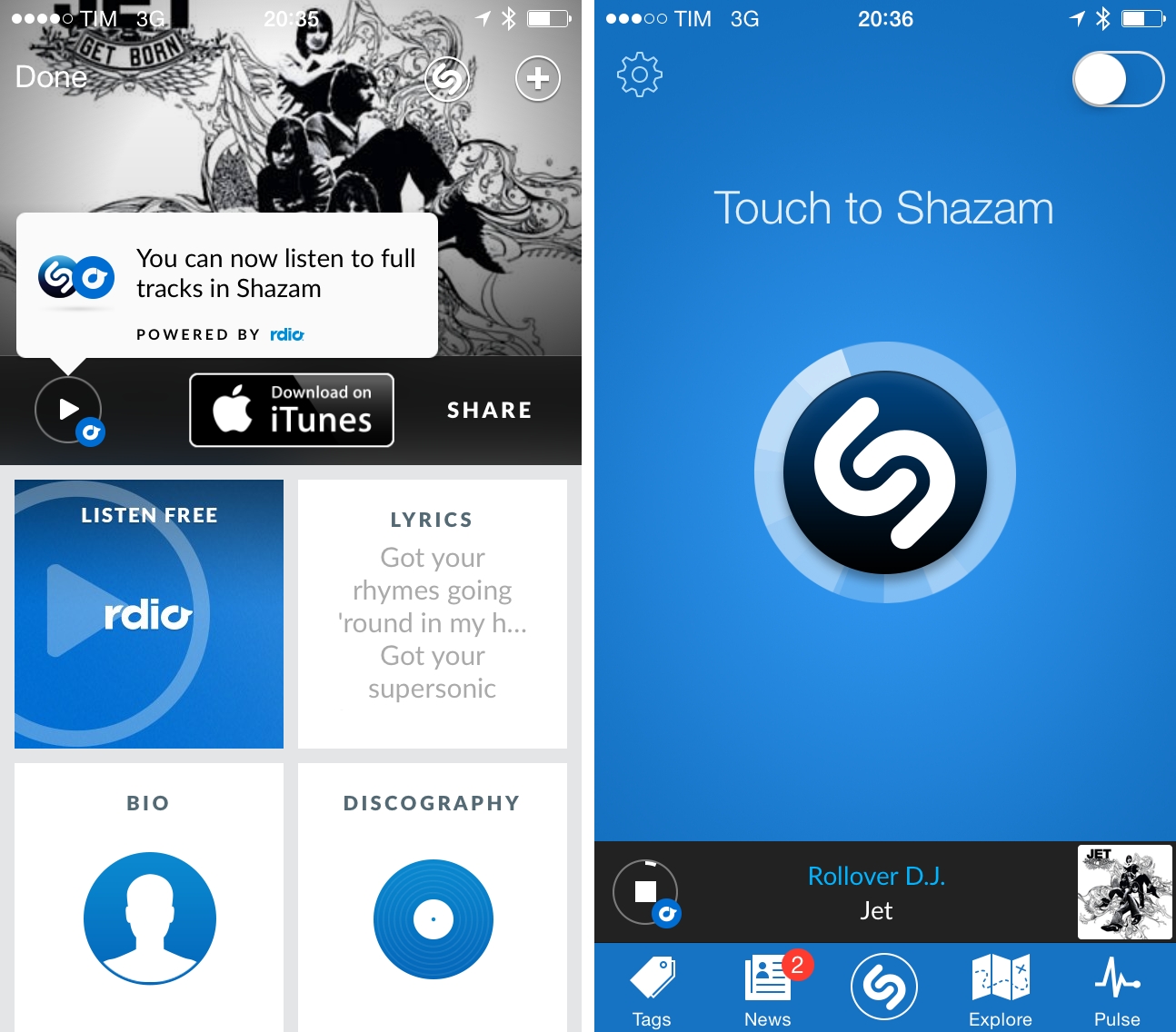
Improved AppleScript support in a modern Mac app isn’t something you see every day.

These are nice additions. I like how you could use the examples provided by Rdio to quickly add a song to your collection or mobile library by hitting a keyboard shortcut.

Rdio Share

Earlier today, music streaming service Rdio updated its iOS app with a new sharing interface. Alongside the existing Facebook and Twitter options, the new sharing UI includes an updated menu to send a song or album directly to a Rdio user that you’re following: from the Share view (which was introduced two months ago), you can now tap on profile pictures of your friends, or you can use the old Twitter and Facebook sharing features, which have also been given a fresh coat of paint in this new release.

Interestingly enough, while previous design changes were made exclusively on the iPhone, this time Rdio for iPad has received the new Sharing interface in the form of a modal window (but it still lacks the full-screen album art view of the iPhone app). Items shared by your friends will appear in the notifications area on the Rdio website and desktop app, and you’ll also receive an email notification (if you have allowed the service to notify you via email); the iOS apps can share items, but they still can’t access notifications from other users.

I previously took a look at Rdio’s major 2.0 release and 2.1 update. Version 2.1.7 is out now on the App Store.

Update: this new version also restores visibility of the iOS status bar. Personally, this is a very welcome change.

Rdio 2.1.3

In a seemingly minor 2.1.3 update to their iOS app, Rdio today introduced a gorgeous new list view for albums and playlists on the iPhone. In the previous 2.1 update, Rdio added a new album art view:

Notably, Rdio now comes with a “long press” gesture to tap & hold any item to bring up a new menu to sync, play, share, subscribe, and more. The new menu will “slide up” an item’s album artwork from the bottom, revealing a color-coded background that seems to be inspired by iTunes 11′s way of using the primary colors of an album to generate a background. Personally, I like how this allows each album to have a very unique sharing menu; I’m also a fan of this addition because the developers put a “More by…” link in the menu.

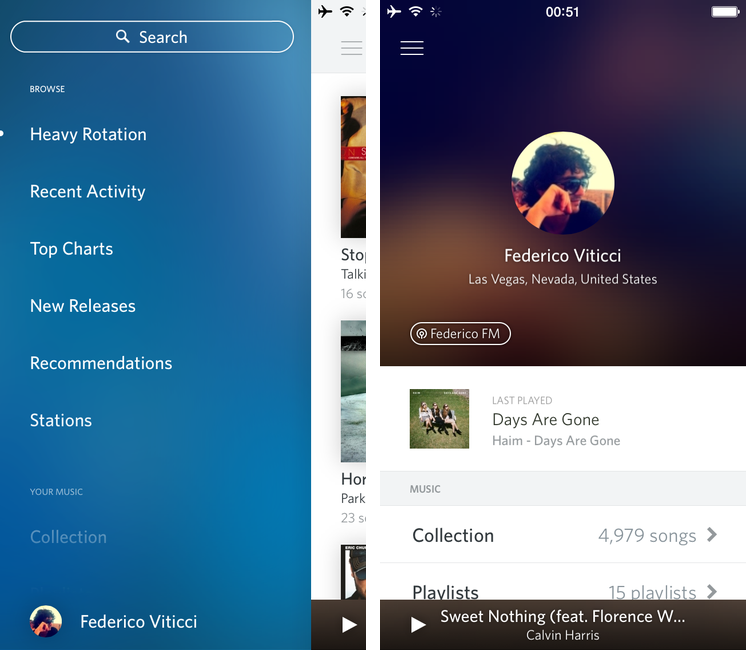
With the new list view, a larger artwork is displayed at the top of the screen with text overlays for album/artist information and rounded avatars for your friends who are listening to the same album/playlist (another new feature of this update). As you scroll up the first song, the album art becomes smaller until it turns into a title bar with a back button, name of album, and social profile icons. At the bottom, you’ll find  stats about the album such as total plays and number of playlists for that album. It’s lovely visual refresh with a clever attention to detail and animations.

I am a big fan of Rdio’s latest updates on iOS. I still think the iPad app could use some personality (today’s UI refresh is iPhone-only), but, overall, I’m impressed with Rdio’s new direction.

Rdio 2.1

Rdio has updated its iOS client to version 2.1 today, adding a number of design tweaks to improve the look and usability of the app.

Notably, Rdio now comes with a “long press” gesture to tap & hold any item to bring up a new menu to sync, play, share, subscribe, and more. The new menu will “slide up” an item’s album artwork from the bottom, revealing a color-coded background that seems to be inspired by iTunes 11′s way of using the primary colors of an album to generate a background. Personally, I like how this allows each album to have a very unique sharing menu; I’m also a fan of this addition because the developers put a “More by…” link in the menu. Previously, the link to see more of an artist was only available inside the single album view — daily Rdio users will understand how this can be a welcome timesaver. Overall, I like the design changes with thinner fonts and lines, but I’m not sure about the readability of said thin/light fonts on non-Retina displays (such as the iPad mini).

More importantly, I keep disliking how the iPad app continues to be an afterthought for Rdio. From my original review:

Second, I’d like the iPad version of the app to always show the sidebar. Right now, several areas of the iPad client look like a blown-up iPhone app, whereas others show that the Rdio team took advantage of the larger screen with grid views and modal windows. However, in albums or playlists the interface is made by a vertical list that looks awfully similar to the Android tablet apps Tim Cook made fun of. There’s too much wasted space that could otherwise be used for the sidebar or, perhaps even better, the social ticker that is still exclusive to the Mac app and web player.

This hasn’t been improved in Rdio 2.1, and in this new version the “long press menu” is only available on the iPhone. On the iPad, long pressing gets you a standard popover with a bunch of buttons. In terms of care for a sufficiently unique iPad client, Spotify is still ahead of Rdio.

Rdio 2.1 is available on the App Store.

Rdio Launches Notifications For Your Artists

On the latest episode of the Generational podcast, I have discussed the reasons why I’m using Rdio over Spotify; among various features and design choices, I mentioned how Rdio has, for me, a superior presentation of New Releases. Not only is the New Releases section of the website and apps easy to browse and filter by week, the Rdio team is also very precise and timely in updating it every Tuesday with new music. In my year as a Rdio user, there hasn’t been a single Tuesday that has gone by without new music. But still, you have to manually go to that section to find out about new music.

Today Rdio is introducing a new feature that is ideal for those who, like me, use the New Releases section on a weekly basis: Notifications.

Notifications will alert you to the latest jams through the web and desktop apps as well as email. You’ll never be out of tune with your favorite artists again.

Right now, notifications are only available on the website and Mac app, and I’ve already found out Queen have added A Night At The Opera to their Rdio catalogue earlier today. I look forward to having notifications on the iOS apps.


Nov
27
2012

Rdio 2.0

Posted by at

Today, Rdio showed Spotify how to make a modern iOS client for a music streaming service.

I’ve been a Rdio user for over a year now. As I’ve previously written, tweeted, and discussed on various podcast appearances (including one on Generational that will be posted next week) I was a Spotify fan for years. At some point, however, I realized that the playlist-based nature of the service wasn’t working for me, and I switched to Rdio, a competing music streaming service that, like Spotify, lets you listen to a huge catalog of music for a monthly fee.

The distinction between a playlist-based user experience and being able to organize my music in a Collection with albums, songs, and artists made all the difference for me. I don’t like Spotify’s approach to forcing the listener to organize music in a playlist. A group of albums isn’t a playlist: it’s a collection. (more…)

In our review of Bang On for iPhone and iPad, we noted how this nifty utility’s support for “hotkeys” centralized mobile search to avoid extra taps in Safari or switching between multiple apps. Our Lukas Hermann wrote:

To avoid a lot of typing, Bang On is designed around the ability of choosing “!”-hotkeys below the search panel and adding them to your search query. So, as an example: you heard something about that cool band called The Arcade Fire and you want to find out more about them. Fire up Bang On, tap the Wikipedia hotkey, then enter “Arcade Fire” afterwards into the search panel, and Bang On will immediately search Wikipedia and display the respective article using the in-app browser. What I personally found very useful is the ability to change the “!” parameter without changing the actual search query, so you just need to tap the “!youtube” hotkey and Bang On will replace the “!wikipedia” command (those commands are called “!bangs” within Bang On) with it and start searching for Arcade Fire videos instead of Wikipedia articles.

On my iOS devices, I typically run three kinds of searches on a daily basis: Google, Rdio, and email. Using a combination of Bang On and Launch Center Pro (my review here), I have managed to make my workflow faster, more enjoyable, and ultimately better than using dedicated apps.

For regular Google search, instead of using Safari I have created a custom action in Launch Center Pro that, with the input prompt, allows me to write first, then switch to Google with my query already filled in. Unfortunately, as far as Apple apps go, it’s not possible to create actions for Mail.app, which in Launch Center only supports message creation, but not search.

Last week, I found out a recent update to Bang On added some interesting new features including an option to open links in Google Chrome and support for Rdio search. Considering Rdio’s limited integration with their own url scheme and rdio.com URLs (it can auto-play single tracks, not albums or playlists, and it doesn’t always work), I was curious to try out whether Bang On could simplify and speed up the process of looking for music on Rdio — something I do every day.

As it turns out, Bang On’s take on Rdio search is very useful. The developer of Rdio created a custom web app off the Rdio API which, through the !rdio hotkey, displays artists, albums, and songs. Tapping on these items will take you directly to the Rdio app, and you can also tap & hold to see the URLs that Bang On is using for these searches (it’s a rdio://rdio.com scheme).

With Launch Center Pro, I have set up an action to search Rdio through Bang On with an input prompt, so I can type a song or album quickly in Launch Center Pro, like I do for Google. This is extremely simple to create — just make sure you include !rdio in the action composer, so the input prompt will redirect to Rdio search automatically.

Using BangOn and Launch Center Pro, you can speed up your searches using apps and services that only Bang On supports, and making them quicker to use thanks to App Cubby’s fantastic launcher. For instance, I use Launch Center Pro for almost all of my regular searches, but I rely on Bang On for unsupported apps like Articles, the aforementioned Rdio URLs, and many other websites.

You can download Bang On and Launch Center Pro from the App Store.

Spotify for iPad, released this morning, is a beautiful app. It’s solid, providing fast and reliable access to Spotify’s huge catalogue of songs and artists, and it presents content inside a great-looking package that, as I’ve already written, reminds me of Reeder’s sepia tones.

What follows is a brief examination of the app’s interface and functionalities. I have been using Rdio to completely fill my music listening needs for the past six months, but I was looking forward to trying Spotify for iPad to give it a fair shot. (more…)

According to an interview published  by paidContent, music streaming service Rdio will soon expand in “all countries” in Europe, making its digital music catalog available to more users outside the US, Canada, Germany, Brazil, Portugal, Spain, Australia, New Zealand, and Denmark, where it is currently available.

There are some major competitors in Europe,” Rdio’s partnerships and internationalisation VP Scott Bagby tells paidContent. “We are a couple of years behind others in terms of expansion there.

“But Europe is an immediate focus. We’ll be expanding in all countries in Europe – within the next few months, you’ll see several pop up.

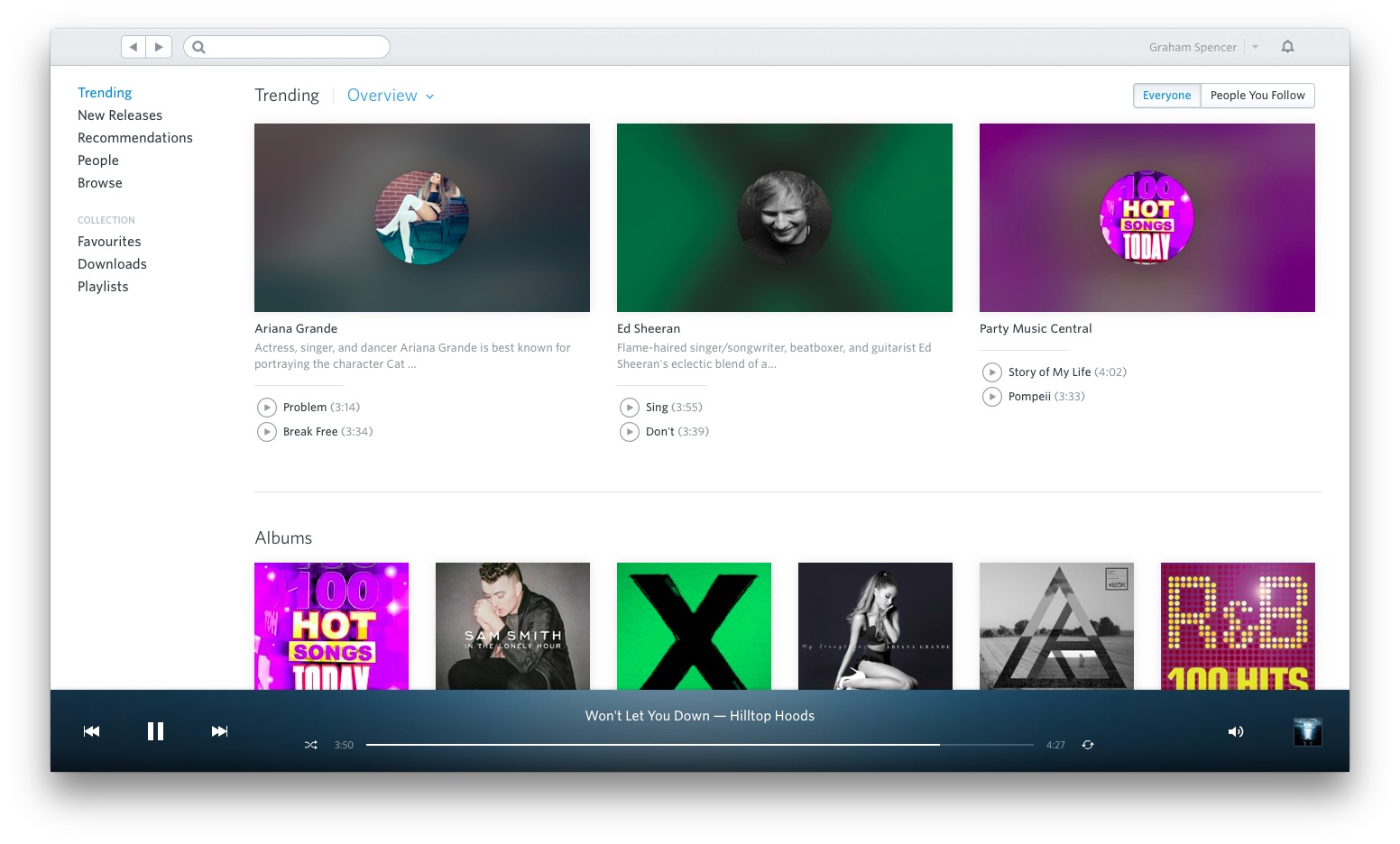
Like competitors Spotify, MOG, and Deezer (the latter very popular in Europe), Rdio allows users to pay a monthly fee to gain unlimited access to a vast library of songs and albums by artists whose labels and publishers have agreed to make music available for streaming. That isn’t always the case, as some notable exceptions have showed in the past, but new data from the US music industry suggests that music subscriptions are growing, proving to be a viable alternative to standard digital downloads. Rdio, however, puts greater focus on the social aspect of music discovery and collection, allowing its users to “follow” other Rdio subscribers and build playlists they can share and collaborate directly on the site, or using the native apps the service has developed for iOS, Android, and OS X. With the recent launch of New Rdio, the company has set out to fundamentally rebuild the way users interact with the service, making it easier to access playlists, recommendations from the network, and people to follow.

Like with most streaming services founded in the US, Rdio hasn’t been able to obtain rights to launch internationally since Day One, preferring to stagger launches in other countries throughout the past year. According to VP Scott Bagby, no timeframe has been set, but Asia will be another focus for the company after a wider European rollout.