

I often find myself wanting to open a page I’m reading on my Mac on the iPhone, sitting just next to my MacBook. Normally, that would mean I have to manually type the URL on MobileSafari, or using a clipboard sharing app like Pastebot.
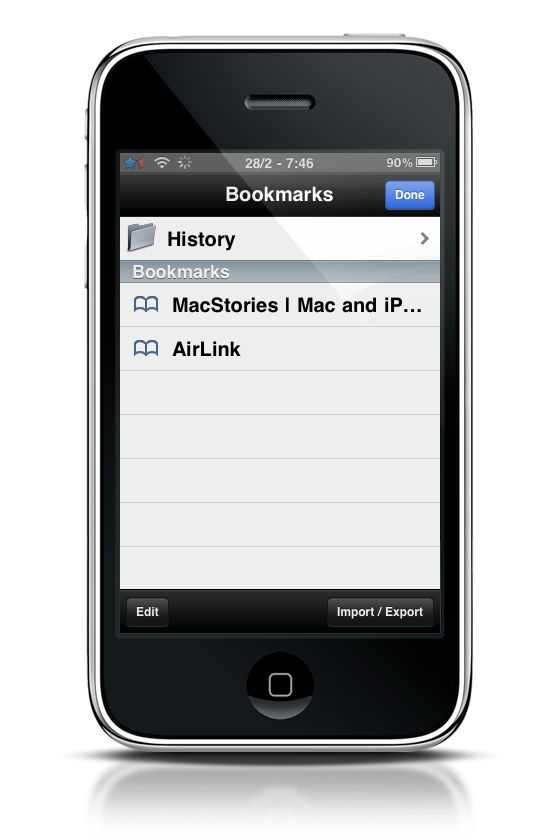
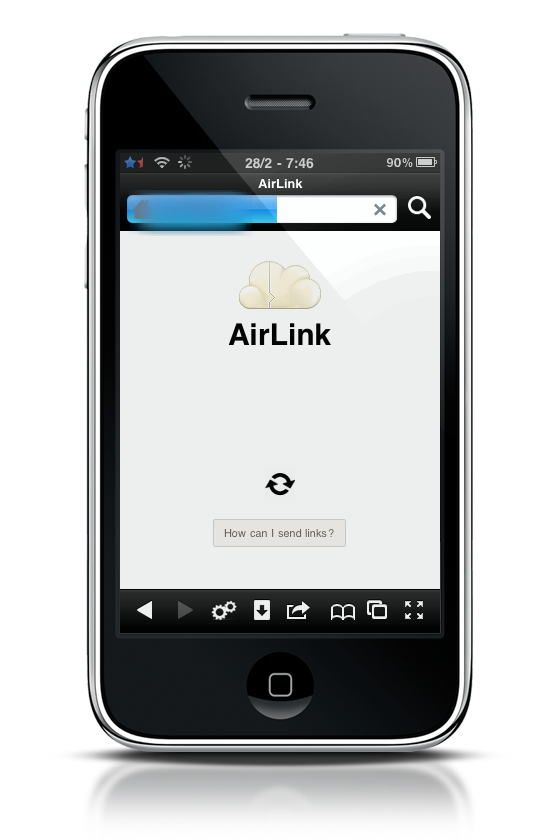
AirLink makes things way too simple. Sharing links between your desktop browser and the iPhone is now just a click away, seriously. All you have to do is head over AirLink install page and drag a bookmarklet onto your browser’s bookmarks bar and create a new bookmark on your iPhone with the unique link you’ll be provided. Done.
Now, everytime you’d like to send a page to the iPhone from your computer just click the bookmarklet, open the bookmark on MobileSafari and boom, you’ll be redirected to that page. It takes 2 seconds.
Just great.
