

Toggler
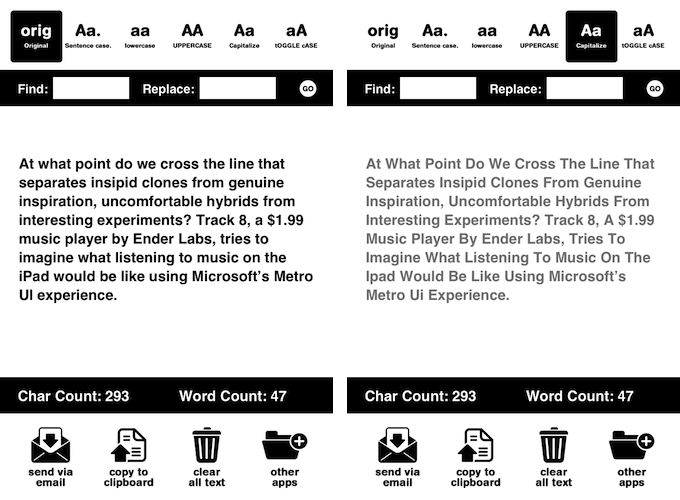
I don’t always manipulate chunks of text on iOS, but when I do, I use Toggler. Available for free on the App Store, Toggler lets you easily convert text to Sentence case, lowercase, UPPERCASE, Capitalize, and tOGGLE cASE. It lets you paste the original text you want to modify in the first tab, which is the only one that brings up the iOS keyboard to edit text. With one tap, you can manipulate text and copy it to the clipboard, send it via email, or clear it. The app also displays character and word counts, and it lets you find & replace.
I mainly use Toggler to convert sentences to headlines for MacStories, and to quickly find and replace words for my articles. Free on the App Store.