

Who the heck still writes grocery lists? No offense to my mom of course, but it’s 2010. Everything we do is now digital! And with that in mind, what better device to have your grocery list on than an iPhone? You know, having used a myriad of grocery shopping apps for the iPhone, they can be rather clunky. I mean, adding items to your list is always a chore because you’re always typing things in or adding items that don’t yet exist in that app’s database. Well HeliumFoot Software decided enough was enough, and they certainly laid the smack down with their new GroceryList application. Seriously, their approach to grocery lists is wicked cool.
Now, being a college student, you’d think my diet would consist of Pizza and Ramen Noodles. Which is cool, but thankfully I’m able to stock the fridge and my pantry with a cart full of goodies - mainly things like milk, yogurt, cereals, veggies, fruits, ground beef, ham, and oh so wonderful Italian bread. No other app, in my opinion, is able to generate a list for a cart full of stuff as quickly and efficiently as GroceryList. But what about paper, is that as efficient? I did a test, but before we get to the Mythbusters-esque app-busting, let me run you through GroceryList and what makes this thing stand out from the crowd.
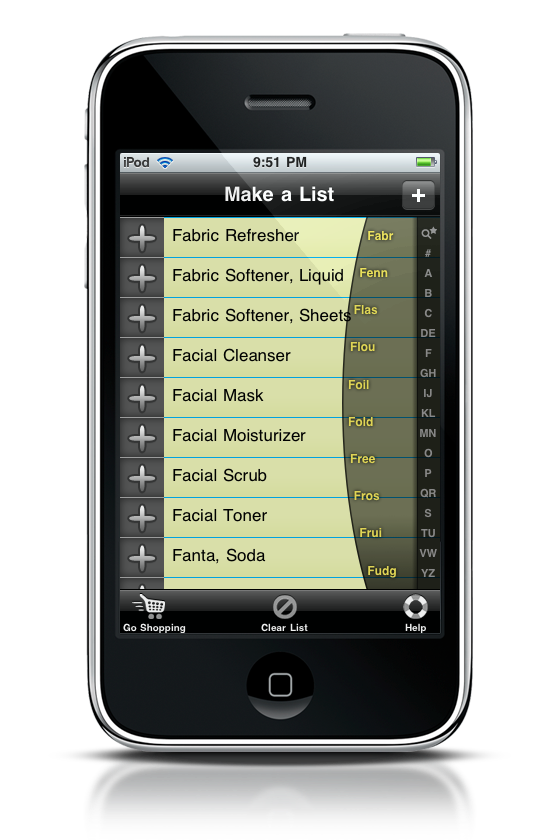
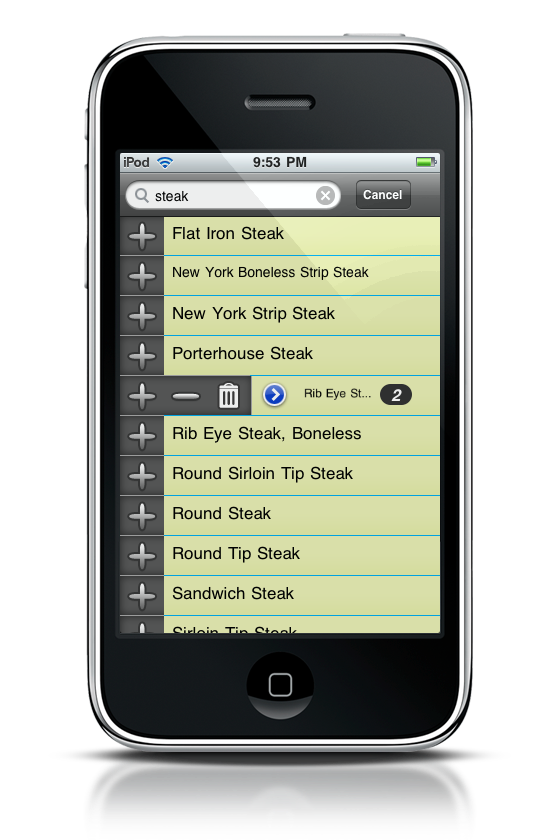
GroceryList opens in the index, a list of available items you might find at your grocer. What makes this list a little unordinary is guide words. Tapping your finger on the a letter of the alphabet down the right side of the screen will pop up a half circular listing of guide words that allow you to dig into the index. I was instantly reminded of the style of the ELSE Mobile cell phone. The guide words do an excellent job of picking common word combinations - I had no trouble in finding items to add to my grocery list. Steak I had to search for by using the magnifying glass, but was a little bit of problem.
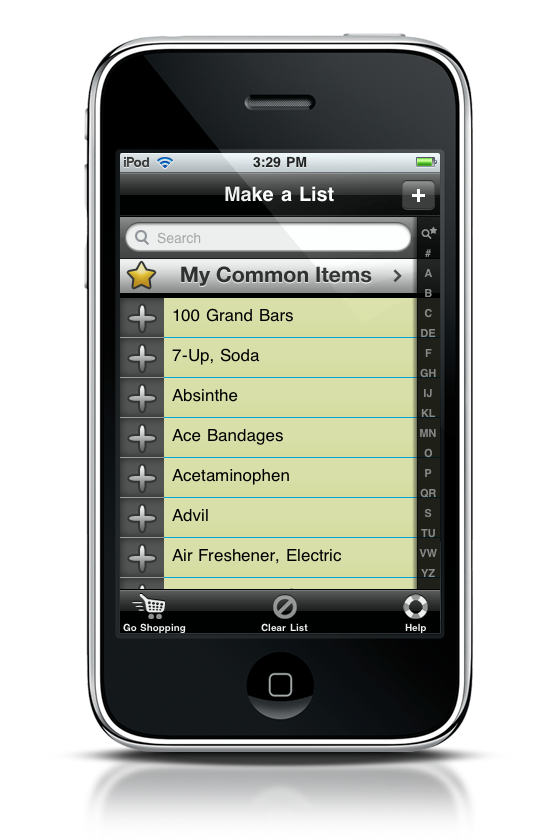
The plus button in the top right hand corner of the screen is way too sensitive. Every time I tried to hit that magnifying glass, it would bring up the “add item” screen instead. I did get frustrated with this, because this button was triggered even when my finger or thumb was clearly below it. It’s something that should be fixed in a future update. Otherwise, everything else in this app worked like a charm.
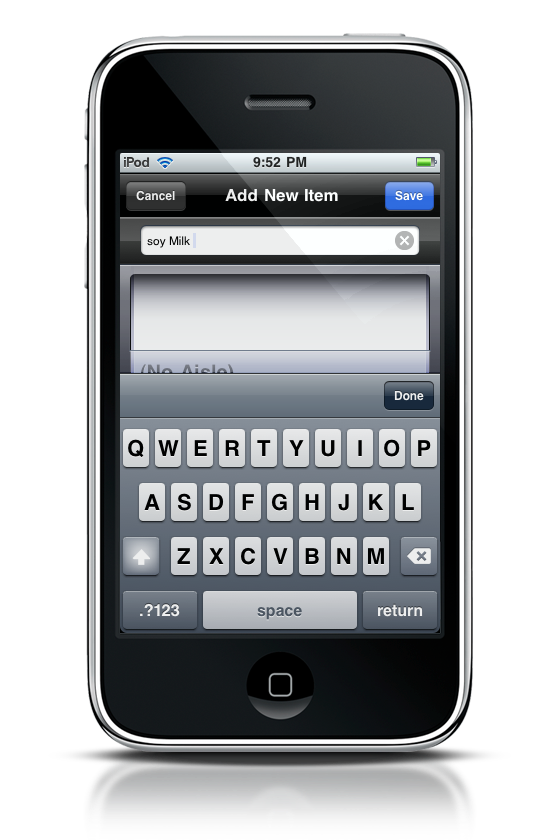
When selecting an item in the index, you add it to your list by pressing the plus sign. If you need more than one of that item, just press the plus sign again. Made a mistake, or decided you don’t want the item at all? Tapping on the item name will bring up a small menu that now includes a minus sign (to detract items) and a trash can (to delete items). Also shown is a blue go button, that allows you to edit what aisle an item is in.
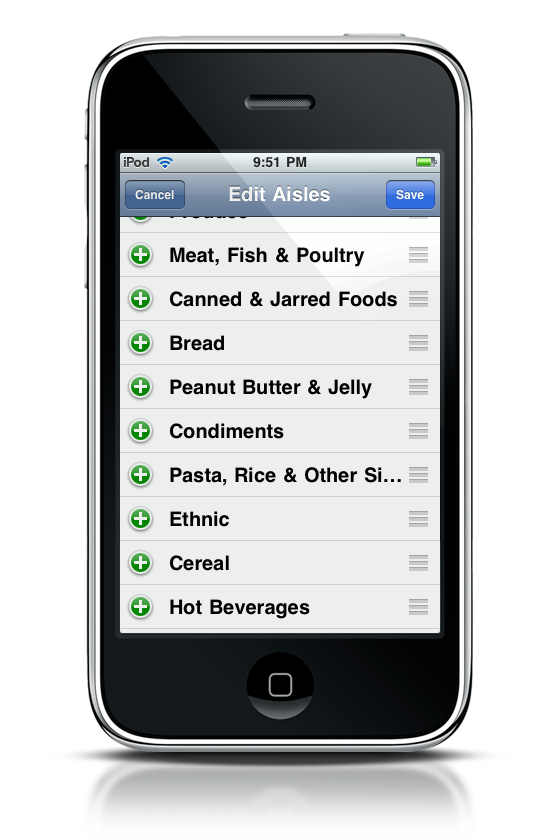
Once you have items in your list, you can go shopping. The list view shows what aisle items are in, but after an evening with it, I mauled the aisles section, replacing the names with aisle numbers and a short description instead. Back into the list view, tapping an item name’s check will grey the item out, and as you place the item in your cart, the item will be moved from the list into your cart after a short delay. After your cart is full, you can clear it out for it’s next use. Like the index, you can detract and add items.
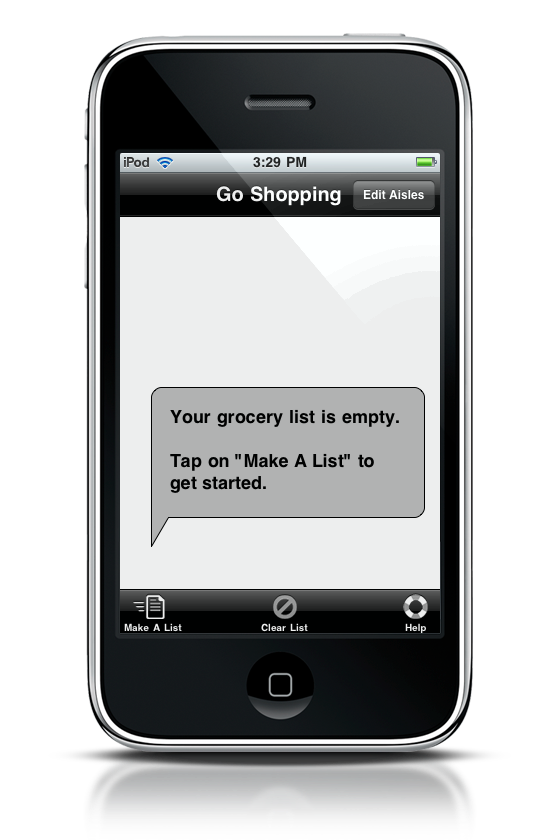
One last thing I have to mention is the help menu. The video tutorials have audio, and they are incredibly helpful. If this review just wasn’t enough, then by golly watch the four short videos!
So now, here’s the test: I basically wrote a list on paper to start. Initially writing the list took me a good twenty minutes as I was thinking of what I wanted. Next, I copied that list, which took me 2 minutes and 39 seconds to jot down on paper. Then I copied the list into GroceryList, which took me 7 minutes and 50 seconds. It took three times as long on the default settings. With my custom items entered into GroceryList, it only took 3 minutes and 10 seconds. Now, my other test app, Groceries, took an astounding 9 minutes and 47 seconds for my list. As you can see, GroceryList is incredibly quick once you’re familiar with the app and add the custom items you often shop for. It wasn’t too much longer on paper, and you don’t even have to worry about having a pen with you when you shop. I say that’s excellent!
Put down your paper and pen. Pick up your iPhone, and start cranking out your grocery list. This application is awesome for knocking out a week of pantry stuffing goodness, and it gets the 4.5 star MacStories rating of approval. While I would just ask you to go out and buy the darn thing already (seriously, what are you waiting for?), why not just try and win one of two copies in the meantime? Thanks to Keith Alperin for providing me with a review copy.
Giveaway
To enter the contest:
- Leave a comment here, and that’s it! We’ll pick up the winners on Sunday, March 7th.
Good luck!
