

I don’t think people realize just how much of their lives are spent doing things. When I ask “Jane” how long it took her to write that report, I expect a response like, “Oh, just a few hours. No biggie!” Now admittedly no one would be too happy about wasting three hours for a stupid report, but for conversation’s sake, let’s roll with it. As much as she let those few hours roll of her back like it was no big deal, time is a bitch. And when we finally realize that, it just might help re-prioritize aspects of our life that we’re spending way too much time on.
Eternity Time Log is an application designed to not only log the time you spend doing things, but show you just where you may or may not need improvement. It’s an excellent tool of getting an overview of your life, and it’s helped me rethink what I do, what I can I do to improve my time management for certain tasks, and what I can cut back on. I think for a lot of people who’ll use this seriously, there’s going to be this eyebrow-raising revelation that tells you just how much time you’ve actually working compared to time spent with your kids.
Eternity has five views, three of which are particularly the meat of the app. Activities, Favorites, Logs, Reports, and your Settings dominate the menu across the bottom of the screen. You can tap each of these categories to enter a particular view.
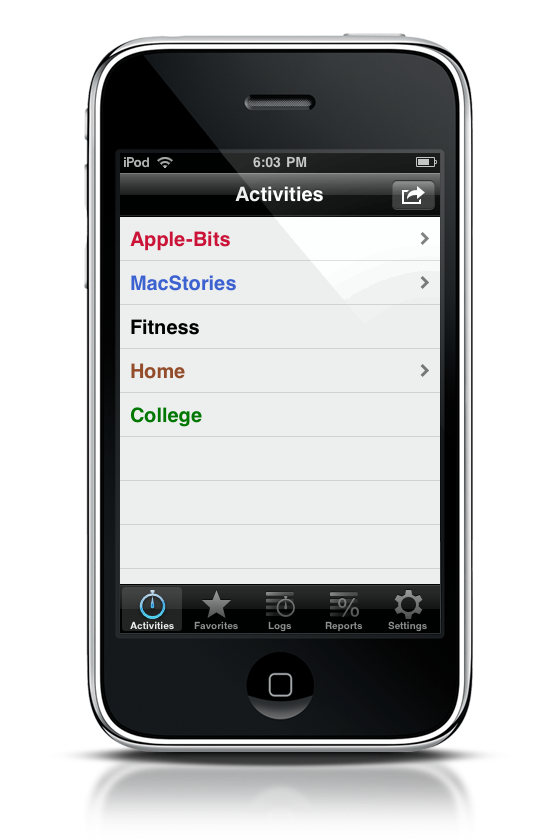
Activities I’ve completely customized based on my lifestyle and priorities. My site, MacStories, and personal items are accumulated here. While some might wonder why I didn’t put Fitness under home, I try to keep things contextual – I might not be working out in my house for example.
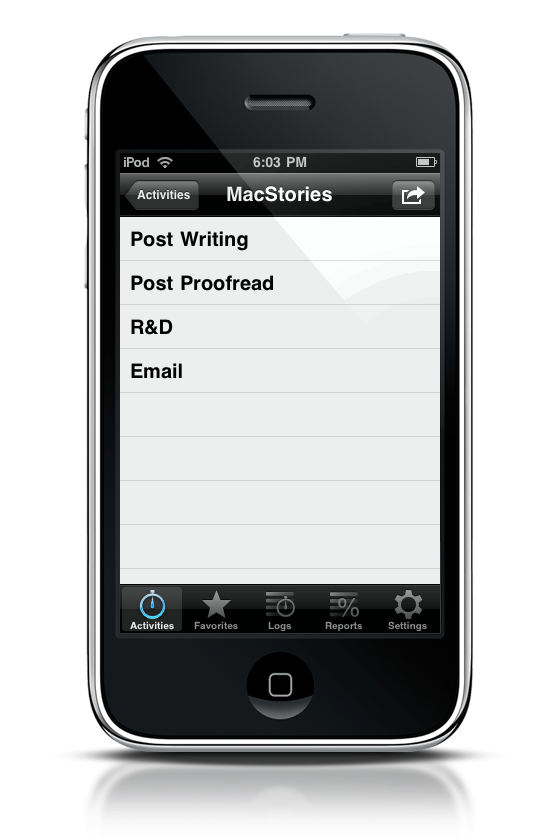
For each of your Activities, you can break it down into a hierarchy. For MacStories, my activities consist of writing articles, proofreading them, doing a little R&D once in a while, and keeping up with my contacts via email.
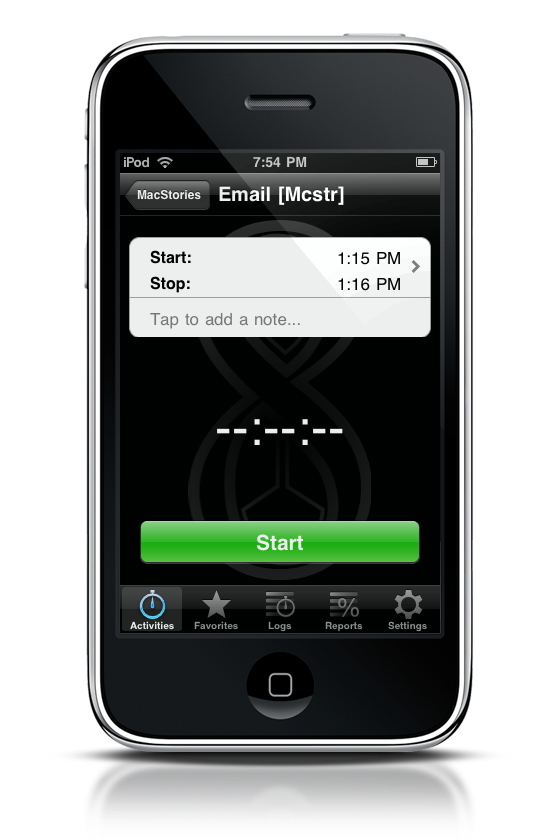
Tapping on an activity brings up a timer, where you can start and stop activities. A word of warning before you start using this app – do not try to add previous activities. Instead, pick a day when you want to start using Eternity Time Log, and start recording your activities’ time in order. It’s much easier this way.
While recording time, you can leave the application to do other things, which is awesome. So you can start recording how long it takes to do your morning workout, leave the app, then go into another Fitness application for example. When you come back, the timer will still be ticking.
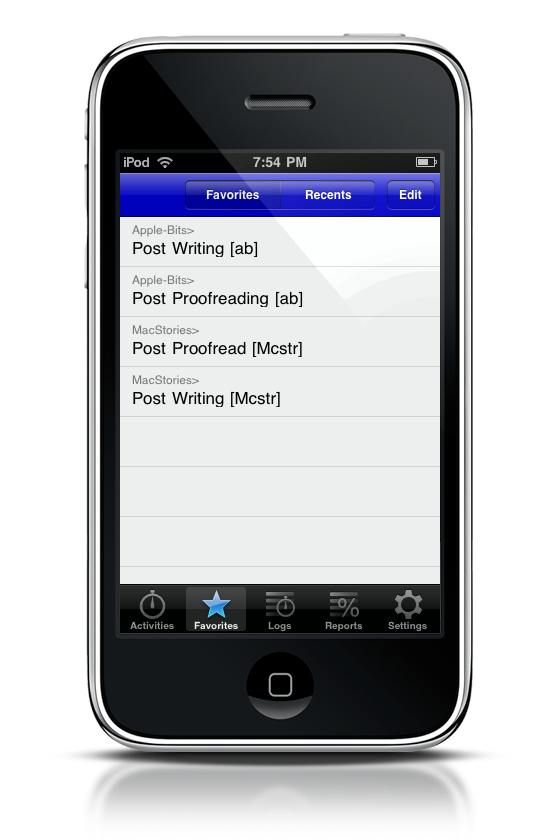
If there’s activities you do that you find yourself recording more often, you can add them to your Favorites. If you have a lot of things in nested hierarchies, this makes it easy to start recording.
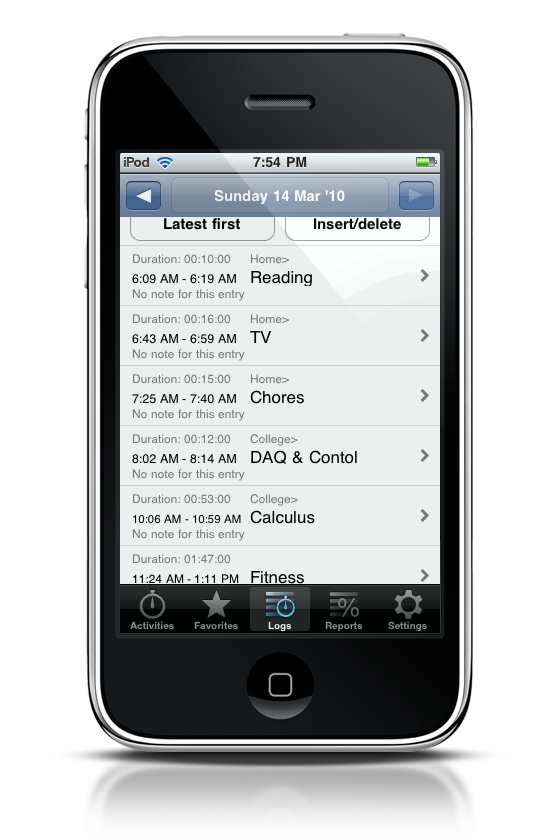
The Logs view is where you can get an account of the days activities – it’s where you’ll go to see just what time everything went down. If you forgot to add something, you can do it here. You can also sort the list from earliest to latest or vice-versa.
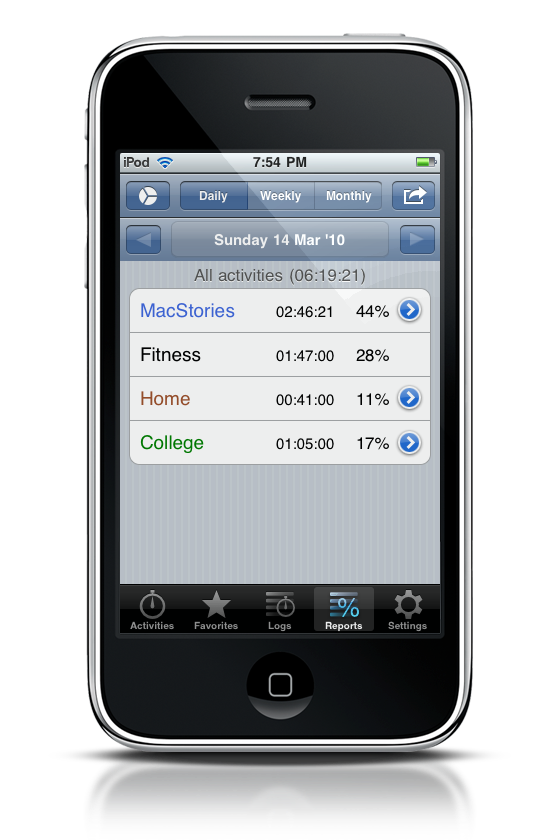
But the reports view is where everything interesting happens. Out of the time you actually spent recording, Eternity Time Log breaks down just what percentage of your day went to what activities. And if you click on the pie chart button on the upper left corner of the screen, you’ll get an overview of everything in, you guessed it, pie chart form! I think this is the best view for just seeing what’s really going on throughout your day, and just how much time you’ve spent working for MacStories (that’s half my day today!).
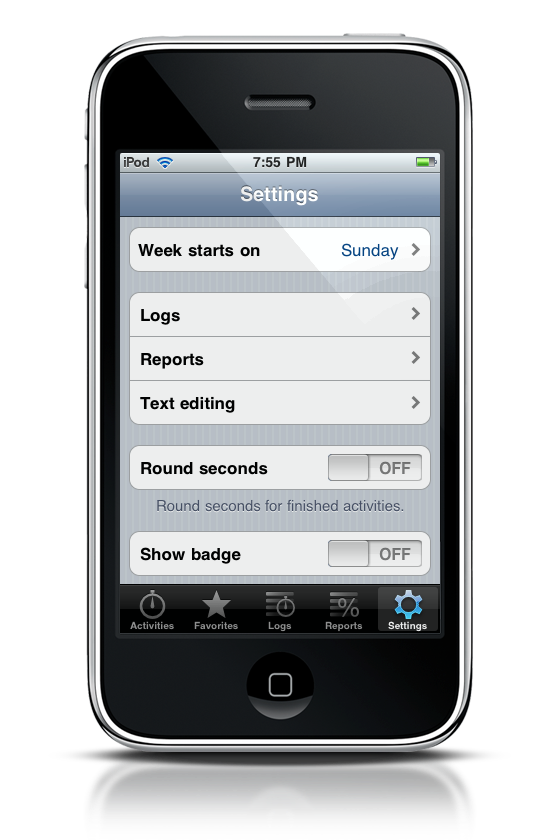
Lastly, the settings is where you can configure options to show badges, round off seconds, and manage how information is reported. Not too much to see here.
An app like this can definitely aid those trying to figure out where most of their day goes, and how they can improve on tasks. Eternity Time Log won’t tell you how to do that (that’s for you to figure out), but it will give you some insight on just where that time flies off to. If you like to keep track of what’s important to you, Eternity Time Log is $9.99 from the iTunes store, but why buy yet it when you have a chance to win one of ten copies? Check out the rules below for more information. Thanks to the folks at Komorian for the review copy.
Giveaway
If you’re looking to manage your priorities (yes, you spent 55% of your day catching up on Lost), then leave a comment below, and tell us what you think you need to improve on. Do you spend too much time on the phone? Work too hard? Do you read MacStories all day? Let us know!
