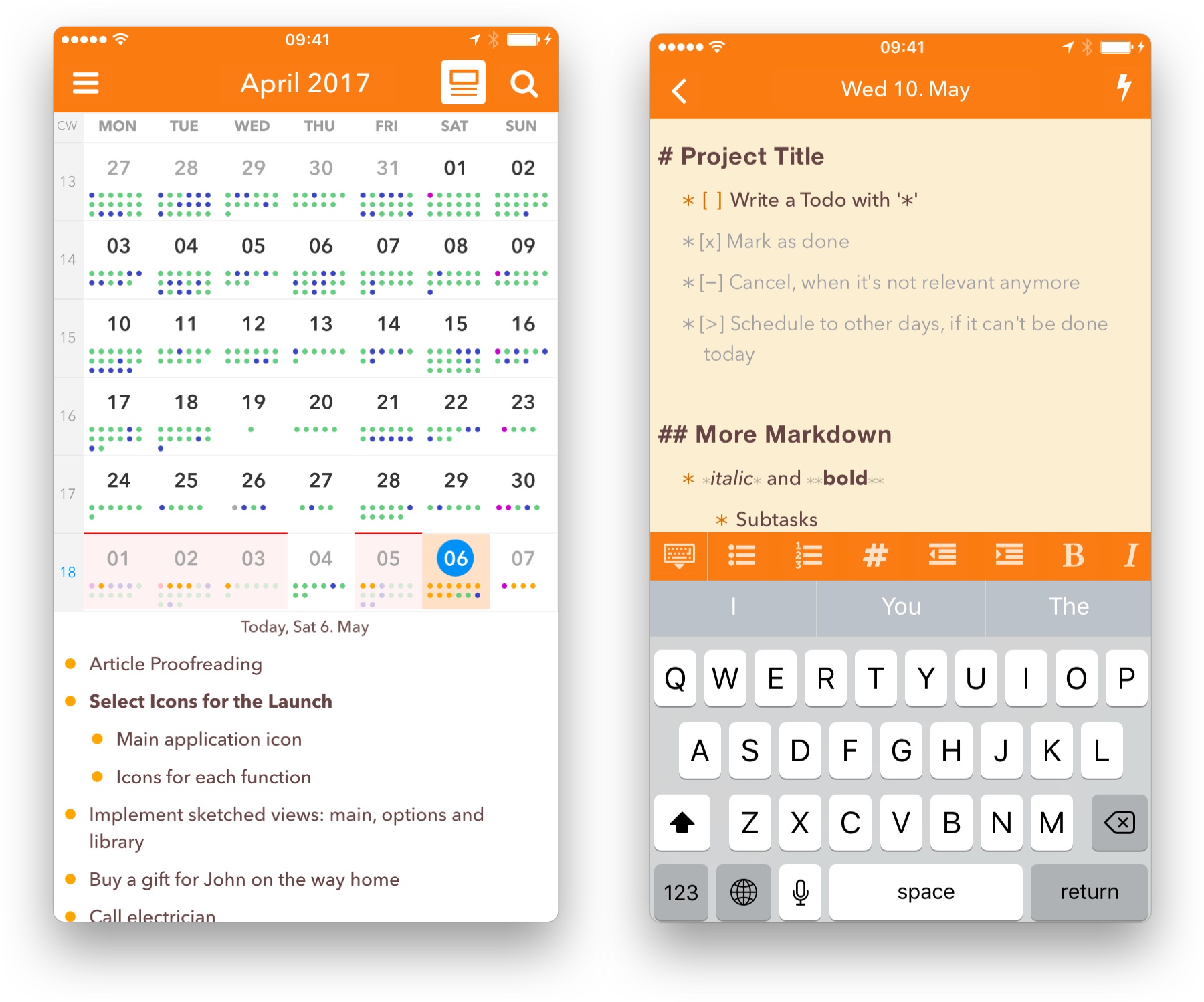
I love using the iPad as my primary computer, but a long-standing frustration I’ve had involves the keyboard row that lines the bottom of the screen when an external keyboard is attached. I like the row itself, as it usually offers valuable utility such as in Apple Notes, where a text formatting menu is available in the keyboard row. The problem is that iPadOS doesn’t adapt apps’ UI to account for the keyboard row, rather it simply hides the bottom portion of an app – which in many cases means hiding the app’s tab bar or other important controls.
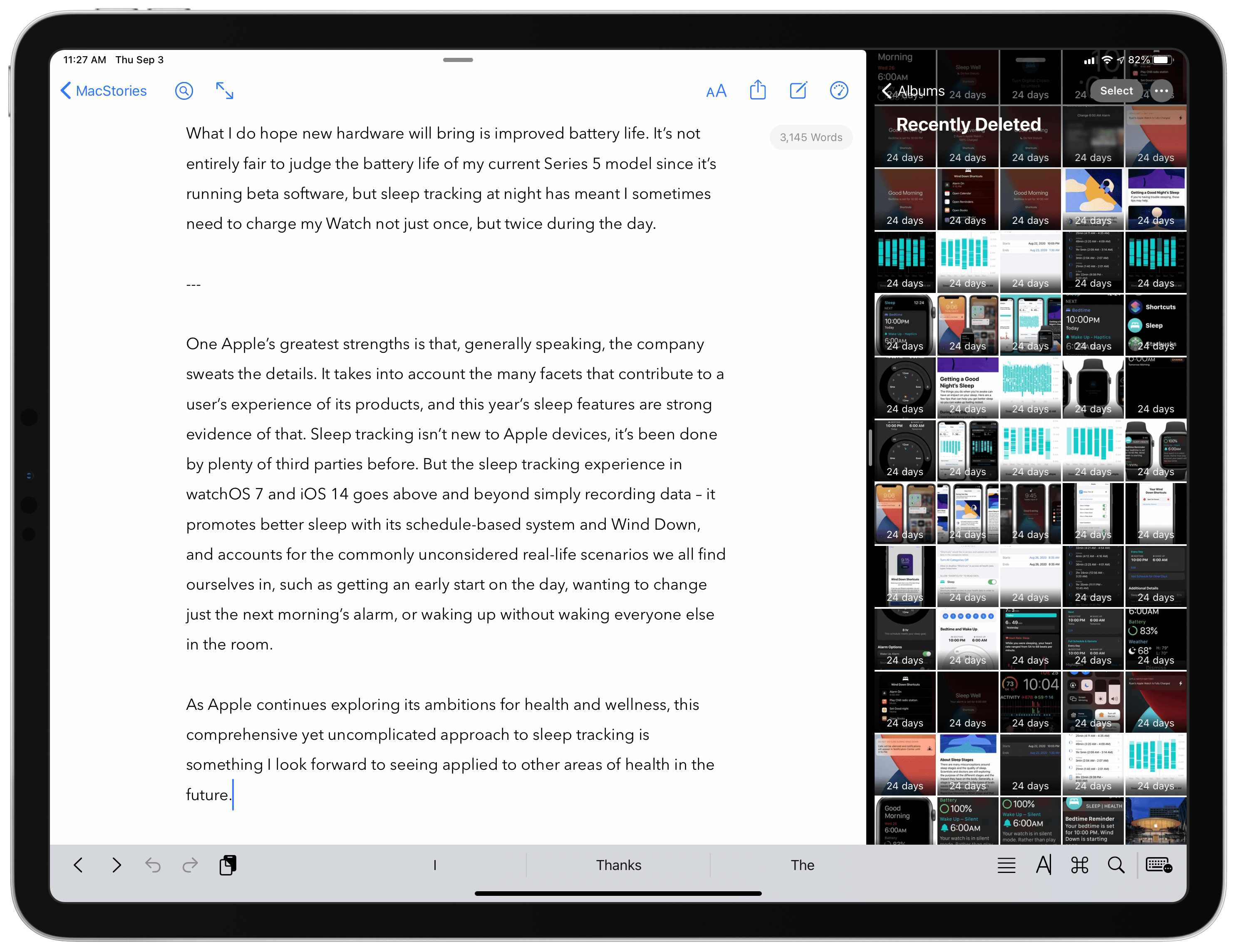
This is mainly an issue when using Split View or Slide Over, not full-screen apps. But most of my iPad use does involve Split View and Slide Over, and I can’t count the number of times I’ve had to manually hide the keyboard row so I could access an app’s tab bar. This is a regular occurrence when writing articles, for example, as I’ll keep Ulysses and Photos in Split View, and the keyboard row that appears when working in Ulysses obscures Photos’ tab bar so I can’t switch tabs in Photos without manually hiding the keyboard row. The row also hides the share icon when viewing a photo, which is what I press many times when writing an article so I can run shortcuts via the share sheet. So as a workaround I have to manually hide the row, a short-lived fix because it then reappears after typing a single keystroke in Ulysses.
In iPadOS 14, Apple is halfway solving this problem. Because apps are being encouraged to switch from a tab bar-based design to one that involves a sidebar, there are fewer occasions when tab bars will be visible. In the iPadOS 14 beta, if I have Ulysses and Photos in a 50/50 Split View, there’s no longer a tab bar for the keyboard row to obscure, because Photos uses a sidebar instead where I can easily navigate to the view I need.
Unfortunately, this is only a partial solution because iPadOS 14 apps still revert to using a tab bar in a compact size class (i.e. when they’re an iPhone-like size). So all Slide Over apps retain tab bars for navigation as before, meaning those important tabs will be hidden any time you’re also working in an app that uses text and thus presents a keyboard row. The same is true for Split View when an app is the smaller app in your multitasking setup. If the app you’re writing in is the larger app in your Split View, the smaller app will have its tab bar obscured by a keyboard row. This is especially problematic for writers, who live in a text editor all day, but it also applies to anyone working in a note-taking app, messaging app, or anything else involving text. iPadOS 14 improves things via sidebars in certain situations, but in many multitasking contexts the years-old problem remains.
But there’s a happy ending of sorts, at least for me. My inspiration for writing about this issue was the discovery of a feature in Ulysses that fixes the problem for me. The app’s View Options inside its Settings panel contains a toggle that has been there for quite a while, I simply never thought to activate it: Hide Shortcut Bar. What this does is perpetually hide the keyboard row whenever a hardware keyboard is attached to your iPad. No keyboard row means no hiding tab bars in other apps while I write.
Ulysses does place some important shortcuts in the keyboard row, but most if not all of them can be triggered via keyboard shortcuts instead, making the keyboard row unnecessary (for my uses at least).
After making this discovery, I dug around in a few other apps’ settings to see how common this feature is. iA Writer offers it, as does Drafts, and possibly many other apps I haven’t tried. It seems more common in text editors than note-taking apps. It’s a shame that the whole keyboard row needs to be hidden just to account for an iPadOS design flaw, but I’m thankful that third-party developers have stepped in to address the issue themselves.
Ulysses is the app I multitask in most frequently, so the ability to keep its keyboard row hidden forever has truly made my day. I tried explaining to my wife why I got so happy all of a sudden, and she didn’t really get it. I don’t blame her.